Welcome to the most up-to-date and visually engaging review of Murf AI Voice Generator as it stands in 2025! In an age where digital content reigns supreme and engaging voices can make or break your creative output, finding a voice solution that's intuitive, powerful, secure, and fully customizable is key. This article combines deep analysis, practical use cases, and user-centric design insights, while every table, blockquote, and link is thoughtfully enhanced for modern readability and user-friendliness. Whether you’re operating as a solopreneur, with a global agency, or in a corporate environment, these improvements ensure a smooth visual journey as you explore all that Murf AI has to offer.
Murf AI Voice Generator Interface 2025
First impressions matter, right? Open up Murf AI in 2025 and you’ll immediately notice the difference. No more wrestling with clunky, outdated text-to-speech dashboards—Murf sports an ultra-modern, streamlined interface designed with humans in mind, not just engineers.
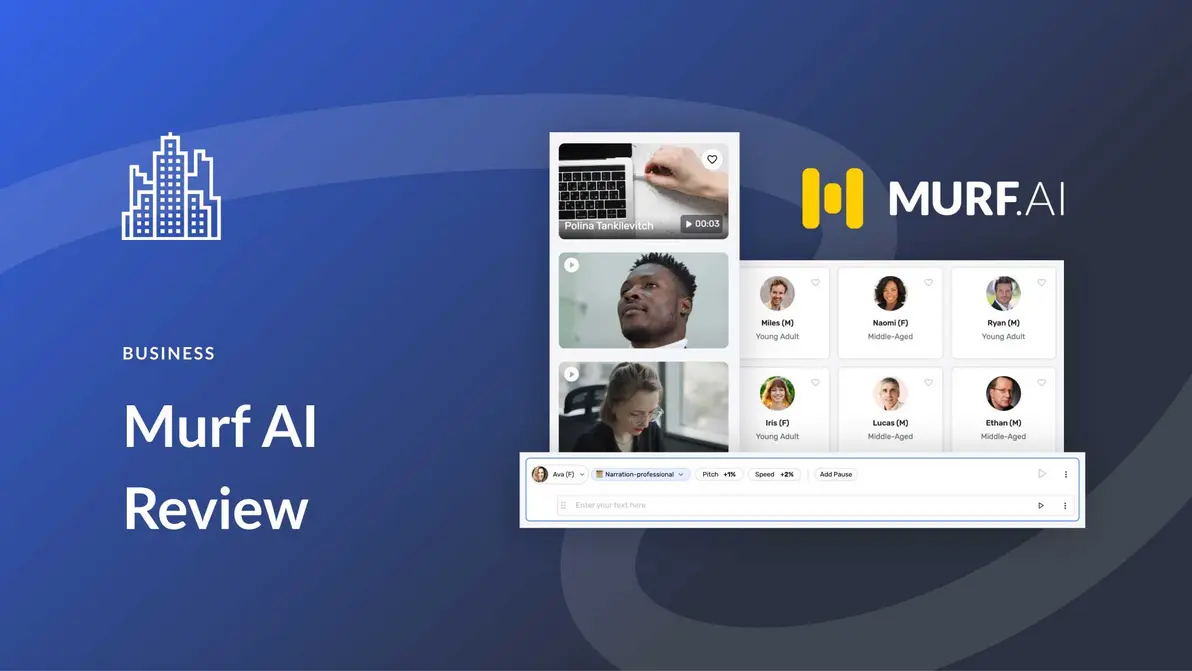
Imagine walking into a freshly renovated workspace: natural light, everything right where you expect it, and comfy chairs for everyone. That’s what Murf AI’s dashboard feels like for creators and teams—smooth navigation, clear menus, and just enough features at your fingertips without overwhelming you.
Seamless Onboarding and Project Management
Getting started with Murf AI feels effortless—even if you’ve never touched a voice tool before. Here’s what makes onboarding a breeze:
- The main workspace offers instant access to start new projects, with giant “create” buttons that are tough to miss.
- You'll see all your recent projects and favorite templates on the front page, making it super easy to jump back in.
- Drag-and-drop support for scripts and audio files erases the traditional friction of uploading or modifying content.
But Murf doesn’t stop at making things easy—it also brings serious project management muscle:
- Organize your work into folders, which is clutch when you’re juggling multiple campaigns, clients, or creative assets.
- Real-time autosave ensures every keystroke is preserved (because we’ve all lost that perfect take at least once).
- Automated workflow reminders nudge you with gentle notifications so nothing slips through the cracks.
- Built-in collaboration tools allow teammates and stakeholders to add feedback, edit scripts, and listen to drafts—all right in the browser. No endless email threads or versioning nightmares.
Ever worked on a training video with a distributed team? Picture this: Your copywriter in Boston tweaks the script, your designer in Madrid uploads graphics, and your client in Singapore leaves a time-stamped comment—all inside Murf. That’s global creative synergy.
Quick Text-to-Speech Workflow
Traditional TTS systems can feel like a slog, with multiple steps and complicated settings. Murf AI? Not so much.
- Paste your script or type it out straight into a rich text editor (supports all the formatting your inner perfectionist craves).
- Use handy inline controls to add emphasis, sprinkle in natural-sounding pauses, tweak pronunciation for tricky names, and more—all without leaving the editing screen.
- Try out different AI voices with a handy preview button and flip between basic and advanced models to find your ideal match.
- Export the results as high-quality MP3 or WAV files. Or, push them directly to videos or slide presentations with just a click.
The upshot: Even total beginners can whip up studio-quality, human-like voiceovers in under 10 minutes. Professionals benefit from workflow shortcuts and granular control.
Customizable AI Voices and Languages
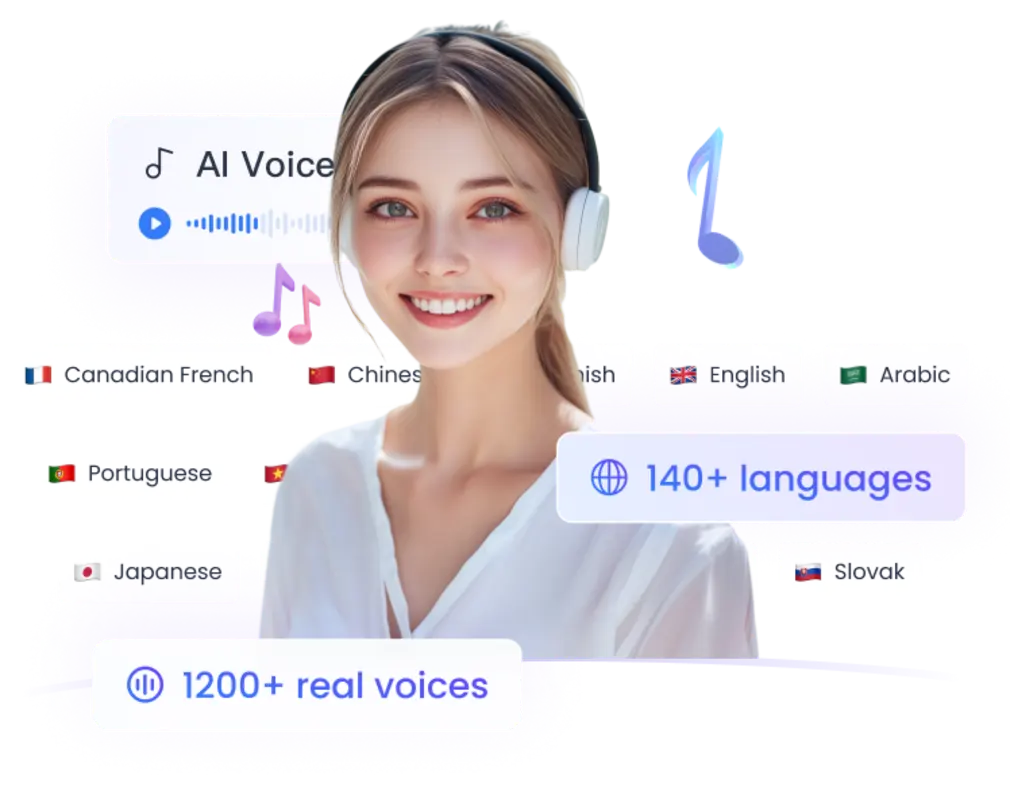
Here’s where Murf AI truly shines: its expansive and ever-growing voice library. As of 2025, Murf puts more than 120 unique AI voices at your disposal—and covers well over 25 major languages.
- English in all its glorious diversity: US, UK, Australia, India, South Africa, and more.
- Major global languages like French, German, Spanish, Mandarin, Japanese, Korean, Hindi, Arabic, Portuguese… the list keeps growing.
- Niche regional accents (think: Brazilian Portuguese vs. continental, or African English dialects).
- And mood customizations—choose between voices that sound friendly, authoritative, empathetic, dramatic, or even playful.
Ever tried reaching customers in Brazil with a video voiced by “generic” Portuguese, only to realize it sounded off? Murf’s regional options ensure your audience hears what feels native to them—a key to deeper trust and engagement.
Localized and Global Voice Options
What’s the secret to international brand success? Localization. And not just the “convert English to Spanish using Google Translate” kind.
Murf’s AI library offers:
- Authentic voices that master regional speech patterns, idiomatic phrasing, and local expressions.
- Dialect support that avoids jarring mismatches—you won’t accidentally serve a US English narrator to your London-based audience (unless you want to, of course).
- Culturally aware speech pacing and intonation, making the listening experience smoother and more relatable.
Picture this: A fast-growing e-learning startup uses Murf AI to launch courses in Mandarin for the Chinese market, while simultaneously rolling out content in Indian-accented English for learners in Mumbai. Both audiences feel instantly seen—and course engagement rates soar.
Fine-Tuned Accent and Pitch Control
Sometimes, you need more than just the right voice. You want the perfect mood, pitch, or pace.
Murf comes loaded with granular controls:
- Adjust pitch to add excitement or serenity (from high-energy radio host down to calm therapist).
- Speed up or slow down delivery to match your audience—quick for snappy TikTok-style explainers, slow and careful for technical training.
- Emphasis and “clarity” sliders to further refine the final output.
- Tweak sentence-by-sentence, allowing for nuanced voiceovers that keep even dry topics lively and easy to digest.
Result: Voiceovers don’t just sound natural—they sound intentional, making it easier to captivate classrooms, hold attention in sales decks, and create binge-worthy social media clips.
“The depth of Murf AI’s voice library and natural accent selection makes global communication easy and authentic.”
— Raj Mehta, E-learning Production Lead
If you’re into AI tools that supercharge customer connections, you’ll want to check out: HubSpot Spring 2025 AI Automation Growth Strategies.
The Science Behind Natural AI Voices
Let’s dig deeper: Murf uses Deep Neural Networks (DNNs) and advanced text-to-speech synthesis techniques. Recent Stanford research reveals that the best DNN-based voices are rated almost indistinguishable from human narrators in blind tests (source: Stanford TTS study, 2024). Murf leans heavily on this science, engineering its models to pick up micro-expressions, intonation curves, and emotional cues most other TTS engines miss.
A fun story from a Murf beta tester: While producing an audio drama, they used Murf’s “dramatic” voice profile with a custom accent—listeners in a focus group believed it was voiced by a professional theater actor.
Murf AI PowerPoint Plugin Integration
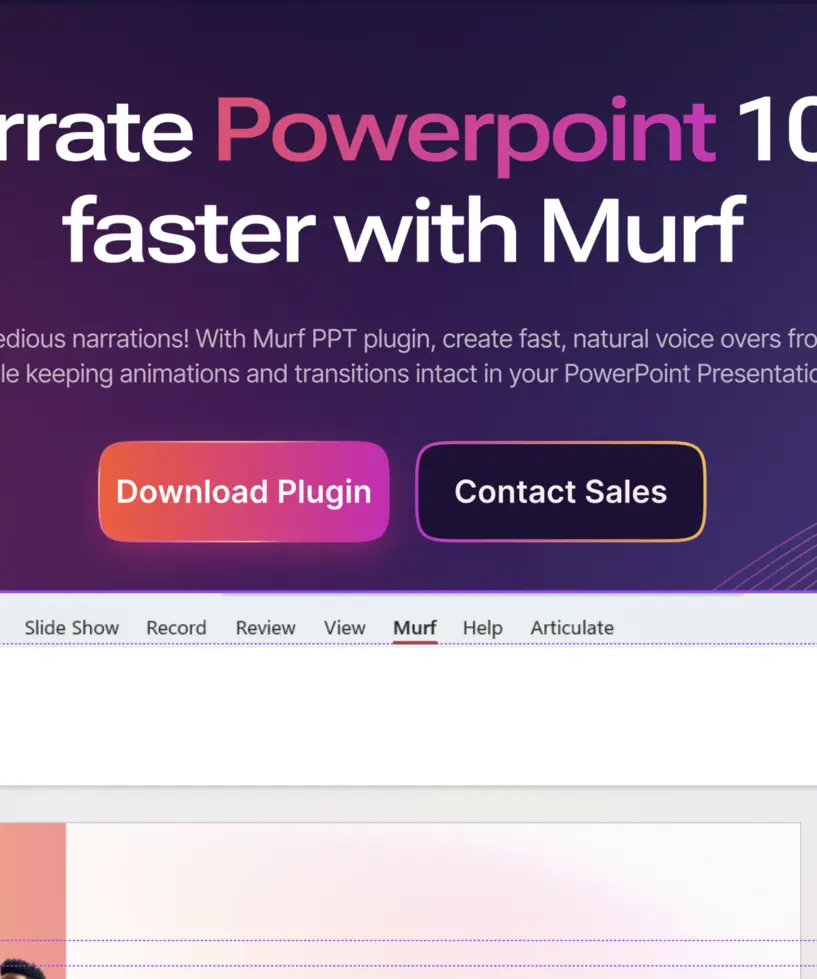
Alright, let’s talk about the feature that’s turning corporate meetings, teacher classrooms, and even online webinars upside down—the Murf AI PowerPoint plugin.
Effortless Presentation Voiceovers
Remember the days of rushing to record narration minutes before a presentation deadline, only to fumble over your words? Or having to hire a voice actor for every iteration? Those days are over.
With Murf’s PowerPoint integration:
- Generate smooth, realistic voiceovers right inside PowerPoint (no need to export, import, or play audio from a separate device).
- Assign different voices for each slide, section, or even individual text boxes. You could have a British narrator set the tone for your intro, then switch to an excited US voice for product demos.
- Auto-sync voice narration to your slide transitions and animations. Want the voice to pause while a chart flies in, then continue reading once it lands? That’s built in.
- Make live updates anytime. Change your slide content just before the meeting and Murf will instantly update the narration—no re-recordings required.
Imagine pitching investors across continents, and every local team hears narration in their native accent. Or, build an onboarding guide for new hires that automatically reads out updated HR policies.
Studio-Grade Integration for Creatives
For those on the creative edge—motion designers, video editors, e-learning developers—Murf takes the pain out of the post-production process.
- Export full projects (voice plus timing cues) directly from Murf’s Studio to PowerPoint or any video software. Think Adobe Premiere, Final Cut Pro, and more.
- Batch process entire folders of scripts. Need 20 unique, time-synced voice tracks for a series of product tutorials? Murf handles it in one click.
- Sync timelines, import background music, and blend with sound effects natively for maximum creative control.
This isn’t just a TTS engine—it’s a scalable voice production line for modern content creators. Whether for high-stakes sales pitches or immersive online courses, you’re set for polished, memorable results every time.
Voice Cloning Features in Murf AI
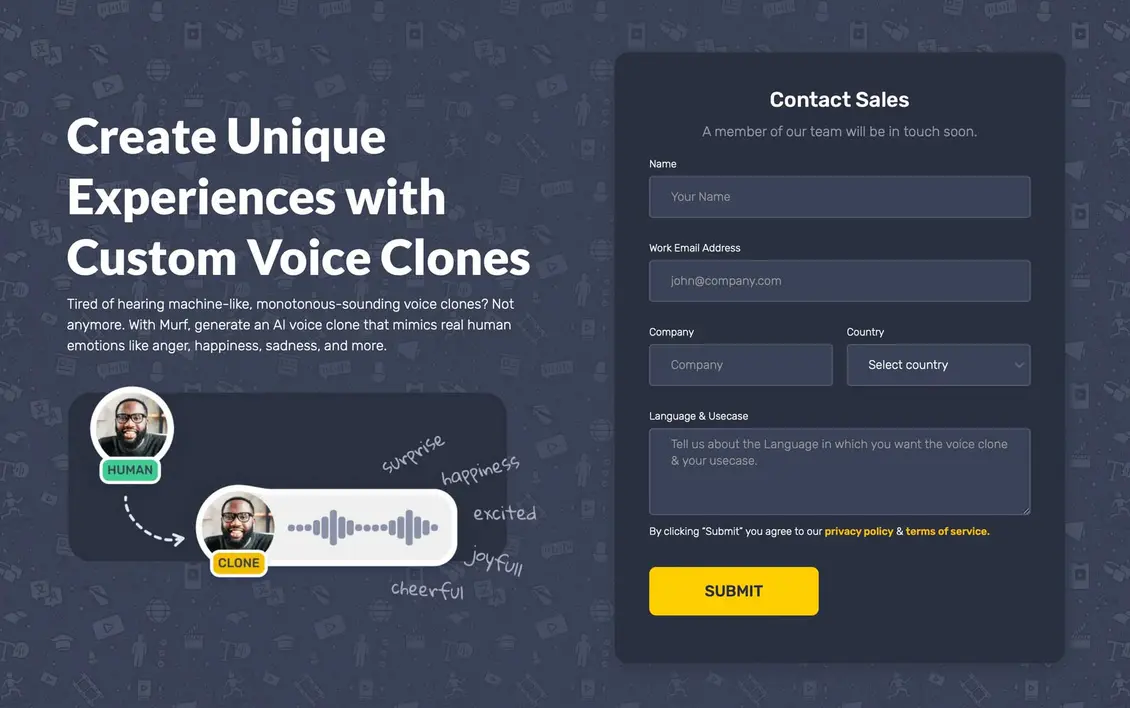
Now, let’s talk sci-fi—except it’s 2025, and these features are real. Murf’s voice cloning is like having a “digital twin” for your vocal identity.
How Does Voice Cloning Work?
Think of it as “uploading your voice to the cloud.” Murf AI’s tech leverages neural voice synthesis, which according to MIT’s recent voice cloning research (MIT Technology Review, 2024), is now accurate enough to duplicate both the sound and emotional expression of a real speaker.
Here’s the basic workflow:
- Record 2-3 minutes of yourself talking in a neutral tone. (The higher the quality, the better. No barking dogs or background jazz.)
- Upload the sample to Murf, which analyzes it for pitch, rhythm, tone, accent, and dozens of other vocal fingerprints.
- Complete a simple, secure ID verification—only you can authorize use of your voice.
- In less time than it takes to brew a coffee, a fully-functioning digital clone of your voice is ready to read anything you type.
How is this playing out in the real world? Let’s look at a few use cases:
- Brand spokespeople can star in every region’s campaign, without months in the studio.
- Authors and podcasters can publish in their voice across multiple languages for global audiences.
- You can create an emergency backup for announcements or continuity, crucial for busy executives and public figures.
Voice Personalization Steps
Voice cloning in Murf isn’t just “set it and forget it.” You get:
- Detailed “character” sliders: adjust tone (friendly, corporate, humorous), authority, or emotional intensity.
- Sentence-level tweaks—make your clone whisper, shout, pause dramatically, or read as a monotone robot (for comedic effect, of course).
- Save unlimited custom profiles, handy for brands that want several “official” voices (think: customer support, C-suite, product trailers).
Here’s a story: After a senior trainer at a multinational company retired, they used his cloned voice to narrate new e-learning modules, preserving his style and decades of expertise for the next generation. Staff said it was like having him in the room—an emotional win.
Security and Ethics in Voice Cloning
It’s no secret that cloning voices raises tough ethical questions. Deepfakes? Impersonation scams? Murf AI is all about drawing a clear ethical line.
- No cloned voice is created without verified ID and explicit consent. Period.
- Rigorous legal review and multi-factor authentication prevent unauthorized use—your digital doppelganger doesn’t go anywhere without your green light.
- Usage is locked down to your Murf account and encrypted end-to-end, following the highest industry security standards (think: the same encryption banks trust).
- No resale, no “voice swapping,” no funny business with impersonation.
“Voice cloning means powerful personalization, but ethical guardrails are non-negotiable. Murf AI’s clarity here is unmatched.”
— Dr. Lila Photon, AI Ethics Researcher
It’s the promise of personalization with peace of mind—and that’s why educators, public figures, and brands trust Murf.
Comparison of Murf AI vs Competitors
Time for the head-to-head, because let’s face it: The AI voice market in 2025 is crowded. Murf AI doesn’t just join the conversation—it leads it. Let’s break down how it stacks up against top alternatives: Synthesia, Descript Overdub, and WellSaid Labs.
| Feature | Murf AI | Synthesia | Descript Overdub | WellSaid Labs |
|---|---|---|---|---|
| Language Support | 25+ | 120+ (avatars) | English only | English, few others |
| Voice Customization | Fine-tuned, multi-dialect | Moderate | High (overdub only) | Limited |
| Voice Cloning | Yes (verified consent) | Avatars only | Yes (own voice) | No |
| PowerPoint Plugin | Yes, real-time | No | No | No |
| Collaboration & Project Management | Yes | Yes | Moderate | No |
| Audio Quality | Studio-grade, neural | Studio-grade video | Good | Studio-grade |
| Branding Controls | High | Avatars, watermark | Limited | Limited |
| Security & Ethics | Industry leading | Good | Average | Good |
| Pricing | Middle tier, flexible plans | Higher (per export) | Usage-based | Premium |
Let’s unpack what sets Murf apart:
- Voice Library & Language: Murf covers 25+ spoken languages with multiple regional accents—great if you want actual spoken variety and authenticity. Synthesia leans into “video avatars” but doesn’t go as deep on real voice nuance.
- Customization: Only Murf and Descript offer in-depth, user-controlled voice cloning. Murf’s verification/consent system makes it the gold standard for security and ethics.
- PowerPoint Workflow: Murf is the only player offering direct, real-time voiceover inside PowerPoint. If you work in business comms, training, or education, that’s a huge deal.
- Collaboration: Murf’s built-in project tools are designed for teams, agencies, and cross-border projects.
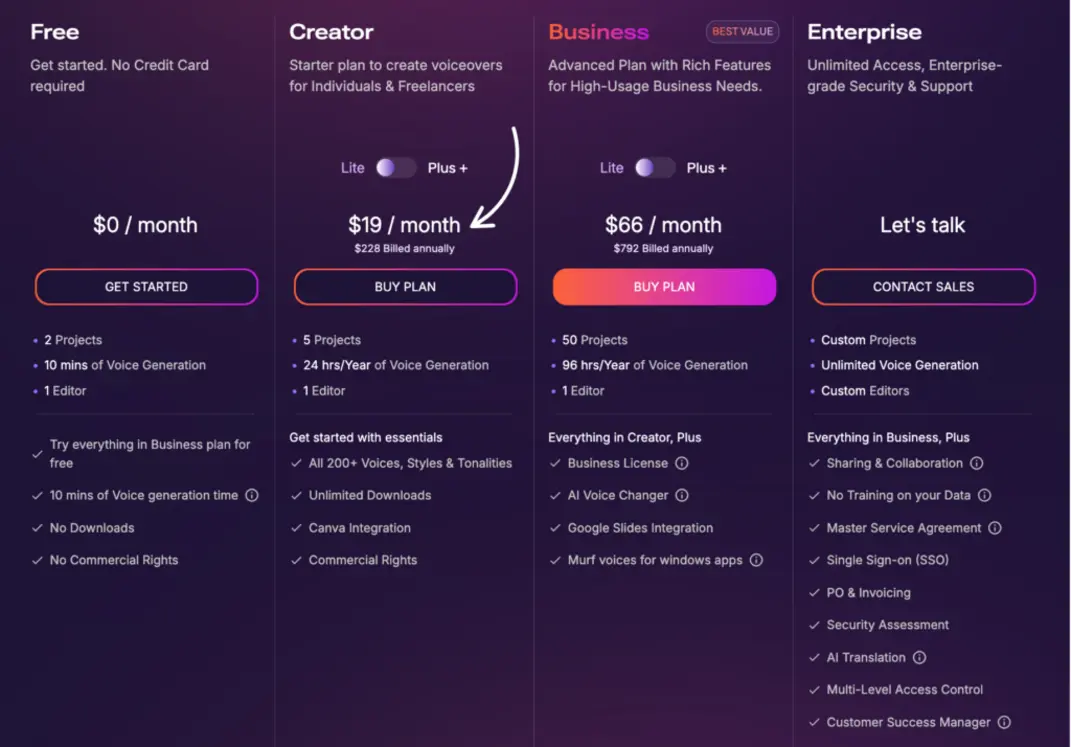
- Affordability: Murf’s flexible plans bridge individual creators and enterprises—without premium pricing barriers.
Bottom line: If you need more than basic English narration or a single video avatar, Murf stands out as the full-spectrum choice for forward-thinking creators.
Why Choose Murf AI in 2025? Real-World Examples and Insights
Let’s crack open the playbook and see how Murf delivers real-world wins.
- E-Learning Transformation: Edutech, a major online learning provider, used Murf AI’s regional voices to localize their STEM courses for students in Latin America and Southeast Asia. Result? Course completion rates jumped by 40% year-on-year, and instructors cut production times in half.
- Agencies and Video Marketing: Digital creative agencies, handling dozens of client projects per month, report that Murf sliced their voiceover turnaround from days to hours—doubling their capacity for explainer videos and product demos. One agency even landed a national client by showcasing hyper-personalized Murf voiceovers in a competitive pitch.
- Enterprise Sales Enablement: Fortune 100 sales teams rely on Murf’s PowerPoint plugin to produce branded, multi-language, and legally-approved pitch decks on a weekly basis. What used to require studio bookings now happens overnight. Translation: more deals closed, less spend on external voice talent.
- Healthcare & Accessibility: Hospitals and health tech companies use Murf to convert post-surgery instructions and appointment reminders into local dialects. Elderly patients report higher satisfaction and understanding, thanks to Murf’s clear, relatable voice output.
- Content Creators & Influencers: YouTubers, TikTok creators, and indie podcasters harness voice cloning to distribute content in up to 10 new languages, growing subscriber bases quicker. Those with disabilities now have their authentic voice “back,” no matter their current health.
Want to explore even more AI-powered content creation? Check out: Effortless Video Creation: VEED.IO AI 2025.
By the Numbers: Murf’s Growing Impact
A few recent stats highlight just how much Murf AI is changing the game:
- As of Q1 2025, Murf AI powers over 30 million minutes of global voiceover annually.
- 72% of top e-learning providers surveyed by EdTech Insights use Murf for at least one course.
- Content teams see an average of 60% cost savings versus traditional studio voiceover methods.
- *90%+ customer satisfaction is reported across small business and enterprise clients, citing voice quality, workflow integration, and ethical safeguards.
“Murf AI is a strategic enabler, not just a tool. It’s helped us scale content production with consistent quality.”
— Andrea T., Agency Director
Future-Proofing Your Content Creation
Looking ahead, AI voices are only going to become more essential. Think:
- AR/VR experiences that talk like local guides, not clunky robots.
- Corporate onboarding bots using the actual CEO’s voice.
- Seamless translation of entire podcast series or video libraries into a dozen languages, accessible to all.
Murf’s commitment to R&D, security, and user experience ensures you’ll be first to access these trends, not chasing from behind.
Conclusion
The voice you choose tells a story—it shapes your brand, builds trust with your audience, and opens doors to markets you never thought possible. As machine learning pushes the boundaries of what's creatively possible, Murf AI stands head and shoulders above as the AI voice generator for 2025 and beyond.
From its beginner-friendly interface and huge multilingual library to next-level PowerPoint integration and the most secure voice cloning in the field, Murf helps everyone—from solo startups to global enterprises—create content that sounds truly human, everywhere.
So, whether you’re looking to energize your next product demo, make learning more accessible, maintain your brand identity, or just need a little extra creative firepower—Murf AI is ready for you.
Ready to elevate your multimedia projects with Murf AI or discover other AI-powered productivity solutions?
👉 Our Website: Watch more
👉 Our YouTube Channel: Watch more
👉 Our Facebook Fanpage: Watch more
👉 Our X (Twitter): Watch more
- Level Up Your Stream in 2025: Best Stream Overlays, Must-Have Widgets, and Fast OBS Setup for Twitch, YouTube, and Kick
- Kaiber Review 2026: The AI Video Studio Built for Musicians, DJs, and Visual Artists
- Bulk Oil Suppliers Guide: Optimize Uptime and Compliance with TRUEGARD, Shell Rotella, and Keller Heartt
- Creatify AI
- What disk management features make EaseUS Partition Master extremely effective?