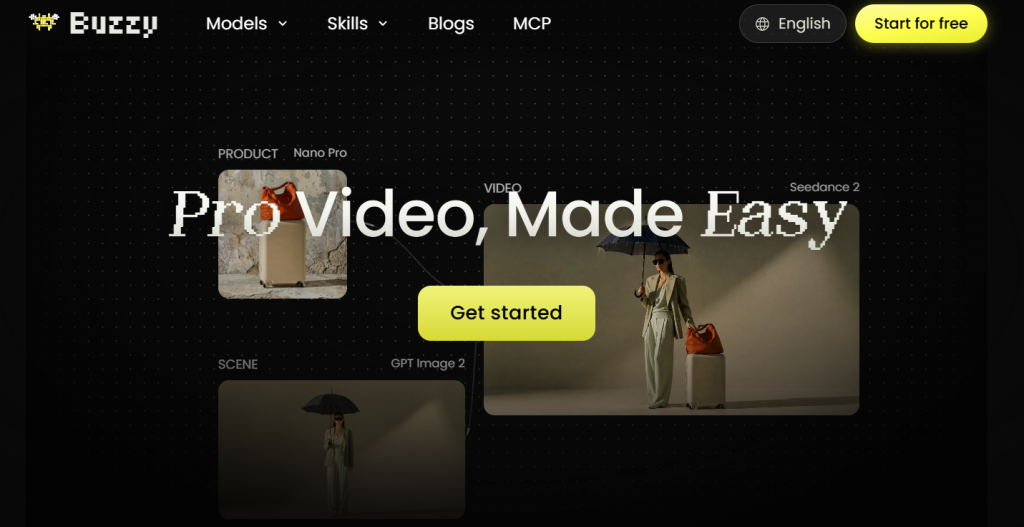
You spend twenty minutes crafting the perfect AI video prompt, wait for the render, and it's 95% there — except the character's shirt is the wrong color, the camera drifts at the worst moment, or a random extra wanders into the background. The old fix was to re-roll the whole clip and hope. Buzzy (also called Buzzy Now, at buzzy.now) was built to solve exactly that problem: a browser-based “AI Video Photoshop” that lets you fix, restyle, or extend a video by simply typing what you want changed, without regenerating the entire clip from scratch. Built by Creati Gen AI Inc. — the team behind Creati Studio, which reportedly reached 20 million users and $15 million in annual recurring revenue in its first year — Buzzy launched backed by $20 million in funding led by Redpoint Ventures, and plugs into current-generation models like Seedance 2.5, Wan 3.0, and MiniMax H3 alongside GPT Image for stills.
For content marketers, UGC and ad creators, agencies producing high volumes of social video, and solo creators who don't want to learn a traditional timeline editor, that pitch is genuinely appealing. This 2026 review walks through what Buzzy actually does, how its credit-based pricing works, the tools inside the platform, how it stacks up against Runway and Pika, and — honestly — where it falls short, so you know exactly what you're signing up for before you spend a single credit.
Buzzy AI Review 2026: The Conversational “Video Photoshop” for Fixing and Generating AI Clips
Overview and Background
Buzzy is a chat-driven video generation and editing platform. Instead of a timeline with cutting points, keyframes, and audio tracks, the entire workflow happens in a conversation box: you describe the video you want, or you upload an existing clip and describe the change. Under the hood, Buzzy routes those requests to a stack of third-party video and image models — Seedance 2.5 and Wan 3.0 for full generation, MiniMax H3 as a presale flagship model, and GPT Image for still frames and references — which it presents through one unified interface rather than making you juggle separate tools and subscriptions.
The company's origin story is worth knowing because it explains Buzzy's specific angle. Creati's founders built Buzzy after watching their own team discard the vast majority of AI-generated footage over a single fixable flaw — an incorrect line, an unwanted object in frame, bad eye contact, harsh lighting — rather than a fundamentally bad generation. So Buzzy's signature feature isn't full-scene generation (though it does that too); it's targeted, pixel-level local edits: change a background, swap a face, adjust the lighting, or move the camera, without re-rolling the whole clip and losing everything else that was already working.
Why Buzzy Stands Out in 2026
Targeted local edits instead of full re-generation: Ask Buzzy to change a jacket color, swap a face, or shift the camera angle, and it applies that change to the specific region without touching the rest of the frame — a real time and credit saver compared to tools that force a full clip re-roll for any fix.
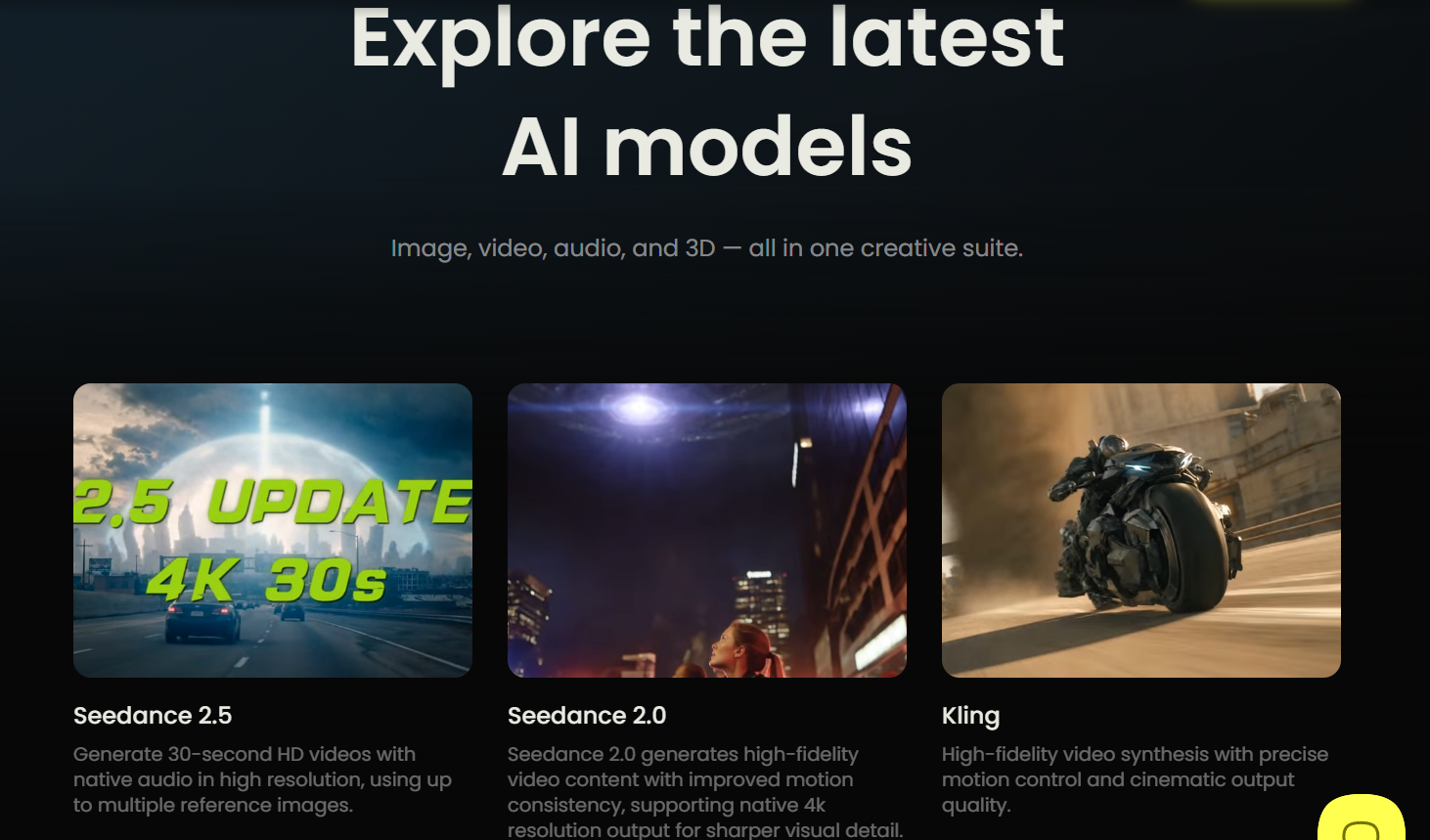
Multi-model access from one dashboard: Rather than subscribing separately to each video model provider, Buzzy gives paying users access to Seedance 2.5, Wan 3.0, and — on higher tiers — MiniMax H3, so you can pick the model whose motion style and realism fit a given project.
Real human face upload and consistency: Pro tiers and above unlock uploading an actual human face for character-consistent generation across a video or campaign — a genuinely useful feature for creators and brands that need the same “person” to appear across multiple ad variations or scenes.
A conversational learning curve, not a technical one: There's no keyframe timeline, no layer stack, and no codec settings to learn. If you can describe a change in plain English, you can attempt it — which matters for solo creators and small business owners without a video production background.
A trend-aware Proactive Video Agent: Buzzy's agentic canvas reportedly scans tens of thousands of videos a day to surface trending formats and hooks, then helps recreate a similar structure with your own content — cutting out a research step that otherwise eats real time before a TikTok, Reels, or Shorts shoot.
Backed by real capital and an existing user base: Buzzy isn't a weekend side project — it launched with $20 million in funding from Redpoint Ventures, built by a team whose prior product already scaled to 20 million users, which at least suggests the platform is being actively maintained and expanded rather than abandoned after launch hype fades.
Key Features and Technology
Buzzy organizes its tools into a handful of clear modules rather than one overwhelming interface. Here's what each one actually does.
AI Video Generator
Generate video from a text prompt, a reference video, or a visual input, using Seedance 2.5 or Wan 3.0, with MiniMax H3 available on presale for early access. Different models produce noticeably different motion styles and realism levels, so having more than one in the same dashboard is a genuine convenience rather than a gimmick — you can generate the same concept across two models and pick the better result without leaving the app.
AI Edit Video (“Photoshop for Video”)
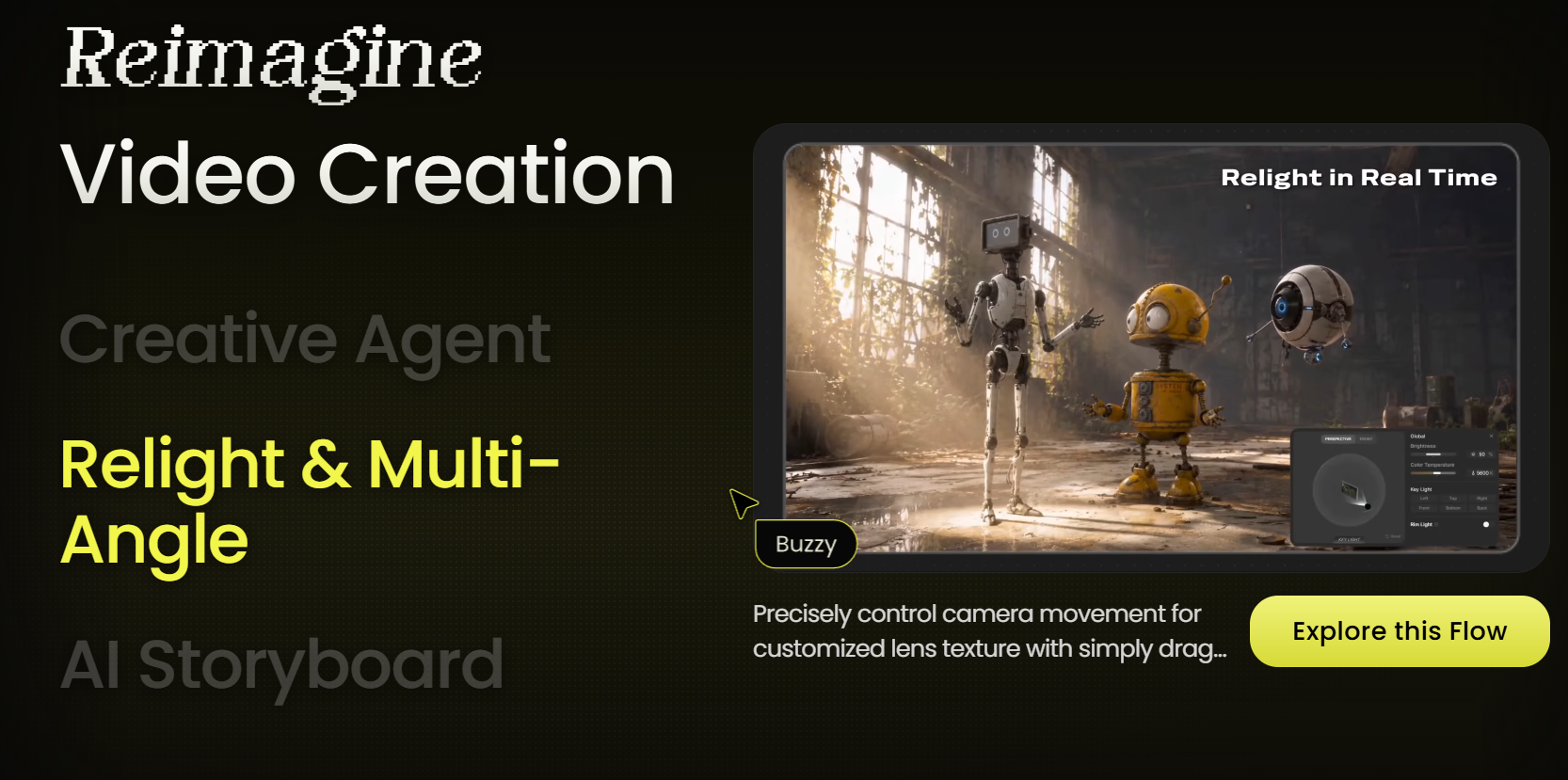
This is Buzzy's namesake feature. Instead of regenerating a whole clip, you highlight an area or give a text instruction to fix a specific issue: swap a background, add or adjust camera movement, replace a subject's face, or apply a stylistic transformation like a Lego-style or animated look. It works on both footage you upload and clips Buzzy itself generated.
AI Image Generator
Powered by GPT Image, this module generates still frames from a prompt or a reference image — useful for thumbnails, character references, product mockups, and style frames before committing credits to a full video generation.
Creative Templates and the Community Canvas
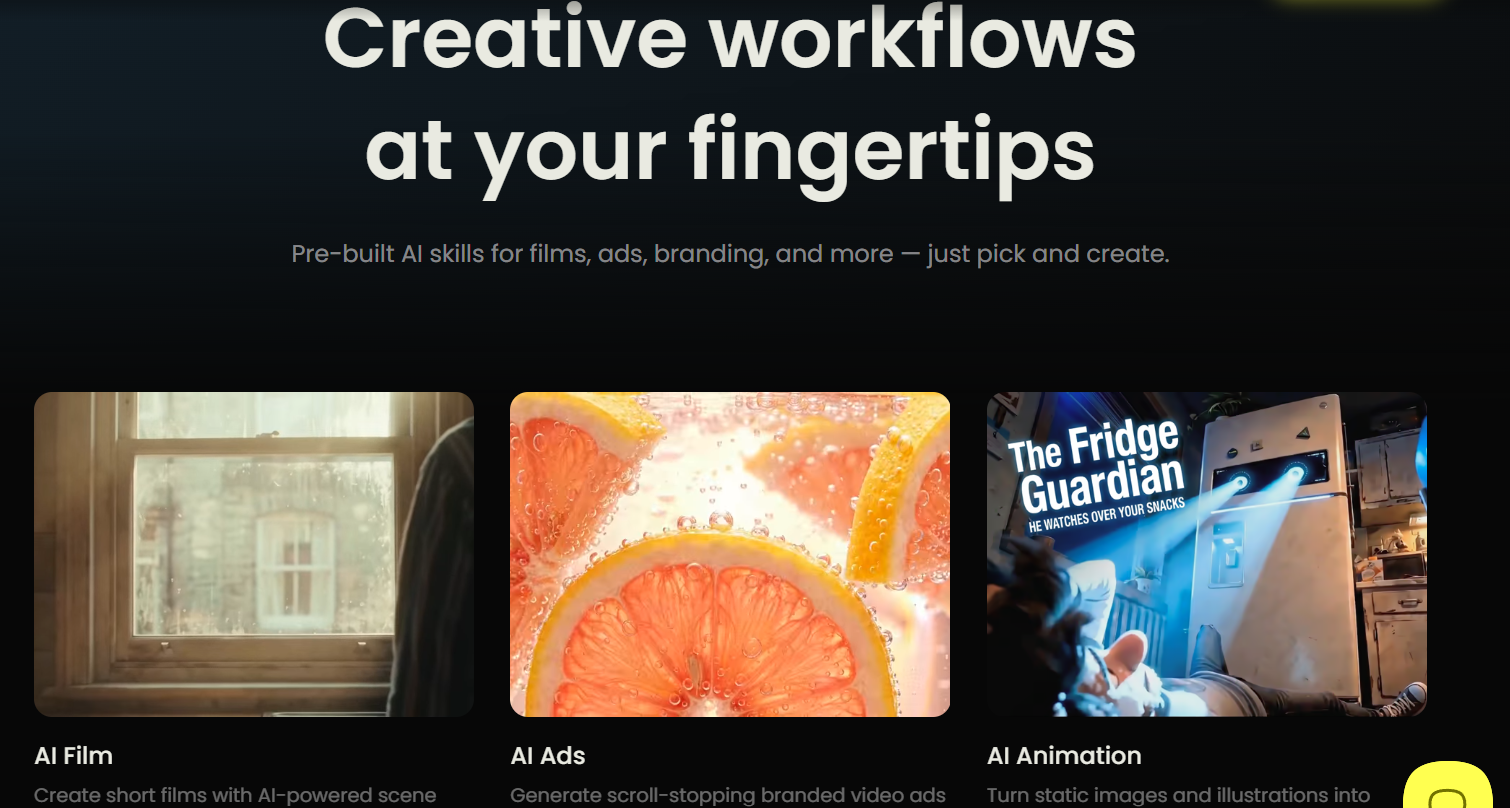
Buzzy's homepage doubles as a browsable gallery of community-made projects — AI films, branding ads, UGC-style videos, VFX motion tests — each with its workflow visible so you can see roughly how it was built. Preset templates let you upload a photo and apply a ready-made style without writing a detailed prompt from scratch, which flattens the learning curve for first-time users considerably.
Proactive Video Agent
An agentic layer that scans trending short-form video daily, learns the creative patterns behind what's performing, and helps you recreate a similar structure using your own footage or brand assets — positioned squarely at UGC ad creators and social teams who need a steady stream of on-trend content without a research team.
Pricing, Plans, and Package Structure
Buzzy runs on a credit system layered under a monthly subscription: new accounts start with a small free credit allotment (roughly 2 free video generations, watermarked, non-commercial use only, under Buzzy's standard terms), and every generation or edit afterward draws down credits at a rate that varies by model, resolution, and duration — video generation is typically billed at around 10 credits per second of output. Paid plans then add a monthly credit allowance on top. Confirm exact current pricing and credit rates directly on buzzy.now before publishing or budgeting, since AI video platforms adjust these figures frequently.
| Plan | Price | Monthly Credits | Parallel Generations | Face Upload |
|---|---|---|---|---|
| Basic | ~$19/month | ~2,000 credits | Up to 2 videos | Not included |
| Pro | ~$39/month | ~4,000 credits | Up to 4 videos | Unlocked |
| Ultra | ~$99/month | ~10,000 credits | Up to 6 videos | Unlocked |
| Infinite | ~$199/month | ~20,000 credits | Up to 8 videos | Unlocked |
How Buzzy Compares to Alternatives
| Feature | Buzzy | Runway | Pika |
|---|---|---|---|
| Entry price | ~$19/month | ~$12–15/month | ~$8–10/month |
| Core interaction model | Chat-based, local pixel edits | Timeline + generation tools (Aleph editor) | Prompt-based, effects-driven (Pikaffects) |
| Max resolution | 1080p, no 4K | Up to 4K upscaling on paid tiers | Up to 1080p |
| Built-in timeline editor | No | Yes (Aleph) | No |
| Mobile app | No (browser only) | No dedicated app | Yes (iOS) |
| Signature strength | Targeted local edits without full re-generation | Cinematic quality, multi-model marketplace | Fast, playful short clips and stylized effects |
vs. Runway: Runway is the more complete production platform — it bundles its own Gen-4.5 model alongside third-party models like Kling and Veo, includes a real editing environment (Aleph), and supports 4K upscaling on paid tiers. If your priority is cinematic output quality and you're willing to work inside a credit-metered system, Runway generally wins. Buzzy's edge is narrower but real: fixing one detail in an otherwise-good clip without burning credits on a full re-generation, which Runway's model doesn't natively optimize for.
vs. Pika: Pika is cheaper at entry and stronger for fast, effects-heavy, short-form social clips (Pikaffects like melt, explode, and inflate have no direct Buzzy equivalent), and it ships an actual mobile app. But Pika caps clips at around 10 seconds and its editing depth is lighter. Buzzy is the better choice when you need longer-form output or want to iteratively refine a specific shot rather than generate a fresh short effect clip each time.
vs. doing it manually: Compared to reshooting or manually rotoscoping a fix in a traditional NLE, Buzzy's conversational local-edit approach is dramatically faster for simple corrective changes — at the cost of precision and repeatability that a skilled editor working in a real timeline still has more control over.
Pros and Cons
What Creators Love
Real time saved on targeted fixes: Being able to say “change the jacket color” or “shift the camera left” without regenerating the whole clip is a genuine, tangible time and credit saver once you learn how to phrase the edit.
Genuine character consistency: Real human face upload for consistent character generation across scenes puts Buzzy in creator-serious territory that simpler prompt-only tools don't reach.
A genuinely fresh angle on trend research: The Proactive Video Agent scanning tens of thousands of videos daily gives creators a real head start on what's currently working, rather than leaving that research entirely manual.
Multiple current-gen models in one place: Seedance 2.5, Wan 3.0, and MiniMax H3 access without separately subscribing to each model provider is a real convenience for anyone comparison-shopping generation quality.
Limitations Worth Knowing
No mobile app: There's no iOS or Android app, and the mobile browser experience isn't built for real editing work — plan on using a desktop.
Credit costs aren't always shown upfront: Buzzy doesn't consistently display how many credits an action will cost before you hit generate, which makes budgeting harder for anyone on a tighter plan and burns credits faster than expected during experimentation.
No real post-production tools: No trimming, no multi-track audio, no native caption layer, and no way to arrange multiple clips into a finished sequence. You will need a second tool to actually finish a video.
1080p ceiling: Even on the Infinite plan, output tops out at 1080p — there's no native 4K export, which matters if you're producing for large-format displays or YouTube content that benefits from higher resolution.
Free-tier commercial use is restricted: The free credits carry a non-commercial license under Buzzy's terms — if you're producing ad creative or client work, you need a paid plan and should confirm exactly what commercial rights it includes before publishing monetized content.
Who Should Use Buzzy
UGC and social ad creators who generate high volumes of short-form content and need to fix small issues in near-perfect takes without re-rolling everything will get the most direct value from Buzzy's core editing feature — start on Pro for the parallel-generation headroom and face-consistency tools.
Small business owners and marketers without a video production background will appreciate the conversational interface and the trend-aware agent, but should budget separately for a finishing tool like Filmora or CapCut, since Buzzy alone won't produce a publish-ready video with captions and sound.
Agencies and production teams generating at volume across multiple clients or campaigns should look at Ultra or Infinite for the higher parallel-generation caps, and treat the multi-model access as a way to consolidate what might otherwise be several separate model subscriptions.
Filmmakers or brands needing 4K, cinematic-grade output are better served starting with Runway, then optionally bringing footage into Buzzy for targeted local fixes rather than using Buzzy as the primary generation engine.
Getting Started: Step by Step
- Create a free account at buzzy.now and claim your starting free credits to test the interface before committing to a paid tier.
- Generate or upload a base clip. Either write a text prompt (choosing between Seedance 2.5, Wan 3.0, or MiniMax H3) or upload existing footage you want to edit.
- Use AI Edit Video for any fixes. Highlight the area or describe the change in plain language — background swap, camera move, face swap, or style transformation — rather than regenerating the whole clip.
- Check the community canvas and templates for inspiration or a ready-made structure if you're not starting from a specific concept.
- Upgrade to Pro or higher once you need human face upload for character consistency, more parallel generations, or you're regularly hitting your free/Basic credit ceiling.
- Export the clip and move it into a finishing editor — Filmora, CapCut, or Premiere — to trim, add music and voiceover, caption it, brand it, and export at the aspect ratio and resolution your platform actually needs.
- Confirm commercial-use terms for your plan before publishing any monetized or client-facing content generated on Buzzy.
Tips for Getting Maximum Value
Treat your first week on any paid Buzzy tier as a credit-tracking exercise rather than a production sprint — since exact credit costs aren't always shown before you generate, run a handful of typical actions (a full generation, a background swap, a face swap) early on and log what each actually costs so you can budget the rest of the month accurately. Start prompts specific rather than vague; targeted local edits work best when you name the exact region and the exact change rather than a broad restyle, since vague prompts often take two to four attempts to land, and every attempt draws down credits. If you're doing character-led work, upgrade to at least Pro before you start a campaign, since the free and Basic tiers lack the face-consistency tools that make repeat-character content actually usable. And build the Buzzy-to-finishing-editor handoff into your workflow from day one rather than treating it as an afterthought — exporting early and often into your finishing tool avoids losing work if a later in-Buzzy edit doesn't land the way you expected.
Future Outlook and Final Assessment
The AI video generation market is projected to grow at roughly a 20% compound annual rate through the early 2030s, and Buzzy is positioned squarely inside the fastest-growing segment of it: tools that don't just generate video but let you iteratively refine it the way you'd retouch a photo. With real funding behind it, a founding team with a track record at scale, and integration with genuinely current models, Buzzy has the ingredients to keep pace as the underlying video models themselves improve. The honest caveats stand, though: this is a generation-and-local-edit tool, not a finishing suite, credit transparency needs work, and the 1080p ceiling will eventually feel dated as more competitors push toward native 4K.
Conclusion
Buzzy solves a specific, real problem — the frustration of throwing away an otherwise-great AI video over one fixable detail — and it solves it well through a conversational, pixel-level editing approach that few competitors replicate. It's not a complete video production suite, and you should plan for a second tool to finish what Buzzy starts, but as a fast, model-flexible generation and correction layer for creators, marketers, and agencies who need volume without a full production pipeline, it earns its spot in the toolkit. Whether you're testing on the free tier or committing to Pro for the face-consistency tools, Buzzy is one more example of AI tools that, at their best, make everything easy — start with a clear sense of what you'll pair it with, and it'll pay for itself quickly.
Ready to Fix and Generate AI Video Without the Guesswork?
Explore more honest reviews, tutorials and tool comparisons to find the right tech for the way you work and live — at AI Solutes, where we make everything easy.
👉 Get Started: https://ai-solutes.com/buzzy
👉 Our YouTube Channel: youtube.com/@ai-solutes
👉 Our Facebook Fanpage: Facebook
👉 Our X (Twitter): @AISolutes
- Semanticscholar
- Money Robot Submitter Review 2025: Supercharge SEO with Automated Link Building and an AI Content Engine
- SlidesGO
- Boost Energy with Vitamin B12 in 2025: Top Foods, Symptoms, and Supplements
- Houston Engagement Rings 2025: Compare Hearts and Arrows Diamonds, Trends, and Whiteflash Showroom Guide