

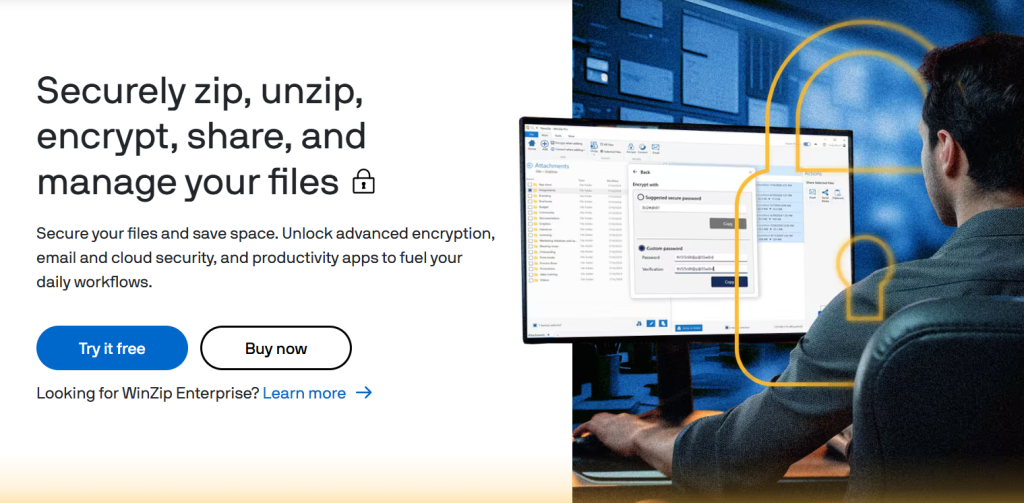
If you’ve shopped for creative software in the past few years, you’ve probably noticed CorelDRAW, Roxio, and Pinnacle Studio keep showing up in the same conversation — and that’s not a coincidence. All three are owned by Alludo (formerly Corel Corporation), the Ottawa-based software company that acquired Roxio from Rovi in 2012, Pinnacle Systems from Avid the same year, and has developed CorelDRAW in-house since 1989. Together they cover three genuinely different jobs: CorelDRAW is professional vector graphics and page layout software for designers, Roxio Creator NXT is a multimedia and disc-burning suite for capturing, converting, and archiving media, and Pinnacle Studio is a one-time-purchase video editor built for intermediate creators who want real editing control without a subscription. This review covers all three so you can figure out which one — or which combination — actually fits what you’re trying to do.
These aren’t competing products; they solve different problems, and Alludo’s own bundling reflects that (Roxio’s suite even ships with WinZip and Corel PaintShop Pro built in). This 2026 review walks through what each product actually does, current pricing for all three, how each compares to its category leaders — Adobe Illustrator, Nero, and Adobe Premiere / DaVinci Resolve — the honest limitations worth knowing before you buy, and exactly who should pick which one.
CorelDRAW, Roxio & Pinnacle Studio Review 2026: Three Alludo Tools, Three Different Jobs
Overview and Background
Corel Corporation was founded in Ottawa in 1985 by Michael Cowpland and built its reputation on CorelDRAW, which remains the flagship product and one of the longest-running names in vector graphics software, going head-to-head with Adobe Illustrator since the early 1990s. Corel expanded aggressively through acquisition over the following two decades — WordPerfect and Quattro Pro in 1996, WinZip in 2006, Roxio from Rovi Corporation in February 2012, and Pinnacle Systems’ consumer video editing line from Avid just months later in July 2012. After being acquired by KKR in 2019, the company rebranded from Corel to Alludo in September 2022, and today operates all three product lines — alongside WinZip, PaintShop Pro, and MindManager — under that parent umbrella. The acquisition pattern matters for buyers to understand: none of these three products were built from scratch by the same team, which is part of why they feel distinct rather than like a unified suite with shared design language or workflow.
What unites them isn’t shared functionality but a shared philosophy: all three offer a genuine one-time-purchase option in categories where subscription pricing (Adobe Creative Cloud especially) has become the default, and all three target the same buyer — someone who wants professional-grade creative or utility software without committing to a recurring monthly bill forever. That positioning has become more valuable, not less, as subscription fatigue has grown among both individual creators and small businesses watching their software budgets creep upward year over year across a dozen different tools.

CorelDRAW: Vector Graphics and Page Layout
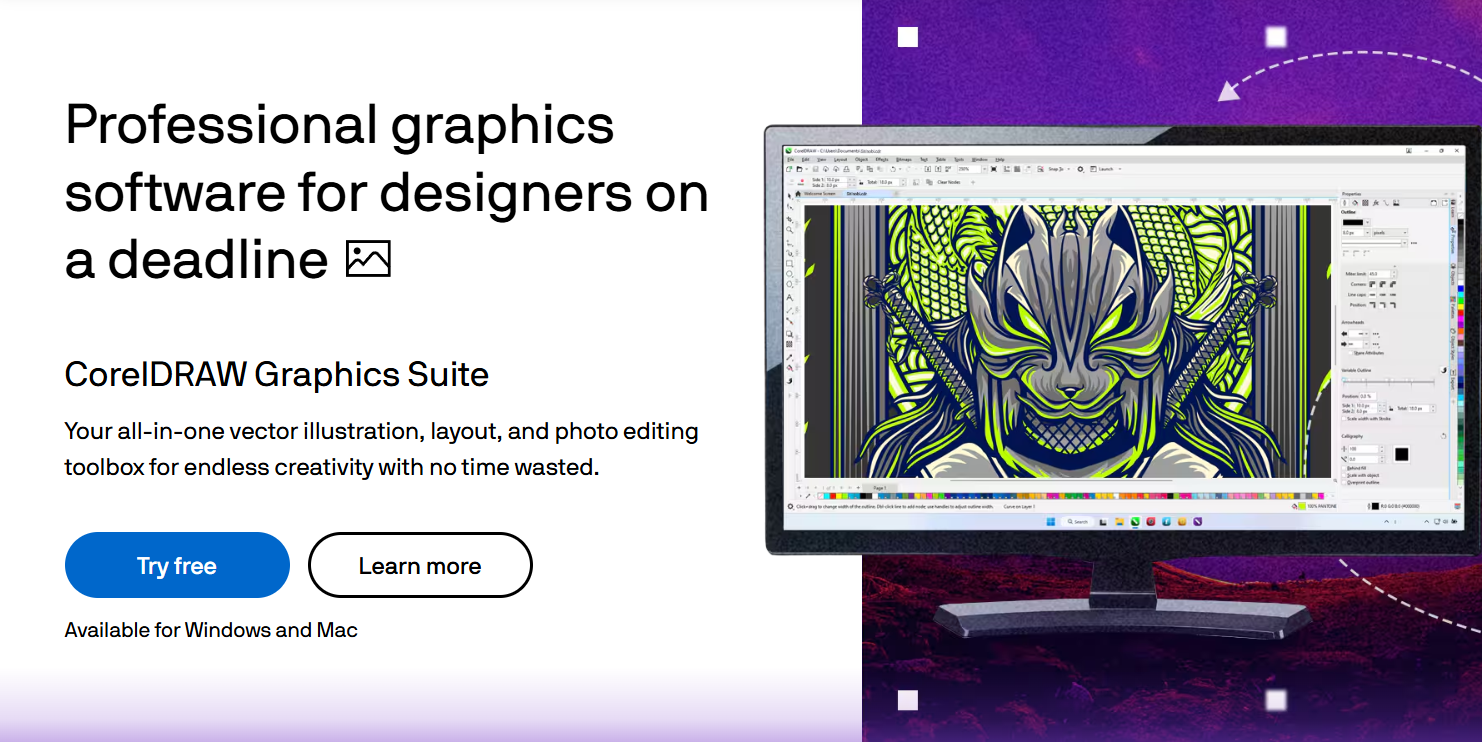
CorelDRAW Graphics Suite is professional vector illustration, page layout, photo editing, and typography software, and its biggest differentiator against Adobe Illustrator is pricing structure: unlike Adobe’s subscription-only model, Corel still offers a genuine one-time perpetual license. The 2026 release introduced “Artist Intelligence,” Corel’s framing for generative AI tools built to accelerate design work — background removal, image generation, and smart object suggestions — while keeping creative decisions with the designer rather than the AI.
Key strengths: genuine one-time purchase option (rare in professional design software today), strong legacy file format and prepress compatibility that makes it a default in sign-making and print-production shops, and a 15-day free trial requiring no credit card. Real limitations: some independent pricing analyses put CorelDRAW’s subscription cost meaningfully above the category median, and reviewers note the value proposition weakens for users who only need basic vector drawing rather than its full prepress and technical-illustration feature set.
| Plan | Approx. Price | Best For |
|---|---|---|
| CorelDRAW Standard | ~$149/yr or ~$249 one-time | Hobbyists and basic design work |
| Graphics Suite (subscription) | ~$269/yr | Professionals wanting ongoing AI credits and updates |
| Graphics Suite (perpetual) | ~$549 one-time (+ ~$169/yr optional maintenance) | Freelancers avoiding a permanent monthly bill |
Roxio Creator NXT: Multimedia Suite and Disc Burning
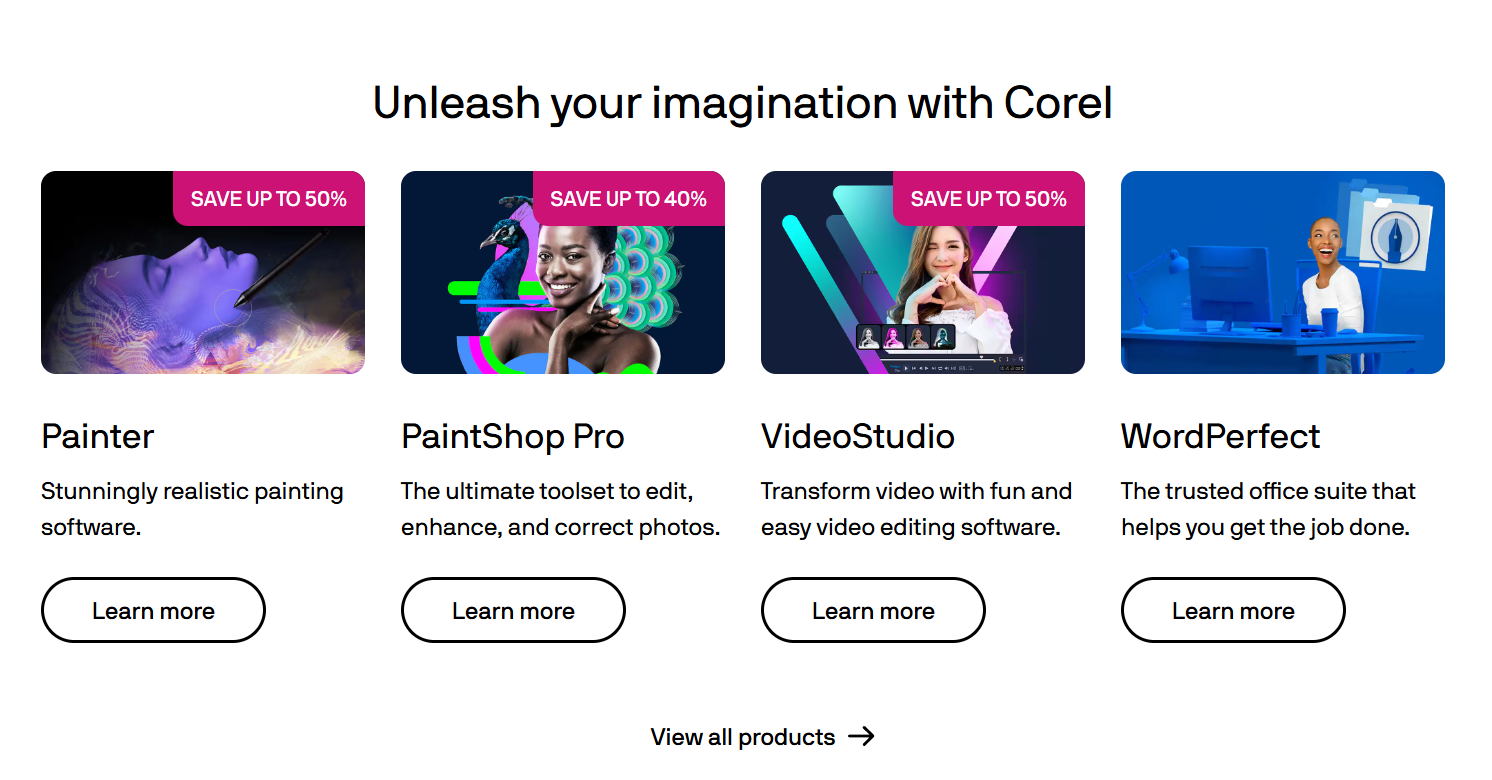
Roxio Creator NXT is a 20-to-25+ application multimedia suite built around a job most modern software has quietly abandoned: burning and authoring CDs, DVDs, and Blu-ray discs, alongside capturing, converting, and editing video, photo, and audio files. It remains genuinely useful for a specific and durable use case — digitizing and archiving old home movies, VHS tapes, and photo collections onto disc, or creating custom DVDs with menus for family, church, or small business use. The Pro edition bundles WinZip Secure Burn for encrypted disc and USB backups, plus Corel PaintShop Pro and PhotoMirage Express for additional photo editing power.
Key strengths: still one of the most complete disc-authoring toolkits on the market with customizable DVD menu templates, MultiCam capture from multiple cameras or screen recording simultaneously, and a genuinely enormous bundle — 20+ applications for a one-time purchase under $100. Real limitations: disc burning is a shrinking use case as physical media fades from daily life, so evaluate honestly whether you actually still burn discs regularly before paying for a suite built primarily around that function; the video and photo editing tools inside are functional but not competitive with dedicated modern editors.
| Plan | Approx. Price | Best For |
|---|---|---|
| Creator NXT 9 | ~$100 one-time | Home users digitizing and archiving media to disc |
| Creator NXT Pro 9 | ~$130 one-time | Users wanting encrypted burning plus deeper photo editing |
Pinnacle Studio: One-Time-Purchase Video Editing
Pinnacle Studio is a Windows-exclusive video editor pitched squarely at intermediate creators who want real editing control — motion tracking, color grading, multi-camera editing, keyframe-based effects — without a monthly Adobe Premiere or DaVinci Resolve subscription. Like CorelDRAW, its entire pricing model is one-time purchase, no recurring fees, which is genuinely rare in a video-editing category increasingly dominated by subscriptions. The Ultimate tier adds 360-degree video editing, AI-assisted object tracking, and unlimited video tracks for more demanding projects.
Key strengths: a genuinely capable feature set for a one-time cost well under $150 even at the top tier, DVD menu authoring built in for creators who still deliver physical media, and a 15–30 day free trial (length varies by source and promotion) with no credit card required. Real limitations: the interface has a real learning curve and can feel busy for true beginners, built-in stock assets are limited compared to subscription competitors that bundle large stock libraries, and it’s Windows-only — Mac users need to look elsewhere entirely.
| Plan | Approx. Price | Best For |
|---|---|---|
| Standard Edition | ~$50–$60 one-time | Beginners wanting more control than free editors offer |
| Plus / Ultimate Edition | ~$90–$130 one-time | Intermediate creators wanting 4K, masking, color grading |
How Each Compares to Category Alternatives
| Alludo Product | Main Competitor | Key Trade-off |
|---|---|---|
| CorelDRAW | Adobe Illustrator | One-time purchase available vs. subscription-only; smaller plugin/asset ecosystem |
| Roxio Creator NXT | Nero Burning ROM | Roxio bundles more creative tools; Nero is more purely burning-focused |
| Pinnacle Studio | Adobe Premiere Elements / DaVinci Resolve | One-time cost vs. subscription or free (Resolve); steeper learning curve than beginner tools |
CorelDRAW vs. Adobe Illustrator: Illustrator remains the industry standard with the deepest plugin ecosystem and tightest integration with the rest of Adobe’s Creative Cloud, but it’s subscription-only starting around $60/month indefinitely. CorelDRAW’s one-time purchase option can save meaningful money over a multi-year horizon for freelancers and small studios, particularly those working with legacy file formats or technical/prepress illustration where CorelDRAW has long-standing strength.
Roxio vs. Nero Burning ROM: Nero is a more narrowly focused, dedicated disc-burning tool with a strong reputation specifically for that job, including password-protected burning. Roxio Creator NXT’s advantage is breadth — it bundles video/photo/audio editing, screen recording, and file conversion alongside burning, which suits users who want one suite rather than a single-purpose tool.
Pinnacle Studio vs. Premiere Elements / DaVinci Resolve: DaVinci Resolve’s free tier is remarkably capable and has become the default recommendation for budget-conscious editors who don’t mind a steeper professional learning curve; Adobe Premiere Elements targets true beginners with a gentler interface. Pinnacle Studio sits in between — more editing depth than Elements, a one-time cost unlike Premiere Pro’s subscription, and a more approachable interface than Resolve’s professional-grade complexity, at the cost of Windows-only availability.
Pros and Cons Across the Alludo Family
What Users Consistently Love
Real one-time-purchase options in subscription-dominated categories: all three products let you own software outright rather than renting it forever, which reviewers across all three consistently cite as the primary reason they choose Alludo over Adobe’s ecosystem.
Genuine feature depth for the price: Roxio’s 20+ bundled applications and Pinnacle Studio’s professional-grade tools (motion tracking, color grading) at under $150 both consistently outperform their price point against subscription alternatives.
Free trials with no credit card required: all three offer meaningful trial periods (15–30 days) that let you genuinely test the software before committing, a real point of trust.
Limitations Worth Knowing
Interfaces across all three lag behind modern design standards: reviewers consistently note that Corel and Alludo products carry real functionality but feel less polished and more dated than their leading competitors, a pattern that shows up in CorelDRAW, Roxio, and Pinnacle Studio alike.
Smaller ecosystems than category leaders: fewer third-party plugins, tutorials, and stock asset libraries exist for all three compared to Adobe’s or Blackmagic’s ecosystems, which can matter for users who lean heavily on community resources.
Alludo has a track record of discontinuing legacy products: CorelCAD was discontinued in 2024 with existing perpetual-license holders directed to a third-party alternative for future support — worth knowing before making a long-term bet on a niche Alludo product’s continued development, though the core CorelDRAW, Roxio, and Pinnacle Studio lines remain actively updated.
Perpetual licenses still require maintenance fees for updates: on CorelDRAW specifically, a one-time purchase keeps you on that version forever unless you also pay an annual maintenance fee — read the fine print on what “one-time” actually includes long-term.
Who Should Use Which Product
Graphic designers and print-shop professionals: CorelDRAW’s prepress compatibility and legacy format support make it a genuine, cost-conscious alternative to Illustrator, particularly for sign-making, technical illustration, and small design studios avoiding a permanent Adobe subscription.
Families digitizing old media or creating physical DVDs: Roxio Creator NXT remains one of the most complete tools available for converting home movies and photos onto disc with polished menus — a durable, specific need that hasn’t disappeared even as streaming dominates.
Windows-based intermediate video creators: Pinnacle Studio suits YouTubers, hobbyists, and small businesses who’ve outgrown free editors and want real color grading and motion tracking control without a Premiere Pro subscription.
Who should look elsewhere: Mac-only households need a different video editor than Pinnacle Studio entirely; design teams deeply embedded in Adobe’s Creative Cloud ecosystem (shared libraries, Photoshop/Illustrator round-tripping) may find switching to CorelDRAW disruptive despite the cost savings; and anyone who genuinely never burns physical media anymore should skip Roxio and use a simpler, free file converter instead.
Getting Started: Step by Step
- Identify your actual task first — vector design, disc burning/media conversion, or video editing — since these products don’t overlap in function despite sharing a parent company.
- Start every evaluation with the free trial (15 days for CorelDRAW and Roxio, 15–30 for Pinnacle Studio), none of which require a credit card.
- For CorelDRAW, decide between subscription and perpetual license upfront based on whether you value ongoing AI credits and updates or a fixed one-time cost.
- For Roxio, confirm your PC has an optical drive capable of writing the disc formats you need before purchasing, since burning software is only useful if your hardware supports it.
- For Pinnacle Studio, confirm you’re on 64-bit Windows 10 or 11, since the software has no Mac version and specific system requirements.
- Check for an active seasonal sale before purchasing any of the three — Black Friday and Cyber Monday discounts have historically reached 50–80% off list price.
- Read the maintenance/update terms carefully if choosing a perpetual license, since “one-time purchase” doesn’t always mean free updates forever.
Tips for Getting Maximum Value
Don’t buy any of these three products speculatively — each solves a specific, identifiable job, and the free trial is generous enough to confirm fit before you pay. If you’re deciding between CorelDRAW’s subscription and perpetual license, run the math on your realistic multi-year horizon: the perpetual license typically breaks even against the subscription within two to three years, so short-term projects favor subscription while ongoing freelance work favors buying outright. For Roxio, be honest about whether disc burning is a recurring need or a one-time project (digitizing an old VHS collection, for instance) — if it’s one-time, consider whether the trial period alone might cover your actual need before committing to a purchase. For Pinnacle Studio, budget real time for the learning curve; reviewers consistently note the interface takes longer to master than beginner-focused editors, so don’t expect to be fully productive on a tight deadline in your first session. And across all three, watch for Black Friday and Cyber Monday specifically — the discounts are real and substantial enough to be worth timing a non-urgent purchase around.
Future Outlook and Final Assessment
Alludo’s strategy across its product portfolio is consistent: lean into the one-time-purchase alternative to subscription fatigue, layer in AI features where they add genuine value (CorelDRAW’s Artist Intelligence being the clearest example), and maintain a broad enough family of tools that customers who buy one Alludo product often end up using several. That’s a coherent position in a software market where subscription pricing has become the near-universal default, and it explains why all three products — despite serving very different users — continue to find buyers. The honest caveat, illustrated by CorelCAD’s 2024 discontinuation, is that Alludo does periodically retire niche products, so it’s worth checking a specific product’s current development status before making a long-term bet, even though CorelDRAW, Roxio, and Pinnacle Studio all remain actively maintained as of 2026.
Conclusion
CorelDRAW, Roxio Creator NXT, and Pinnacle Studio share a parent company and a philosophy — real ownership instead of endless renting — but they solve three distinct problems for three distinct audiences. CorelDRAW earns its place as a genuine, cost-conscious alternative for designers tired of subscription fatigue. Roxio remains one of the last complete answers to a specific, still-real need: getting old media onto disc, properly. And Pinnacle Studio gives intermediate video creators real editing power without a Premiere Pro bill every month. None of them is the flashiest name in its category, but all three deliver honest value for the specific job they’re built to do. Whichever one fits your actual project, the goal we chase with every review on this site stays the same: helping you make everything easy.
Ready to find the right Alludo tool for your project?
Explore more honest reviews, tutorials and tool comparisons to find the right tech for the way you work and live — at AI Solutes, where we make everything easy.
👉 Start Your Free Trial: https://ai-solutes.com/corel,roxio&pinnacle
👉 Our YouTube Channel: youtube.com/@ai-solutes
👉 Our Facebook Fanpage: Facebook
👉 Our X (Twitter): @AISolutes















