

If your workweek is stuffed with meetings, calls, interviews, or lecture recordings, you already know the real cost isn’t the hour you spend in the conversation — it’s the hour afterward spent replaying audio to write up notes nobody will read twice. Transkriptor was built to erase that second hour entirely. It’s an AI-powered transcription and meeting-intelligence platform that converts audio and video into accurate, searchable text in 100+ languages, then layers on AI summaries, action items, speaker identification, and a chat assistant you can literally interrogate about what was said. With plans starting under $10 a month, more than 85 million minutes of audio processed to date, and a user base spanning Fortune 500 teams to solo freelancers, Transkriptor has become one of the most complete answers to a question nearly every professional eventually asks: why am I still typing up my own meeting notes by hand?
For consultants, lawyers, journalists, sales teams, students, and anyone who treats conversation as raw material for their work, the appeal is immediate. This 2026 review walks through Transkriptor’s full feature set, its AI meeting tools, real pricing across every tier, how it stacks up against Otter.ai and Fireflies.ai, honest user feedback (including the parts Transkriptor would rather you skip), and exactly who should — and shouldn’t — sign up.
Transkriptor Review 2026: The AI Transcription Platform That Turns Every Conversation Into Searchable Knowledge
Overview and Background
Transkriptor is a speech-to-text and meeting-intelligence platform headquartered in Dubai, built around a simple idea: every spoken conversation — a meeting, an interview, a lecture, a phone call — contains information worth keeping, and typing it up by hand is a waste of a professional’s time. Instead of just producing a raw transcript, Transkriptor pairs its transcription engine with AI features that summarize, tag, translate, and let you chat directly with your recordings. The platform works from uploaded files, browser recordings, a Chrome extension, desktop and mobile apps, and a meeting bot that joins Zoom, Google Meet, and Microsoft Teams calls without requiring anyone to change their workflow.
The company has scaled meaningfully: Transkriptor cites more than 85 million minutes of audio processed, over 5 million app downloads, and 360,000+ meetings transcribed, with named users spanning Microsoft, Tesla, Pfizer, Siemens, KPMG, PwC, and Harvard and Columbia Universities. It holds a 4.8/5 rating on Trustpilot and Capterra and 4.7/5 on G2 from a large volume of reviews.
Why Transkriptor Stands Out in 2026
Genuinely broad language coverage: Transkriptor transcribes and translates in 100+ languages, which is a meaningfully wider net than most meeting-assistant competitors, several of which still cap out at a handful of languages. For global teams or multilingual households, this alone can be the deciding factor.
Ask Transkriptor, a chat layer over your entire library: instead of re-listening to old recordings to find who said what, you can ask a question in plain language and get an answer with a cited source — the specific meeting and moment it came from. This turns a pile of transcripts into an actual searchable knowledge base rather than a digital filing cabinet.
No-bot recording option: the desktop app can record meetings locally with a one-click popup instead of forcing an obvious third-party bot into the call — useful for people who don’t want to announce to every participant that the meeting is being AI-transcribed.
Deep AI meeting intelligence, not just transcripts: speaker diarization, talk-time analytics, sentiment analysis, executive summaries, and automatic action-item extraction are bundled into the same product rather than sold as a separate add-on, which is where several rivals nickel-and-dime users with credit systems.
Real integration depth: Zapier, Google Drive, OneDrive, Dropbox, HubSpot, Salesforce, Notion, Slack, Zoho, Trello, and an MCP connector for AI-agent workflows mean transcripts and summaries can flow directly into the tools teams already run their business on.
Compliance-ready for regulated industries: Transkriptor is built to SOC 2, GDPR, ISO 27001, and HIPAA standards, which opens the door for legal, healthcare, and psychology use cases where confidentiality isn’t optional.
Industry-specific tooling: rather than shipping one generic product, Transkriptor ships tailored feature sets and templates for lawyers, psychologists, consultants, sales managers, journalists, and IT teams — 35+ reporting templates for consultants alone.
Key Features and Technology
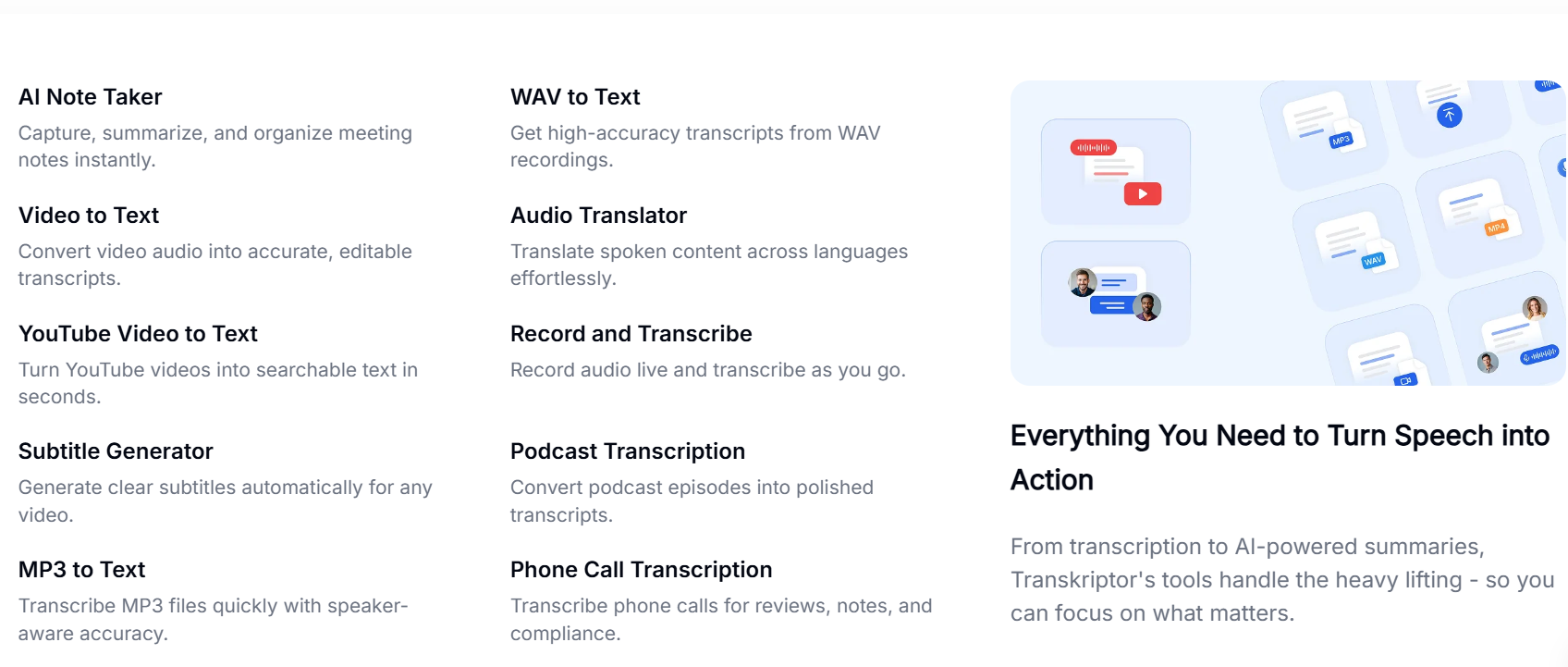
Transkriptor’s feature set spans four practical categories: getting audio in, turning it into structured text, making that text useful, and getting it back out into the rest of your workflow.
Capture and Conversion
Upload pre-recorded MP3, MP4, WAV, and other common audio/video formats, transcribe directly from a YouTube link, record live inside the browser or desktop app, or let the meeting bot join Zoom, Google Meet, or Microsoft Teams calls automatically. Speech-to-text runs at a claimed 99% accuracy, with automatic language detection across 100+ languages and translation into any of them.
Editing and Organization
Every transcript is fully editable with speaker tags you can rename, searchable text with synced playback, slow-motion playback for tricky sections, and folders and shared workspaces for organizing files by client, project, or team.
AI Meeting Intelligence
This is where Transkriptor moves past being a plain transcription tool. Automatic summaries and action-item extraction turn an hour-long call into a few actionable bullet points. Speaker diarization and talk-time analytics show exactly who spoke and for how long. Sentiment analysis scores the emotional tone of a call. Custom meeting-summary templates let teams standardize what gets pulled out of a sales call versus a therapy session versus a board meeting. Ask Transkriptor lets you query your entire transcript library conversationally, with every answer citing its source.
Output and Automation
Export to TXT, DOCX, plain text, or subtitle formats (SRT/VTT) for video captioning. A subtitle generator is built in for content creators. Zapier and native integrations push transcripts and summaries into CRMs, project-management tools, calendars, and note apps automatically once a meeting ends.
Pricing, Plans, and Package Structure
Transkriptor runs a straightforward subscription model with monthly and annual billing (annual saves roughly 60% on the individual tiers), plus separate bulk hour-bundles for high-volume users. All plans auto-renew unless cancelled, so mark your renewal date. Prices below are approximate as of mid-2026 — always confirm the live price on Transkriptor’s pricing page before purchasing.
| Plan | Monthly Price | Annual Price | Minutes / Month | Best For |
|---|---|---|---|---|
| Lite | ~$9.99 | ~$9.99 equiv. | 300 | Individuals starting out |
| Pro | ~$19.99 | ~$8.33 (billed ~$99.99/yr) | 2,400 | Regular users wanting AI summary, chat, knowledge base |
| Team | ~$30/seat | ~$20/seat (billed ~$240/yr) | 3,000/seat | Teams needing analytics, custom vocab, call analysis |
| Bulk Hours (100–1,000 hrs) | ~$60–$600 | ~$30–$300 (50% off) | 100–1,000 hours | High-volume agencies, media, research |
Students and educators can access all plans at roughly 50% off, and a genuine free tier (about 90–300 minutes/month depending on current promotion) lets you test accuracy before paying anything.
How Transkriptor Compares to Alternatives
| Tool | Entry Paid Price | Language Coverage | Standout Strength |
|---|---|---|---|
| Transkriptor | ~$9.99/mo (Lite) | 100+ | Breadth: language coverage + industry templates + no-bot recording |
| Otter.ai | ~$8.33–16.99/mo (Pro) | Handful of languages | Polished live meeting UI, strong US-market brand recognition |
| Fireflies.ai | ~$10–18/mo (Pro) | 60+ | Sales/CRM-focused automation, “unlimited” transcription framing |
| Manual transcription | $1–2+/audio minute | Depends on transcriber | Human judgment on nuance, no software learning curve |
vs. Otter.ai: Otter has a cleaner live-transcription interface and deep integration with the US meeting-software stack, but its free and Pro tiers cap out at 300 and 1,200 minutes respectively with hard stops when you hit the limit, and language support trails Transkriptor by a wide margin. If your team works across languages, Transkriptor’s coverage is the deciding factor.
vs. Fireflies.ai: Fireflies markets “unlimited transcription” on every tier, but its most useful AI features run on a separate monthly credit allowance that can add $15–50/month in real usage once you exceed the free bucket. Transkriptor bundles its AI summary, chat, and knowledge-base features directly into the Pro plan’s flat price instead of metering them separately, which is simpler to budget around.
vs. manual transcription: a freelance human transcriber typically charges $1 or more per audio minute with multi-day turnaround. Transkriptor delivers a first-pass transcript in minutes at a fraction of the cost — the tradeoff is that AI transcripts still need a human review pass for names, jargon, and heavy accents.
Pros and Cons
What Users Love
Genuinely fast and accurate transcription: multiple Trustpilot reviewers highlight accuracy even on longer files and noisy audio, with turnaround measured in minutes rather than hours.
Responsive human support: named support agents are repeatedly credited by reviewers with resolving billing confusion, refund requests, and plan-switching issues quickly once contacted directly.
Real time savings: users report cutting transcription and note-writing time by up to 75%, freeing them to stay present in conversations instead of scribbling notes.
Broad format and integration support: exporting to TXT, DOCX, and subtitle formats, plus native links into Notion, HubSpot, Slack, and Google Drive, means transcripts rarely get stuck in a silo.
Limitations Worth Knowing
Cancellation and auto-renewal friction: this is the single most repeated complaint in Trustpilot reviews — users describe difficulty finding the cancel button, or being charged after they believed they’d cancelled. Support generally resolves it, but it takes proactive follow-up.
Minutes don’t roll over: unused monthly minutes expire at the end of each billing cycle, so inconsistent usage months can feel wasteful compared to plans with banked or truly unlimited minutes.
Accuracy varies by language and accent: a handful of reviewers note that heavier accents or less-common languages produce more errors than mainstream English, requiring a manual correction pass.
Payment method restrictions: Transkriptor’s own FAQ notes that debit cards and AMEX frequently trigger payment errors — Visa or Mastercard credit cards work most reliably.
Who Should Use Transkriptor
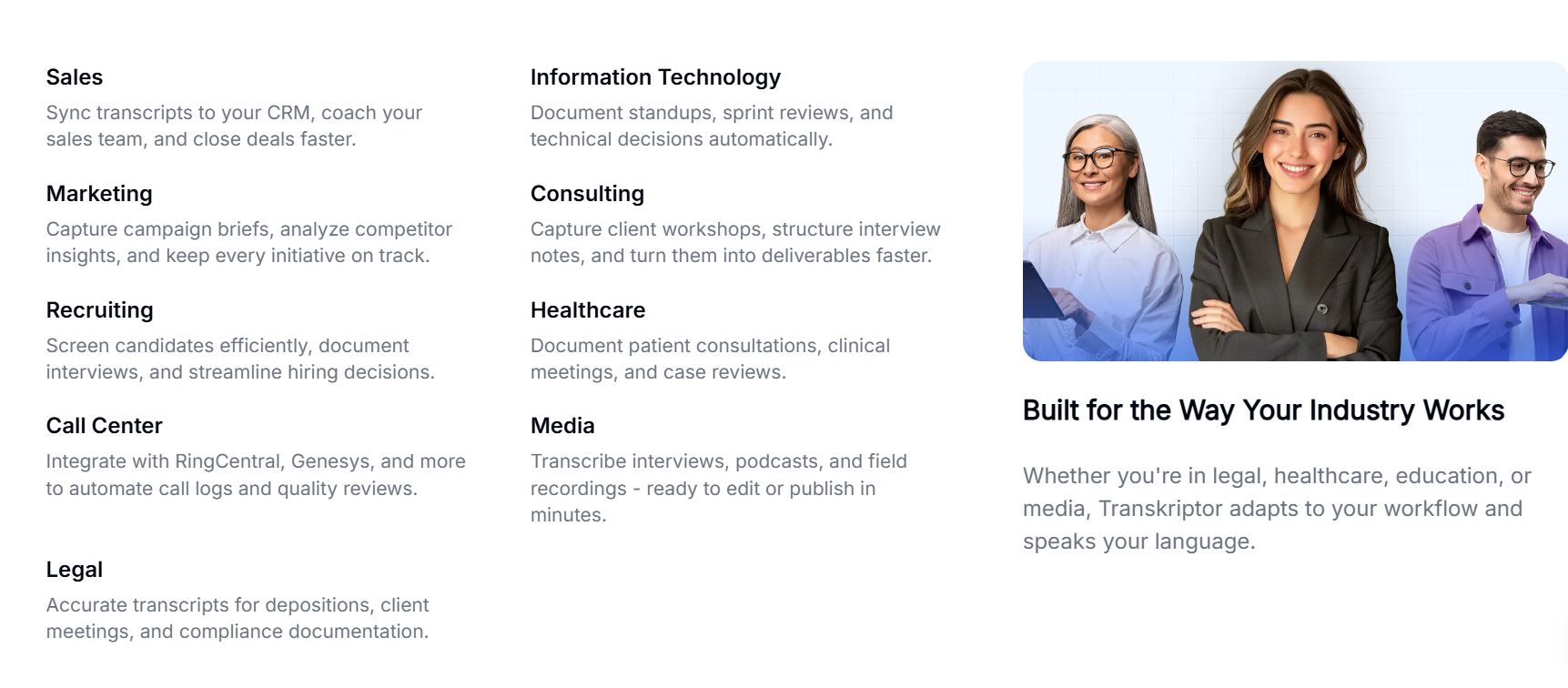
Consultants and freelancers who bill by the hour and can’t afford to spend unbilled time writing up client-call notes will get immediate value from the 35+ report templates and automatic summaries — the Pro plan is the natural starting point.
Legal and healthcare professionals handling confidential client or patient conversations will value the HIPAA, GDPR, and SOC 2 compliance posture — worth confirming directly with Transkriptor’s security page for your specific jurisdiction and use case before onboarding sensitive data.
Content creators and journalists converting interviews and podcasts into articles or subtitled video will lean on the subtitle generator and YouTube-link transcription — Lite or Pro covers most solo creators comfortably.
Students and researchers transcribing lectures and interviews benefit from the education discount and the free tier’s generous enough allowance to trial the product risk-free.
Distributed and multilingual teams running meetings across regions are the clearest fit for the Team plan, where custom vocabulary, sentiment analysis, and analytics scale across seats.
Getting Started: Step by Step
- Create your free account at Transkriptor’s website or via the iOS/Android app — no credit card required to start.
- Upload a file or record live — drag in an existing MP3/MP4/WAV file, paste a YouTube link, or hit record directly in the app or Chrome extension.
- Let the AI transcribe — most files process in a few minutes; longer recordings take proportionally longer but rarely require you to wait around.
- Review and edit — use the synced playback to check names, jargon, and speaker tags, correcting anything the AI misheard.
- Generate summaries and action items — on Pro and above, pull an AI executive summary or ask Ask Transkriptor a direct question about the content.
- Organize into folders or workspaces — group transcripts by client, class, or project so they’re easy to find later.
- Connect your integrations — link Zapier, your CRM, or cloud storage so future transcripts route automatically without manual exporting.
Tips for Getting Maximum Value
Start on the free tier to test transcription accuracy on your specific accent, industry jargon, and typical audio quality before committing to a paid plan — this avoids the most common regret reviewers mention. If you decide to subscribe, choose annual billing on Pro rather than monthly; the roughly 60% discount means the annual plan often costs less than three months of the monthly rate. Pay with a Visa or Mastercard credit card to sidestep the payment errors Transkriptor’s own FAQ flags for debit cards and AMEX. Set a calendar reminder a few days before your renewal date and cancel proactively from My Account → Billing if you don’t plan to continue, since this is the single area where the product’s own users report the most friction. Finally, if you’re a student, contact support about the education discount before paying full price — it isn’t always surfaced automatically at checkout.
Future Outlook and Final Assessment
AI transcription and meeting-intelligence software is one of the fastest-growing categories in productivity SaaS, driven by hybrid and distributed work becoming permanent rather than temporary. Transkriptor’s recent additions — the Ask Transkriptor conversational search layer, an MCP connector for AI-agent workflows, and expanding industry-specific templates — suggest the company is positioning itself less as a transcription tool and more as a searchable memory layer for an organization’s spoken conversations. That’s a smart bet on where the category is heading. The honest caveats remain real, though: cancellation friction shows up too often in reviews to ignore, minutes don’t roll over, and non-English accuracy can lag mainstream English.
Conclusion
Transkriptor earns its place as one of the more complete AI transcription platforms on the market in 2026 — the language coverage, the bundled AI meeting intelligence, and the industry-specific templates give it real breadth that narrower competitors don’t match. It’s not flawless: budget-conscious buyers should read the cancellation policy carefully and set reminders before renewal dates. But for consultants, legal and healthcare professionals, content creators, students, and multilingual teams who need conversations turned into usable, searchable text without hiring a transcriptionist, Transkriptor delivers real time savings at a fair price. That’s the whole idea behind AI Solutes, too — we dig through the pricing pages, the fine print, and the real user reviews so you don’t have to, because we believe in helping you make everything easy.
Ready to stop writing up your own meeting notes?
Explore more honest reviews, tutorials and tool comparisons to find the right tech for the way you work and live — at AI Solutes, where we make everything easy.
👉 Open Free Account: https://ai-solutes.com/transkriptor
👉 Our YouTube Channel: youtube.com/@ai-solutes
👉 Our Facebook Fanpage: Facebook
- Does Lindy Reduce Administrative Overheads for HR Teams? Analyzing the Platform’s Automated Screening Features
- ThesisAI
- The Midjourney V7 Model and Meta’s Integration Revolution – A 2025 Analysis
- What If Pro-Level Table Tennis Training Was Built Into PongBot’s AI Engine?
- Discover How Doubao AI Is Revolutionizing Enterprise and Consumer Applications with ByteDance















