


If you spend the first hour of every workday clearing an inbox, chasing meeting times across three time zones, and pasting call notes into your CRM, you already know the problem Lindy was built to erase. Most of that work isn’t hard — it’s just endless, repetitive, and impossible to fully automate with rigid “if-this-then-that” tools because every email and every calendar tangle is a little different. Lindy is an AI agent platform that turns those judgment-heavy chores into autonomous “AI employees” you can set up in plain English — no code, no flowcharts. Founded in 2023 by former Uber product manager Flo Crivello, backed by roughly $50 million from investors including Menlo Ventures, Coatue, and Battery Ventures, and reportedly used by hundreds of thousands of professionals, Lindy has become one of the most talked-about answers to a question every busy operator eventually asks: why am I still doing all this admin by hand?
For founders, sales and ops leads, marketers, recruiters, content creators, and freelancers who treat their time as their scarcest asset, the pitch lands hard — especially as the broader AI agents market races from roughly $5 billion in 2024 toward a projected $47–52 billion by 2030. This 2026 review walks through the whole Lindy experience: what it actually is, the Lindy 3.0 upgrade and its agent builder, the Gaia voice agents, memory and multi-agent “swarms,” the real 2026 pricing (which changed meaningfully this year), honest head-to-head comparisons with Zapier, Make, and n8n, the limitations worth knowing before you pay, and exactly who should — and shouldn’t — sign up.
Lindy Review 2026: The No-Code “AI Employee” Platform That Automates Your Inbox, Meetings, and Busywork
Overview and Background
Lindy is a no-code platform for building autonomous AI agents — the company calls them “Lindies” — that carry out real work across your apps instead of just answering questions in a chat window. You describe what you want in plain language (“triage my inbox, draft replies in my voice, flag anything urgent, and forward invoices to accounting”), and Lindy assembles a working agent that runs on its own from then on. It sits in a different category than a chatbot like ChatGPT: where an assistant waits for your prompt, a Lindy agent holds context across sessions, makes judgment calls, and takes action across email, calendar, CRM, Slack, and thousands of other tools.
The company was founded in San Francisco in 2023 by Flo Crivello, who was previously a product manager at Uber and founder of the virtual-office startup Teamflow. When remote-work demand cooled, Crivello pivoted that business into Lindy, reusing roughly $50 million in prior funding under the same entity. His now-famous positioning trick was to market Lindy not as the futuristic “AI employee” it aspired to be, but as something familiar — “the Zapier of AI,” or as he put it, what you’d get “if Zapier and ChatGPT had a baby.” That framing helped the product find mainstream traction while the technology caught up to the vision.
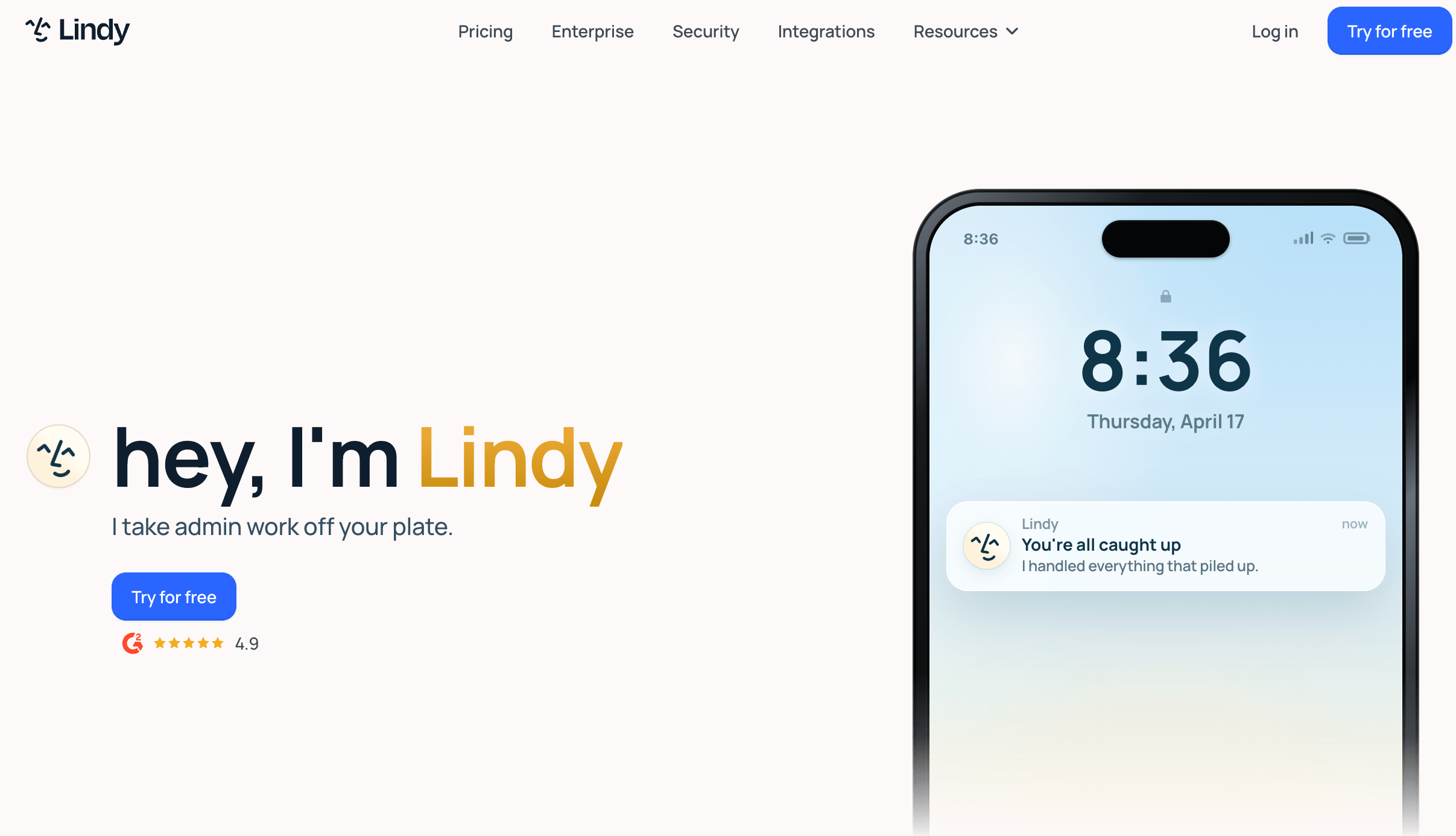
Lindy has since iterated fast. The headline milestone is Lindy 3.0, launched in August 2025, which introduced “agentic reasoning” (agents that plan, act, browse the web, and correct their own mistakes), a prompt-based Agent Builder, an Autopilot mode with cloud-based Computer Use, and team accounts. Today the product wears two faces at once: an iMessage-native personal AI work assistant that handles your inbox, meetings, and calendar proactively; and a broader agent-builder platform for teams that want to deploy custom agents across sales, support, recruiting, and operations. Both run on top-tier language models — Claude Sonnet 4.5 is the default, with GPT-5 and Gemini among the selectable options.
Why Lindy Stands Out in 2026
Genuinely usable by non-developers: This is Lindy’s single biggest advantage. Most “no-code agent” tools still quietly require a developer to debug the prompt chain. Lindy’s plain-English setup, visual canvas, and per-run logs make it one of the few builders where a founder or ops lead can ship a real, working agent in an afternoon without touching code. If you can describe the job to a new hire, you can usually describe it to Lindy.
Agents that reason, not just react: Because Lindy runs on frontier LLMs rather than fixed rules, its agents handle the messy, variable tasks that break traditional automation. A sales agent can read a lead’s LinkedIn profile, personalize the pitch, draft the email, and schedule the follow-up — adapting to context at each step instead of following a brittle script. That contextual judgment is the whole reason to reach for Lindy over a simple trigger-action tool.
Real cross-session memory: Lindy stores per-agent memory across runs, so an agent remembers the customer, the prior thread, and your preferences. For email-style agents this is the difference between a thoughtful, personalized reply and a generic one. Memory is scoped to each agent, editable from the dashboard, and easy to reset when it goes stale — a feature you don’t fully appreciate until you turn it off.
Multi-agent coordination and Agent Swarms: Lindies can hand off tasks to one another — one researches a lead, a second drafts outreach, a third updates the CRM. Lindy’s Agent Swarms take this further, letting a single agent clone itself to run many tasks in parallel, such as sending hundreds of personalized emails or placing multiple calls at once. It’s a genuine step beyond single-task automation toward coordinated, scalable execution.
Computer Use for tools without an API: When no native integration exists, Lindy’s Autopilot / Computer Use lets an agent operate a browser directly — clicking buttons, filling forms, and pulling data from dashboards like a human assistant would. That effectively removes the integration ceiling: if a tool has a web interface, Lindy can usually work with it.
Voice agents with Gaia: Lindy’s Gaia voice product lets agents make and receive real phone calls with natural turn-taking — for appointment setting, lead qualification, after-hours support, or call deflection. It runs on the same knowledge base and integrations as your text agents, giving you consistent behavior across chat, web, and phone channels.
You work from where you already are — iMessage: The personal assistant is iMessage-native, so you can text Lindy the way you’d text a chief of staff and get things done without opening yet another app. Android users can reach it over standard SMS. This low-friction surface is a big part of why heavy users report getting hours back each day.
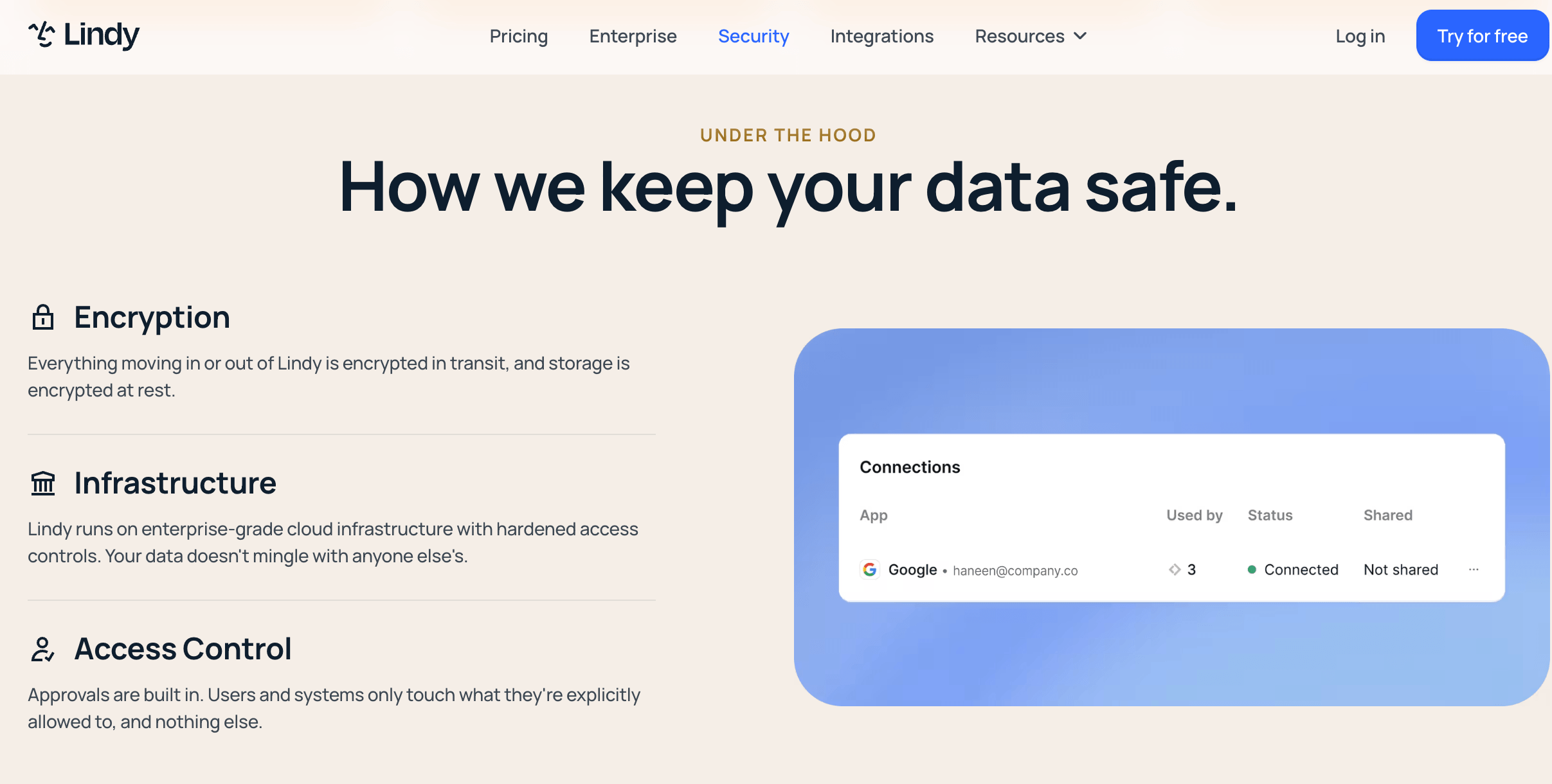
Human-in-the-loop control and privacy-first design: Lindy drafts and proposes, but you approve what actually gets sent — a smart guardrail for high-stakes messages. On privacy, Lindy states that data is encrypted, never sold, and not used to train models, with Enterprise adding SSO, SCIM, audit logs, HIPAA compliance, and a signed BAA for regulated teams.
Key Features and Technology
Lindy’s real strength is how cleanly its capabilities map to everyday knowledge work. Here’s how the platform breaks down.
The AI Work Assistant — Inbox, Meetings, and Calendar
The flagship use case is your inbox. Lindy reads incoming email, triages and labels what matters, drafts replies in your writing style, and flags what needs your attention — learning from your edits over time. Around that, it handles the calendar grind: coordinating back-and-forth scheduling over email, booking and rescheduling meetings, and connecting to Google Calendar and Outlook. It also joins your meetings to record, transcribe, summarize, and extract action items, then handles prep and post-meeting follow-up. For heavy email users, this cluster alone is what the company’s “get two-plus hours back a day” claim is built on.
The Agent Builder — Custom “AI Employees” in Plain English
Beyond the personal assistant, Lindy’s Agent Builder lets you create purpose-built agents by describing the job. Common builds include sales development agents that research and qualify leads then run multi-channel outreach, customer-support agents that resolve tickets from a knowledge base and escalate the hard cases, recruiting agents that screen and schedule candidates, and operations agents that update Salesforce or HubSpot fields automatically after a call. A library of 100+ templates means you rarely start from a blank canvas, and a built-in escalation system routes anything ambiguous to a human.
Gaia Voice, Lindy Build, and Autopilot
Three newer capabilities extend Lindy beyond text. Gaia is the voice layer — autonomous inbound and outbound phone calls for scheduling, qualification, and support, billed per minute. Lindy Build generates simple full-stack applications from a text description and then tests them automatically using QA agents that click through the interface, catch bugs, and attempt fixes — well suited to internal tools and customer portals where speed beats pixel-perfect polish. Autopilot / Computer Use gives agents a cloud browser to operate web apps that lack an API. Together they turn Lindy from an email helper into a broader work-automation surface across text, web, and voice.
Integrations, Models, and Security
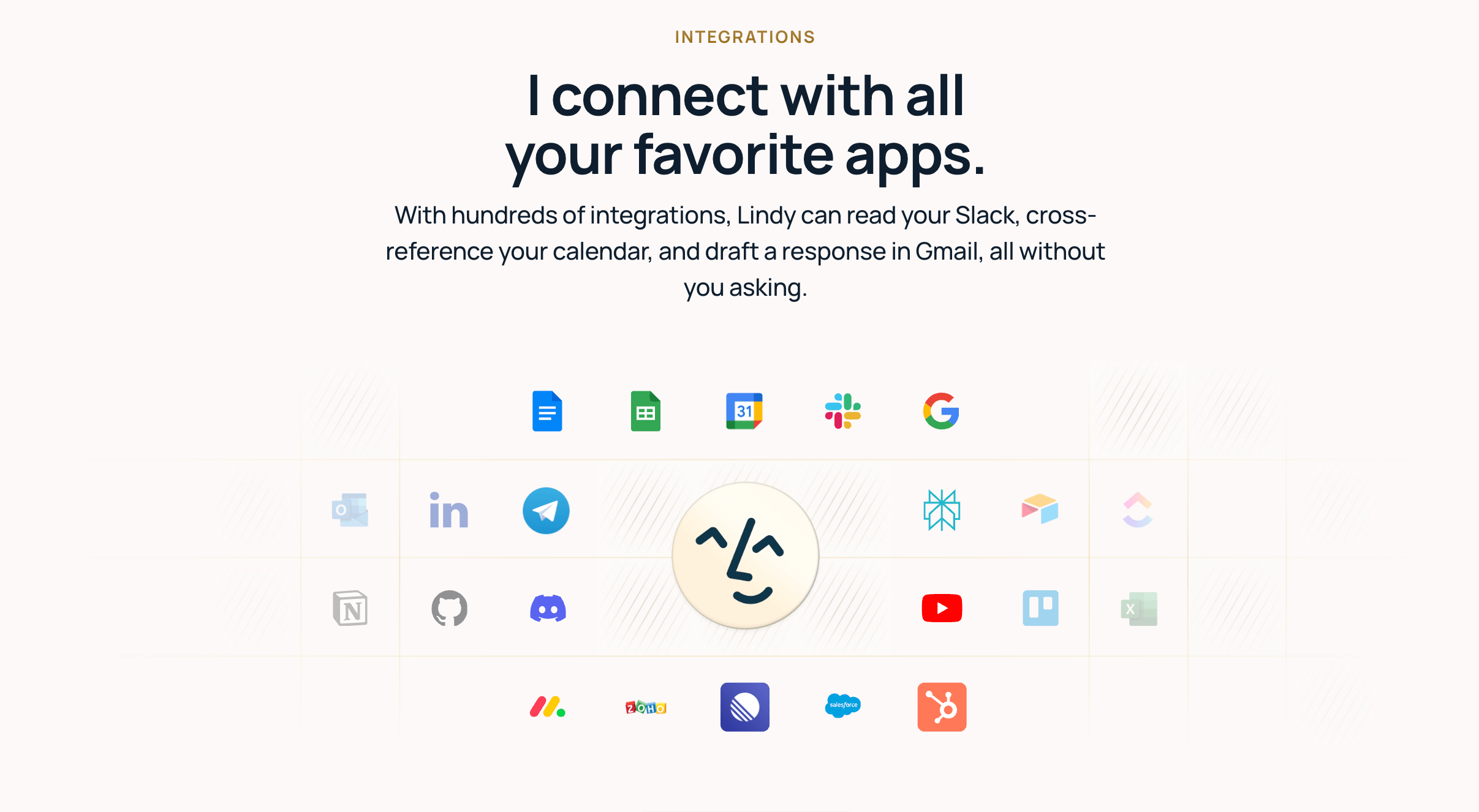
Lindy connects to the tools most teams live in — Gmail, Outlook, Google Calendar, Slack, Notion, HubSpot, Salesforce, Microsoft Teams, and Zoom among them. The exact integration count depends on how you measure it: Lindy’s own pricing page emphasizes 100+ core integrations, while broader platform coverage reaches into the thousands through connector partners like Pipedream and Apify. On the model side, Claude Sonnet 4.5 is the default with other frontier models selectable, and enterprise-grade encryption underpins the whole platform, with compliance features (SSO, SCIM, HIPAA, audit logs, BAA) reserved for Enterprise.
Pricing, Plans, and Package Structure
Lindy is a subscription product, and its 2026 consumer pricing centers on a personal AI assistant with three individual tiers plus custom Enterprise. Every individual plan comes with a 7-day free trial and no credit card required to start — but note there is no permanent free tier anymore. Usage roughly triples from Plus to Pro and is about 7× Plus on Max. Voice calling is a separate, usage-based cost (phone numbers run about $10/month each and calls start around $0.19/minute), which can add up quickly if phone outreach is central to your workflow. Prices below are approximate and were accurate at the time of writing; confirm the live figures before you subscribe.
| Plan | Approx. Price | What You Get | Best For |
|---|---|---|---|
| Plus | $49.99/mo | Standard usage, up to 2 inboxes, inbox + meetings + calendar, iMessage/SMS, 100+ integrations | Individuals trying Lindy on real work for the first time |
| Pro | $99.99/mo | Everything in Plus, ~3× usage, up to 3 inboxes, Computer Use (browser tasks) | Power users with heavy meeting/email volume or browser-based tasks |
| Max | $199.99/mo | Everything in Pro, ~7× usage, up to 5 inboxes, multi-language voice | Founders, executives, and chiefs of staff running multiple inboxes |
| Enterprise | Custom | Everything in Max, SSO, SCIM, HIPAA, audit logs, signed BAA, dedicated onboarding | Teams and orgs needing governance, compliance, and rollout support |
| Voice (add-on) | ~$0.19/min + $10/mo per number | Gaia phone agents; English on Pro, 30+ languages on higher tiers | Teams doing appointment setting, qualification, or phone support |
How Lindy Compares to Alternatives
Lindy sits between simple workflow automators and full developer frameworks. Here’s how it stacks up against the tools most buyers weigh it against — and against the old-fashioned alternative of hiring a person.
| Factor | Lindy | Zapier | n8n | Hire an assistant |
|---|---|---|---|---|
| Core model | LLM agents that reason and decide | Deterministic if-then automation | Open-source workflow engine | Human judgment |
| Best at | Variable, judgment-heavy tasks | Reliable, repeatable data flows | Complex flows at scale, cheaply | Nuance, relationships, exceptions |
| Ease of use | Plain English, no code | Easy, no code | Needs a developer to self-host | Onboarding + management |
| Integrations | 100+ core; thousands via partners | 8,000+ apps (breadth leader) | 400+ with full code access | Whatever you can access |
| Entry price | $49.99/mo (7-day trial) | Free tier; paid from ~$19.99/mo | Free self-hosted community edition | Often $40,000+/yr |
| Best for | Founders and small teams | Predictable app-to-app plumbing | Technical teams, cost-at-scale | High-touch, sensitive work |
vs. Zapier: Zapier is the integration breadth leader with thousands more connectors and lower, more predictable per-task pricing, and it’s the safer choice for rock-solid, repeatable pipelines you never want to fail (like nightly CRM-to-warehouse syncs). Lindy’s edge is judgment: it shines when the task isn’t “when X happens do Y” but “when X happens, figure out the best response and draft it.” Many teams run both — Zapier for deterministic plumbing, Lindy for the decisions.
vs. n8n: n8n is open-source, self-hostable, and free at the community tier, with execution-based pricing that rewards complex workflows rather than penalizing them — the strongest option when data residency or cost-at-scale is your constraint and you have a developer to run it. Lindy trades that control for accessibility: you get agentic reasoning and a non-developer-friendly builder, at the cost of less granular control and a subscription.
vs. hiring a human assistant: A great executive or ops assistant still beats any AI on nuance, relationships, and true exceptions — but costs tens of thousands of dollars a year and works one shift. Lindy handles the repetitive 70–80% of that role around the clock for the price of a software subscription, freeing a human (or you) to focus on the judgment calls that genuinely need a person. For most small teams, that trade is a clear win.
Pros and Cons
What Users Love
Real time back: Heavy users consistently report reclaiming hours — the company cites two-plus hours a day, and some power users on social media claim 10–20 hours a week — by offloading inbox triage, scheduling, and follow-ups. For email-heavy roles, this is the headline payoff and the reason people stay.
Approachable for non-technical people: Reviewers repeatedly praise how fast they got a working agent running without code. Plain-English setup plus a template library means you can be productive on day one rather than after a week of debugging.
Handles judgment, not just data: Because it reasons with an LLM, Lindy manages the ambiguous, context-dependent tasks that rigid automators simply can’t — the difference between moving data and actually deciding what to do with it.
One platform, many channels: Text, web (Computer Use), and voice (Gaia) all run off the same agents and knowledge base, so you’re not stitching together three separate tools to cover email, browser tasks, and phone calls.
Sensible guardrails: Draft-and-approve behavior, a human escalation path, and privacy commitments (encrypted data, not sold, not used for training) make it easier to trust an autonomous agent with real work.
Limitations Worth Knowing
Costs can be hard to predict: Lindy’s usage-based approach — and, on some parts of the product, credit consumption that scales with task complexity — means a heavy or voice-intensive workflow can cost far more than the headline plan price. Model the real usage of your intended workflows before you commit, especially if you plan to make lots of phone calls.
No permanent free tier anymore: The current consumer structure offers only a 7-day free trial. If you were counting on the old free plan you’ll have seen in older reviews, it isn’t the current entry point — you’ll need to decide within the trial window.
Billing friction complaints: Some users on review sites report unexpected charges after a trial and a cancellation process that isn’t fully self-serve. Read the current terms carefully and set a calendar reminder before your trial ends.
Not the tool for bulletproof pipelines: For mission-critical, must-run-identically-every-time integrations, a deterministic tool like Zapier or n8n is a better fit. Agentic reasoning is powerful but, by nature, less perfectly predictable than fixed rules.
English-first and US-centric: The product is strongest in English, with multilingual voice reserved for higher tiers, and it’s US-headquartered — worth weighing if you need broad multilingual support or EU data-residency guarantees (which point toward Enterprise or an EU-native alternative).
Complex multi-agent flows still need tending: Ambitious swarms and multi-step agents can require debugging, and memory occasionally needs clearing when it makes a stale assumption. Lindy rewards a little ongoing attention rather than pure set-and-forget.
Who Should Use Lindy
Founders and solo operators: If you’re running lean and drowning in inbox, calendar, and follow-up work, Lindy is close to a chief of staff you can text. Start on Plus, automate email triage and scheduling first, and expand from there.
Small sales and ops teams: This is Lindy’s sweet spot. Lead research, qualification, CRM hygiene, and follow-up sequences are exactly the variable, judgment-heavy tasks it does well. Begin with three to five agents on filtered triggers, then scale once you understand your usage — Pro is usually the right tier here.
Recruiters and customer-support leads: Agents that screen and schedule candidates, or that resolve tickets from a knowledge base and escalate the hard ones, can absorb a large slice of repetitive workload. If phone matters, layer in Gaia — and budget for the voice minutes.
Marketers, content creators, and freelancers: Use Lindy to automate the admin around the creative work — research digests, outreach, scheduling, and inbox management — so more of your day goes to the work only you can do. Plus is plenty to start.
Who should think twice: If your needs are simple “when X, do Y” automations, Zapier or Make will be cheaper and steadier. If you need bulletproof, high-volume data pipelines or full code control, n8n or a developer framework is the better home. And if predictable monthly costs are non-negotiable, model Lindy’s usage carefully before you commit.
Getting Started: Step by Step
- Start the free trial. Sign up at lindy.ai for the 7-day trial — no credit card required — and connect an email account (Google or Outlook) plus a phone number so Lindy can text you.
- Pick one painful workflow first. Resist the urge to automate everything on day one. Choose your single biggest time sink — usually inbox triage or meeting scheduling — and let Lindy prove itself there.
- Describe the agent in plain English. Tell Lindy what you want, or start from one of the 100+ templates. Be specific about tone, priorities, and what should be escalated to you.
- Keep it in draft-and-approve mode at first. Let the agent draft replies and propose actions while you review them, so you can correct its judgment before it acts autonomously. Your edits train it to sound like you.
- Watch usage during the trial. Note how much work your agents do and how any usage or voice costs accrue, so you can choose between Plus, Pro, and Max with real data rather than a guess.
- Expand gradually. Once you trust the first agent, add two or three more on filtered triggers, and only reach for Computer Use, swarms, or Gaia voice when a real workflow needs them.
- Set a trial-end reminder. Decide before the 7 days are up whether to continue, and cancel from account settings if not — so there are no surprise charges.
Tips for Getting Maximum Value
The teams that get the most from Lindy treat it like a new hire, not a magic button: they start with one well-defined workflow, keep agents in draft-and-approve mode until trust is earned, and expand only once they understand their real usage and cost curve. Lean on the template library rather than building from scratch, and give each agent clear instructions plus editable memory so its replies stay on-brand — and clear that memory the moment it makes a stale assumption. Watch the two places costs escalate: complex multi-step tasks and voice minutes, both of which can quietly outpace your base plan. If some of your workflows are simple and deterministic, keep those in a cheaper tool like Zapier and reserve Lindy for the tasks that genuinely need judgment, so you’re paying for AI reasoning only where it actually earns its keep. And because Lindy iterates fast and adjusts pricing often, re-check the live plans every few months to make sure you’re on the tier that fits how you actually work.
Future Outlook and Final Assessment
The tailwinds are strongly in Lindy’s favor. The AI agents market is projected to grow from roughly $5 billion in 2024 to somewhere around $47–52 billion by 2030 — a compound growth rate in the mid-40% range — as businesses shift from chatbots that answer questions to agents that actually complete work. Lindy’s bet on accessible, reasoning-driven agents that a non-developer can build in plain English, spanning text, web, and voice, positions it well for a world where every professional expects a capable digital teammate. With Lindy 3.0’s agentic reasoning, team accounts, and a fast-expanding integration and voice stack, the platform is evolving quickly in the right direction.
The honest caveats remain: model your real usage before you commit, because costs can be less predictable than a flat subscription; remember there’s no permanent free tier, only a 7-day trial; read the cancellation terms; and reach for a deterministic tool when a workflow must run identically every single time. But within those boundaries, Lindy is one of the most capable and genuinely accessible AI agent platforms available in 2026 — and for the right user, the time it gives back pays for itself fast.
Bottom line: For most individuals, the $49.99/month Plus plan (after the free trial) is the smart-value pick — validate it on your own inbox and calendar first. If you’re a founder, executive, or small team running heavy volume, multiple inboxes, browser tasks, or phone outreach, the Pro or Max tier is where Lindy becomes a genuine force multiplier. Either way, Lindy turns the most repetitive parts of your workday into something an agent quietly handles for you.
Conclusion
Lindy has built something rare: a single platform that meets professionals exactly where they work — from a text-message assistant that clears your inbox and runs your calendar, to custom “AI employees” that research leads, resolve tickets, and even make phone calls. It’s accessible where most agent tools are intimidating, capable where simple automators fall short, and honest enough to keep a human in the loop on what matters. Confirm the current pricing, start with one workflow on the free trial, and pick the tier that matches how you actually operate. Do that, and Lindy takes the busywork off your plate so you can spend your time on the work that only you can do — making everything easy, one automated task at a time.
Ready to hand off the busywork and get hours back every week?
Explore more honest reviews, tutorials and tool comparisons to find the right tech for the way you work and live — at AI Solutes, where we make everything easy.
👉 Open Free Account: https://www.lindy.ai/
👉 Our YouTube Channel: youtube.com/@ai-solutes
👉 Our Facebook Fanpage: Facebook
👉 Our X (Twitter): @AISolutes
- How Does PandaDoc Accelerate Sales Deal Closures Through Interactive Web-Based Proposal Templates?
- Spline AI
- Unlock the Power of Murf AI Voice Generator 2025: Next-Level Voice Cloning, Multilingual Options, and Seamless PowerPoint Integration
- Unlock DeepAI Pricing, Features, and API Automation: The Ultimate 2025 Competitive Guide
- Instant AI for Google Slide















