

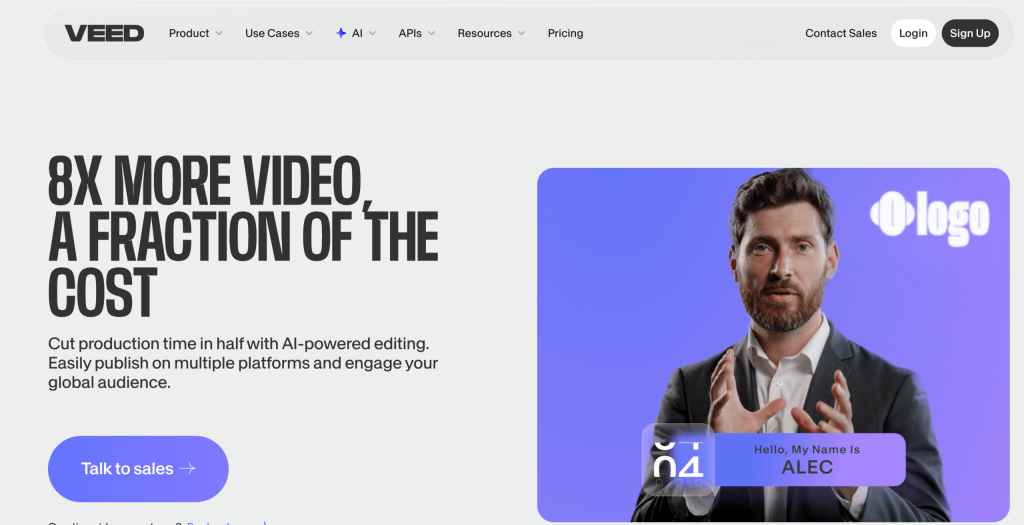
If you have ever recorded a screen tutorial, a phone clip, or a webcam pitch and then stared at a blank timeline wondering how to turn it into something people would actually watch, VEED was built to solve exactly that moment. VEED is a browser-based video creation platform that pairs a genuinely simple drag-and-drop editor with a deep AI toolkit — auto-subtitles in 125+ languages, filler-word and silence removal, background-noise cleanup, eye-contact correction, AI avatars, multilingual dubbing, and a full AI Playground stocked with models like Sora 2, Veo 3.1, and VEED’s own Fabric 1.0. Founded in London in 2017 and backed by $35 million in Series A funding led by Sequoia Capital, VEED now serves roughly 10 million monthly active users, reports around $45 million in annual recurring revenue, carries a 4.6/5 rating on Trustpilot across thousands of reviews, and counts teams at Amazon, Meta, Google, Visa, Pinterest, Netflix, the BBC, and NBCUniversal among its customers.
For marketers, YouTubers, course creators, small agencies, and anyone treating video as a core part of their brand, that combination of “easy enough for a beginner” and “deep enough for a professional” is the whole pitch. This 2026 review walks through what VEED actually is, its full AI feature stack, current pricing across every tier, how it stacks up against CapCut, Descript, and Kapwing, the honest pros and cons reported by real users, and exactly who should — and shouldn’t — sign up.
VEED Review 2026: The Browser-Based AI Video Editor That Turns Raw Footage Into Social-Ready Content in Minutes
Overview and Background
VEED is a fully browser-based video editing and creation suite founded by Sanjay Prasad, Timothy Guy Suto Wong, and Sabbir Rahman in London in 2017. The founding insight was simple: most people who need video don’t need Adobe Premiere Pro — they need something closer to a word processor for video, where captioning a clip, resizing it for TikTok, or removing a filler word takes one click instead of a tutorial. That focus on accessibility over raw power is still the product’s defining trait almost a decade later.
The company has scaled quickly on the back of that positioning. Independent estimates put VEED’s annual recurring revenue at roughly $45 million as of late 2025, up from around $24 million at the end of 2024, with the platform reportedly exporting one video every second across its user base. VEED now employs close to 200 people and has expanded well beyond its subtitle-generator roots into a genuine AI content platform: a natural-language editing agent, 50-plus AI avatars, AI dubbing into 50-plus languages, and direct access to third-party generative video models like Sora 2, Veo 3.1, and Kling inside its own interface.
Why VEED Stands Out in 2026
Zero installation, real cloud collaboration: Everything runs in the browser, so projects open on Windows, Mac, Chromebooks, tablets, or a locked-down work laptop and stay in sync across every device automatically. Teams can leave comments, share brand assets, and review cuts without emailing render files back and forth.
Auto-subtitles that actually hold up: VEED’s captioning engine supports 125+ languages with word-level timing and speaker detection, and is widely cited as one of the more accurate browser-based transcription tools available — a genuine time-saver for anyone publishing to platforms where captions drive most of the watch time.
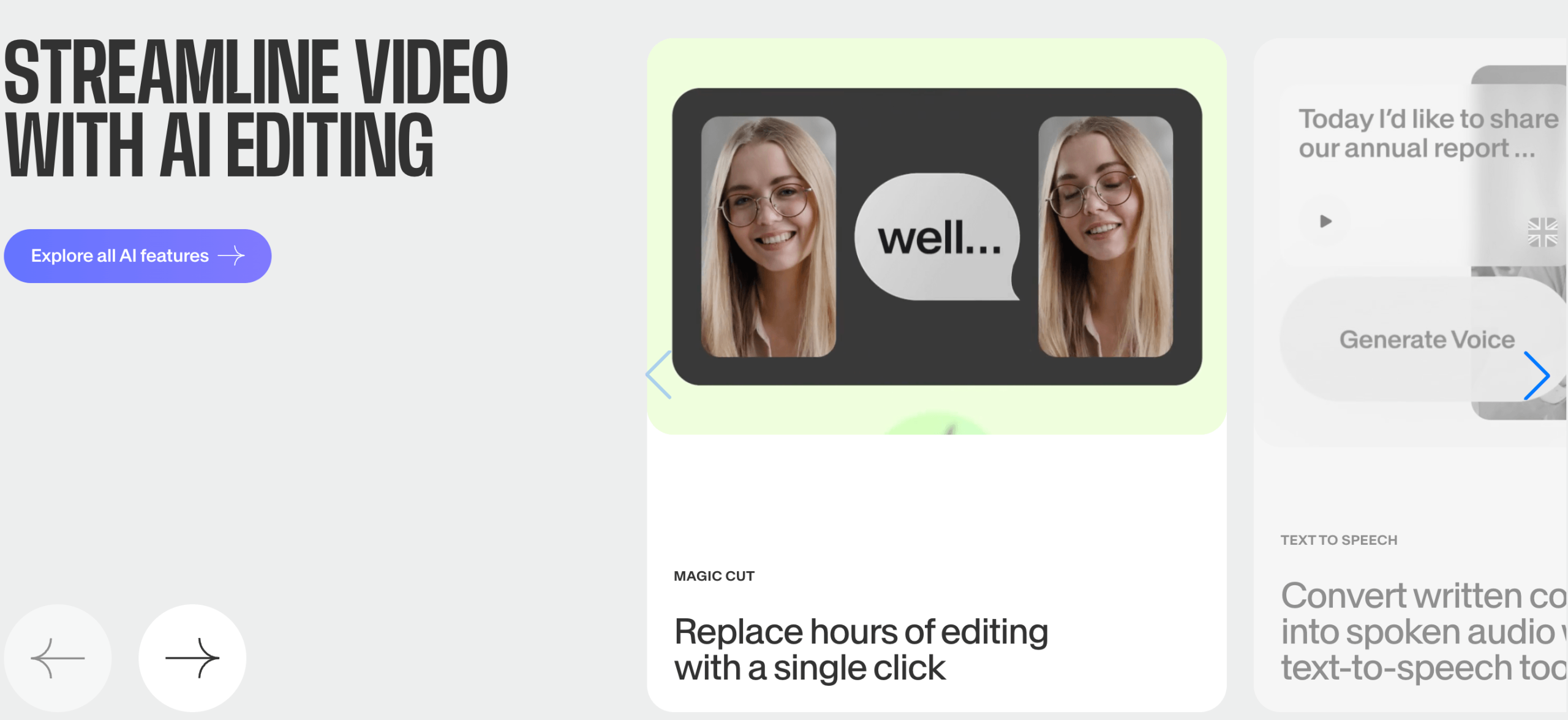
One-click “Magic Tools”: Clean Audio (noise removal), Remove Filler Words, Remove Silences, automatic B-roll suggestions, and AI-powered eye-contact correction each solve a specific, tedious editing task that would otherwise eat an hour in a traditional NLE.
A natural-language editing agent: Typing instructions like “make this vertical for TikTok” or “cut all the dead air” and having the timeline actually update is a meaningfully different workflow than manually scrubbing a track, and it’s one of the features reviewers consistently call out as ahead of most direct competitors.
An AI Playground under one roof: Rather than juggling separate subscriptions, VEED gives paid users in-app access to leading generative video models — including Sora 2, Sora 2 Pro, Veo 3.1, Veo 3, Kling, Seedance, PixVerse, and VEED’s own Fabric 1.0 talking-avatar model — and lets you drop generated clips straight into the same timeline as your edited footage.
50+ photorealistic AI avatars and dubbing: Turn a script into a presenter-led video without a camera, then dub the same video into 50-plus languages with voice-matched audio — a genuinely useful combination for anyone localizing training or marketing content.
Enterprise-grade trust for a “simple” tool: SSL encryption, PCI-compliant Stripe payments, SSO and role-based permissions on higher tiers, and a public Trust Center have helped VEED land contracts with genuinely large organizations, not just solo creators.
Key Features and Technology
VEED’s toolset breaks down into three layers: a traditional (if streamlined) video editor, a set of AI automation tools layered on top of it, and a generative AI Playground that treats third-party and proprietary models as building blocks inside the same project.
Core Editing
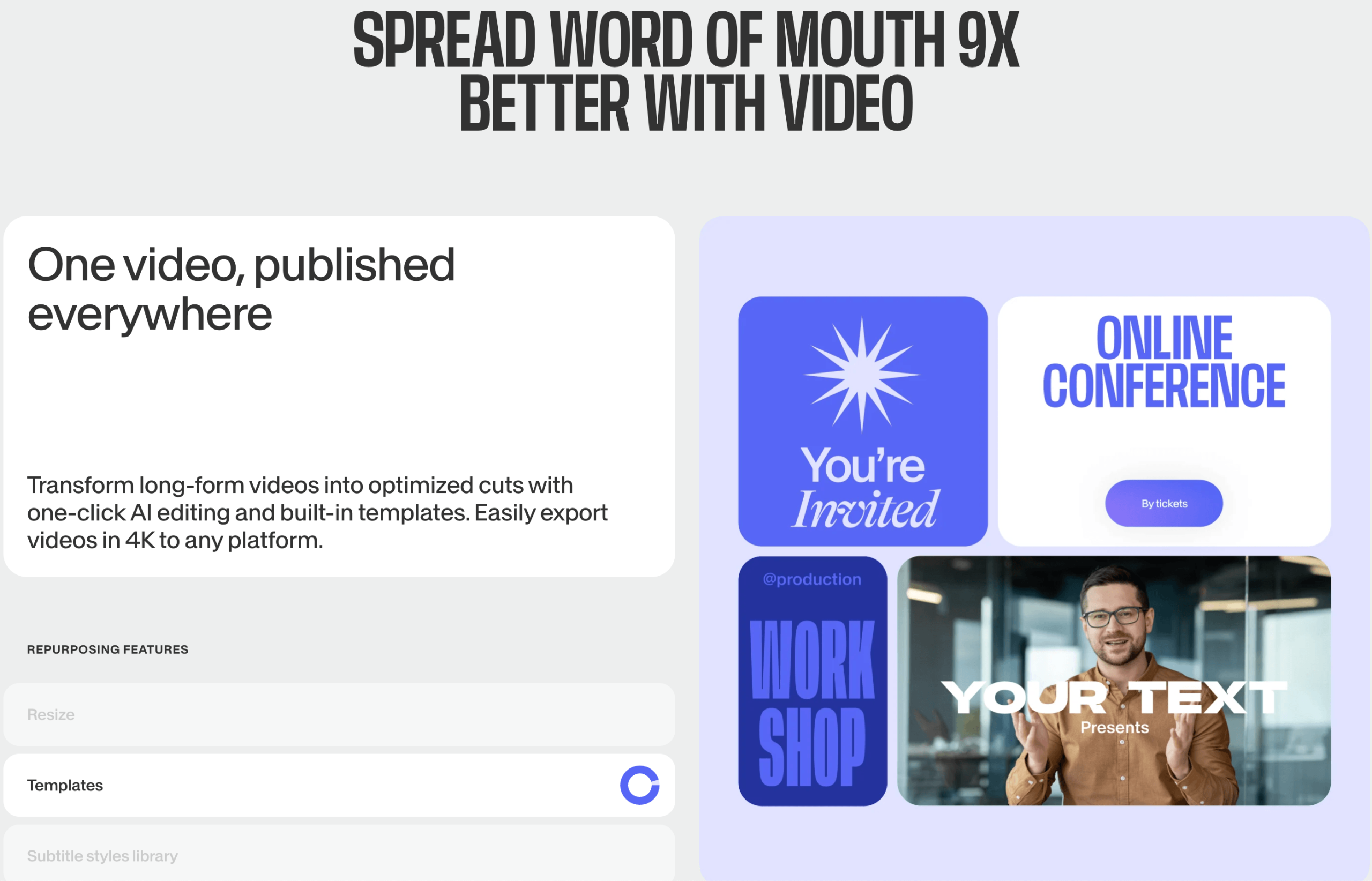
Drag-and-drop timeline editing, screen and webcam recording, one-click resizing for every major social platform’s aspect ratio, custom fonts and brand kits, transitions, stock music and sound effects, and a library of tens of thousands of royalty-free video and image assets cover the day-to-day editing work most creators need without ever opening a desktop app.
AI Subtitles, Translation, and Dubbing
Auto-generated captions in 125+ languages, one-click translation of existing subtitles, and AI voice dubbing that matches the speaker’s tone let a single piece of content get republished across multiple markets without hiring a localization team.
AI Avatars and Fabric 1.0
Choose from 50-plus photorealistic AI presenters, feed in a script, and generate a talking-head video without filming anything. VEED’s proprietary Fabric 1.0 model — also offered as a standalone API for developers — extends this into custom avatar and talking-video generation for teams that want the technology embedded in their own products.
The AI Playground
Paid plans unlock direct, in-timeline access to some of the industry’s most capable text-to-video and image-to-video models — Sora 2, Sora 2 Pro, Veo 3.1, Veo 3.1 Fast, Veo 3, Veo 2, Kling O1, Kling AI, Seedance 1.0, PixVerse, MiniMax Video 01, and LTX Video — so a creator can generate a B-roll clip or a full AI scene and drop it straight into an edit without leaving VEED or paying for a separate tool.
Pricing, Plans, and Package Structure
VEED runs a freemium subscription model, billed per editor/seat, with meaningful savings on annual billing over month-to-month. Plan names and exact figures have shifted more than once over the past year and vary noticeably between third-party trackers, so treat the numbers below as approximate ranges and confirm the live figures on VEED’s official pricing page before you buy or recommend a tier.
| Plan | Approx. Price | Best For | Key Limits/Features |
|---|---|---|---|
| Free | $0 | Testing the interface | VEED watermark, 720p export, ~10-minute video length, ~30 min/month auto-subtitles |
| Entry (Creator/Basic/Lite) | ~$10–18/mo (annual) | Solo creators, occasional publishers | No watermark, 1080p export, extended subtitle minutes, standard asset library |
| Pro | ~$20–35/mo (annual) | Professionals, small marketing teams | Unlimited subtitles, full brand kit, AI avatars, AI Playground credits, up to ~5 editors |
| Studio/Business | ~$40–70/mo (annual) | Agencies, growing content teams | 4K export, larger credit pool, analytics, expanded collaboration and asset controls |
| Enterprise | Custom | Large organizations | SSO, role-based permissions, dedicated support, security review, custom contracts |
How VEED Compares to Alternatives
| Tool | Platform | Strength | Weakness vs. VEED |
|---|---|---|---|
| VEED | Browser | AI breadth, subtitles, in-app generative models | — |
| CapCut | Mobile/desktop | Free, fast, mobile-first for short-form | Weaker team collaboration and cross-device browser workflow |
| Descript | Desktop/browser | Text-based editing for podcasts and talking-head video | Less built for social-format resizing and generative AI Playground |
| Kapwing | Browser | Simple, budget-friendly for basic edits | Smaller AI feature set and avatar/dubbing library |
| Freelance editor / agency | N/A | Fully custom creative direction | Far higher per-video cost and slower turnaround than self-serve AI editing |
vs. CapCut: CapCut is genuinely hard to beat on price and mobile speed for short-form content, but it isn’t built for teams that need shared brand kits, cross-device browser editing, and enterprise-grade permissions — areas where VEED is clearly the more professional tool.
vs. Descript: If your workflow is fundamentally podcast- or interview-based and you want to edit video by editing a transcript, Descript’s text-based model is arguably more intuitive. VEED pulls ahead once the job includes social resizing, AI avatars, translation, and access to third-party generative video models in one place.
vs. hiring a freelance editor: A single freelance video edit commonly runs into the hundreds of dollars depending on complexity and market. At even a handful of videos a month, a VEED subscription pays for itself many times over — the tradeoff is that you’re doing the editing yourself rather than delegating creative judgment entirely.
Pros and Cons
What Users Love
Genuinely easy to learn: New users consistently report being productive within their first session, with no formal tutorial required for basic editing and captioning.
Strong auto-subtitle accuracy: The transcription and captioning engine is repeatedly singled out as one of the best browser-based options available, saving real time on a task most creators dread.
One tool instead of five: reviewers frequently mention consolidating a subtitle tool, a resizing tool, a stock library, and a basic editor into a single VEED subscription.
Works from any device: Because it’s entirely browser-based, users can pick up an edit on a work laptop, a Chromebook, or a tablet without losing progress.
Limitations Worth Knowing
The free plan’s watermark is aggressive: Multiple reviewers specifically call out the size and placement of the free-tier watermark as a stronger nudge toward upgrading than competitors use.
AI credits are easy to misjudge: Because credits are consumed per action rather than per finished export, users have reported being charged for AI operations even when they abandoned or didn’t render the final clip — a pricing mechanic several reviewers describe as confusing.
Cancellation and billing complaints exist: A recurring theme in recent Trustpilot reviews involves subscriptions renewing after a user believed they had cancelled, or workspace-level cancellation steps not being obvious — worth reading VEED’s cancellation policy carefully before committing to annual billing.
Performance can lag on larger projects: As a cloud-rendered, browser-based tool, VEED depends on a stable connection and can slow down with longer or higher-resolution timelines compared to a native desktop editor.
No offline editing: Everything requires an internet connection — a real limitation for anyone editing on the move without reliable Wi-Fi.
Who Should Use VEED
Solo content creators and YouTubers: If you’re publishing regularly and need fast, accurate subtitles plus quick multi-platform resizing, the entry-level paid plan removes the watermark and covers most of what you need.
Marketing teams and small agencies: The Pro tier’s brand kit, multi-editor collaboration, and access to the AI Playground make it realistic to produce campaign-ready video without a dedicated in-house editor.
L&D and course creators: AI avatars and multilingual dubbing turn a script into a localized training video in a fraction of the time a filmed shoot would take — a strong fit for anyone scaling educational content across languages.
Enterprise content and comms teams: SSO, role-based permissions, and the security posture documented on VEED’s Trust Center make the Enterprise tier a reasonable fit for larger organizations that need governance around who can publish what.
Not a strong fit: Editors doing complex, frame-accurate color grading or advanced compositing will still be better served by a desktop NLE like DaVinci Resolve or Premiere Pro — VEED optimizes for speed and accessibility, not deep manual control.
Getting Started: Step by Step
- Sign up for the free plan to test the editor, subtitle accuracy, and interface before paying anything.
- Upload or record footage directly in-browser using the screen or webcam recorder, or import an existing video file.
- Run auto-subtitles and Magic Tools to clean audio, remove filler words and silences, and generate captions in one pass.
- Apply your brand kit — fonts, colors, and logo — so every export looks consistent without manual reformatting each time.
- Resize for each platform using the one-click aspect-ratio presets for YouTube, TikTok, Instagram, and LinkedIn.
- Try one AI Playground generation on a paid plan to see how credit consumption tracks against your actual usage before committing to a higher tier.
- Upgrade once you hit a real limit — the watermark, subtitle minutes, or export resolution — rather than pre-paying for headroom you may not need yet.
Tips for Getting Maximum Value
Start on the free tier and genuinely stress-test the subtitle accuracy and editing speed on your own footage before paying — the interface differences between tiers are mostly about limits and AI credits, not a different editing experience. When you do upgrade, annual billing typically saves meaningfully over monthly, so if you’re confident you’ll use VEED for more than a couple of months, lock in the annual rate after your first paid month confirms the workflow fits. Track your AI credit usage from day one rather than assuming the annual allocation is generous; because credits reset and don’t roll over, it’s better to slightly under-provision your workflow expectations and add credits mid-year than to overpay for a tier you don’t fully use. If your team is small, start on Pro rather than jumping straight to Studio — most solo creators and small teams never touch the collaboration and analytics features that justify the higher tiers. Finally, read the cancellation instructions in VEED’s help center before your first renewal date, since several recent reviews describe confusion around workspace-level versus account-level cancellation.
Future Outlook and Final Assessment
Video continues to dominate every major content platform, and the market for AI-assisted video creation is growing fast as generative models like Sora 2 and Veo 3.1 become mainstream production tools rather than novelties. VEED’s strategy of embedding those third-party models directly into a familiar, browser-based editor — rather than forcing creators to juggle five separate subscriptions — is a genuinely smart bet on where the category is headed, and its revenue trajectory (from roughly $24 million to $45 million in ARR in under a year) suggests the market agrees. The honest caveats remain real: the credit-based AI pricing model takes some getting used to, the free tier’s watermark is more aggressive than some competitors, and a subset of users report billing and cancellation friction worth reading up on before you commit to annual billing.
Conclusion
VEED has grown from a simple subtitle tool into one of the most complete browser-based AI video platforms available, and for the vast majority of creators, marketers, and small teams who need professional-looking video without a professional-length learning curve, it’s a strong, well-supported choice in 2026. The free plan costs nothing to try, the paid tiers scale sensibly with real usage, and the AI Playground genuinely saves the cost and hassle of separate generative-video subscriptions. As with any subscription tool, read the credit and cancellation terms before you commit to annual billing — but for the core job of turning raw footage into polished, captioned, on-brand video quickly, VEED delivers on the promise that good tools should make everything easy.
Ready to turn your next clip into polished, captioned, social-ready video?
Explore more honest reviews, tutorials and tool comparisons to find the right tech for the way you work and live — at AI Solutes, where we make everything easy.
👉 Open Free Account: https://ai-solutes.com/veed
👉 Our YouTube Channel: youtube.com/@ai-solutes
👉 Our Facebook Fanpage: Facebook
👉 Our X (Twitter): @AISolutes
- GT Omega Prime vs ART: 2025 USA Comparison to Build Your Best Sim Racing Setup
- 2026 Geopolitics and AI: Build Resilient Supply Chains with Cleantech
- Does UniPin Revolutionize Digital Tops? Reviewing the UniPin Entertainment Payment Technology
- Webydo Review 2026: Unlock Agency-Grade No-Code Web Design With Pricing, Free Trial, and AI Features
- Ditch the Roaming Shock: How Nomad Keeps You Online Across 170+ Countries Seamlessly















