Describe your business in a sentence, and watch a complete, mobile-responsive website appear — layout, copy, images, and SEO structure included — before you've finished your coffee. That's the pitch behind Readdy AI, a conversational website builder that replaces drag-and-drop editing with plain-language prompts, and it largely delivers on it. Founded by Frank Zhu, a developer-turned-founder who wanted the tool he wished he'd had when launching his own first startup, Readdy AI generates full, production-ready sites from a text description, a screenshot, or a reference URL, then lets you refine everything through a visual editor or export clean code and Figma files when you outgrow the platform. With a real free tier, plans starting around $15 a month on annual billing, and a genuinely useful AI chatbot built into every site, Readdy AI has become one of the more credible names in the crowded AI website builder category. But its credit-based pricing model is the single most important thing to understand before you commit.
For non-technical founders, freelancers, small business owners, and agencies who need a professional-looking site fast without hiring a designer, Readdy AI can genuinely deliver — but the credit economics and some real, documented reliability complaints deserve a clear-eyed look first. This 2026 review walks through what Readdy AI actually does, its full feature set, current official pricing, how it compares to Wix ADI, Framer AI, and 10Web, the honest limitations reviewers keep flagging, and exactly who should — and shouldn't — build their next website on it.
Readdy AI Review 2026: The Conversational Website Builder — Credits, Code Export, and What It Actually Costs
Overview and Background
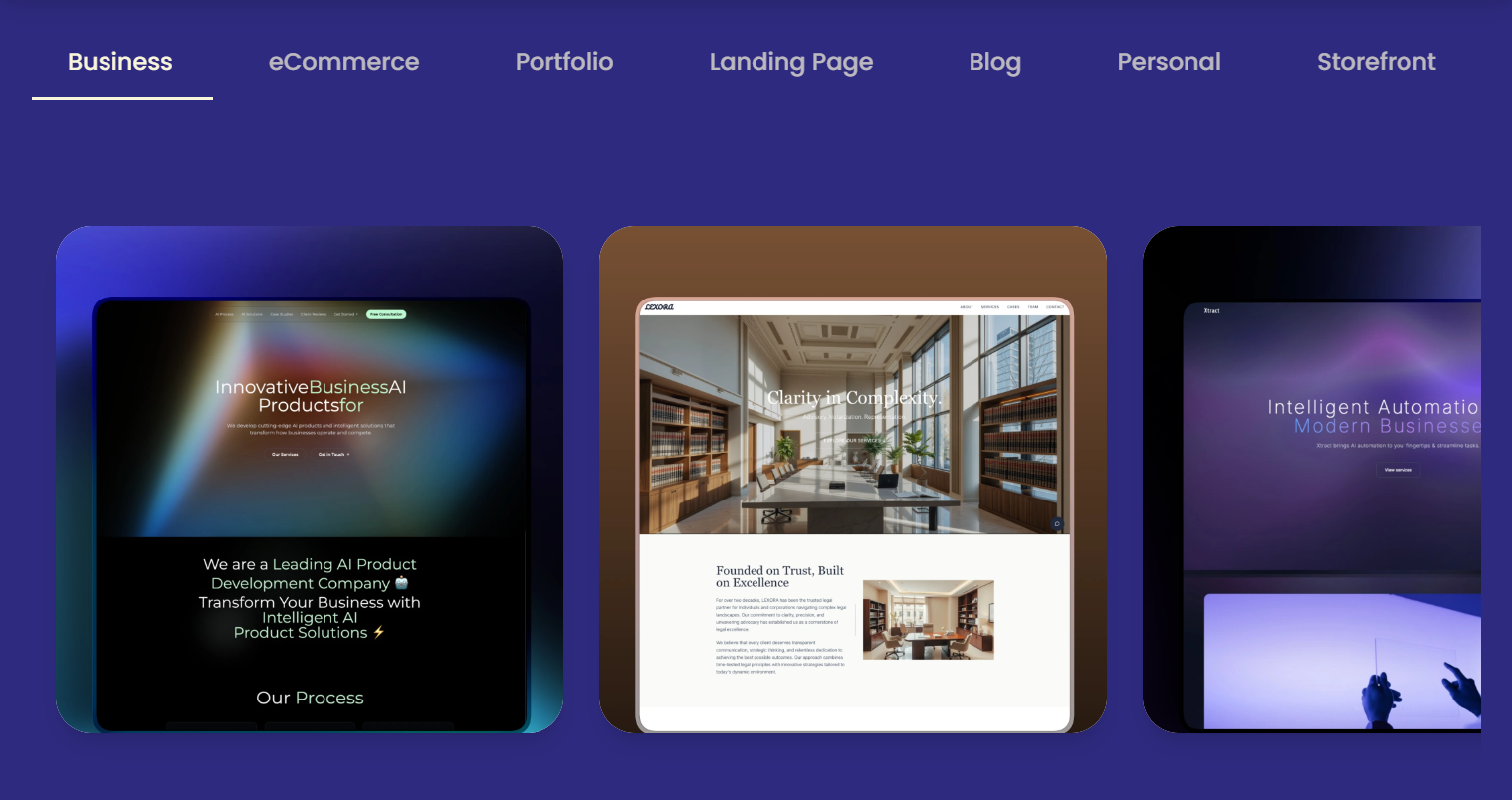
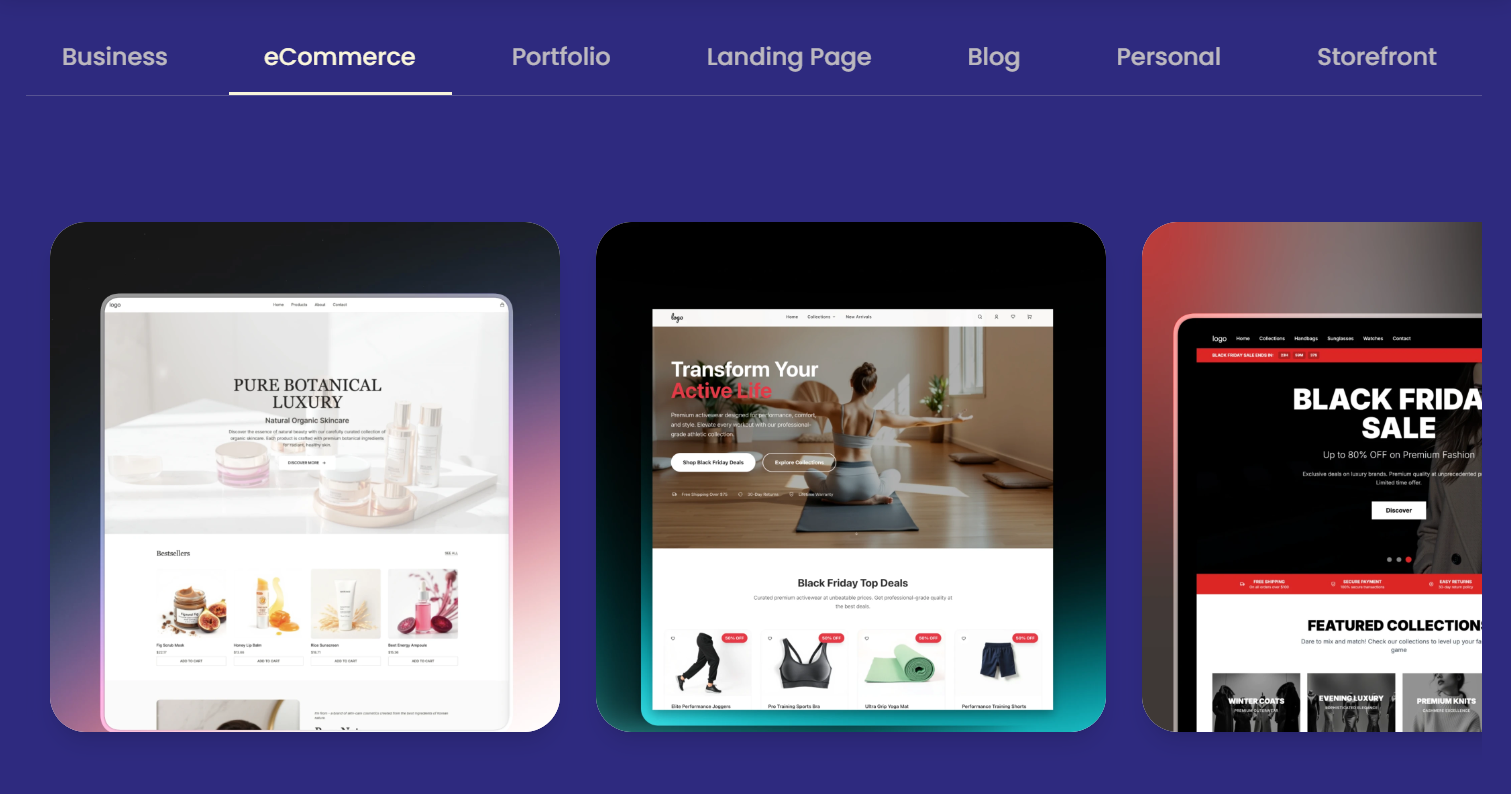
Readdy AI is an AI-native website builder built around a simple premise: instead of dragging blocks onto a canvas, you describe what you want in plain language, and the platform's AI generates a complete, responsive site — layouts, headlines, images, and SEO-ready page structure — directly from that description. You can also start from a screenshot of a site you like, paste a reference URL to recreate a design, or browse a library of more than 5,000 templates if you'd rather not start from a blank prompt. Founder Frank Zhu, a developer with more than a decade of product experience, built Readdy specifically to remove the friction he experienced launching his own earlier startup, and that founder-market fit shows in the product's focus on speed: most reviewers report going from an empty prompt to a live, editable site in under an hour.
Once a site is generated, editing happens through a visual, no-code drag-and-drop interface, and the platform publishes with one click, including hosting, SSL, and speed optimization bundled in. Every Readdy site also ships with an embeddable AI chatbot — the Readdy Agent — that can answer visitor questions, capture leads, and even handle basic voice interactions, a feature most competitors charge extra for as a separate tool. Native integrations include Calendly for scheduling, Mailchimp for email, Google Analytics for traffic insight, and a direct Shopify integration for AI-built ecommerce stores.
Why Readdy AI Stands Out in 2026
Genuinely fast from idea to live site: reviewers consistently report going from a text prompt to a published, editable website in under an hour — a real contrast to the days or weeks a traditional build typically takes.
A genuine exit door most competitors don't offer: clean code export and Figma export mean you're never fully locked into the platform — if you outgrow Readdy or want a developer to take over, you leave with usable assets rather than starting from scratch.
A built-in AI chatbot that's actually useful: the Readdy Agent answers visitor questions, captures leads, and supports both text and voice interactions out of the box — a real value-add for small businesses that can't afford a dedicated support tool as a separate line item.
Multiple starting points, not just a blank prompt: you can generate from a text description, upload a screenshot of a design you like, paste a URL to recreate a site's structure, or start from one of 5,000+ templates — flexibility that suits different working styles.
Flat, predictable pricing with real integrations included: hosting, SSL, updates, and core integrations (Calendly, Mailchimp, Google Analytics) are bundled into the subscription rather than billed as surprise add-ons, which matters for small businesses budgeting a fixed monthly cost.
A credit-refund safety net: the “Credit Care” feature lets you discard an unsatisfactory AI generation and get the credits back, which meaningfully softens the sting of the credit system when the AI's first attempt misses the mark.
Key Features and Technology
Readdy AI's feature set breaks into three groups: the AI generation engine that builds the site, the editing and export tools that refine and extract it, and the built-in growth tools — the chatbot agent and lead capture — that turn a static site into something that actually works for the business.
AI Generation from Text, Screenshot, or URL
The core workflow starts with a prompt describing your business, goals, or vision, and the AI produces a complete multi-page site — structure, copy, images, and color palette — in one pass. You can extend or regenerate individual sections with follow-up prompts rather than starting over, and each new generation or edit costs 25 credits regardless of whether you're building from scratch or refining an existing page.
Visual Editor, Backend, and Custom Domain
Once generated, sites are fully editable through a no-code visual editor — text, images, layout, colors, and spacing can all be adjusted directly on the page, and the mobile view can be customized separately from desktop. Paid plans include the Readdy Backend, a built-in stack for databases, functions, and secrets that removes the need for external setup on projects that need more than a static page, plus a free custom domain and dedicated file storage that scales by tier.
Readdy Agent (AI Chatbot) and Lead Capture
Every site can embed the Readdy Agent, an AI chatbot that answers visitor questions, captures contact details, and supports both text chat and voice interaction around the clock. Free plans get a limited allowance (5 voice minutes, 50 chat messages monthly), while paid tiers scale up substantially — the Pro plan, for instance, supports meaningfully higher chat and voice volume alongside a 10,000-lead monthly collection cap from site forms.
Code Export, Figma Export, and SEO Tools
Higher tiers unlock clean code export and Figma export, letting designers and developers take a Readdy-generated site off-platform for custom work — a genuine differentiator versus builders that lock your site permanently inside their own ecosystem. Built-in SEO tools let you edit meta titles and descriptions, manage URLs and sitemaps, and control robots settings per page, with AI assistance available to draft SEO-friendly copy.
Pricing, Plans, and Package Structure
Readdy AI prices around a monthly credit allowance, with steep discounts for longer commitments — 40% off for annual billing, 50% for two years, 60% for three. Every AI generation or edit costs 25 credits, so it's worth translating each plan's credit allotment into a rough monthly-actions budget before choosing a tier. Figures below reflect Readdy's official pricing page as of August 2026; always confirm current rates at readdy.ai/pricing before subscribing, since credit allotments and add-on pricing can shift.
| Plan | Approx. Price | Credits / Sites | Best For |
|---|---|---|---|
| Free | $0 | 250 credits/mo (~10 actions), 2 projects, 200 MB storage | Testing the workflow before committing |
| Starter | ~$15/mo (annual) or $25/mo (monthly) | 30,000 credits/yr, 1 site, custom domain, 10 projects | New builders launching a first real site |
| Pro | ~$24/mo (annual) or $40/mo (monthly) | 72,000 credits/yr, 2 sites, 50 projects, 5 GB storage | Professional builders and small businesses scaling up |
| Agency | ~$72/mo (annual) or $120/mo (monthly) | 216,000 credits/yr, 6 sites, 150 projects, client tools | Agencies delivering multiple client sites |
| Agency Pro / Ultimate | ~$119–$779/mo (annual) | Unlimited credits, white-label, GitHub export | Large agencies reselling under their own brand |
How Readdy AI Compares to Alternatives
| Tool | Focus | Starting Price | Best Fit |
|---|---|---|---|
| Readdy AI | Full-site AI generation, code/Figma export | Free / ~$15/mo | Founders & agencies wanting speed plus an exit door |
| Wix ADI | Beginner-friendly automatic layouts | Free / paid tiers | First-time builders wanting the simplest possible setup |
| Framer AI | Modern startup & marketing landing pages | Free / paid tiers | Single high-design landing pages over full multi-page sites |
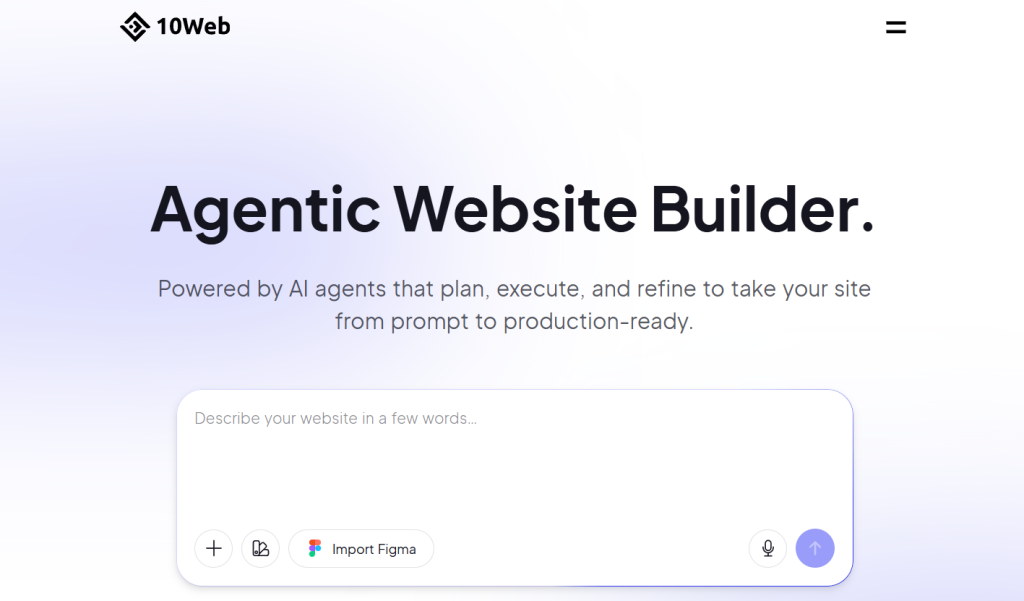
| 10Web AI | AI-generated WordPress sites | Paid tiers with hosting bundled | Teams wanting AI generation on the familiar WordPress stack |
vs. Wix ADI: Wix ADI is arguably simpler for an absolute first-time builder with no design opinions at all, generating a workable site from a short questionnaire. Readdy AI's conversational, prompt-driven approach gives more control over the specific outcome and — critically — offers code and Figma export, a genuine exit path Wix doesn't provide; Wix sites remain locked inside the Wix ecosystem.
vs. Framer AI: Framer AI leans harder into visually striking, animation-forward landing pages for startups, and its design polish for single high-impact pages is a real strength. Readdy AI is built more around complete, multi-page business sites — About, Services, Contact, a blog — making it the stronger choice when you need a full site rather than one standout landing page.
vs. 10Web AI: 10Web generates sites on the WordPress stack specifically, which is valuable if you or your team already know WordPress and want AI generation without leaving that ecosystem — including access to the enormous WordPress plugin library. Readdy AI's proprietary platform trades that plugin ecosystem for a cleaner, faster generation experience and its own built-in backend, chatbot, and lead tools, which cover a lot of the same ground without needing third-party plugins at all.
Pros and Cons
What Users Love
Real speed from prompt to live site: reviewers repeatedly describe going from an idea to a published, working site in well under an hour, a genuine time savings over traditional builders.
Code and Figma export as a real safety net: the ability to take your work off-platform is repeatedly cited as a standout differentiator versus locked-in competitors.
The built-in chatbot punches above its price: having lead capture and 24/7 visitor Q&A included in the base subscription is a genuine value-add most competitors bill separately.
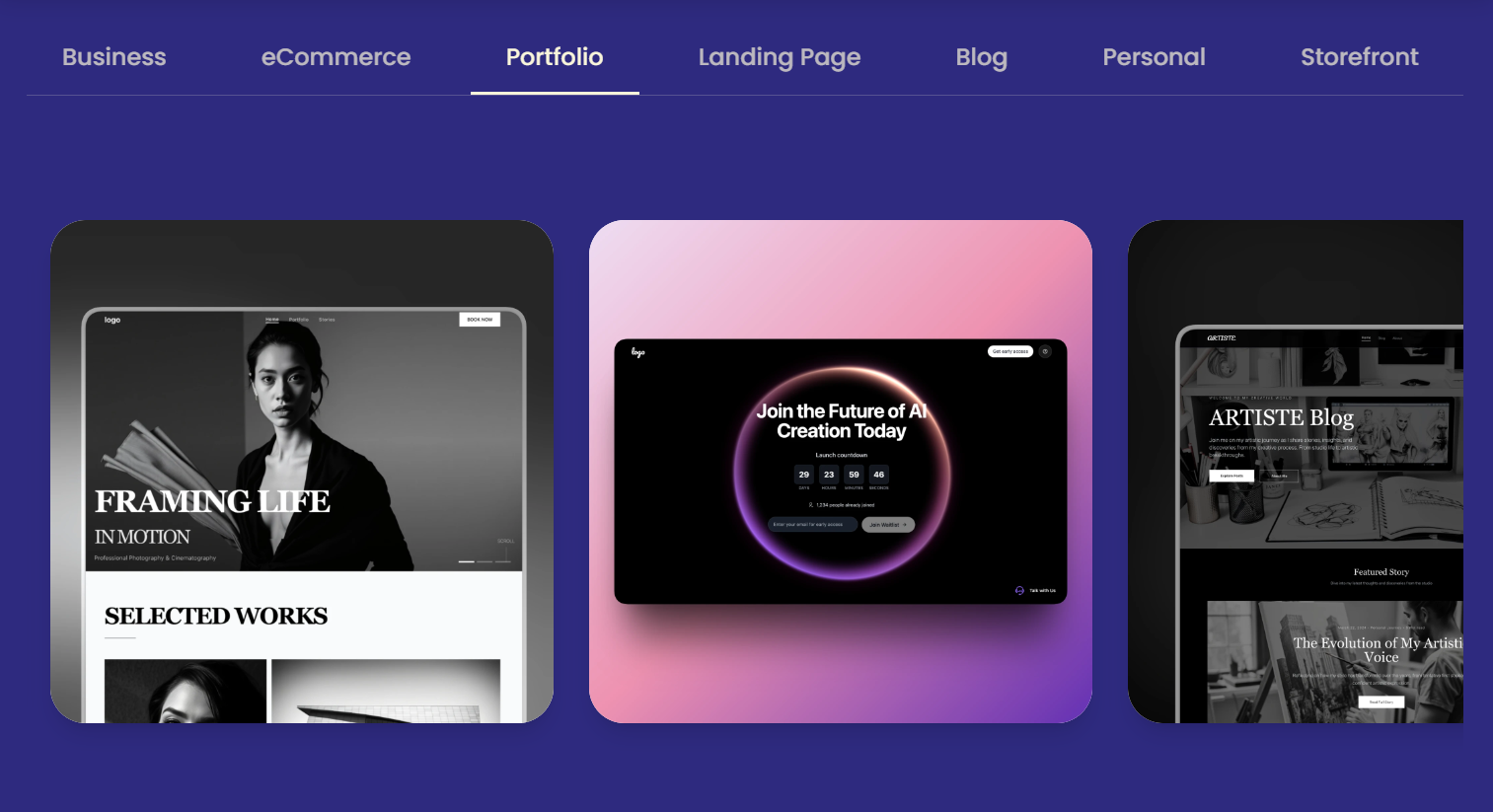
Good output quality for the common case: for landing pages, small business sites, and portfolios specifically, generation quality is consistently rated as good enough to use with light editing, not just as a rough draft.
Limitations Worth Knowing
Credit consumption on failed generations is a real, repeated complaint: multiple Trustpilot and Product Hunt reviewers report credits being consumed by AI edits that failed to fix the actual problem, sometimes making things worse across several attempts.
Documented reliability issues on complex builds: at least one reviewer reported an AI edit attempt that deleted their site's database, and ecommerce-specific bugs — products not displaying, currency defaulting incorrectly — have surfaced in independent reviews.
Support response time is a recurring weak point: several reviewers describe multi-day waits for email support responses, particularly frustrating when a paid subscription isn't delivering the promised credits or functionality.
Not built for complex web apps: reviewers consistently note Readdy is the right tool for the majority of business, landing, and portfolio sites, but not for projects needing complex custom logic or deep internal-system integrations.
Free plan is a genuine test, not a launch-ready tier: at roughly 10 AI actions a month, the free plan is enough to evaluate the workflow but not enough to iterate a site to completion without upgrading.
Who Should Use Readdy AI
Non-technical founders and small business owners: if you need a professional-looking site fast without hiring a designer, Readdy AI's speed and included AI chatbot deliver real value — start on Starter once Free confirms the output quality fits your needs.
Freelance designers doing rapid prototyping: generating a client-presentable prototype in minutes, then exporting to Figma for polish, is a genuinely efficient workflow for early-stage client work.
Agencies delivering multiple client sites: the Agency and Agency Pro tiers, with client management tools and white-label options, are built specifically to let small teams deliver sites faster than traditional builds allow.
Solo entrepreneurs validating an idea: the low upfront cost and fast turnaround make Readdy a sensible way to get a minimal, functional site live while testing product-market fit before investing in something more elaborate.
Who should look elsewhere: businesses needing complex web applications, deep custom backend logic, or large product catalogs with heavy ecommerce customization may hit real limits here and are better served by a custom build or a more mature ecommerce-specific platform.
Getting Started: Step by Step
- Create a free account at readdy.ai and start with a text prompt describing your business, or upload a screenshot or reference URL if you have a design in mind.
- Review the initial generation before spending more credits on edits — note what's close and what needs a full section regenerate versus a small visual tweak.
- Use Credit Care to discard failed generations rather than repeatedly prompting for small fixes, since this reclaims credits from AI output that missed the mark.
- Refine visually where possible — use the no-code editor for text, image, and layout tweaks instead of a new AI generation whenever the change is simple.
- Connect your custom domain once you're happy with the structure, available free on Starter and above.
- Configure the Readdy Agent chatbot with your key FAQs and lead-capture goals before publishing, so it's useful to visitors from day one.
- Export code or Figma files if you plan to hand the project to a developer or want a backup outside the platform.
Tips for Getting Maximum Value
Upload reference images or a URL whenever you have one in mind rather than relying purely on a text description — reviewers consistently find this produces more polished, closer-to-expectation first generations and saves credits that would otherwise go toward iterative corrections. Build section by section for anything beyond a simple one-page site; refining one section at a time gives you more control and makes it easier to isolate which specific generation caused a problem if something breaks. Keep a simple backup of any custom content — form configurations, product data — you can't easily regenerate, given the documented (if rare) reports of AI edits causing data loss. If an AI edit clearly fails to fix what you asked for, use Credit Care immediately rather than trying two or three more prompts hoping it self-corrects, since failed attempts don't reliably improve with repetition. And test the free plan's output quality against your actual use case before committing to annual billing — the discount is real, but it's only a good deal if the platform's generation style matches what your business actually needs.
Future Outlook and Final Assessment
Readdy AI's continued investment — a direct Shopify integration for AI-built stores, GEO/AEO optimization tools for AI-search visibility, and an expanding agency/reseller offering — signals a company building toward the small-business and agency segments specifically, rather than chasing enterprise web-app complexity it isn't suited for. That focus is sensible given where the product's strengths actually lie: fast generation, a useful built-in chatbot, and a genuine exit path via code export. The honest tension, though, is between speed and reliability — the same conversational, iterative editing that makes Readdy fast is also where the more serious complaints (failed edits, data-loss reports, credit consumption on unsuccessful attempts) cluster. For straightforward business, portfolio, and landing-page sites, that trade-off is manageable; for anything more complex, it's a real risk worth weighing.
Conclusion
Readdy AI earns its reputation as one of the more capable AI website builders in 2026 — genuinely fast generation, a useful built-in chatbot most competitors charge extra for, and a real exit path through code and Figma export that few AI builders offer. It isn't flawless: the credit system takes some getting used to, documented reliability issues on complex edits are worth taking seriously, and it's not the right tool for anything approaching a real web application. For the large majority of people who just need a good-looking, functional business site without hiring a developer, though, Readdy AI gets the job done efficiently and at a predictable price. Whichever platform you land on for your next site, the goal we chase with every review on this site stays the same: helping you make everything easy.
Ready to turn a sentence into a live website?
Explore more honest reviews, tutorials and tool comparisons to find the right tech for the way you work and live — at AI Solutes, where we make everything easy.
👉 Open Free Account: https://ai-solutes.com/readdyai
👉 Our YouTube Channel: youtube.com/@ai-solutes
👉 Our Facebook Fanpage: Facebook
👉 Our X (Twitter): @AISolutes
- Discover Spinnaker Watches: Ultimate Guide to Nautical-Inspired Dive Timepieces for Adventurers
- Does Amazon Music Offer the Best Value in Digital Audio? Evaluating the Amazon Music Subscription Suite
- Recover Lost Files Fast: EaseUS Data Recovery Wizard Review, Features and 2026 Guide
- Does Skywork AI Maximize Office Productivity? Reviewing the Skywork AI All-in-One Workspace Technology
- Can Skool Replace Traditional LMS Platforms? Assessing the Skool Knowledge Architecture