

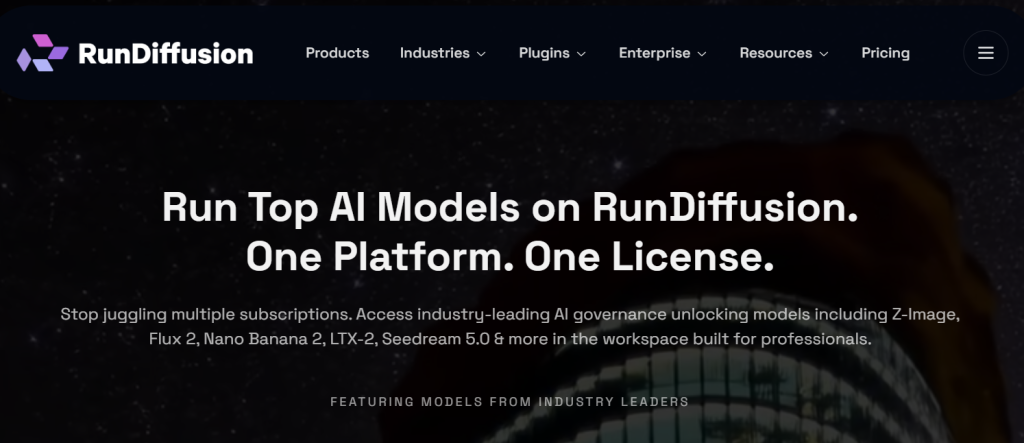
Between a new image model, a new video model, and a new editing model launching seemingly every week, keeping up with AI creative tools has become a subscription-management problem all its own. RunDiffusion was built to solve exactly that: instead of juggling separate accounts for Stable Diffusion, Flux, Kling, Ideogram, and ChatGPT Image, it puts the industry’s leading image, video, and editing models under one platform and one subscription, alongside full cloud-hosted access to open-source tools like ComfyUI and Automatic1111. What started as a way to run Stable Diffusion without a local GPU has grown into a genuine creative operating system for architects, advertisers, fashion studios, and game artists alike.
With a real free tier, a token-based pricing model that flexes with how much you actually create, and 140+ preloaded models spanning Stable Diffusion, SDXL, Flux, and beyond, RunDiffusion has carved out a distinct niche between consumer tools like Midjourney and raw cloud-GPU rental. This 2026 review walks through what RunDiffusion actually delivers, its full Runnit token pricing structure, how it compares to Midjourney and ThinkDiffusion, and who should — and shouldn’t — build their creative workflow on it.
RunDiffusion Review 2026: One Platform for Every AI Image and Video Model
Overview and Background
RunDiffusion began as a cloud platform that let creators spin up fully managed GPU workspaces for Stable Diffusion without owning expensive hardware — launch a server with 8GB to 24GB of VRAM in under 90 seconds, run Automatic1111, ComfyUI, Fooocus, or InvokeAI, and pay only for the minutes actually used. That legacy GPU-workspace product still exists and remains a core part of the platform for users who want full technical control.
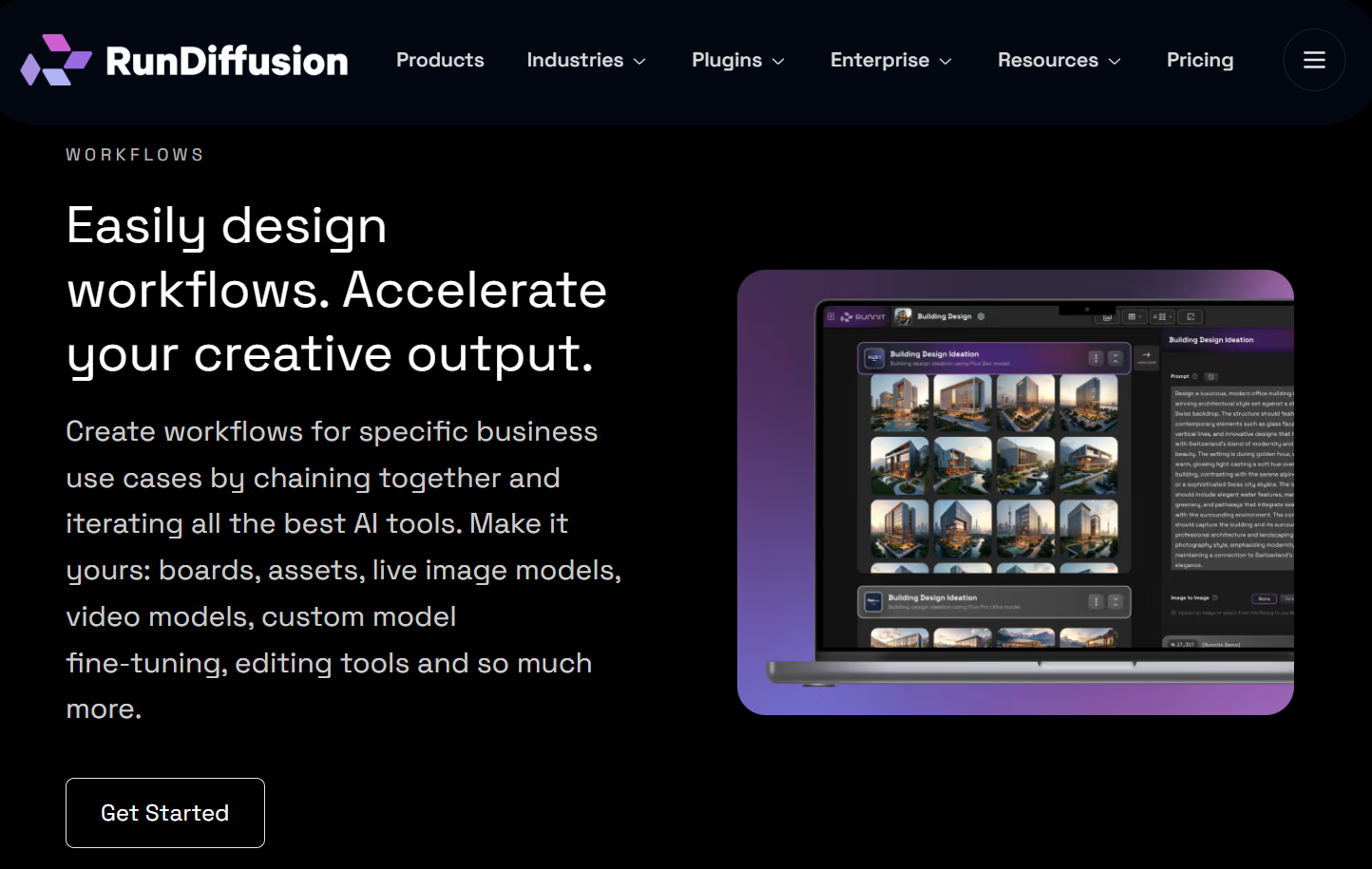
In 2026, RunDiffusion has expanded significantly through its Runnit product line, which unifies access to the industry’s leading commercial and open-source AI models — ChatGPT Image, Flux, Stable Diffusion, Ideogram, Kling, Seedance, and more — under a single license and a token-based subscription. The platform now spans image generation, video generation (including “Runnit Scenes” for turning static visuals into dynamic sequences with effects like dolly zoom and arc pans), and editing tools, plus custom LoRA model training that takes roughly 20–25 minutes per model.
Why RunDiffusion Stands Out in 2026
One subscription, every leading model: instead of separate accounts and separate bills for Flux, Kling, Ideogram, Seedance, and ChatGPT Image, RunDiffusion unifies them under a single license and dashboard — a genuine time and cost saver for creators using multiple model families.
Massive preloaded model library: the platform hosts 140+ models across Stable Diffusion 1.5, SD 2/2.1, SDXL, SD3, and the newer Juggernaut Flux series, giving users enormous flexibility without manually downloading or configuring checkpoints.
Fast custom LoRA training: the Standard Trainer feature builds a high-quality custom LoRA model in roughly 20–25 minutes, letting creators train consistent characters or brand styles without a technical machine-learning background.
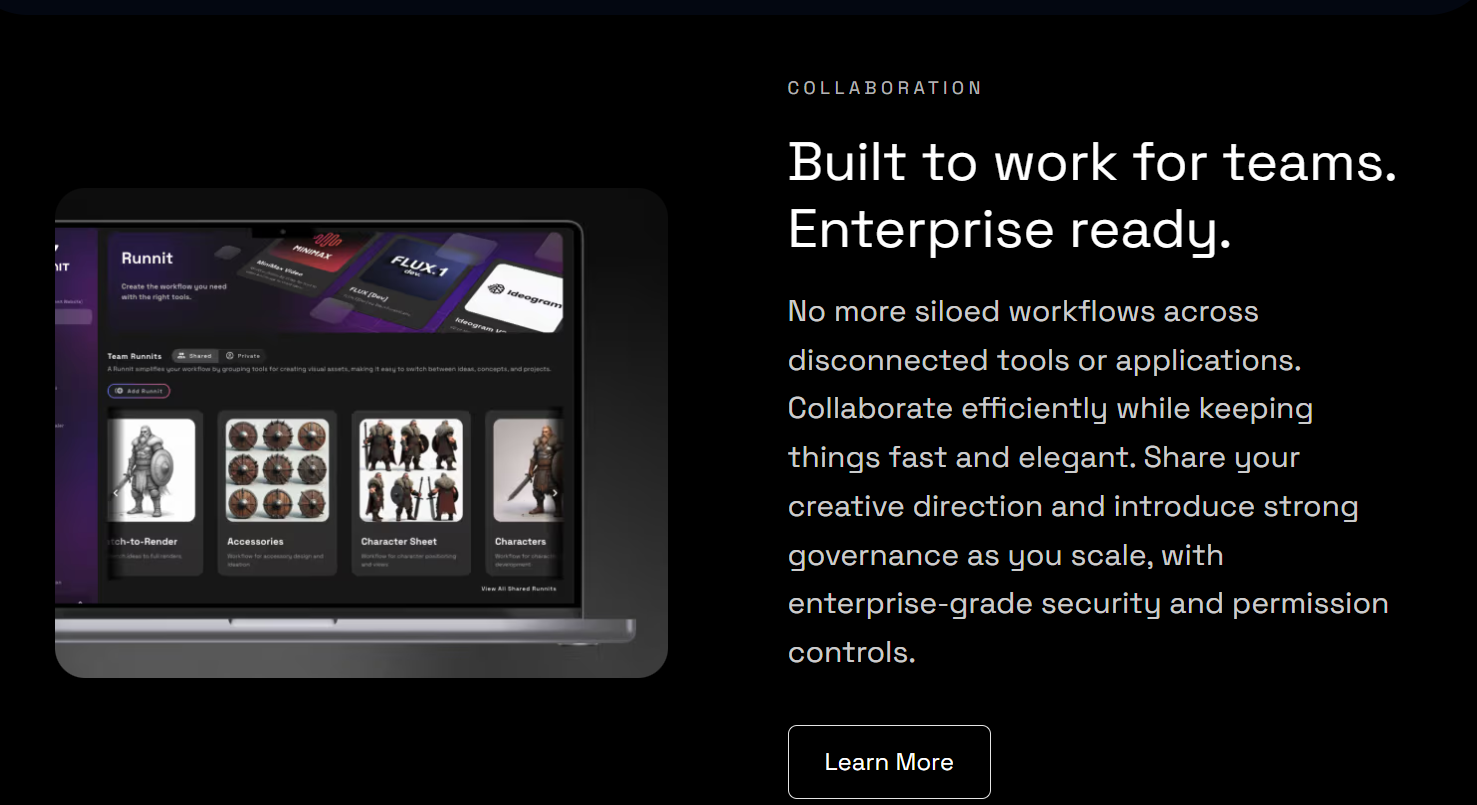
Real professional and enterprise tooling: Team Workspaces, budget controls, governance and spend limits, SSO, and usage analytics make RunDiffusion one of the few AI creative platforms genuinely built for agency and enterprise cost control, not just individual hobbyists.
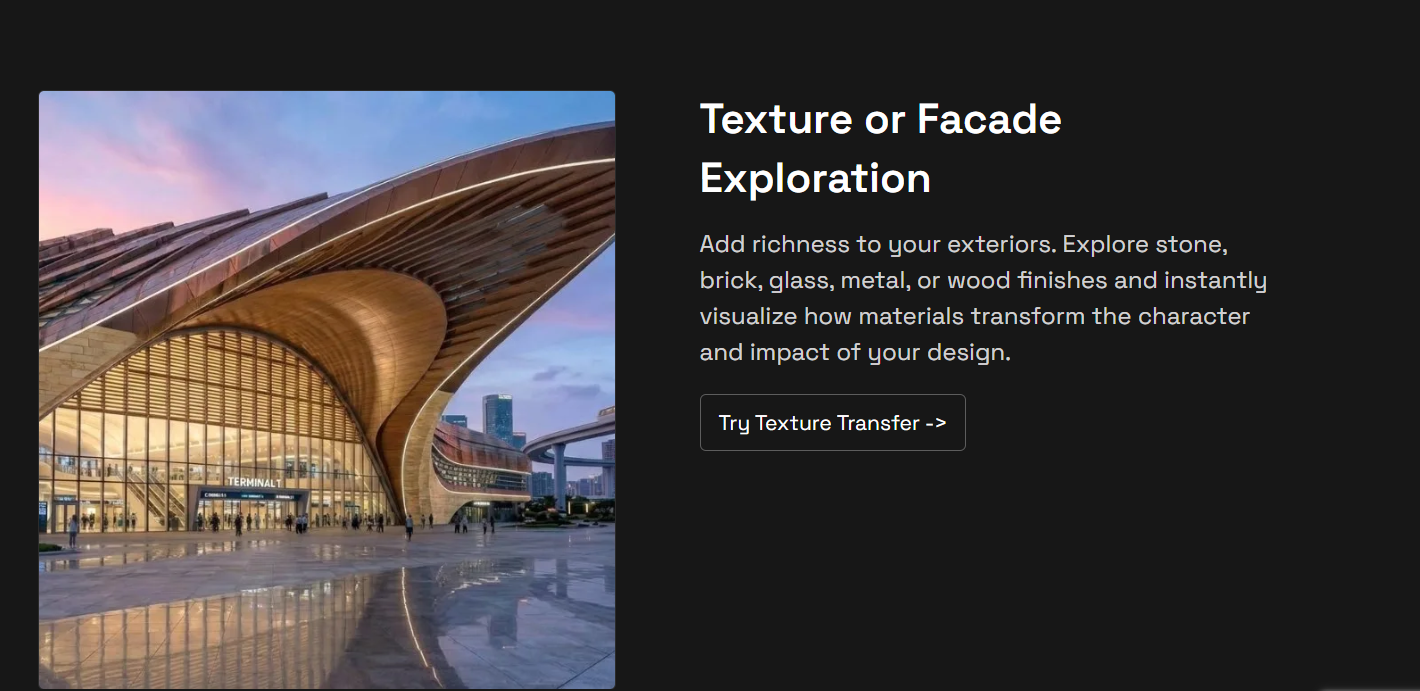
Native creative-tool plugins: in-beta Photoshop, Miro, and Revit plugins let architects, designers, and marketers bring RunDiffusion’s generation directly into the tools they already use daily, rather than round-tripping files between apps.
Privacy-respecting by policy: RunDiffusion states it never uses customer data to train or reinforce third-party or foundational AI models — a meaningful distinction for studios and brands generating proprietary creative work.
Key Features and Technology
RunDiffusion’s feature set spans generation, editing, training, and team workflow — organized around its Runnit “boards” concept and legacy GPU workspaces.
Image, Video, and Edit Models
Premium image tools cover the latest commercial and open models (Flux, Ideogram, ChatGPT Image, Nano Banana, Seedream), premium video tools bring in Kling, Seedance, and Wan, and dedicated editing tools include generative upscalers from Topaz and Magnific. All are accessible from paid Runnit tiers as part of the same token pool.
Runnit Boards
Boards function as organized creative workspaces — free accounts get 3, Hobby gets 5, Pro and Creators Club + Pro get 25, and Team/Enterprise get unlimited boards with up to 25 tools per board (unlimited on Team/Enterprise). This structure keeps different projects or clients cleanly separated.
LoRA Training and Downloads
Custom LoRA model training is included from Hobby upward, but the ability to download your trained LoRA files is reserved for Pro and higher — worth noting if you plan to use trained models outside RunDiffusion’s own platform.
Legacy GPU Workspaces (Open Source Apps)
Every plan, including Free, retains access to cloud-hosted ComfyUI, Automatic1111, and other open-source interfaces on dedicated GPU workspaces — the platform’s original product, for users who want granular technical control over their Stable Diffusion pipeline rather than the more guided Runnit interface.
Enterprise Governance and Team Tools
Team and Enterprise plans add Team Libraries, multi-team management, budget tools, user permission groups, advanced SSO, reporting and analytics, and a dedicated account manager — the kind of cost-governance layer larger creative organizations need to control AI spend across many users.
Pricing, Plans, and Package Structure
RunDiffusion prices its Runnit product line around a monthly token allowance, billed monthly or annually (annual billing saves up to 20%). Free gives you up to 100 daily tokens; paid tiers grant a larger fixed monthly pool, with the option to buy discounted token top-ups once you exceed your allowance. Legacy GPU workspace access (ComfyUI, Automatic1111) remains available on every tier, including Free, with the first 30 minutes of GPU time free to try. Pricing below reflects RunDiffusion’s published rates as of mid-2026 — always confirm current numbers on RunDiffusion’s pricing page, since SaaS pricing and token allowances shift often.
| Plan | Monthly Price | Annual Price (save 20%) | Tokens / Month | Boards |
|---|---|---|---|---|
| Free | $0 | $0 | Up to 100/day | 3 |
| Runnit Hobby | $10.99 | $8.79/mo | 10,000 | 5 |
| Runnit Pro | $29.99 | $23.99/mo | 30,000–240,000 | 25 |
| Creators Club + Runnit Pro | $49.99 | $41.79/mo | 30,000–240,000 | 25 |
| Team (up to 4 people) | $224.99 | $179.99/mo | 120,000–240,000 | Unlimited |
How RunDiffusion Compares to Alternatives
| Tool | Best For | Model Variety | Starting Price |
|---|---|---|---|
| RunDiffusion | Multi-model creative teams, technical + guided workflows | 140+ models, image/video/edit under one license | Free; ~$8.79/mo Hobby (annual) |
| Midjourney | Artistic, stylized imagery with minimal setup | Single proprietary model family | From ~$10/mo, no free tier |
| ThinkDiffusion | Beginners wanting a simpler cloud Stable Diffusion UI | Stable Diffusion-focused, fewer commercial models | Pay-per-use GPU hours |
| Local Stable Diffusion | High-volume generation with existing GPU hardware | Open-source models only, self-managed | Free (hardware cost separate) |
vs. Midjourney: Midjourney remains the go-to for effortless, stylized artistic output with a famously simple prompt-to-image workflow, but it’s a single closed model family with no free tier and limited technical control. RunDiffusion trades some of that simplicity for genuine model breadth and the option to drop into full technical control (ComfyUI, custom LoRA training) when a project demands it.
vs. ThinkDiffusion: ThinkDiffusion offers a comparably simple cloud Stable Diffusion interface, better suited to true beginners, but RunDiffusion pulls ahead with more specialized models, deeper training capabilities, and the unified access to commercial models like Flux, Kling, and ChatGPT Image that ThinkDiffusion doesn’t match.
vs. Local Stable Diffusion: Running Stable Diffusion locally on your own GPU is unbeatable on cost for very high-volume, unlimited generation once the hardware is paid off, but it requires real technical setup and a capable GPU (8GB+ VRAM minimum). RunDiffusion removes that barrier entirely and adds commercial models local setups simply don’t have access to, at the cost of an ongoing subscription.
Pros and Cons
What Creators Love
Genuinely one platform for everything: not having to manage separate subscriptions for Flux, Kling, ChatGPT Image, and Stable Diffusion is consistently the top reason creative teams choose RunDiffusion over piecing together individual model access.
No hardware required, fast boot times: spinning up a GPU workspace in under 90 seconds removes the single biggest barrier to serious Stable Diffusion work — an expensive local graphics card.
Real technical depth when you want it: full ComfyUI and Automatic1111 access on every tier means the platform doesn’t force casual and power users into the same simplified interface.
Fast, accessible LoRA training: a 20–25 minute custom model training workflow that doesn’t require machine-learning expertise is a genuine differentiator for brand and character consistency work.
Usage-based fairness on legacy GPU billing: the per-minute billing on GPU workspaces, with unused time credited back, respects users’ budgets far better than a flat hourly charge.
Limitations Worth Knowing
Token economics take real effort to model: with premium video and image models consuming tokens at different rates, accurately predicting whether Hobby or Pro will cover your actual monthly usage requires some trial and error before committing to annual billing.
Free plan storage is short-lived: the 72-hour retention window on Free-tier cloud storage means casual users need to actively export their work, or risk losing it before they’ve even decided to upgrade.
LoRA downloads gated to Pro and above: Hobby-tier users can train custom models but can’t take the trained LoRA files off the platform, which limits portability for anyone who wants to use their trained models elsewhere.
Peak-time performance can slow: some users report slower generation during high-traffic periods, a common trade-off of shared cloud infrastructure versus a dedicated local GPU.
Steeper learning curve than pure consumer tools: the sheer breadth of models, boards, and technical options (especially on the ComfyUI side) means RunDiffusion has more of a learning curve than a simple prompt box like Midjourney.
Who Should Use RunDiffusion
Independent creators and hobbyists exploring AI image generation without committing to hardware will get real value from the Free plan and Hobby tier — enough tokens to experiment across multiple model families.
Professional designers, marketers, and content creators producing regular campaign visuals should land on Runnit Pro, where LoRA downloads, higher token allowances, and access to premium video tools make the subscription pay for itself quickly.
Architects, fashion studios, and game artists with industry-specific workflows will benefit from the dedicated industry solutions and the Photoshop/Revit plugin integrations currently in beta.
Small creative agencies managing multiple clients or projects should go straight to Team, where unlimited boards, a shared library, and priority support justify the higher monthly cost.
Enterprises with strict AI governance needs — spend controls, SSO, permission groups, dedicated account management — should engage RunDiffusion’s Enterprise sales team directly rather than trying to piece those controls together on lower tiers.
Getting Started: Step by Step
- Create your free account at RunDiffusion — signup takes seconds and no credit card is required.
- Explore Runnit’s model catalog using your daily free tokens to test a few different image and video models before committing to a paid tier.
- Try a legacy GPU workspace with your 30 free minutes if you want full ComfyUI or Automatic1111 technical control rather than the guided Runnit interface.
- Export anything you want to keep from the Free plan before the 72-hour storage window closes.
- Upgrade to Hobby or Pro once you know your monthly token needs, choosing annual billing for the 20% discount if you’ll use it consistently.
- Train a custom LoRA model using the Standard Trainer if you need consistent characters or a branded visual style across projects.
Tips for Getting Maximum Value
Spend real time on the Free plan’s daily token allowance before upgrading — testing a range of image and video models first will tell you which premium tools you’ll actually use, since token consumption varies significantly by model type. Track your token usage for a full month on Hobby or Pro before switching to annual billing, since video generation in particular can burn through tokens far faster than static image work, and you want to size your plan to your real usage pattern rather than the sticker price alone. If your work depends on taking trained models outside the platform — for use in a local ComfyUI setup or another tool — budget for Pro rather than Hobby from the start, since LoRA downloads aren’t included below that tier. Finally, if you’re testing the platform casually, download or export anything you create on the Free plan promptly; the 72-hour storage window is easy to miss and there’s no recovery once files are purged.
Future Outlook and Final Assessment
AI creative tooling is consolidating fast, and RunDiffusion’s 2026 direction — unifying image, video, and editing models under Runnit while retaining its original technical GPU-workspace roots — positions it well against both single-model consumer apps and raw cloud-GPU rental. The addition of Photoshop, Miro, and Revit plugins signals a real push toward meeting professional creatives inside their existing tools rather than pulling them into yet another standalone app, and the enterprise governance layer (budgets, SSO, permission groups) suggests genuine ambitions beyond the hobbyist market. The honest caveats remain real, though: token-based pricing takes real effort to budget accurately, especially as video generation becomes a bigger part of most creative workflows, and the platform’s breadth means a real learning curve compared to single-purpose tools like Midjourney.
Conclusion
RunDiffusion won’t be the simplest starting point for someone who just wants a single prompt box and stylized output — Midjourney still wins on pure ease of use. But for creators, agencies, and enterprises who need real breadth across image and video models, genuine technical control when they want it, and cost governance that scales from a solo hobbyist to a full creative team, it’s one of the most complete AI creative platforms available today. Start on the free plan, test a range of models before committing, and scale into Hobby, Pro, or Team once you know your real token usage pattern. That’s exactly the kind of well-informed tool decision AI Solutes exists to help you make — because we want to make everything easy.
Ready to create with every leading AI model in one place?
Explore more honest reviews, tutorials and tool comparisons to find the right tech for the way you work and live — at AI Solutes, where we make everything easy.
👉 Open Free Account: https://ai-solutes.com/rundiffusion
👉 Our YouTube Channel: youtube.com/@ai-solutes
👉 Our Facebook Fanpage: Facebook
👉 Our X (Twitter): @AISolutes
- What If Every Message Turned into a Meaningful Relationship? Exploring Text’s Intelligent Messaging Tools
- AI Avatar ClonebyMe
- Unlock the Top Impact Trends Redefining Tech, Sustainability, and Global Growth in 2025
- What If Deploying Enterprise Cloud Servers Took 60 Seconds Inside Kamatera’s Engine?
- 2025 Flight Price Comparison Guide: Book Smarter and Save More with Apps and Promo Codes















