


“Fire your team, hire AI employees” is a bold pitch, and Sintra AI has built its entire brand around it — twelve named, specialized AI helpers (Cassie for support, Penn for copy, Emmie for email, Seomi for SEO, and more) that live in one workspace and share a common “Brain” trained on your business’s files, brand voice, and documents. With more than 50,000 users across 100+ countries and thousands of Trustpilot reviews, Sintra has become one of the most talked-about names in the AI business-automation category. The employee metaphor and guided, question-led onboarding genuinely lower the barrier for non-technical founders compared to a blank ChatGPT prompt, and reviewers consistently note the output quality is solid — the kind of first draft a switched-on new hire might produce. But the marketing promise of “AI employees” and what the product actually delivers in 2026 are two different things, and understanding that gap is the single most important part of deciding whether to subscribe.
For solo founders and small business owners who need a fast, structured way to draft content, emails, and marketing copy across many roles without hiring a team, Sintra AI delivers real, measurable value — but only if you understand it as a drafting and ideation layer, not an autonomous execution engine. This 2026 review walks through what Sintra AI actually does, its 12 helpers and Brain AI system, current pricing and the credit system that shapes real-world cost, how it compares to Lindy AI and hiring a general-purpose assistant, the honest limitations independent testers keep finding, and exactly who should — and shouldn’t — subscribe.
Sintra AI Review 2026: 12 “AI Employees” — What They Actually Do vs. What the Marketing Promises
Overview and Background
Sintra AI is built around a deceptively simple pitch: instead of a single general-purpose chatbot, you get twelve specialized AI “employees,” each with a name, a defined role, and prompt templates tuned specifically for that domain. Founded in Vilnius, Lithuania and operated by PlayOS Inc., Sintra has grown into one of the more recognizable names in the AI automation space, with a clearly US-centric marketing and pricing strategy despite its European base. Rather than asking a blank AI to “write a blog post,” you assign the task to Penn, your copywriter, or Seomi, your SEO specialist — a persona-based framing that resonates particularly well with solo founders and small business owners more used to delegating to people than prompting software.
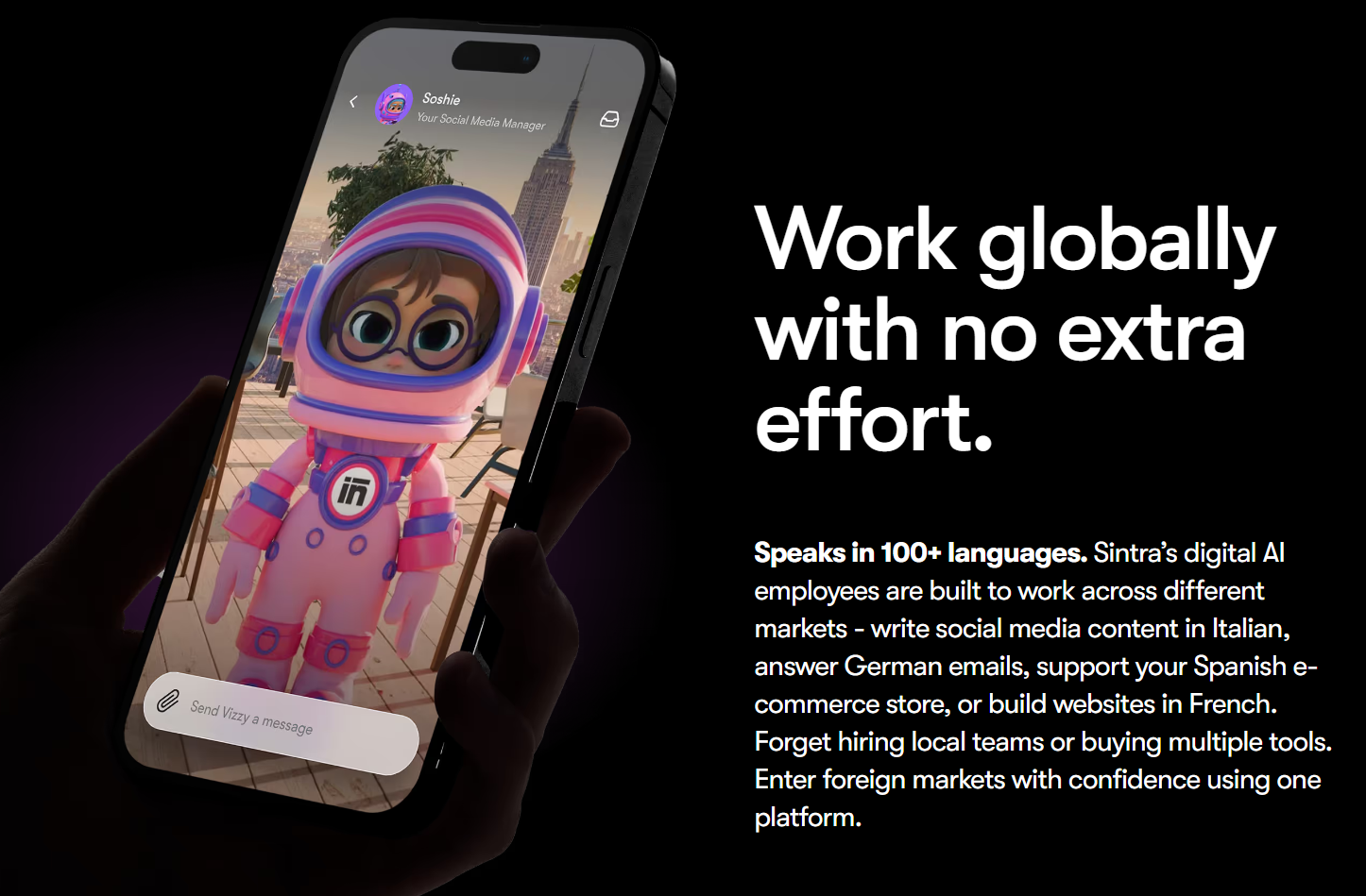
Every helper draws on Brain AI, a shared, persistent knowledge base that stores your uploaded files, brand voice, guidelines, and standard operating procedures, so outputs across all twelve helpers stay reasonably consistent with your business rather than generic. Sintra supports integrations with more than 1,000 apps including Slack, Gmail, Notion, Google Calendar, LinkedIn, and Google Analytics, and specific helpers ship with “Power-Ups” — templated workflows for generating proposals, contracts, sales scripts, or content plans. The platform also claims support for 100+ languages, a genuine advantage for international businesses and multilingual customer support that isn’t always front and center in Sintra’s own marketing.
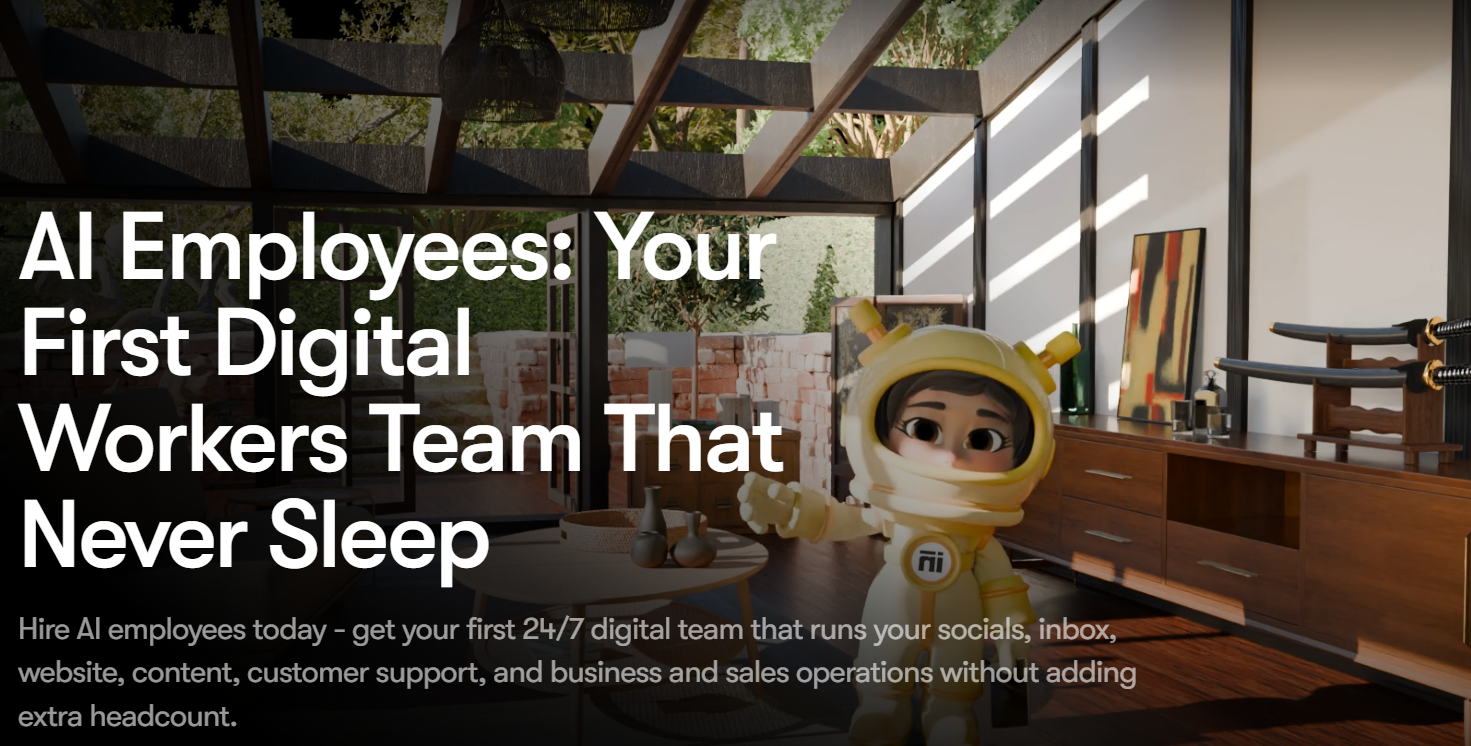
Why Sintra AI Stands Out in 2026
A genuinely lower barrier to entry than a blank prompt: the guided, question-led onboarding and role-specific templates mean a first-time user gets structured, on-topic output immediately, without needing to learn prompt engineering the way a raw ChatGPT session demands.
Broad functional coverage in one subscription: sales, marketing, SEO, support, content writing, social media, data analysis, and admin tasks all live under one roof, which has real convenience value for a solopreneur juggling many roles who’d otherwise need separate tools or subscriptions for each.
Brain AI’s shared context is the right architectural instinct: having every helper draw from the same trained knowledge base of your brand voice and documents means outputs improve as the system learns your business, rather than starting from scratch with every new conversation.
Genuinely responsive human support: 24/7 human customer support is a real differentiator at this price point, where most AI platforms lean entirely on chatbots or ticket queues, and it shows up repeatedly as a positive in user reviews.
Workflow chaining on higher tiers: being able to chain helpers together — a content draft feeding into promotional social posts, which feeds into a newsletter — starts to approach real agent-level automation rather than a set of disconnected chat windows.
Key Features and Technology
Sintra’s feature set breaks into three parts: the 12 named helpers themselves, the Brain AI knowledge layer that grounds their output, and the Power-Ups and integrations that connect Sintra to the rest of a business’s stack.
The 12 AI Helpers
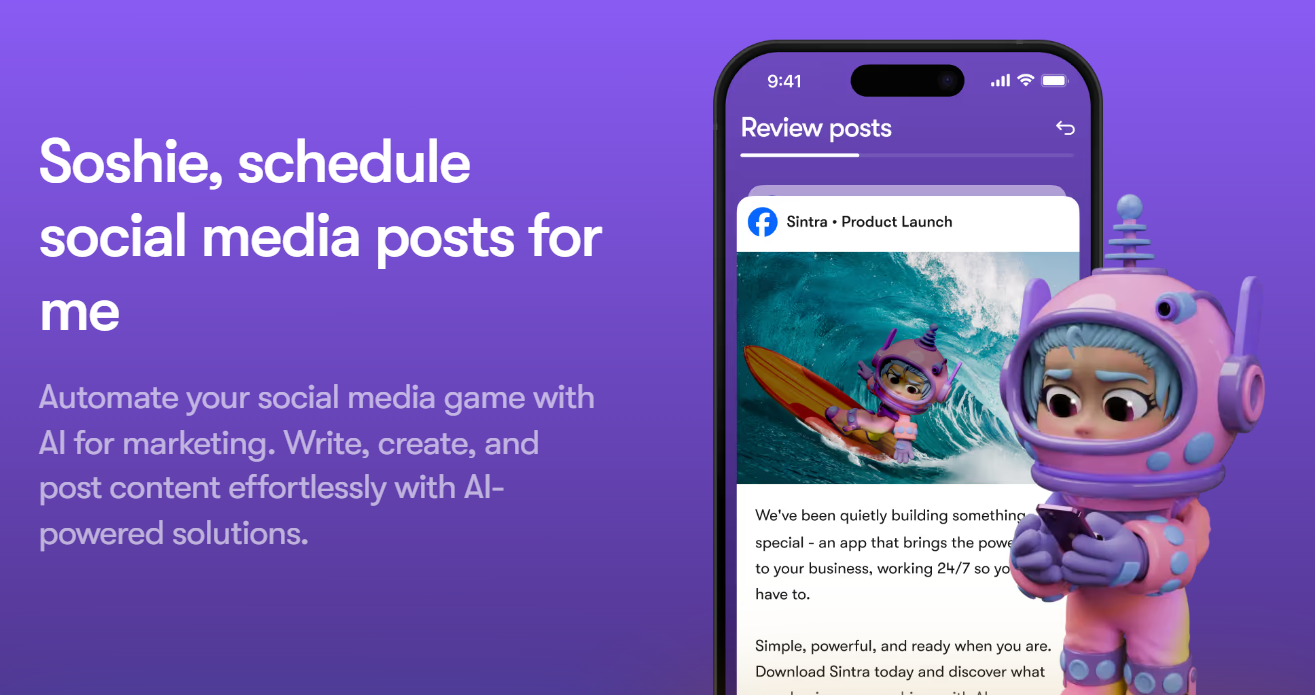
Each helper owns a distinct business function: Cassie handles customer support, Penn handles copywriting, Emmie handles email marketing, Seomi handles SEO, Soshie handles social media captions and ideas, Dexter handles data analysis, and additional helpers cover market research, eCommerce, recruitment, and business strategy, among others. Each ships with prompt templates tuned for its specific domain, and helpers operate inside Workspaces, so different brands or clients get clean, separated context rather than everything blending into one undifferentiated knowledge pool.
Brain AI and Power-Ups
Brain AI is the shared, persistent context store — upload your brand guidelines, past content, and SOPs once, and every helper references that same information rather than requiring you to re-explain your business in every conversation. Power-Ups add templated, more advanced capabilities to specific helpers: generating full proposals, contracts, sales scripts, forecasts, or multi-week content plans in one guided flow rather than a freeform chat exchange.
Integrations and Workflow Chaining
Sintra connects to more than 1,000 apps, including Slack, Gmail, Notion, Google Calendar, LinkedIn, Facebook, Instagram, and Google Analytics, letting outputs push into the tools where the actual work happens. On higher tiers, workflow chaining lets one helper’s output feed directly into the next — a blog draft from Penn triggering promotional posts from Soshie, which then feeds a newsletter draft from Emmie — genuine progress toward multi-step automation, though integration depth remains moderate compared to platforms built specifically for complex conditional workflows.
Pricing, Plans, and the Credit System
Sintra’s pricing has simplified in 2026: the company no longer sells individual single-helper plans, and Sintra X — access to all 12 helpers — is now the only plan offered. Every tier of that plan includes 250 monthly credits that reset each cycle and do not roll over; when they hit zero, helpers stop working until you either wait for the next reset or purchase a credit top-up. That single design choice is, according to multiple independent reviewers, the real deciding factor in whether Sintra is worth it for a given user’s volume of work. There is no free plan or free trial — the only protection is a 14-day money-back guarantee, so you pay upfront and can request a full refund within two weeks if it’s not a fit.
| Billing Term | Approx. Price | Credits | Best For |
|---|---|---|---|
| Monthly | ~$97/mo (list) or ~$38–$49/mo (promotional) | 250/mo, no rollover | Short-term testing of the full platform |
| Quarterly | ~$25–$30/mo equivalent | 250/mo, no rollover | Users confident they’ll use it beyond a trial run |
| Annual | ~$15.60–$16/mo equivalent | 250/mo, no rollover | Solo founders committed to ongoing use |
How Sintra AI Compares to Alternatives
| Tool | Focus | Starting Price | Best Fit |
|---|---|---|---|
| Sintra AI | Pre-built role-based AI drafting assistants | ~$16–$97/mo | Solo founders wanting quick, structured drafts across many roles |
| Lindy AI | Custom-built AI workflow automation | Free tier / paid tiers | Users needing custom logic and real conditional automation |
| ChatGPT / Claude | General-purpose AI assistant | Free / ~$20/mo | Users comfortable prompting, wanting more flexibility and lower cost |
vs. Lindy AI: Lindy is more flexible, letting users build custom AI workflows with genuine conditional logic and deeper tool triggers from scratch. Sintra is more opinionated — pre-built roles with defined personas that lower the barrier for non-technical founders who don’t want to design workflows themselves. Choose Sintra for speed and simplicity; choose Lindy if you need custom logic, multi-step conditional automation, or deeper native execution capability.
vs. ChatGPT or Claude directly: a general-purpose AI assistant is more flexible and, at roughly $20/month, meaningfully cheaper than Sintra’s list price — the trade-off is that you have to do your own prompt engineering and context-setting in every session, without a persistent, role-specific structure. Sintra’s value is specifically the guided onboarding and persona-based organization; users who already prompt effectively and don’t need twelve separate personas may find a general assistant delivers similar output at a fraction of the cost.
Pros and Cons
What Users Love
Decent, structured first drafts: reviewers who tested Sintra over extended periods consistently describe the output quality as strong first-draft material — clean structure, clear language, on-brand tone — rather than the strongest possible copy on the first attempt.
Real time savings for solo operators: users who bill their own time at $50+/hour and save even 8–10 hours a month report the subscription pays for itself, particularly for freelancers and solopreneurs producing lots of content regularly.
Genuinely responsive human support: 24/7 human customer service shows up repeatedly as a standout positive, a rarity among AI platforms at this price point.
Specialization beats a blank chat window: the role-based personas with context memory feel more like actual team roles than generic chatbot interactions, which reviewers cite as a meaningful psychological and practical advantage for delegation-minded founders.
Limitations Worth Knowing
No native execution — this is the single biggest gap between marketing and reality: Sintra drafts and suggests but doesn’t publish, send, or update anything autonomously; every output requires you to manually copy it into the tool that actually acts, which contradicts the “fire your team” marketing framing directly.
The 250-credit cap restricts genuinely heavy use: credits don’t roll over, and content-heavy users or those running frequent analyses can burn through the monthly allowance quickly, forcing paid top-ups that raise the effective real-world cost above the advertised price.
Not a replacement for dedicated CRM or social scheduling tools: Sintra drafts sales and social content but doesn’t track deals, manage pipelines, schedule posts, or provide analytics — plan to keep your existing dedicated tools for those functions rather than expecting Sintra to absorb them.
Breadth trades off against depth: covering 12 distinct roles in a single subscription necessarily means each helper is shallower than a dedicated tool built specifically for that one function — no integrated analytics dashboard, no campaign tracking, no SERP data for SEO specifically.
No free plan or trial: the only risk protection is a 14-day money-back guarantee, meaning you commit financially upfront before you can fully evaluate whether the output quality and credit allowance fit your actual workflow.
Who Should Use Sintra AI
Solo founders wearing many hats: if you’re juggling copywriting, email, social content, and admin tasks alone, having structured drafting help across all of them under one subscription has genuine convenience value, provided you treat the output as a starting point rather than a finished product.
Freelancers and content-heavy small businesses: users who bill their own time at a meaningful hourly rate and can realistically save several hours a month on drafting see the clearest, most defensible ROI from the subscription.
Non-technical founders intimidated by prompt engineering: the guided, persona-based onboarding genuinely helps users who find a blank ChatGPT window paralyzing get useful output faster.
International or multilingual businesses: the 100+ language support is a real, underappreciated advantage for teams operating across borders or serving multilingual customer bases.
Who should look elsewhere: dedicated marketing teams needing real analytical depth — keyword research engines, SERP data, campaign analytics — will find Sintra’s chat-based, persona-styled assistance too shallow; teams expecting genuine autonomous execution rather than draft-and-review workflows should look at Lindy AI or a purpose-built automation platform instead.
Getting Started: Step by Step
- Sign up for the monthly plan first, not annual, so you can test real credit consumption against your actual workload before committing long-term.
- Upload your brand documents to Brain AI immediately — guidelines, past content, tone examples — since output quality improves meaningfully once the system has real context to draw from.
- Pick two or three helpers most relevant to your immediate needs rather than trying all twelve at once, so you can judge output quality on the tasks that matter most before your credits run out.
- Track how many credits each type of task consumes during your first billing cycle, since usage varies significantly by task complexity and content length.
- Connect the integrations you’ll actually use (Slack, Gmail, Google Calendar) to streamline moving Sintra’s drafts into your execution tools.
- Back up Sintra-generated content and Brain AI data locally so you never lose work if your subscription lapses.
- Reassess after one full billing cycle whether the 250-credit allowance genuinely covers your workload before switching to quarterly or annual billing.
Tips for Getting Maximum Value
Go in with the right mental model from day one: Sintra is a brainstorming and drafting partner, not an autonomous employee that executes work without your input — treating it that way from the start avoids the disappointment that shows up in reviews from users who expected the “fire your team” marketing to be literal. Invest real time in Brain AI early, since the quality gap between a well-fed knowledge base and an empty one is significant and compounds across every helper you use. Watch your credit consumption closely in the first month rather than assuming 250 will comfortably cover your needs — content-heavy workflows (long blog drafts, frequent data analyses) burn through the allowance faster than lighter tasks like quick email drafts or social captions. If you only need one or two specific functions — social captions alone, for instance — price out a dedicated tool for that specific job before assuming the full Sintra X bundle is the more economical choice. And keep your existing CRM, social scheduler, and analytics tools in place; Sintra is additive to that stack, not a replacement for it.
Future Outlook and Final Assessment
Sintra’s move toward workflow chaining on higher tiers signals a real, sensible direction: closing the gap between “drafts content” and “actually executes work” is the natural next step for the category, and it’s the feature most likely to make the “AI employee” framing feel earned rather than aspirational. The company’s simplification to a single Sintra X plan in 2026 also suggests it’s leaning into the bundle-value pitch rather than trying to compete purely on per-helper pricing. The honest tension, though, is between the marketing and the mechanics: as long as execution stays manual and credits stay capped at 250 with no rollover, “AI employees” will remain a useful but bounded metaphor rather than a literal team replacement — a distinction every prospective buyer needs to internalize before comparing the subscription price to a human hire’s salary.
Conclusion
Sintra AI earns real credit for making AI delegation feel approachable — the persona-based structure, guided onboarding, and Brain AI’s shared context genuinely lower the barrier for non-technical founders juggling many roles alone. It falls short of its own marketing, though: this is a drafting and ideation layer, not an autonomous employee that executes work while you sleep, and the 250-credit cap means real-world cost can run higher than the advertised price for anyone with substantial content needs. Used with the right expectations — a fast, well-organized first-draft generator across a dozen business functions — Sintra AI can save real hours for the right user. Whichever AI tool ends up in your stack, the goal we chase with every review on this site stays the same: helping you make everything easy.
Ready to build your AI-powered team of drafting assistants?
Explore more honest reviews, tutorials and tool comparisons to find the right tech for the way you work and live — at AI Solutes, where we make everything easy.
👉 Get Started: https://ai-solutes.com/sintra
👉 Our YouTube Channel: youtube.com/@ai-solutes
👉 Our Facebook Fanpage: Facebook
👉 Our X (Twitter): @AISolutes
- OpenArt AI 2026 Review: Generate Multimodel AI Art and Keep Characters Consistent
- Maximize TopCashback Cashback Rewards in 2026: Earn More Money on Every Online Purchase
- Does Freecash Maximize Pocket Money? Analyzing the Freecash Micro-Tasking Software
- Chatbase 2026 Review: Build No-Code AI Agents to Automate Customer Support Across Every Channel
- Master DocHub PDF Editor: Boost Productivity with Seamless Dashboard, Form Templates, and Secure Digital Signatures















