

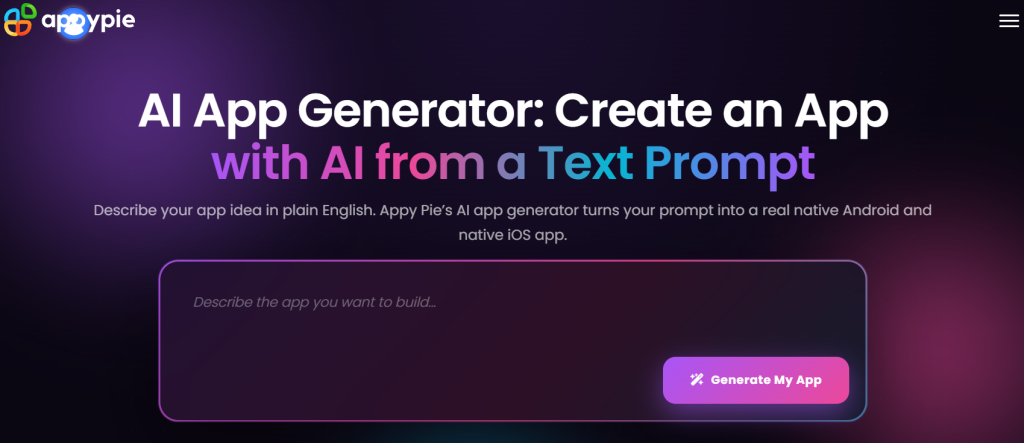
Hiring a developer to build a custom mobile app can easily run $10,000 to $40,000 or more, and that’s before ongoing maintenance. For small business owners, churches, restaurants, real estate agents, and solo entrepreneurs who just need a working app without that budget, Appy Pie has built its entire business around solving exactly that problem. Appy Pie is an AI-powered, no-code platform that lets anyone build and publish mobile apps, business websites, and chatbots without writing a single line of code — founded in 2015 by Abhinav Girdhar and now used by a claimed 10 million-plus builders worldwide. With app plans starting at just $16 a month, a drag-and-drop interface, and an AI app generator that can turn a text prompt into a working app structure in minutes, it’s one of the more accessible entry points into no-code development in 2026.
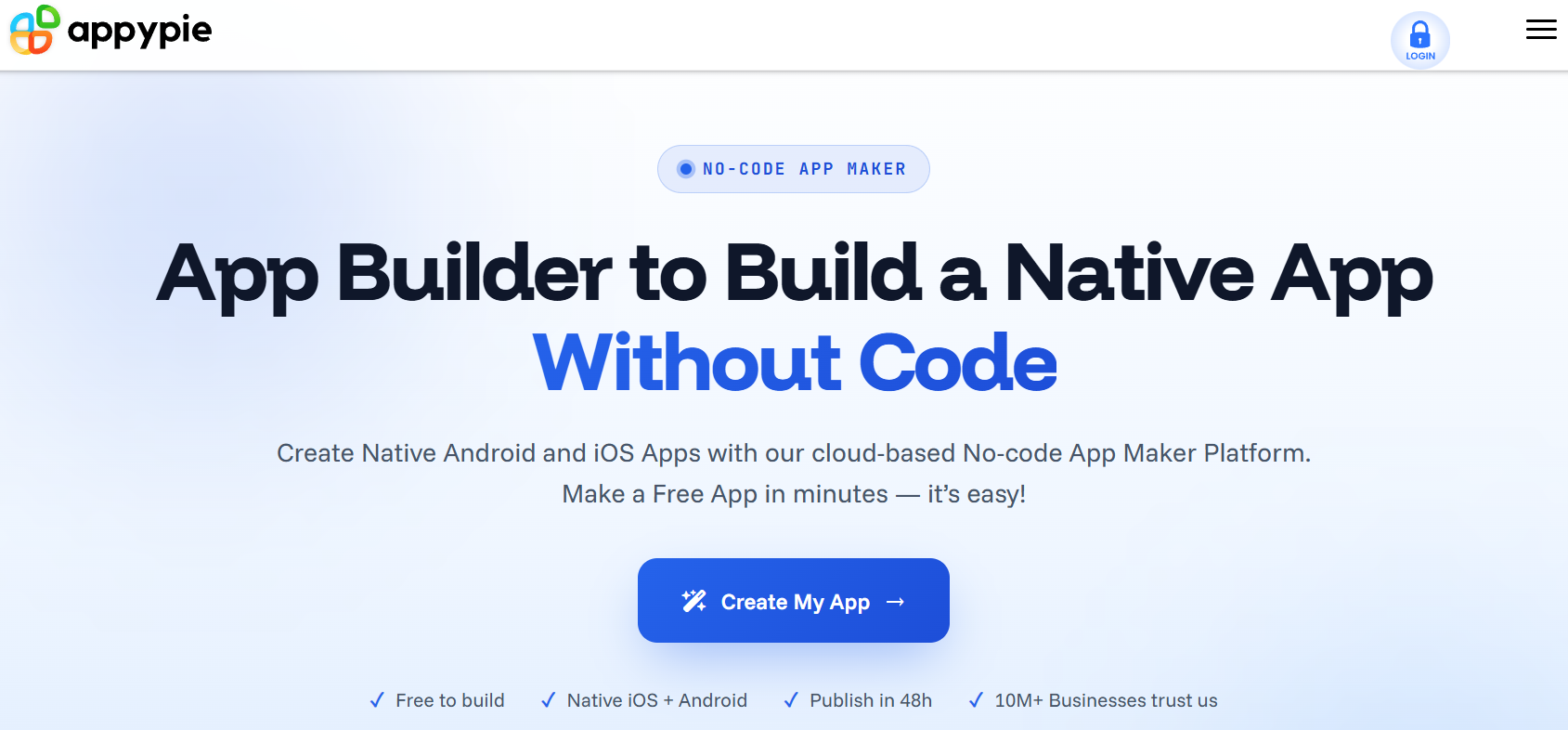
For entrepreneurs testing an idea, small businesses that need a simple companion app, and non-technical teams that can’t justify hiring developers, the pitch is straightforward: describe what you want, drag a few elements into place, and publish to the App Store and Google Play without touching a line of Swift or Kotlin. This 2026 review walks through what Appy Pie actually does well, the real pricing across its app builder and adjacent products, how it stacks up against Adalo and BuildFire, the honest limitations users keep flagging, and exactly who should (and shouldn’t) build on it.
Appy Pie Review 2026: The No-Code AI App Builder That Turns Ideas Into Published Apps Without a Developer
Overview and Background
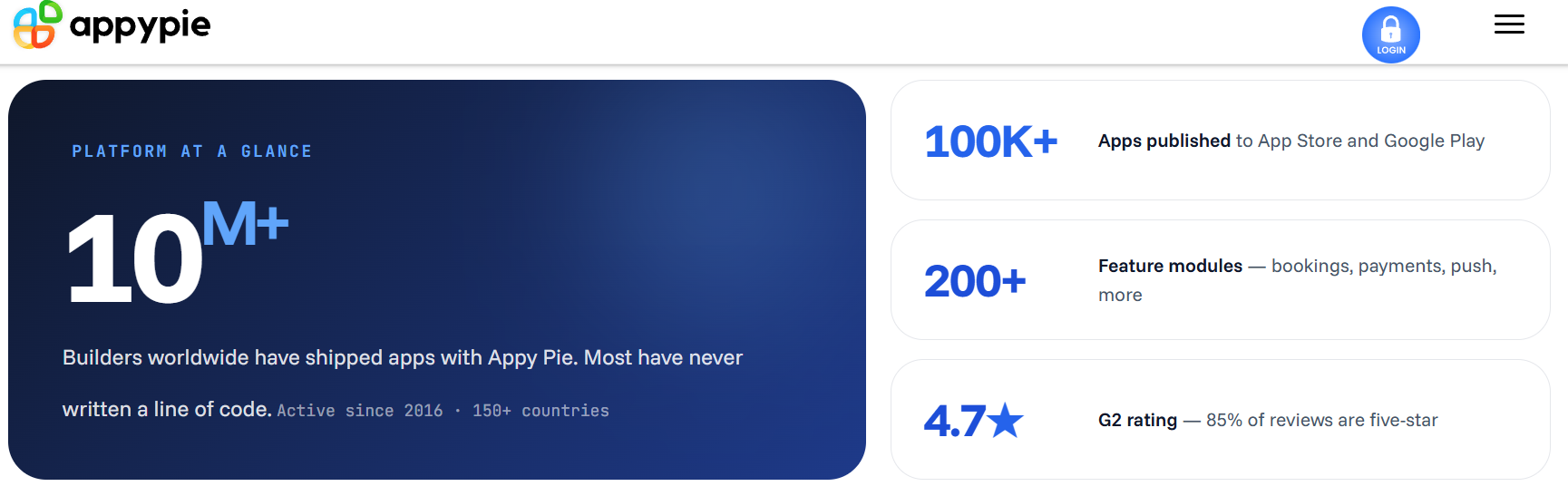
Appy Pie was founded in 2015 by Abhinav Girdhar, who previously ran an SEO agency and kept getting client requests for mobile apps he had no easy way to deliver. That gap became the company’s founding insight: build a platform that lets anyone, regardless of technical background, turn an idea into a real published app. The company launched publicly in 2016, reportedly reaching 10,000 users in its first month, and has since grown into a broader no-code suite rather than a single-purpose app builder. Appy Pie is headquartered in Virginia, USA, with additional offices in Noida, India.
Today the platform spans five main product lines: the original App Builder, an AI Website Builder, a chatbot and AI agent maker for lead qualification and customer support, a workflow automation tool, and a design/copywriting suite. Each product is sold and priced separately, which matters when you’re budgeting — a business using the app builder and the chatbot maker together is paying for two distinct subscriptions, not one bundled plan.
Appy Pie’s core value proposition hasn’t changed much since 2016: drag-and-drop simplicity for people with zero coding experience. What has changed is the addition of AI throughout the workflow — describe your app in plain English and the AI app generator will propose screens, navigation, and layout automatically, which you then refine using the visual builder. The platform reports SOC 2 Type II compliance along with GDPR, PCI DSS, and ISO certifications, which is a reasonable baseline for a business tool handling customer data and payments.
Why Appy Pie Stands Out in 2026
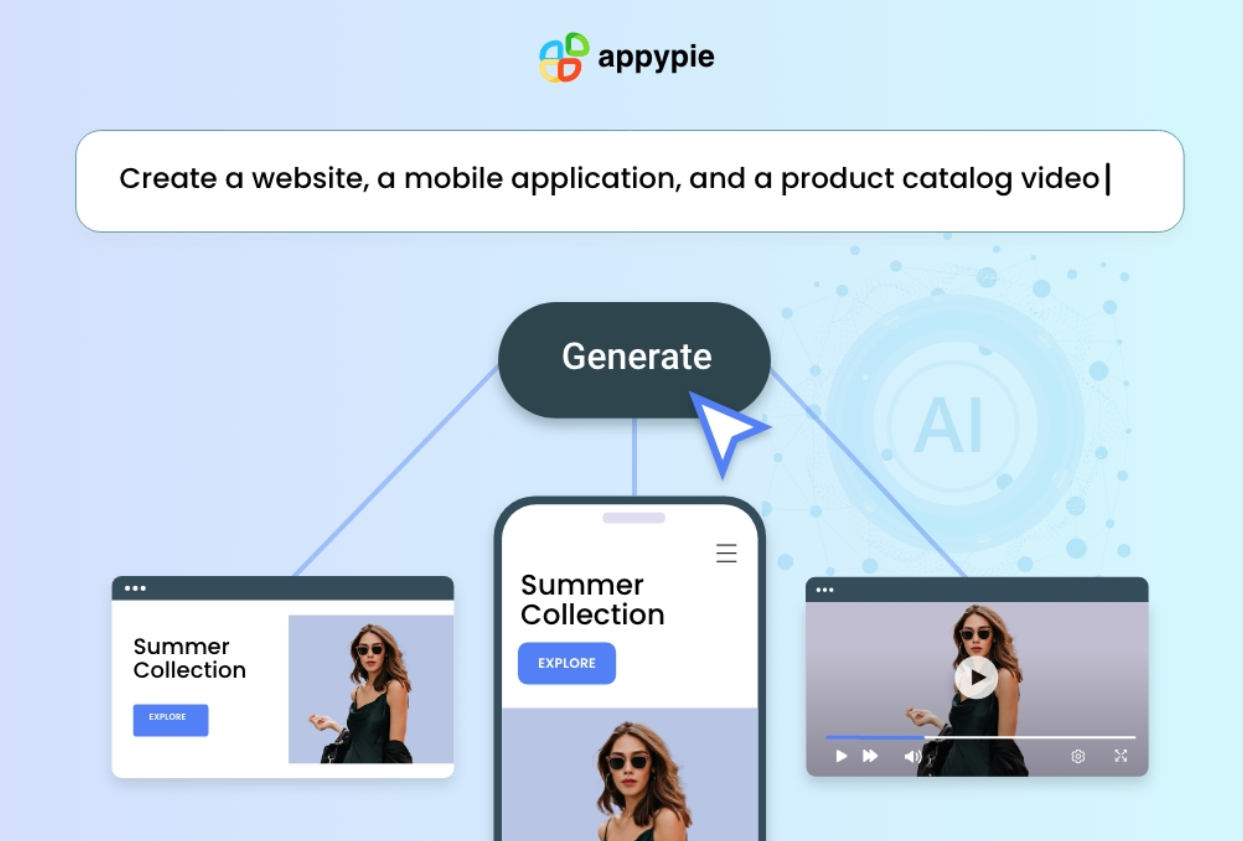
Genuinely fast prompt-to-app generation: The AI app generator lets you type a description of the app you want and get a working structure — screens, navigation, basic layout — in minutes rather than starting from a blank canvas. For non-technical founders, that first working draft removes the single biggest barrier to getting started.
One of the lowest entry price points in the category: At $16 per app per month on annual billing, Appy Pie’s Basic plan undercuts BuildFire’s $100/month entry tier by a wide margin, and is competitive with Adalo’s $36/month starting price for straightforward, template-driven apps.
A genuinely broad no-code suite: Beyond the app builder, the same account ecosystem covers an AI website builder, a chatbot/AI agent maker for lead qualification and support, and workflow automation — useful for small businesses that want one vendor relationship instead of stitching together separate tools.
Dual-platform publishing handled for you: Appy Pie manages the submission process to both the Google Play Store and Apple App Store, including assistance when Apple or Google push back during review — a genuinely useful hand-holding service for first-time app publishers who’ve never navigated store approval before.
Responsive customer support: Across multiple independent review platforms, Appy Pie’s support team consistently earns praise — reviewers specifically cite quick, helpful responses that make the build process less intimidating for beginners, with a reported 4.7-out-of-5 support satisfaction rating.
200+ pre-built modules to snap together: Bookings, payments, push notifications, chat, analytics, geofencing, and offline mode are all available as ready-made components, so common app features don’t need to be built from scratch.
Key Features and Technology
Appy Pie’s feature set breaks into a few clear pillars: AI-assisted generation, the visual builder itself, publishing and distribution, and the broader tool suite that surrounds the core app builder.
AI App Generator and Drag-and-Drop Builder
Start with a name or a one-sentence description, and the AI proposes an initial structure. From there, the drag-and-drop canvas lets you add pages, forms, navigation, and photo/video sharing, choosing from customizable templates built for specific industries — restaurants, real estate, fitness studios, churches, education, and more. A website-to-app converter is also available, letting businesses with an existing website turn it into a basic mobile app without rebuilding from scratch.
Publishing and Distribution
Higher tiers publish to both the Apple App Store and Google Play under your own developer account, and Appy Pie’s team assists with the submission process, including responding to review feedback from Apple or Google. Note that Appy Pie’s own subscription doesn’t cover the platform fees: Google Play charges a one-time $25 developer fee, and Apple charges a $99 annual developer program fee, both paid directly to Apple/Google, not to Appy Pie.
Monetization and Integrations
Apps can be monetized through in-app ads, subscriptions, in-app purchases, or paid downloads. The platform lists more than 20 integrations in reviewer-reported catalogs, connecting to Shopify, Mailchimp, Google Ads, Google Drive, Google Sheets, Microsoft Teams, Asana, and Airtable, covering e-commerce, marketing, collaboration, and productivity workflows out of the box.
The Broader Product Suite
Beyond the app builder, Appy Pie’s AI Website Builder generates a responsive business site from a text description, the chatbot/AI agent maker handles lead qualification and appointment booking, and a separate workflow automation tool builds AI agents to handle repetitive business tasks. These are sold as distinct products with their own pricing, so treat them as optional add-ons rather than features bundled into the app builder subscription.
Pricing, Plans, and Package Structure
Appy Pie’s App Builder is priced per app, per month, with a significant discount for annual billing (roughly 50% savings versus paying monthly). This is a recurring subscription cost, and remember that Apple and Google’s own developer fees are charged separately on top of whatever Appy Pie plan you choose.
| Plan | Price (Annual, per app) | Platforms | Best For |
|---|---|---|---|
| Basic | $16/month | Android | A simple directory, event page, or loyalty card app |
| Gold | $36/month ($72/mo billed monthly) | Android | Small businesses wanting 24/7 chat support and more downloads/notifications |
| Platinum | $60/month ($120/mo billed monthly) | Android + iOS | Businesses needing both app stores and priority support |
| Enterprise | Custom quote | All platforms | Large organizations needing SSO, dedicated account management |
Gold adds email and chat support plus roughly double the push notifications and monthly downloads over Basic. Platinum is the plan most businesses actually need if iOS publishing matters, since Basic and Gold are Android-only. A 7-day free trial is available across plans to test the builder before committing, though publishing and full features require a paid subscription.
How Appy Pie Compares to Alternatives
| Platform | Starting Price | Output Type | Pricing Model |
|---|---|---|---|
| Appy Pie | $16/month | Hybrid | Per app, per month |
| Adalo | $36/month | Native (iOS, Android, web from one build) | Flat rate, unlimited downloads/records |
| BuildFire | $100/month | Native (iOS, Android) | Flat rate, limited downloads on entry tier |
vs. Adalo: Adalo builds true native apps from a single codebase across iOS, Android, and web, with unlimited downloads and database records on every paid plan — a meaningfully different value proposition than Appy Pie’s per-app, per-platform pricing. If you’re building one app but need it genuinely native with room to scale, Adalo’s flat $36/month is often the better long-term value despite the higher entry price.
vs. BuildFire: BuildFire’s $100/month entry tier is dramatically more expensive than Appy Pie’s Basic plan, and even at that price it caps downloads at 100/month and locks many plugins behind higher tiers. Appy Pie is the clear budget winner here, though BuildFire’s plugin marketplace and agency-level publishing support suit businesses with a bigger budget and more complex feature needs.
vs. custom development: A traditionally coded app typically costs $10,000 to $40,000-plus and takes months. Appy Pie compresses that to a working app in days for a few hundred dollars a year — an easy trade for a simple business app, but not a substitute for a product that needs custom backend logic, complex integrations, or pixel-perfect native performance.
Pros and Cons
What Users Love
Genuinely accessible to non-technical users: Reviewers repeatedly single out that anyone on their team, regardless of technical background, can pick up the drag-and-drop builder and start creating without a learning curve that requires documentation.
Fast time-to-launch: Users consistently praise being able to go from an idea to a functioning, publishable app in a matter of hours or days rather than weeks — real value for MVP testing before committing to real development spend.
Responsive support team: Across Capterra, GetApp, and Software Advice reviews, support responsiveness is one of the most consistently praised aspects, particularly valuable for beginners who need hand-holding through their first build.
Real cost savings for simple apps: Multiple reviewers directly compare the platform’s per-month cost to the thousands they would have paid a developer, and for a basic business app, the math clearly favors Appy Pie.
Limitations Worth Knowing
Customization hits a ceiling quickly: Multiple independent reviews note that anything more complex than a simple promotional, directory, or booking app starts to expose real limits — interactive features, brand-specific UI, and heavier custom logic are where the platform’s constraints become obvious.
Per-app pricing adds up fast: Because plans are priced per app rather than per account, managing multiple apps or upgrading a single app to a higher tier can escalate costs quickly compared to flat-rate competitors like Adalo.
Interface can feel dated on lower tiers: Several reviewers describe the builder’s visual polish as inconsistent, with some elements feeling like a “relic” of earlier no-code tools compared to newer, more design-forward competitors.
Cancellation and billing complaints: A recurring theme across Capterra and GetApp reviews describes the subscription cancellation flow as confusing, with some users reporting they felt pushed toward upgrades for features they expected on lower tiers, and at least one case involving a dispute over unexpected charges.
Apple and Google fees are separate: The $25 one-time Google Play fee and $99 annual Apple developer fee are charged on top of your Appy Pie subscription, which some first-time builders overlook when budgeting.
Who Should Use Appy Pie
Small business owners with straightforward needs: A restaurant, salon, fitness studio, or church that needs a basic app for bookings, notifications, and a member card is squarely in Appy Pie’s sweet spot. The Basic or Gold plan will cover it comfortably.
Entrepreneurs testing an MVP: If you need to validate an app idea in front of real users before committing to real development spend, Appy Pie gets you there fast and cheaply — just plan to treat it as a disposable prototype rather than the final product.
Real estate agents and service professionals: Client-facing apps for scheduling showings, sharing property or service listings, and taking appointments are well within Appy Pie’s template library and require no coders on the team.
Non-profits and educational institutions: Simple event, announcement, or member-communication apps fit naturally into the platform’s template categories, and the Basic plan’s low cost fits tight non-profit budgets.
Not the right fit: If you need a fully custom backend, complex server-side logic, developer-level control, or an app expected to handle real production traffic with interactive, brand-specific features, look at Bubble, FlutterFlow, or a custom development team instead — Appy Pie itself acknowledges this isn’t its lane.
Getting Started: Step by Step
- Sign up for the free trial. Start with the 7-day free trial to explore the builder before committing — no full feature access or publishing until you upgrade, but it’s enough to judge whether the interface fits your workflow.
- Describe your app or pick a template. Use the AI app generator with a short text prompt, or browse the industry-specific template library if you’d rather start from a pre-built structure.
- Customize with the drag-and-drop builder. Add pages, forms, navigation, and any of the 200+ modules — bookings, payments, push notifications, geofencing — that match your business needs.
- Preview on your own device. Test the app on your phone before publishing to catch layout or usability issues early, since the builder can render differently across device types.
- Choose the right plan for your platforms. Pick Basic for Android-only, or Platinum if you need iOS too — don’t assume you can add iOS support cheaply later.
- Set up your Apple and Google developer accounts. Budget separately for Apple’s $99/year fee and Google’s $25 one-time fee, and let Appy Pie’s team guide you through the submission process.
- Publish and monitor. Once live, use the built-in analytics to track downloads and engagement, and plan for ongoing edits as your business needs evolve.
Tips for Getting Maximum Value
Start with annual billing if you’re confident in the platform after your free trial — the roughly 50% discount versus monthly pricing is substantial and makes the Basic and Gold plans even more competitive. Resist the urge to build multiple apps on Appy Pie unless each one genuinely needs to be separate, since the per-app pricing model means costs scale linearly with every additional app you launch. Use the preview feature obsessively before submitting to the app stores — catching layout bugs before Apple or Google’s review process saves you a resubmission cycle that can add days to your launch timeline. If your business already uses tools like Shopify, Mailchimp, or Google Sheets, map out your integration needs before you start building so you choose a plan tier that actually supports the connections you need. And if you outgrow the platform’s customization ceiling, don’t fight it — treat the Appy Pie build as a validated prototype and budget for custom development once you’ve proven demand, rather than trying to force complex features into a tool built for simplicity.
Future Outlook and Final Assessment
The tailwinds favor Appy Pie and the broader no-code category. Industry forecasts point to a large majority of new applications using low-code or no-code technology within the next few years, and AI-assisted generation is compressing the time from idea to working prototype faster than ever. Appy Pie’s decade of operating history, its move to fold AI generation directly into the builder, and its expansion into website building, chatbots, and workflow automation all point to a company trying to become a small business’s one-stop no-code shop rather than staying a single-purpose app tool — a sensible strategy as competition from AI-native “vibe coding” tools intensifies.
The honest caveats remain real: budget for per-app pricing rather than assuming one subscription covers everything, expect a customization ceiling once your app needs go beyond directories, bookings, and basic e-commerce, and read the cancellation terms carefully before committing to annual billing. Within those boundaries, Appy Pie delivers exactly what it promises for its core audience — a fast, low-cost way for non-technical business owners to get a real app into the App Store and Google Play without hiring a developer.
Conclusion
Appy Pie has spent a decade building a genuinely accessible answer to a problem most small businesses face: they need an app, but not a $30,000 development budget. It’s fast, cheap relative to custom development, and backed by a support team reviewers consistently praise, but it earns its price within a specific window — simple, template-friendly apps rather than complex, highly custom products. Confirm your app’s real complexity needs match what a no-code builder can deliver, pick the plan that matches your platform needs from the start, and Appy Pie can take your idea from a text prompt to a live App Store listing in days instead of months — making everything easy, one drag-and-drop screen at a time.
Ready to turn your idea into a published app?
Explore more honest reviews, tutorials and tool comparisons to find the right tech for the way you work and live — at AI Solutes, where we make everything easy.
👉 Open Free Account: Get Started with Appy Pie
👉 Our YouTube Channel: youtube.com/@ai-solutes
👉 Our Facebook Fanpage: Facebook
👉 Our X (Twitter): @AISolutes
- Choose the Best Keto Bread in 2026: Zero Net Carb, High-Protein, and Keto Sourdough Top Picks
- Unlock Local SEO Success: How Pippit Automates Small Business Marketing
- Master Weebly in 2026: Compare Features, Pricing, Pros, Cons, and SEO to Build a Better Site
- Unlock DeFi Innovation with AI in 2025: Pippit Trends, Security & Market Insights
- Machine unlearning: Researchers make AI models ‘forget’ data















