

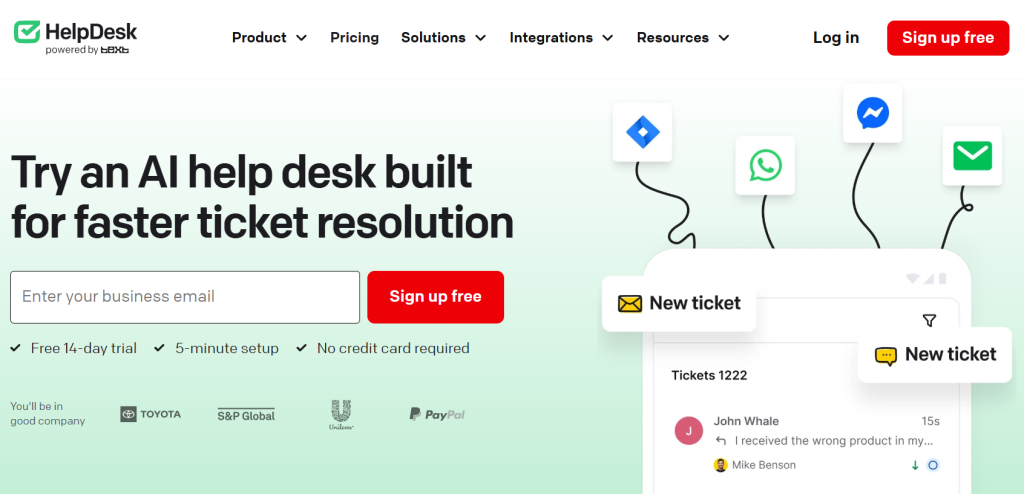
If your customer support still lives inside a shared Gmail or Outlook inbox, you already know the quiet chaos that comes with it: two agents accidentally replying to the same email, a furious customer buried under a week of newer messages, and absolutely no way to tell whether your team is getting faster or slower. HelpDesk exists to end exactly that chaos. It’s a clean, modern ticketing system that pulls every customer email, contact-form submission, and message into one organized inbox, then layers automation, AI, and team-collaboration tools on top so nothing slips through the cracks. Built by Text (the same company behind LiveChat), with more than two decades of customer-communication experience, a public listing on the Warsaw Stock Exchange, and a parent platform trusted by 35,000+ paying businesses in over 150 countries — including names like Adobe, PayPal, Best Buy, and ING — HelpDesk pairs serious pedigree with an unusually approachable $29-per-agent entry price and a no-credit-card 14-day free trial.
For small business owners, support leads, marketers, freelancers, and lean SaaS teams who want professional ticketing without the bloat (and the eye-watering bills) of a full enterprise suite, the appeal is immediate. This 2026 review walks through everything HelpDesk does — the shared inbox and ticketing engine, its automation and AI features, the full pricing structure, honest head-to-head comparisons with Zendesk, Freshdesk, and Zoho Desk, the real limitations worth knowing before you commit, and exactly who should (and shouldn’t) buy in.
HelpDesk Review 2026: The Clean, Affordable Ticketing System That Turns Inbox Chaos Into Organized Support
Overview and Background
HelpDesk is a cloud-based ticketing and customer-support platform. At its core, it converts every incoming message — emails from multiple addresses, contact-form entries, live-chat hand-offs, and more — into a structured ticket that your team can assign, prioritize, tag, track, and resolve from a single shared dashboard. Instead of asking you to rip out your existing email and rebuild your whole support stack, HelpDesk simply organizes the communication you already have and gives your team the tools to handle it like professionals.
The company behind it is Text (formerly LiveChat Software), founded in Wrocław, Poland, back in 2002 and publicly listed on the Warsaw Stock Exchange since 2014, with a US subsidiary based in Boston. That matters more than it might sound: Text has been profitable and paying dividends for years, and it builds a tightly connected family of customer-service products — LiveChat for real-time website chat, ChatBot for no-code bots, Knowledge Base for self-service help centers, and the newer AI-first Text platform — with HelpDesk as the asynchronous, ticket-based piece of the puzzle. Across that product family, Text serves more than 35,000 paid customers in over 150 countries, with a client roster that includes Adobe, AirAsia, Best Buy, Huawei, Orange, ING, and PayPal.
The guiding philosophy is deliberate simplicity. Rather than overwhelming you with hundreds of half-used features, HelpDesk focuses on doing one job — ticket management — exceptionally well, with a famously clean interface that support teams can start using on day one. It shares the same design system as LiveChat, so if anyone on your team has used LiveChat before, HelpDesk will feel instantly familiar. For companies that already run LiveChat on their website, the two integrate so that missed chats and offline messages flow automatically into HelpDesk as tickets.
Why HelpDesk Stands Out in 2026
Refreshingly simple and fast to launch: The single most consistent praise HelpDesk earns is how quickly a team can get productive in it. Setup takes minutes, not weeks, and the uncluttered interface means new agents rarely need formal training. For small teams without a dedicated IT department or a support-ops specialist, that “it just works on day one” quality is a genuine differentiator against heavier platforms that demand configuration projects.
Transparent, SMB-friendly pricing: At $29 per agent per month, HelpDesk sits comfortably below the average entry budget for help-desk software, and — crucially — it doesn’t play the “nickel-and-dime add-on” game that some bigger rivals are known for. The core ticketing features you actually need are included from the first paid tier, not scattered across three upsell plans.
Built-in AI that genuinely saves time: HelpDesk weaves practical AI directly into the agent’s day. You can draft a reply and have AI instantly make it more polite, formal, or casual, or expand and correct it before sending. AI automatically detects each ticket’s language and helps route it to the right agent, suggests relevant tags to keep everything organized, and surfaces similar past cases so agents can reuse proven solutions and stay consistent. These aren’t gimmicks — they shave real minutes off every ticket.
Automation that runs the busywork for you: With easy-to-configure workflow rules, HelpDesk can automatically assign incoming tickets to the right agent, apply tags, set priorities, escalate, and even send templated responses when your conditions are met — no manual intervention. Agents get to focus on the complex cases that actually need a human, while the repetitive routing and tagging happens in the background.
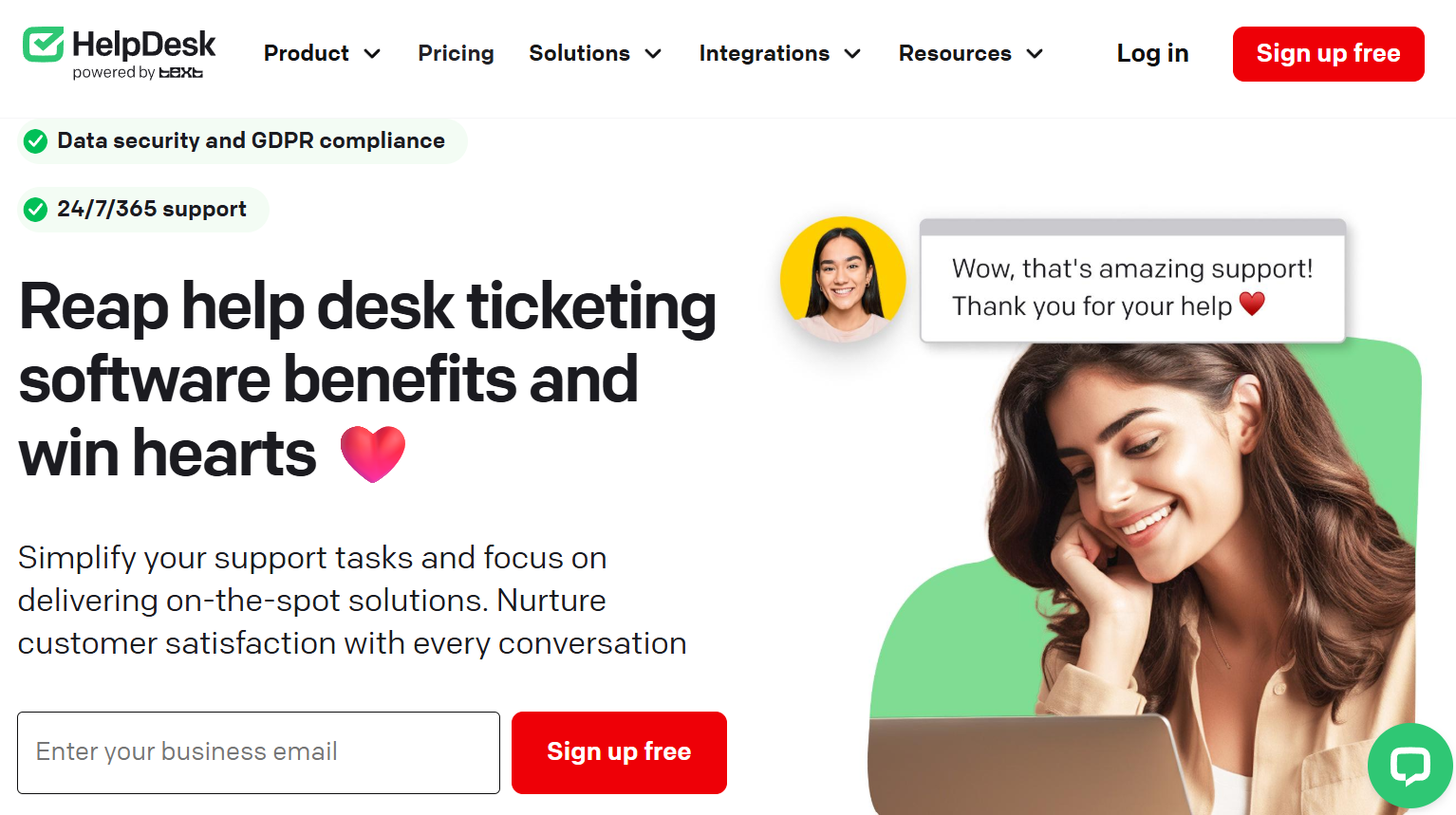
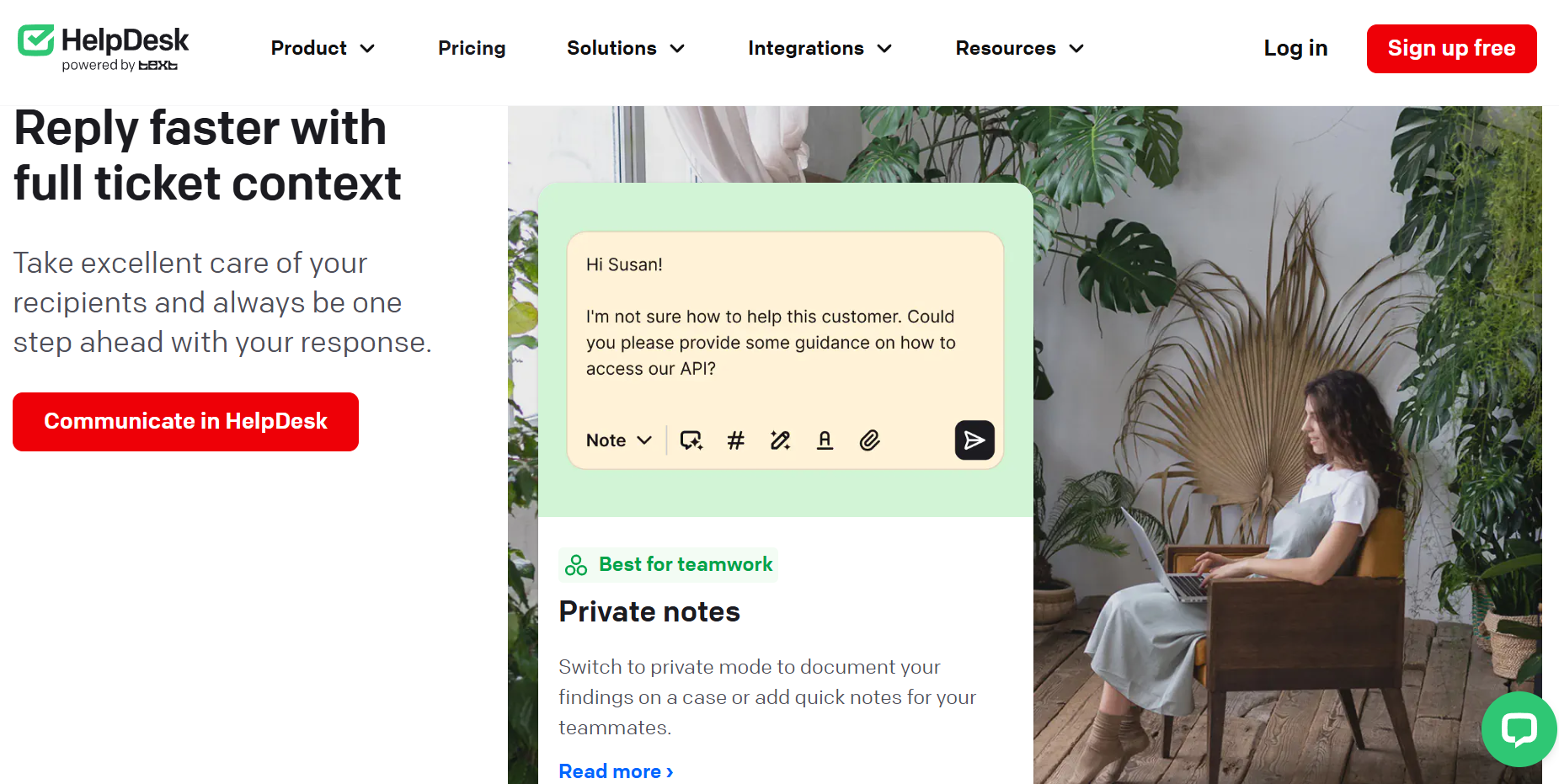
Real collaboration, minus the chaos: Collision detection stops two agents from replying to the same ticket at once, private notes and @mentions let the team confer without messy email chains, and ticket-follower and viewer roles keep the right people in the loop without inflating your agent count. It turns shared support from a free-for-all into a coordinated effort.
Part of a connected, AI-forward ecosystem: HelpDesk is one product in Text’s broader suite, and that’s a strength. Start with ticketing, then bolt on LiveChat for real-time chat, a Knowledge Base for self-service, or graduate to the full Text AI platform — whose AI Agent is built to resolve roughly three-quarters of incoming cases before a human ever sees them. You’re buying into a roadmap, not a dead end.
Backed by a stable, two-decade public company: In a category full of startups that pivot or fold, HelpDesk’s parent has been doing customer communication for 20+ years, is publicly traded, and is consistently profitable. For a tool you’re trusting with every customer conversation, that longevity and financial stability is reassuring.
Solid security and clear reporting: Role-based access controls, encryption, regular backups, two-factor authentication, audit logs, and SSO (on Enterprise) cover the security basics properly, while built-in reports track response times, resolution times, ticket volume, agent performance, and customer satisfaction — so managers can actually see where the team stands and where to improve.
Key Features and Technology
HelpDesk’s feature set is broad enough to run a real support operation but tight enough to stay easy. Here’s how the core capabilities break down.
The Shared Inbox & Ticket Feed
Everything starts here. HelpDesk consolidates emails from multiple inboxes, contact-form submissions, live chats, and other messages into one unified feed, automatically converting each into a ticket. Powerful filtering, smart search, statuses, priorities, descriptive tags, categories, and custom fields let you shape that feed to match your exact workflow. You can link multiple emails to a single ticket, browse a requester’s full history, manage attachments, and save custom ticket views so the segments you work most often are always one click away. Bulk actions let you update many tickets at once instead of slogging through them one by one.
Automation & Workflows
This is where HelpDesk earns its keep on efficiency. Using ready-made or custom rules built from drop-down conditions and multi-level logical operators, you can auto-assign tickets by keyword or sender domain, auto-tag and prioritize them, trigger escalations, and send automatic replies when conditions are met. Canned responses let agents drop entire pre-written messages into a conversation with a couple of keystrokes. The net effect: case-resolution time drops, consistency rises, and your team spends its energy on problems that genuinely require judgment.
AI Features
HelpDesk’s AI tools are aimed squarely at making agents faster and replies sharper. Message enhancement lets you write a rough reply and instantly adjust its tone — polite, formal, or casual — or expand and correct it to match your brand voice. AI-powered language detection identifies each ticket’s language and helps route it to an agent who can handle it, breaking down barriers for international support. AI tag suggestions keep tickets organized automatically, and a “similar cases” view surfaces past tickets like the one you’re working on so agents can reuse what already worked.
Collaboration & Team Management
You can create dedicated teams by language, location, or skill set, then divide work fairly and watch results in reports. Collision detection prevents duplicate replies, @mentions pull in a teammate for a tricky case, private notes keep internal discussion out of the customer’s view, and ticket-follower roles keep stakeholders informed. A handy Viewer role lets a manager temporarily monitor without occupying a paid active-agent seat.
Security, Customization & Reporting
On the security side, HelpDesk offers role-based access controls, encryption, regular backups, two-factor authentication, login with Microsoft or Apple, audit logs, and custom SSO on the Enterprise plan. Branding controls let you customize the reply email address customers see, email templates, contact forms, and agent signatures, and higher tiers allow removing HelpDesk branding entirely for a white-labeled, client-facing portal. Built-in analytics track the metrics that matter — response and resolution times, ticket volume, agent performance, and CSAT — and integrations connect HelpDesk to tools like LiveChat, HubSpot, Salesforce, Jira, GitHub, and Clearbit through its marketplace, with API and webhook support for custom flows.
Pricing, Plans, and Package Structure
HelpDesk uses a straightforward per-agent monthly subscription — there are no usage fees or hidden marketplace charges, just a price per seat. There are three tiers (Team, Business, and a custom Enterprise solution), and you save roughly 15% by paying annually instead of monthly. Every plan starts with a 14-day free trial that needs no credit card and gives you full access plus unlimited agents during the trial. You can add or remove agents anytime, with new-agent charges prorated to the billing cycle.
| Plan | Price (annual / monthly) | What You Get | Best For |
|---|---|---|---|
| Team | $29 / $34 per agent/mo | Full ticketing: shared inbox, automation, AI features, collaboration, reports, LiveChat integration | Most small-to-mid teams; the sweet spot for value |
| Business | $50 / $59 per agent/mo | Everything in Team plus advanced features for complex, multi-department operations | Larger orgs with intricate workflows across departments |
| Enterprise | Custom quote | Dedicated account manager, software-engineer support, migration help, SLAs, custom SSO, product training | Large organizations needing premium support and onboarding |
How HelpDesk Compares to Alternatives
| Factor | HelpDesk | Zendesk | Freshdesk | Zoho Desk |
|---|---|---|---|---|
| Entry price (annual) | $29/agent/mo | $19 (ticketing) / $55 (Suite) | ~$19/agent/mo (Growth) | ~$7–14/agent/mo |
| Free tier | No (14-day trial only) | No (14-day trial) | Yes (1–2 agents, 6 mo) | Yes (up to 3 agents) |
| Ease of use | Very high (minimal setup) | Powerful but complex | Moderate | Moderate (deeper config) |
| Feature breadth | Focused ticketing + AI assist | Very broad omnichannel suite | Broad, add-on heavy | Broad within Zoho ecosystem |
| Pricing model | Simple, all-in per seat | Add-ons / per-resolution AI | Tiered; features spread out | Cheap; AI gated to top tier |
| Best for | SMBs wanting clean, simple ticketing | Enterprises needing everything | Teams wanting a free start | Budget teams already on Zoho |
vs. Zendesk: Zendesk is the enterprise heavyweight — incredibly capable across voice, chat, social, and ticketing, but it’s complex to configure and notorious for cost stacking, where AI Copilot and other add-ons run roughly $50/agent/month each on top of a Suite plan that already starts around $55. HelpDesk offers a cleaner, more modern interface, faster setup, and far simpler all-in-one pricing. If you need a sprawling omnichannel contact center with dedicated admins, Zendesk wins; if you want straightforward ticketing without the overhead and the surprise invoices, HelpDesk is the better value.
vs. Freshdesk: Freshdesk has a wider feature set, native phone support, and a free starter tier (now limited to 1–2 agents for six months), plus the Freddy AI assistant. But its genuinely useful features are spread across pricier Growth, Pro, and Enterprise tiers, and add-ons can balloon the bill. HelpDesk trades Freshdesk’s breadth for a simpler, more focused experience — usually the better pick for teams that want clean ticket management without wading through hundreds of settings.
vs. Zoho Desk: Zoho Desk is the budget champion, with a free tier for up to three agents and paid plans starting as low as ~$7–14/agent/month, plus Zia AI bundled in. It’s hard to beat on raw price, especially if you already live in the Zoho ecosystem. The catch is a steeper learning curve, more configuration, and its best AI features gated behind the top Enterprise tier. HelpDesk costs more but feels noticeably more polished and quicker to adopt — you’re paying for simplicity and a cleaner experience.
vs. a DIY shared inbox (Gmail/Outlook): A shared mailbox is free and familiar, which is exactly why so many teams start there — and exactly why they outgrow it. It offers no collision detection, no automation, no reporting, and no real way to assign or track tickets. HelpDesk delivers all of that for the price of a couple of coffees per agent per month, and for any team handling more than a trickle of requests, the upgrade pays for itself in saved time and fewer dropped customers.
Pros and Cons
What Support Teams Love
Clean, intuitive, and fast to learn: The interface is the standout. Teams describe it as straightforward and genuinely easy to use, with new agents productive almost immediately and no need for a lengthy onboarding project.
Great value with transparent pricing: At $29/agent/month with core features included, HelpDesk avoids the add-on creep that inflates competitors’ bills, making it easy to predict and justify the cost.
Smart organization and collaboration: Linking multiple emails to one ticket, tagging, @mentioning teammates, and collaborating inside a ticket — without spawning separate email threads — are repeatedly cited as the features that make daily support smoother.
Time-saving automation and AI: Auto-routing, auto-tagging, canned responses, and AI tone/language tools meaningfully cut the manual work, and users notice the time saved reflected in their reports.
Seamless LiveChat integration and a trusted vendor: For teams already using LiveChat, the integration is a major plus — missed chats become tickets automatically — and the backing of a profitable, 20-year public company adds peace of mind.
Limitations Worth Knowing
No permanent free plan: Unlike Freshdesk and Zoho Desk, HelpDesk offers only a 14-day trial — no free tier. Very small or budget-constrained teams that want to run indefinitely without paying will need to look elsewhere.
Focused scope, not an all-in-one suite: HelpDesk is ticketing-first. Real-time chat, a fully autonomous AI agent, native phone/voice, and the deepest multichannel features come from separate products (LiveChat, ChatBot, the Text platform), which means extra subscriptions if you need the full stack.
Smaller integration marketplace: The catalog of native integrations is solid (LiveChat, HubSpot, Salesforce, Jira, GitHub, Clearbit) but narrower than the sprawling app marketplaces of Zendesk or Freshdesk. Niche tools may need a Zapier-style bridge or the API.
Occasional reliability hiccups: Some users have reported intermittent connection or login issues, and wished for more proactive status notifications when the service is degraded — a minor but honest mark against an otherwise reliable tool.
Can feel light for power users: The same simplicity that small teams love can feel limiting for large organizations that want deep customization, advanced workflow logic, or granular reporting — the kind of complexity heavier platforms are built to handle.
Who Should Use HelpDesk
Small and mid-sized businesses outgrowing a shared inbox: If support currently lives in a shared Gmail or Outlook account and the cracks are showing, HelpDesk is the natural, low-friction next step. The Team plan covers everything most SMBs need.
Existing LiveChat users: If you already run LiveChat on your site, HelpDesk is close to a no-brainer — the shared design system and automatic chat-to-ticket flow make adoption effortless. Start with the Team plan and connect the two.
Lean SaaS, e-commerce, and freelance/agency teams: Anyone juggling customer requests across multiple channels who wants organization without complexity will appreciate the clean ticketing, automation, and reporting. The Team plan is the right starting point.
Growing companies with multi-department workflows: Organizations coordinating support, sales, logistics, or finance teams that need more advanced routing and process control should look at the Business plan for its added depth.
Enterprises needing white-glove onboarding: Larger organizations that require migration assistance, SLAs, custom SSO, and a dedicated account manager should engage the Enterprise solution and let HelpDesk’s team handle the transition from a legacy system.
Getting Started: Step by Step
- Start the free trial. Sign up at helpdesk.com for the 14-day free trial — no credit card required. You get full feature access and unlimited agents during the trial period.
- Connect your support email. Point your support address (or multiple inboxes) at HelpDesk so incoming messages convert into tickets automatically. Customize the reply address, email template, and agent signatures to stay on-brand.
- Invite your team and set roles. Add agents, create teams by skill or language, and assign roles — including the no-charge Viewer role for managers who only need to monitor.
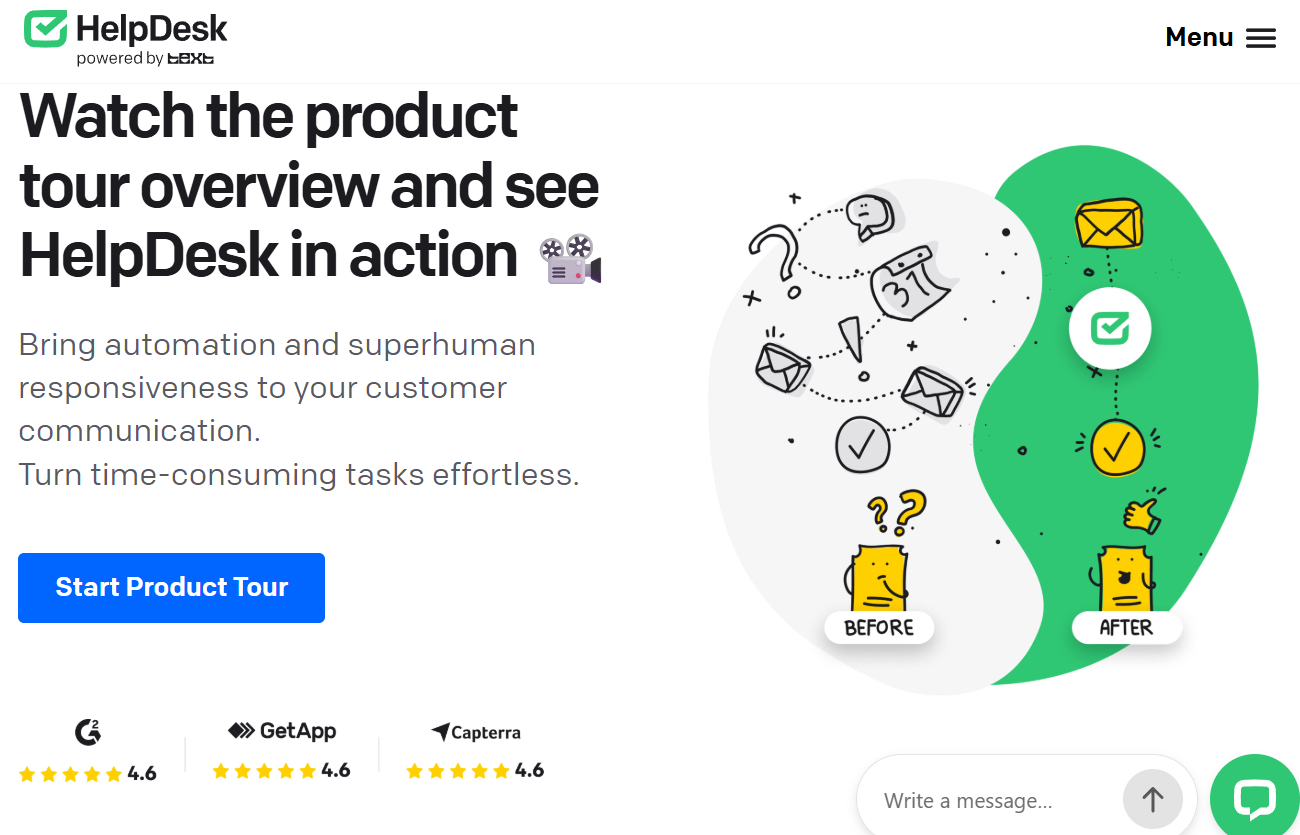
- Build your automations. Set up workflow rules to auto-assign, tag, and prioritize tickets, and create canned responses for your most common questions to save time from day one.
- Connect your other tools. Integrate LiveChat (to turn chats into tickets), plus HubSpot, Salesforce, Jira, or others from the marketplace to keep customer context in one place.
- Track and refine. Use the built-in reports on response time, resolution time, volume, and CSAT to spot bottlenecks, then tune your workflows and pick the plan (Team, Business, or Enterprise) that fits before the trial ends.
Tips for Getting Maximum Value
Choose annual billing to lock in roughly a 15% discount over paying monthly, and don’t over-buy on tiers — most teams are fully served by the Team plan, so only reach for Business if you truly run complex cross-departmental processes. Invest your first week in automation: every auto-assign rule, tag rule, and canned response you set up pays compounding dividends in saved time, so build them before your ticket volume grows. Lean on the AI tone and language tools to keep replies consistent and professional across your team, and use the Viewer role for managers and stakeholders so you’re not paying for active agent seats people don’t need. If you already use (or plan to use) LiveChat, connect it early to capture missed chats as tickets, and keep an eye on your CSAT and resolution-time reports — they’re the fastest way to see whether your workflow changes are actually working. Finally, always confirm the current live price and any active promotion on HelpDesk’s official site before committing, since plans and discounts can shift.
Future Outlook and Final Assessment
The tailwinds favor HelpDesk. Customer-service software is being reshaped by AI faster than almost any other category, with the large majority of service organizations now adopting generative-AI tools to deflect routine questions and assist agents. HelpDesk’s parent, Text, has placed AI at the center of its strategy — from the agent-assist features inside HelpDesk today to the autonomous AI Agent in the broader Text platform that’s built to resolve roughly three-quarters of cases on its own. That gives HelpDesk users a clear, credible upgrade path as their needs grow, backed by a profitable public company that isn’t going anywhere.
The honest caveats remain: there’s no free tier, the scope is deliberately focused rather than all-in-one, and very large teams chasing deep customization may eventually feel its simplicity as a ceiling. But within its lane — clean, affordable, fast-to-adopt ticketing for small and mid-sized teams — HelpDesk is one of the most polished and sensibly priced options available in 2026, and the simplicity that some call a limitation is exactly what most teams are actually looking for.
Conclusion
HelpDesk does something rare in the help-desk world: it resists the urge to be everything, and instead nails the one thing most teams actually need — turning scattered customer messages into organized, trackable, resolvable tickets. It’s fast to set up, fairly priced, genuinely pleasant to use, backed by a stable 20-year public company, and plugged into an AI-forward ecosystem you can grow into. Confirm it fits your scope (ticketing-first, no free tier), start with the 14-day trial, and pick the plan that matches how your team really works. For professionals, small business owners, and digital-native teams who’d rather spend their day helping customers than fighting their tools, HelpDesk takes one of the messiest parts of running a business and — in true AI Solutes fashion — makes everything easy.
Ready to turn inbox chaos into organized support?
Explore more honest reviews, tutorials and tool comparisons to find the right tech for the way you work and live — at AI Solutes, where we make everything easy.
👉 Open Free Account: https://ai-solutes.com/helpdesk
👉 Our Website: https://ai-solutes.com/
👉 Our YouTube Channel: youtube.com/@ai-solutes
👉 Our Facebook Fanpage: Facebook
👉 Our X (Twitter): @AISolutes
- What If You Could Design Your Own AI Companion from Scratch? Exploring CrushOn AI’s Persona Builder
- Discover the Magic of Luzia Cirque du Soleil: Backstage Secrets, Dazzling Water Effects, and 2025 Tour Guide
- Does Freecash Maximize Pocket Money? Analyzing the Freecash Micro-Tasking Software
- Level Up Your Stream in 2025: Best Stream Overlays, Must-Have Widgets, and Fast OBS Setup for Twitch, YouTube, and Kick
- Unlock Enterprise Transformation with Amazon Nova AI: Advanced Multimodal Automation, Customization, and ROI Strategies















