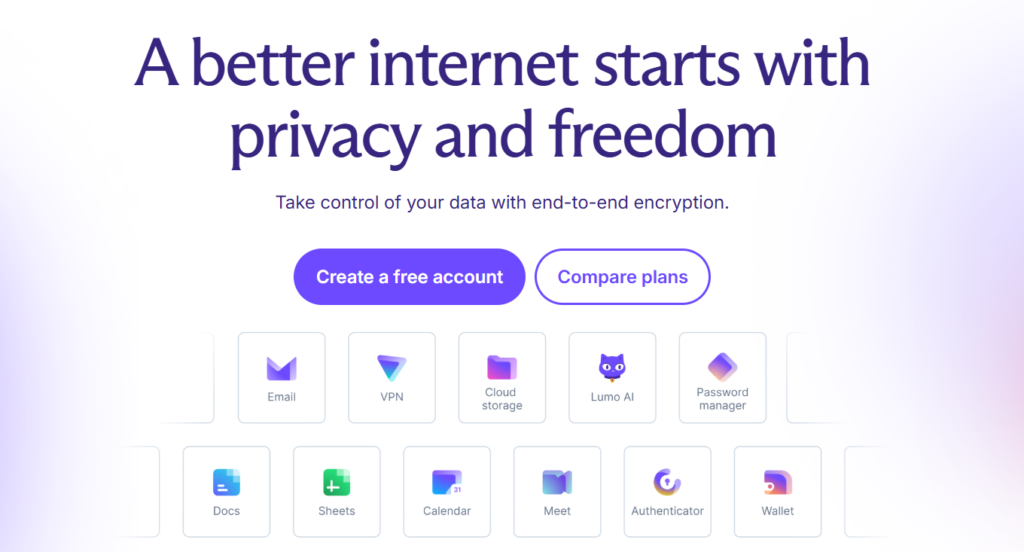
Every email you send, every file you store, every password you save and every page you open on a public network is, by default, a piece of data that someone else can read, analyze or monetize. For professionals, small business owners, marketers, creators and freelancers, that is not an abstract worry. Client contracts, invoices, login credentials and campaign data all move through tools that were designed around advertising revenue first and privacy second. Proton is the most prominent attempt to flip that model. Founded in 2014 by scientists who met at CERN and headquartered in Geneva, Switzerland, Proton has grown from a single encrypted email service into a full privacy ecosystem covering Proton Mail, Calendar, Drive, Docs, Sheets, VPN, Pass, Authenticator, Wallet, Meet and the Lumo AI assistant. The company reports more than 100 million users and organizations, offers a free plan that costs nothing, sells its flagship Proton Unlimited bundle from roughly $9.99 per month on annual billing, and states that its only source of revenue is subscriptions, never ads and never the sale of your data.
For freelancers handling client files, agencies juggling dozens of logins, remote workers on hotel Wi-Fi, creators protecting their audience data, and families who simply want a calmer digital life, the value proposition is immediate: one account, one subscription, and a set of tools built so that even the company running them cannot read your content. This 2026 review walks through the entire Proton ecosystem, the newest Lumo AI and Meet updates, the full pricing ladder, head-to-head comparisons, honest limitations, and exactly who should (and shouldn’t) sign up.
Proton Review 2026: The Privacy-First Suite for Email, Storage, VPN, Passwords and AI That Keeps You in Control of Your Data
Overview and Background
Proton began in 2014 as a crowdfunded project to build email that nobody, including its own operator, could read. The founders were scientists who met at CERN, and that research culture still shows in how the company talks about security: apps are open source, independently audited, and documented in public. Proton is based in Switzerland, a jurisdiction chosen deliberately for its privacy traditions, and its primary shareholder is the nonprofit Proton Foundation, whose purpose is to work for an open internet rather than to maximize short-term returns.
The core insight is simple. Most free internet services are funded by advertising, which creates an incentive to collect and analyze as much about you as possible. Proton reverses the incentive. You pay a subscription, and in return the company encrypts your data so that it cannot be scanned, profiled or sold. Mail, calendar entries, files and passwords are protected with encryption designed so that Proton itself holds no readable copy. That promise is the thread running through every product in the lineup.
From that starting point, Proton has expanded steadily. Email was joined by Calendar and Drive, then a VPN, a password manager (Pass), a two-factor Authenticator, a Bitcoin Wallet, collaborative Docs and Sheets inside Drive, Proton Meet for video calls, and most recently Lumo, a confidential AI assistant. The company also offers business versions of its main products and counts more than 100,000 businesses among its customers. Partner brands such as SimpleLogin (hide-my-email aliases) and Standard Notes (encrypted notes) round out the picture, and Proton reports an average app rating of 4.5 stars.
Why Proton Stands Out in 2026
A business model that matches the promise: Proton states that it earns money only from user subscriptions and does not sell advertising or user data. That alignment matters. When the customer is the product, privacy is a marketing slogan. When the customer is the subscriber, privacy is the thing being sold, and the company has every reason to protect it.
Swiss base and nonprofit ownership: Proton operates from Geneva, and its primary shareholder is the Proton Foundation, a nonprofit dedicated to an open internet. This structure is designed to make it harder for the company to drift toward ad-driven or data-hungry behavior as it grows. Like any company, Proton must respond to valid legal orders in its home jurisdiction, but because of its encryption model there is far less readable content for it to hand over.
Open source and independently audited: Proton says its apps are open source and independently audited, which means outside experts can inspect the code and the security claims instead of the public simply trusting a brochure. For a privacy product, verifiability is worth more than any promise, and it is one of the main reasons security-minded users choose Proton over lesser-known alternatives.
One account, a whole toolbox: Few privacy brands cover as much ground. A single Proton account can hold your email, calendar, cloud storage, documents, spreadsheets, VPN, password vault, two-factor codes, crypto wallet and AI assistant. Everything shares the same encryption philosophy and the same login, which dramatically simplifies life compared with stitching together five separate vendors.
A free plan that is genuinely useful: Proton offers a free forever tier with 1 GB of mail storage, up to 5 GB of Drive space, a VPN with one device across servers in 10 countries, two password vaults and 10 hide-my-email aliases. It is restricted, but it is real software you can use daily, not a crippled demo that exists only to be upgraded.
Confidential AI with Lumo: Proton launched Lumo in July 2025 as an AI assistant whose conversations are not logged and are stored with zero-access encryption, and the company says it does not use chats to train its models. Lumo 2.0 arrived on June 30, 2026 with advanced reasoning, image generation, deep web search and long-term memory, and recent updates added Switzerland’s Apertus sovereign model (September 2026) and a canvas that can produce documents, code and web pages (October 2026). For anyone who hesitates to paste client material into mainstream chatbots, that is a compelling angle.
Relentless shipping: Proton keeps improving what it already has. In 2026 alone it rebuilt the Drive engine to be up to three times faster, added a Drive command-line tool for Windows, macOS and Linux, launched Sheets inside Drive in late 2025, added folders, URL matching and compromised-password alerts to Pass in October, and rolled out waiting rooms and chat threads in Meet. The ecosystem is clearly alive, not a product that was launched and left to age.
Key Features and Technology
Proton’s strength lies in how neatly its catalog maps to everyday needs. Here is how the ecosystem breaks down, product by product.
Proton Mail and Calendar: Encrypted Email Without the Ads
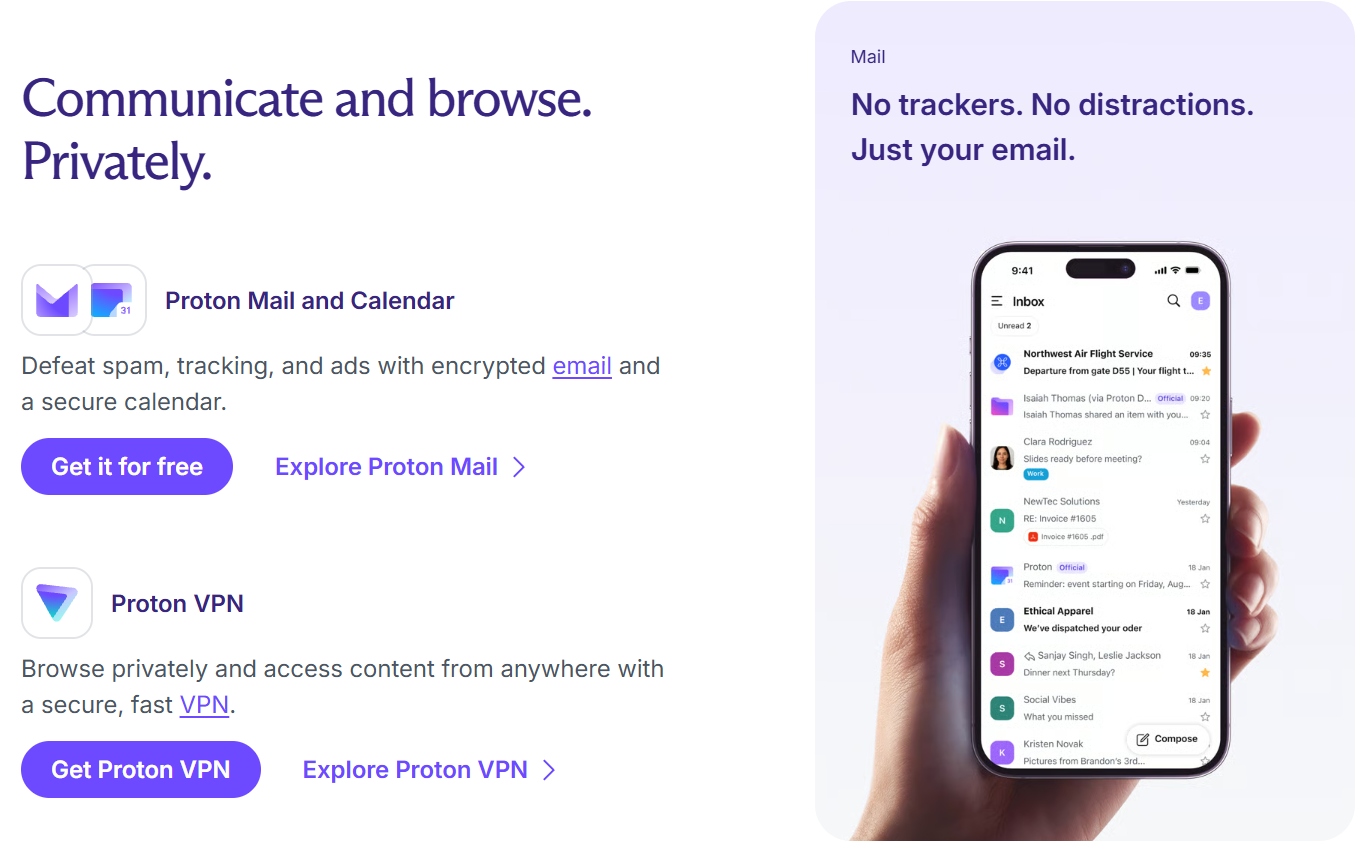
Proton Mail is the product that started it all. Messages and mailbox contents are protected with zero-access encryption, there is no ad profiling, and the interface is polished, fast and easy for anyone coming from Gmail. Features include custom domains, multiple addresses, hide-my-email aliases, a built-in tracker-blocking approach, and a generous 25 MB attachment limit across plans. The free plan gives you one address, 1 GB of storage and 150 messages per day. Mail Plus raises that to 15 GB, 10 addresses, one custom domain, unlimited daily messages, priority support, Emergency Access and Dark Web Monitoring, while Proton Unlimited extends it to 500 GB, 15 addresses, three custom domains and unlimited aliases. Proton Calendar is encrypted as well, with 3 calendars on the free plan and 25 on paid plans.
Proton Drive, Docs and Sheets: Private Cloud Storage and Collaboration
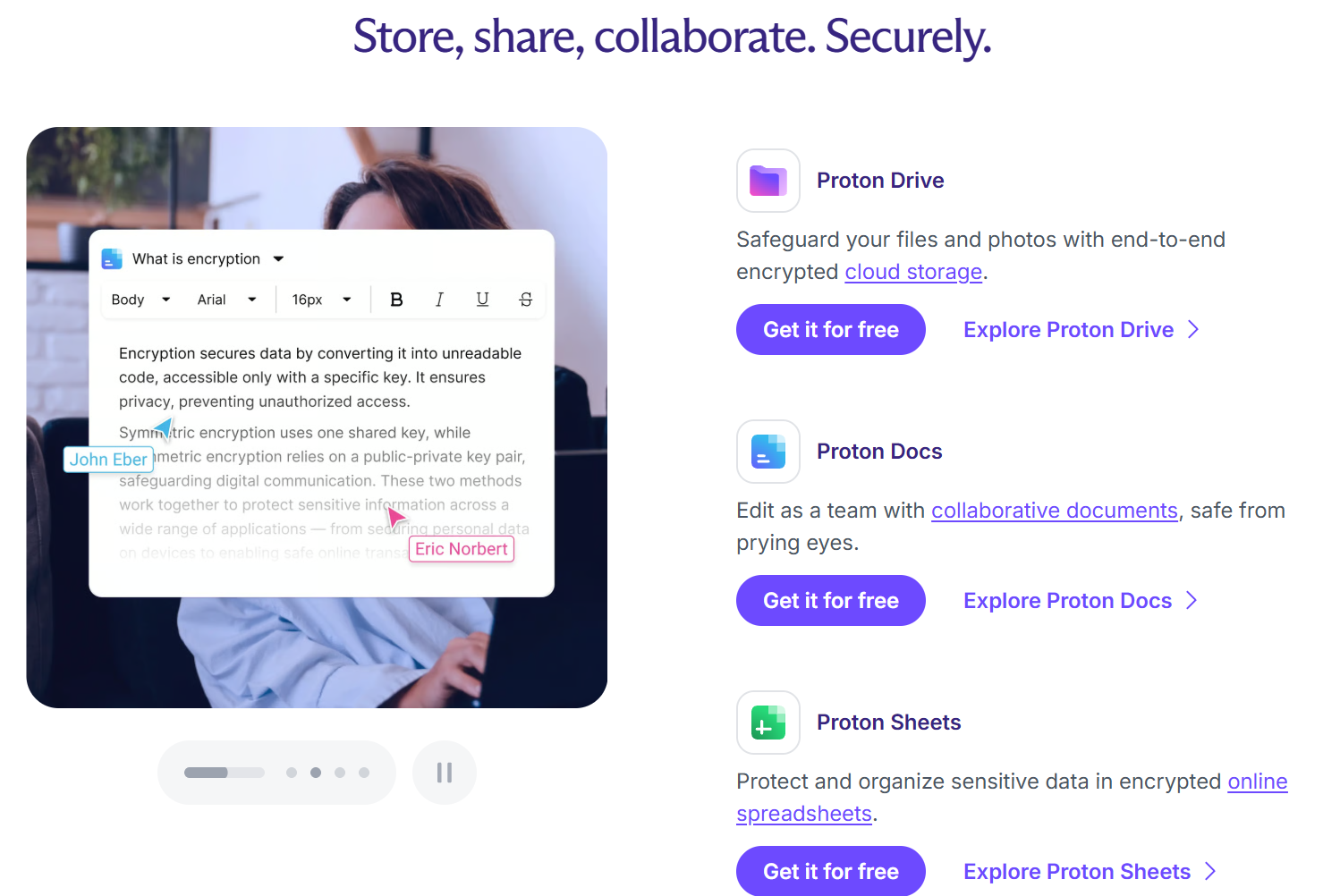
Proton Drive is end-to-end encrypted cloud storage, with up to 5 GB free, 15 GB on Mail Plus and 500 GB on Unlimited. Docs and Sheets live inside Drive, giving you collaborative documents and spreadsheets that are encrypted in the same way as your files. Unlimited adds file version history, and mid-2026 updates brought a rebuilt engine, faster encryption and decryption, and a command-line interface that appeals to developers and power users. If your work involves contracts, financial statements or unpublished creative work, storing it somewhere that Proton itself cannot read is a meaningful upgrade.
Proton VPN: Privacy on Any Network
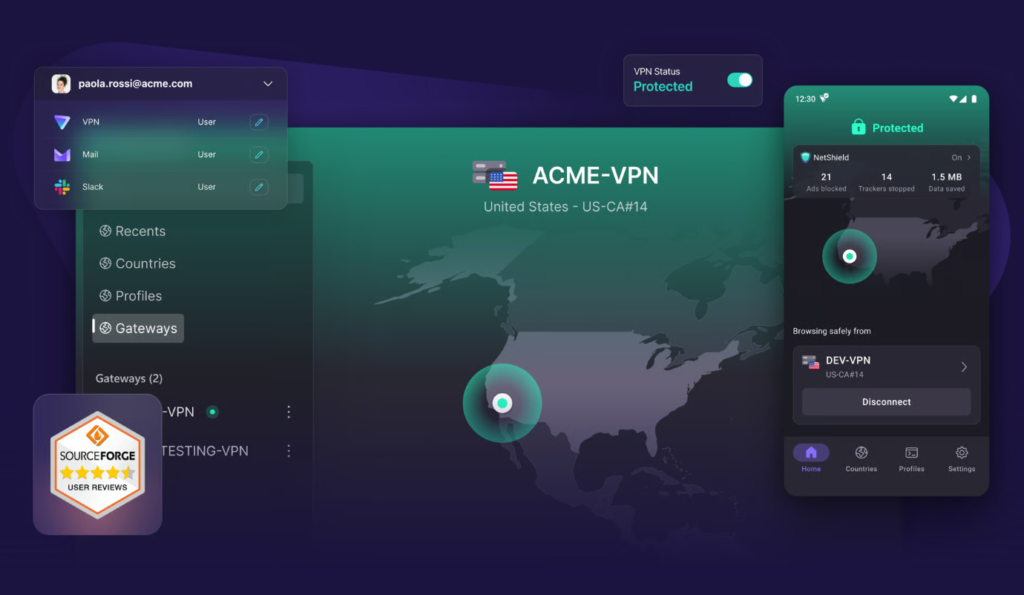
Proton VPN is included in the paid bundle and also available in a limited free form. On the free plan you can connect one device to servers in 10 countries. On Proton Unlimited you can connect up to 10 devices across more than 20,000 servers in over 140 countries, with NetShield ad and malware blocking, Secure Core routing for extra protection, and split tunneling on Android and Windows. For frequent travelers, remote workers and anyone who regularly logs in from cafes, airports or hotels, bundling a VPN into the same subscription as your email and storage is hard to beat.
Proton Pass, Authenticator and Wallet: Credentials and Crypto
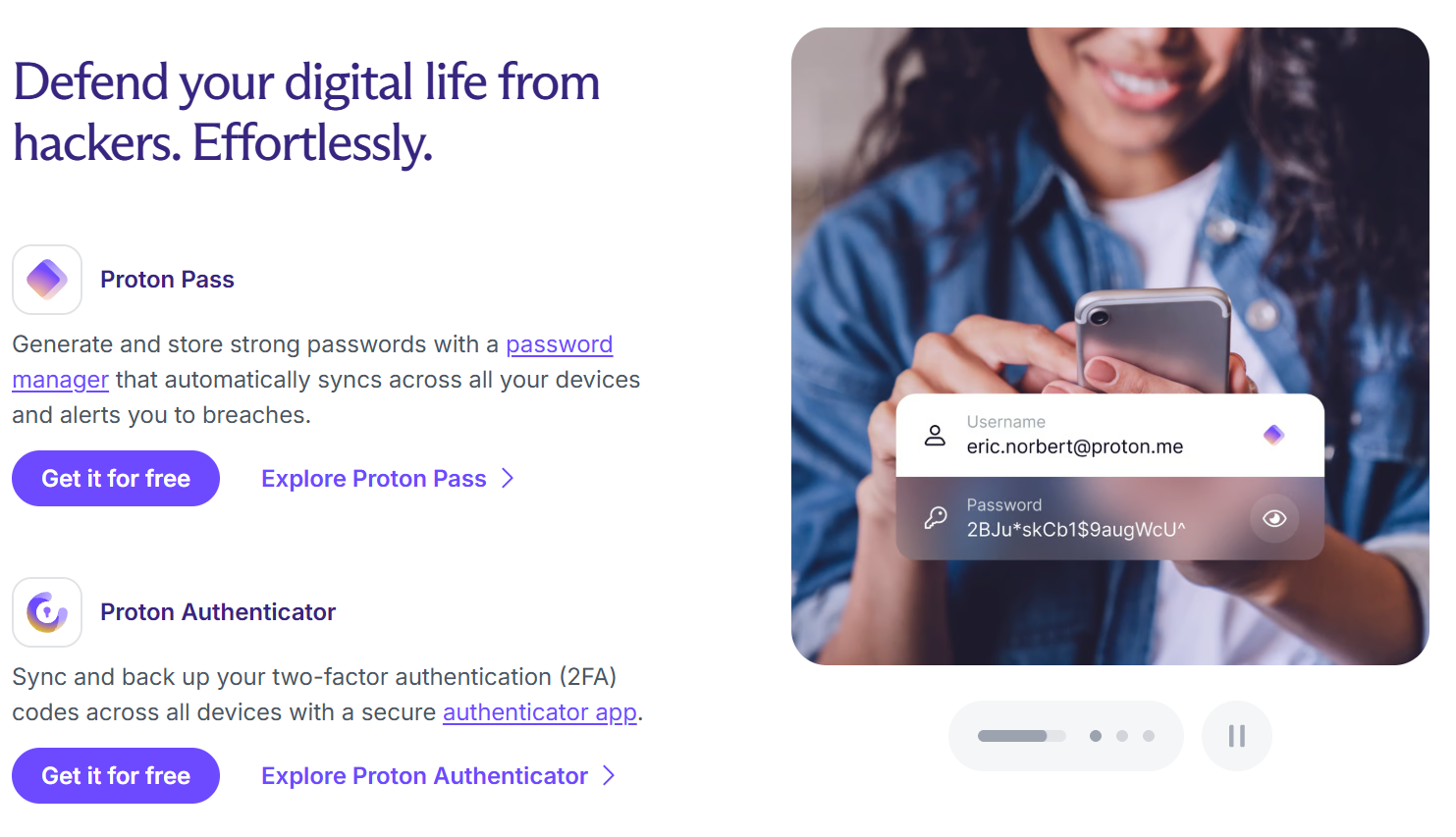
Proton Pass is a password manager with two vaults on the free plan and up to 50 on Unlimited, plus hide-my-email aliases that keep your real address out of marketing databases. October 2026 brought folders, smarter URL matching and compromised-password alerts, and earlier updates added Groups for simpler team password sharing and a command-line interface. Proton Authenticator provides two-factor codes, and paid plans include a built-in authenticator inside Pass. Proton Wallet is a self-custody Bitcoin wallet, with up to 10 encrypted wallets on Unlimited. It is a niche tool and has not seen a major update since its 2024 launch, so treat it as a bonus rather than a reason to subscribe.
Lumo and Proton Meet: Private AI and Private Calls
Lumo is Proton’s AI assistant, available even without an account, with chat history synced across devices when you sign in. A business edition arrived in late 2025. Proton Meet adds encrypted video calls with up to 50 participants on the plans described on Proton’s pricing page, and recent updates introduced waiting rooms and chat threads. Neither tool will replace the biggest names on features alone, but both extend the same privacy promise to areas where most people casually hand over their data.
Pricing, Plans, and Package Structure
Proton sells subscriptions, so every paid plan is a recurring cost billed monthly or annually. Annual billing is noticeably cheaper than monthly, and the figures below reflect Proton’s published pricing at the time of writing, quoted in US dollars. Prices vary by region and promotion, and reports from users indicate that introductory rates can rise at renewal, so treat everything here as an approximate range and confirm the live price before you buy.
| Plan | Approx. Price | What You Get | Best For |
|---|---|---|---|
| Free | $0 | 1 GB mail, up to 5 GB Drive, 1 VPN device in 10 countries, 2 Pass vaults, 10 aliases, 150 messages per day | Testing Proton and light personal use |
| Mail Plus | ~$3.99 per month billed annually (~$4.99 monthly) | 15 GB mail and Drive, 10 addresses, 1 custom domain, unlimited messages, priority support | Anyone who mainly wants private email |
| Proton Unlimited | ~$9.99 per month billed annually (~$12.99 monthly) | 500 GB storage, 15 addresses, 3 custom domains, VPN on 10 devices, 50 Pass vaults, unlimited aliases, version history | Individuals who want the whole suite |
| Proton Duo | ~$14.99 per month billed annually (~$19.99 monthly) | The full suite for up to 2 users | Couples and business partners |
| Proton Family | ~$23.99 per month billed annually (~$29.99 monthly) | The full suite for up to 6 users | Households and small families |
| Business plans | Priced per user, varies | Business versions of Mail, Drive, VPN, Pass, Meet, Docs, Sheets and Lumo | Teams and companies |
How Proton Compares to Alternatives
| Factor | Proton | Google (Gmail and Workspace) | Separate Vendors (VPN + Password Manager + Mail) | Tuta |
|---|---|---|---|---|
| Product range | Mail, Calendar, Drive, Docs, Sheets, VPN, Pass, Authenticator, Wallet, Meet, Lumo | Gmail, Calendar, Drive, Docs, Sheets, Meet, Gemini AI | Whatever you assemble yourself | Encrypted mail, calendar and storage |
| Privacy model | Zero-access encryption, subscription-funded, no ads | Standard accounts are not zero-access; backed by an advertising business | Depends on each vendor | Encrypted by design |
| Free option | Yes, with limits | Yes, 15 GB shared storage | Rarely complete | Yes, limited |
| Typical paid cost | About $9.99 per month for the Unlimited bundle | Roughly $7 to $9 per user per month for business plans | Often $3 to $6 per month per tool | Low-cost paid plans |
| Collaboration depth | Growing; Docs and Sheets are newer | Industry leading | Not applicable | More limited |
| Single login and bill | Yes | Yes | No | Partly |
vs. Google: Google remains the benchmark for real-time collaboration, search and integrations, and its free tier is hard to beat on convenience. But it is funded by one of the world’s largest advertising businesses, and standard accounts are not built around zero-access encryption. Proton gives up some collaboration polish in return for much stronger privacy guarantees. If your work involves sensitive clients or confidential material, that trade is often worth making, and many people run Proton for private work alongside Google for shared team documents.
vs. Separate vendors: You can absolutely assemble your own stack from a standalone VPN, a standalone password manager and an encrypted mail provider. Individually, some of those specialists may offer more advanced features in their niche. The downsides are three subscriptions, three logins, three privacy policies and three renewal dates. Proton’s pitch is that one bundle covering all of it, at around $9.99 per month on an annual plan, is easier to manage and usually cheaper than buying each piece separately.
vs. Tuta: Tuta is a fellow encrypted email provider with a smaller product range, and it appeals to people who want a focused, lower-cost mail and calendar service. Proton offers a far broader ecosystem, including VPN, password management, Drive and AI, which makes it the stronger choice if you want to consolidate. If email and calendar are all you need, Tuta is worth a look as a leaner alternative.
Pros and Cons
What Users Love
Privacy you can actually verify: Open-source, independently audited apps and a subscription-only business model give Proton a credibility that most free services cannot match.
A polished, easy interface: Reviewers consistently describe the apps as clean, fast and simple, with good keyboard shortcuts and inbox organization. Moving from Gmail takes very little relearning.
Real value in the bundle: Email, 500 GB of storage, a VPN for 10 devices, a password manager, aliases and more for about $9.99 per month on an annual plan is a strong deal compared with buying each tool on its own.
A free tier worth using: You can test email, storage, VPN and passwords without paying anything, which lowers the risk of switching considerably.
Fast, visible progress: Regular releases across Pass, Drive, Meet and Lumo show a company that keeps investing in its products and listening to users.
Limitations Worth Knowing
The free plan is restrictive: One gigabyte of mail, 150 messages per day and a single VPN device will push active users toward a paid tier quickly. Reviewers regularly mention it.
Renewal prices can rise: User reports describe introductory rates climbing at renewal, and changing plan or billing frequency can end a promotional rate. These accounts come from the community rather than Proton’s official terms, but they are common enough to plan around.
Annual plans are rigid: Subscriptions auto-renew, annual plans carry a one-year minimum, and mid-term downgrades are not allowed. Choose your tier carefully before committing.
Email to outsiders is not end-to-end encrypted by default: Protection is automatic only between Proton users. Everyone else needs the password-protected option, which adds friction for recipients.
Collaboration is still maturing: Docs and Sheets are encrypted and capable, but Sheets only launched in late 2025, and teams used to the depth of Google or Microsoft tools will notice the gap.
Some friction in everyday email tasks: On Trustpilot, the Proton Mail page sits near 3.9 out of 5 from a small sample of roughly three dozen reviews. Complaints include tedious bulk export of emails, a reported account suspension and tight free limits, so treat the score as a rough signal rather than a verdict.
Lumo is not fully open: Proton describes Lumo as open source, but an independent European index criticized that claim because only the web and mobile apps are open, while the system prompt and model routing are not published. It is private, but not as transparent as the branding suggests.
Who Should Use Proton
Freelancers and consultants: If you handle client contracts, invoices and confidential files, private email and encrypted storage are a professional advantage as well as a personal one. Proton Unlimited gives you custom domains, aliases and 500 GB in one bundle.
Small business owners and agencies: Teams that want to protect client data and consolidate their security tools should look at Proton’s business plans, with Pass groups for shared credentials and Meet for confidential calls.
Marketers and content creators: Hide-my-email aliases, a password manager and a VPN protect the many accounts, ad platforms and affiliate dashboards you juggle. Unlimited is the natural fit.
Remote workers and frequent travelers: A VPN on up to 10 devices plus encrypted storage turns public Wi-Fi from a risk into a non-event. Proton Unlimited is the best match.
Couples and families: Proton Duo covers two people and Proton Family covers up to six, which is far cheaper than buying individual plans for everyone in the household.
Privacy-conscious AI users: If you want a chatbot you can use for sensitive drafts without worrying about training on your conversations, Lumo is worth trying on the free tier first.
Getting Started: Step by Step
- Create a free account. Sign up at Proton with just a username and password. The free plan lets you test Mail, Calendar, Drive, VPN, Pass and Lumo before spending anything.
- Secure your login. Choose a strong password, save your recovery method, and turn on two-factor authentication. Proton’s Authenticator can generate your codes.
- Move your email over. Set up forwarding from your old address, import your contacts, and update the most important accounts to use your new Proton address or a hide-my-email alias.
- Install the apps. Download the mobile and desktop apps for Mail, Pass and VPN so that protection follows you across every device you use.
- Import your passwords and files. Bring your saved logins into Pass and upload your important documents to Drive, using Docs and Sheets for anything you want to edit privately.
- Upgrade when you outgrow the free tier. Pick Mail Plus for email only, Unlimited for the full bundle, or Duo and Family for shared households, and confirm the live price and renewal terms at checkout.
Tips for Getting Maximum Value
Start on the free plan and move to a paid tier only when you hit a real limit, because that tells you exactly which plan you need. Choose annual billing if you are confident you will stay, since the discount is significant, but remember that annual plans cannot be downgraded mid-term and renewal prices may differ from your introductory rate, so check the renewal terms and set a calendar reminder before the anniversary. Use hide-my-email aliases for every newsletter, store and affiliate signup, which keeps your main inbox clean and makes breaches far less damaging. Add a custom domain on a paid plan if you run a business, so your professional address stays yours even if you change providers. Turn on compromised-password alerts in Pass and work through anything it flags. Finally, resist buying Family when Duo or Unlimited would do, and do not subscribe because of Wallet or a single niche feature; the real value is the combination of email, storage, VPN and passwords working together.
Future Outlook and Final Assessment
The tailwinds favor Proton. Awareness of data collection keeps growing, regulators are tightening rules around personal data, and the explosion of AI tools has made many professionals nervous about what happens to the information they paste into a chatbot. Proton sits at the intersection of all three trends, with a confidential AI assistant, a mature email product and a steady release cadence that has recently added Lumo 2.0, Sheets, Meet improvements and a faster Drive. A company that reports more than 100 million users and organizations and is owned by a nonprofit foundation has the scale and the incentives to keep building.
The honest caveats remain. The free plan is limited, renewal pricing deserves attention, email to non-Proton recipients is not automatically end-to-end encrypted, and collaboration tools still trail the biggest suites. But within those boundaries, Proton delivers one of the broadest and most credible privacy ecosystems available in 2026, at a price that makes the upgrade an easy decision for anyone who values control over their own data.
Conclusion
Proton has built something rare in the software world: a single, coherent ecosystem where privacy is the product rather than the afterthought. Its open-source, audited approach, subscription-only business model and Swiss base give it credibility, and its expanding lineup of encrypted mail, storage, VPN, passwords, meetings and AI makes consolidation genuinely practical. It is not perfect, and its free tier and collaboration tools have limits, but for freelancers, creators, small businesses and families who want their digital life protected without juggling a dozen vendors, it is one of the most convincing options available. Confirm the live pricing, choose the tier that matches how you actually work, and Proton helps make everything easy, one private login at a time.
Ready to take your privacy back?
Explore more honest reviews, tutorials and tool comparisons to find the right tech for the way you work and live — at AI Solutes, where we make everything easy.
👉 Open Free Account: https://ai-solutes.com/proton
👉 Our YouTube Channel: youtube.com/@ai-solutes
👉 Our Facebook Fanpage: Facebook
👉 Our X (Twitter): @AISolutes
- Easy YouTube Transcript Maker
- Can Liquid Web Ensure Reliability? Reviewing the Liquid Web Hosting Services
- Explore Brownells in 2026: BRN180 Gen 4 Upgrades, Gun Parts, and 85th Anniversary Deals
- What If Your LinkedIn Prospecting Ran on Autopilot Inside Dripify’s Smart Engine?
- Master ManyChat Flow Creation for Automated Lead Generation and High-Converting Instagram Campaigns