

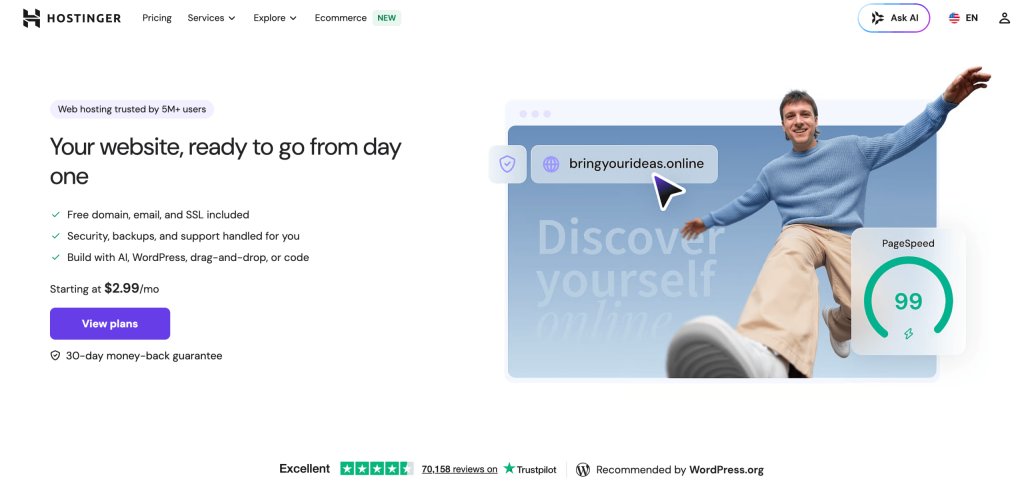
If you have ever tried to put a website online, you know the ritual: buy hosting from one company, a domain from another, wrestle with an SSL certificate, wire up email somewhere else, and hope the whole stack talks to itself. Hostinger was built to collapse all of that into a single, beginner-friendly dashboard — and over the past two years it has quietly turned from a cheap shared-hosting deal into a full build-and-launch platform with genuine AI at its core. Founded in Lithuania in 2004 and now serving well over 4 million customers across 150+ countries, Hostinger pairs some of the lowest entry prices in the industry (introductory shared plans from roughly $2.69–$2.99 a month) with LiteSpeed servers, NVMe storage, a 99.9% uptime guarantee, and an increasingly serious suite of AI tools — including Hostinger Horizons, a no-code app builder that turns a plain-English prompt into a live web app. On Trustpilot it holds a 4.7 out of 5 across more than 60,000 reviews, which is rare air for a budget host.
For freelancers, bloggers, small-business owners, marketers, and content creators who want to get online fast without hiring a developer or learning server administration, the appeal is obvious — but the details matter, and the cheapest advertised price is never the whole story. This 2026 review walks through Hostinger’s entire ecosystem — every major hosting tier, the hPanel control panel, the Horizons AI builder and AI Website Builder, real-world speed and uptime data, full pricing including the renewal fine print, head-to-head comparisons with Bluehost, SiteGround and GoDaddy, honest limitations, and exactly who should (and shouldn’t) sign up.
Hostinger Review 2026: The Budget Web Host That Grew Into a Complete AI-Powered Build-and-Launch Platform
Overview and Background
Hostinger is a global web hosting company headquartered in Kaunas, Lithuania, with a distributed team of more than 900 employees and data centers spread across four continents. Its founding idea has stayed remarkably consistent for two decades: make getting online genuinely affordable and genuinely easy, so that a first-time site owner isn’t priced out or scared off by technical complexity. Rather than reselling a generic cPanel experience, Hostinger built its own control panel — hPanel — and its own website-building tools, which is a big part of why the platform feels more approachable than most of its rivals.
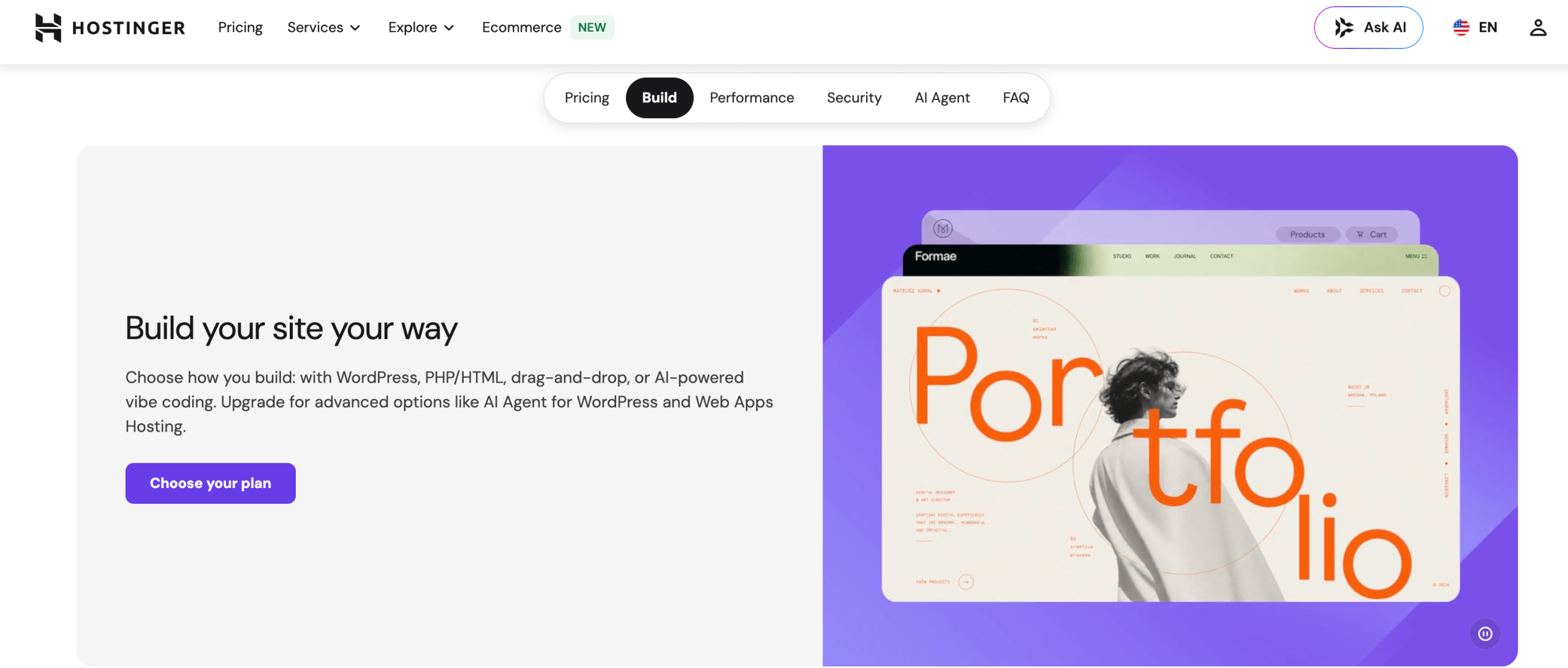
What Hostinger sells has expanded well beyond simple shared hosting. The current lineup covers shared web hosting, managed WordPress hosting, managed WooCommerce hosting, cloud hosting, self-managed KVM VPS hosting, professional email hosting, domain registration, an AI-driven Website Builder, the Hostinger Horizons no-code app builder, dedicated agency plans, and even niche products like Minecraft game-server hosting and one-click n8n automation servers. In practice that means the same brand can serve a hobbyist launching a first blog and a small agency managing a hundred client sites — a range very few budget hosts attempt.
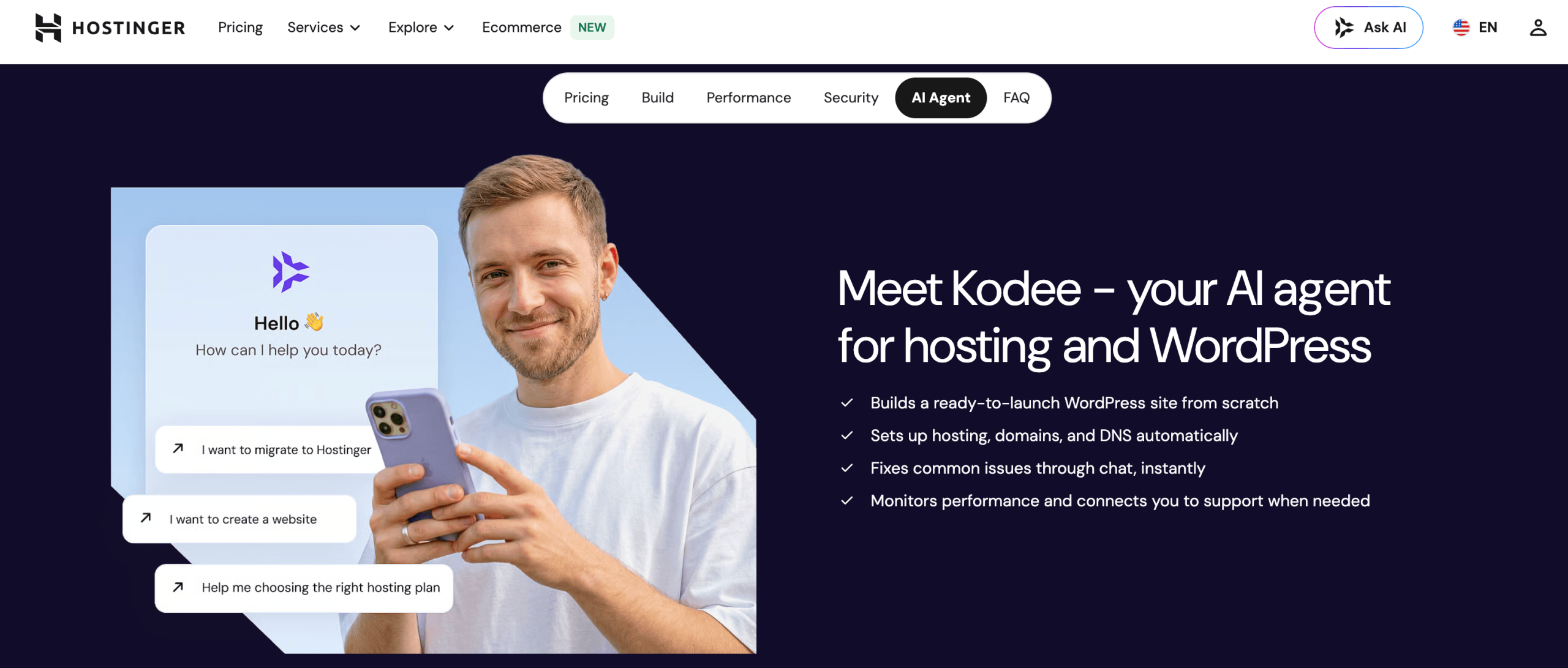
The traction is real. Hostinger reports serving millions of customers worldwide, maintains a 4.7/5 Trustpilot score across tens of thousands of reviews, and has leaned hard into AI over the last two years — adding the Kodee AI assistant for support and troubleshooting, an AI Website Builder that generates a site from a text description, and the Horizons platform that has become one of the most talked-about entrants in the “vibe coding” space. For a company best known for low prices, that pace of feature development is a genuine differentiator.
Why Hostinger Stands Out in 2026
Industry-leading value on entry pricing: Hostinger’s introductory rates are among the lowest you’ll find from a host this reputable. On the longest terms, shared and WordPress plans start in the $2.69–$2.99/month range, and even VPS begins around $5.84–$6.49/month. For someone launching a first site, an affiliate project, or a client build on a tight budget, the cost of entry is hard to beat — and unlike some cut-price hosts, the low tiers still include LiteSpeed servers, free SSL, and a free domain for the first year.
Genuinely fast infrastructure, not just cheap: The performance story holds up in independent testing. Hostinger runs LiteSpeed web servers with NVMe SSD storage and built-in LiteSpeed Cache even on entry plans — technology most competitors reserve for premium tiers. Reviewers across TechRadar, Cybernews and HostAdvice have logged 99.9%–100% uptime over multi-week monitoring windows, Largest Contentful Paint times as low as 0.6 seconds, and clean sub-second load speeds for lightweight WordPress sites. It’s fast where it counts.
hPanel is built for humans: Instead of the cluttered icon-grid of traditional cPanel, Hostinger’s custom hPanel is clean, color-coded, and organized around what beginners actually do — one-click WordPress installs, two-click email setup, plainly labeled backups, SSL and DNS controls. Users switching from cPanel routinely report being comfortable within minutes. That ease of use is arguably Hostinger’s strongest single advantage over budget rivals.
A real AI layer, not a marketing sticker: This is where Hostinger intersects directly with the AI-tools landscape. Horizons turns a natural-language prompt into a working, hosted web app; the AI Website Builder generates a full site from a description; and the Kodee assistant helps troubleshoot inside the dashboard. Horizons runs on a rotating stack of frontier models routed through a gateway — reportedly using Google’s Gemini for coding and fixes and Anthropic’s Claude for initial prompting and complex instructions — which is a far cry from the token “AI features” many hosts bolt on.
Everything bundled in one bill: Hosting, a free first-year domain, unlimited free SSL, a website builder, professional email, a CDN on higher tiers, malware scanning, and free unlimited website migrations all live under one subscription and one dashboard. For non-technical users, removing the need to stitch together four or five separate vendors is a massive reduction in friction — and cost.
Global reach and multilingual support: With data centers across North America, Europe, Asia and South America, and 24/7 live-chat support in 10+ languages, Hostinger serves a genuinely worldwide audience. You can pick a server close to your visitors, and the knowledge base is deep with video and text tutorials for almost every common task.
Scales with you, from blog to agency: The upgrade path is unusually smooth. You can start on a $3 shared plan and grow into cloud hosting, a VPS with full root access, or a white-label agency plan managing up to 100 client sites — all without changing providers or migrating your data elsewhere. That runway means Hostinger can stay useful long after your first project outgrows shared hosting.
Key Features and Technology
Hostinger’s strength is how cleanly its catalog maps to different needs and skill levels. Here is how the ecosystem breaks down.
Shared & Managed WordPress Hosting — The Core Product
This is where most people start. The Premium plan (from ~$2.69–$3.49/month intro) hosts up to 25 websites, includes around 100GB of SSD storage, weekly backups, a free domain for the first year, unlimited free SSL, and AI site-creation tools — comfortably enough for a site drawing roughly 25,000 monthly visitors. The Business plan (from ~$3.99–$4.49/month intro) steps up to NVMe storage, daily backups, a free CDN, more server resources, object caching, and higher PHP worker limits — the sweet spot for a small business site or a WooCommerce store. Both run on LiteSpeed with one-click WordPress installs, automatic core updates, staging environments, and a WordPress-specific security scanner. Managed WordPress here is capable and genuinely beginner-friendly.
Cloud & VPS Hosting — Room to Grow
When shared hosting isn’t enough, Cloud Startup (from ~$8.99–$9.99/month intro) adds dedicated resources, a dedicated IP, priority support, and capacity for up to 100 websites with 100GB of NVMe storage — a strong pick for growing sites past the 50,000-visitor mark. For developers, Hostinger’s self-managed KVM VPS plans span roughly $5.84–$25.99/month and deliver 1–8 vCPU cores, 4–32GB RAM, up to 400GB of NVMe storage, full root access, and a dedicated IP. VPS plans include one-click installers for popular stacks (WordPress, Docker, n8n, game servers), plus the Kodee AI assistant to help with server tasks. Note that VPS here is unmanaged — you handle the server yourself — and Hostinger does not offer dedicated bare-metal servers, so the VPS tier is the performance ceiling.
Hostinger Horizons — Prompt-to-App, No Code Required
Horizons is Hostinger’s flagship AI play and the feature most relevant to a professional or digital-native audience. You describe an app or website in plain language — “build a booking app for a dog-sitting business” — and Horizons generates a working, responsive, hosted application, then lets you refine it through conversation. It supports text, voice and image prompts in 80+ languages, includes version control with one-click rollback, sandbox testing before publishing, a “click-to-isolate” tool for editing a specific on-page element, and an “Ask to Fix” button that attempts to debug automatically. Crucially, the whole stack is bundled: hosting, SSL, CDN, a custom domain and professional email all come with it, and you can export your code if you ever want to migrate. Integrations with Supabase (database), Stripe (payments), Google AdSense, Mailchimp and Zapier extend what you can ship. It’s the closest thing on the market to hiring a developer who works at the speed of typing.
AI Website Builder & Kodee Assistant
Distinct from Horizons, the AI Website Builder is aimed at people who want a polished marketing site, portfolio, or simple online store rather than a custom web app. You answer a few prompts about your business and it generates a complete, editable site with AI-written copy and imagery, then a drag-and-drop editor lets you fine-tune. The Kodee AI assistant lives across the dashboard, answering questions and helping resolve issues without a support ticket. Together these tools mean a non-technical owner can go from idea to a live, decent-looking site in an afternoon — the essence of what “make everything easy” should mean in practice.
Security, Performance & Infrastructure
Under the hood, Hostinger leans on LiteSpeed web servers, NVMe SSD storage, RAID-protected data, Cloudflare integration, and Let’s Encrypt SSL across all plans. Standard DDoS protection, a malware scanner, and a web application firewall come baked in, and higher tiers add daily backups and a CDN. Independent testing consistently places server response times in the competitive 116ms–555ms range depending on location, with strong results for North American and European audiences. Uptime routinely lands at or near the 99.9% guarantee — several 2026 tests recorded a flawless 100% over 30-day windows. It’s solid, dependable infrastructure that punches above its price.
Pricing, Plans, and Package Structure
Hostinger sells hosting on a subscription basis, and the golden rule is that the lowest advertised price always requires the longest commitment (typically 48 months) paid in full at checkout. Monthly billing is available but far more expensive. Prices are shown before tax, and — critically — renewal rates are notably higher than the introductory rate. The table below reflects approximate introductory pricing as of early 2026; treat every figure as a range and confirm the live price before you buy.
| Plan / Product | Approx. Intro Price | What You Get | Best For |
|---|---|---|---|
| Premium (Shared / WordPress) | ~$2.69–$3.49/mo | Up to 25 sites, ~100GB SSD, free domain (1yr), SSL, weekly backups, AI tools | First-time site owners, blogs, small projects |
| Business (Shared / WordPress) | ~$3.99–$4.49/mo | NVMe storage, daily backups, free CDN, object cache, more resources | Small businesses & WooCommerce stores |
| Cloud Startup | ~$8.99–$9.99/mo | Dedicated IP, priority support, up to 100 sites, 100GB NVMe | Growing / higher-traffic sites (50k+ visits) |
| KVM VPS (self-managed) | ~$5.84–$25.99/mo | 1–8 vCPU, 4–32GB RAM, up to 400GB NVMe, root access, dedicated IP | Developers, apps, automation & game servers |
| Email Hosting | ~$0.39–$1.59/mo per box | Professional business email, added storage, security & automation | Businesses wanting branded email |
| Hostinger Horizons (AI app builder) | ~$6.99–$59.99/mo | Prompt-to-app, monthly AI credits, bundled hosting/SSL/domain/email | No-code founders building MVPs & web apps |
| Agency Hosting | ~$23/mo and up | Up to 100 sites, white-label hPanel, priority expert support | Freelancers & agencies with many client sites |
How Hostinger Compares to Alternatives
| Factor | Hostinger | Bluehost | SiteGround | GoDaddy |
|---|---|---|---|---|
| Entry price (intro) | ~$2.69–$2.99/mo | ~$1.99–$2.95/mo | ~$2.99–$3.99/mo | ~$5.99+/mo |
| Servers / stack | LiteSpeed + NVMe, 4 continents | Standard, mainly US/EU | Google Cloud, global | Standard, global |
| Built-in AI builder | Yes (Horizons + AI Website Builder) | Limited AI tools | Limited AI tools | AI website builder |
| Control panel | Custom hPanel (no cPanel) | Custom + cPanel | Site Tools (custom) | Custom panel |
| Phone support | No (24/7 live chat) | Yes | Yes | Yes |
| Best for | Budget + AI-forward beginners & SMBs | WordPress beginners wanting phone help | Performance-focused WordPress | Domains + all-in-one brand |
vs. Bluehost: Bluehost is the classic WordPress-recommended host and sometimes undercuts Hostinger’s very cheapest entry price, and it offers phone support that Hostinger lacks. Hostinger’s edge is faster LiteSpeed-based infrastructure at the low end, a cleaner control panel, a wider global server footprint, and a far more developed AI toolkit. For a budget WordPress site where speed and modern tooling matter, Hostinger generally wins; if 24/7 phone support is a dealbreaker, Bluehost has it.
vs. SiteGround: SiteGround runs on Google Cloud infrastructure and is beloved for performance and support, but it is meaningfully more expensive — both at signup and, especially, at renewal. Hostinger delivers most of the day-to-day speed and reliability at a fraction of the price, with the added bonus of Horizons and the AI Website Builder. SiteGround is the pick if premium managed WordPress and top-tier support justify the premium cost; Hostinger is the value champion for everyone else.
vs. GoDaddy or building it all yourself: GoDaddy is the household name and a one-stop shop for domains plus hosting, but its hosting is typically pricier and less performance-focused than Hostinger’s, and its upsells are aggressive. Assembling your own stack from separate hosting, domain, SSL and email vendors gives maximum control but costs more time and money and demands technical know-how. Hostinger’s bundled, beginner-friendly approach achieves the great majority of the benefit for less money and near-zero setup friction — for most professionals and creators, that trade is a clear win.
Pros and Cons
What Users Love
Exceptional value for money: Few reputable hosts get you online for under $3 a month, and the entry plans don’t feel gutted — LiteSpeed servers, free SSL, and a free first-year domain are all included. For bootstrapped projects and affiliate sites, the price-to-quality ratio is the headline reason people choose Hostinger.
Fast, reliable performance: Independent tests repeatedly show sub-second load times, LCP as low as 0.6 seconds, and uptime at or near 100% over long monitoring windows. LiteSpeed and NVMe on cheap plans mean real speed without a pile of caching plugins.
The easiest dashboard in budget hosting: hPanel is clean, logical, and genuinely beginner-friendly. Installing WordPress, setting up email, or claiming a domain takes a click or two, and most new users feel at home within minutes.
A serious, forward-looking AI toolkit: Horizons, the AI Website Builder, and the Kodee assistant put Hostinger well ahead of most hosts on AI. Turning a prompt into a live, hosted app or a full website in minutes is a real productivity leap for non-developers.
Everything under one roof: Hosting, domain, SSL, email, CDN, migrations, malware scanning and website building all live in one subscription and one dashboard — no juggling vendors, and free unlimited migrations make switching in painless.
Limitations Worth Knowing
Renewal price shock: This is the number-one complaint by a wide margin. The cheap intro rate applies only to your first term; renewals can be 2–5x higher (Premium ~$10.99, Business ~$16.99 per month). Always calculate the total cost across the full contract, not just year one.
You pay the whole term upfront: To get the lowest price you commit to 24–48 months and pay it all at checkout. Monthly billing exists but costs far more, so the “$2.69/month” deal really means paying for years in a single charge.
No phone support: Support is 24/7 live chat and email only. It’s generally fast and helpful, but if you specifically want to talk to a human by phone during an emergency, Hostinger can’t offer that.
No cPanel and no dedicated servers: hPanel is easy for beginners but a hurdle if your workflow depends on cPanel/WHM — a real issue for some resellers. And with no bare-metal dedicated servers, the self-managed VPS is the top of the ladder; very large projects will eventually outgrow it.
Feature gates and Horizons rough edges: Daily backups and CDN are reserved for Business and above; backup retention on lower tiers is limited. Horizons, while impressive, relies on Supabase for a real database, its AI credits run out quickly on cheaper plans, code editing sits behind a higher tier, and you must keep an active hosting plan after the initial period to keep published apps live. It shines for front-end apps but struggles with complex back-end logic.
Basic ecommerce and average CDN: Built-in store tools cover the essentials but aren’t as deep as dedicated platforms, the stack isn’t PCI-compliant on its own (you’ll use third-party processors), and reviewers note the CDN and some regional servers are merely average rather than best-in-class.
Who Should Use Hostinger
First-time site owners and bloggers: If you’re launching your first website and don’t want to overpay or wrestle with technical setup, Hostinger is close to ideal. Start on the Premium plan, use the AI Website Builder or one-click WordPress, and you’ll be live the same day.
Small businesses and WooCommerce stores: The Business plan’s NVMe storage, daily backups, and free CDN make it the right foundation for a real business site or a small online store. It’s the tier most SMBs should default to.
Affiliate marketers and content creators: Cheap, fast, multi-site hosting is exactly what a portfolio of niche or affiliate sites needs. Premium’s 25-site allowance and LiteSpeed speed let you run several projects on one affordable plan.
No-code founders and MVP builders: If you have an app idea but no dev team, Hostinger Horizons is the standout reason to sign up — describe it, build it, deploy it, all in one place. It’s purpose-built for turning ideas into shippable web apps fast.
Freelancers and small agencies: Managing client sites is far cheaper here than with traditional reseller hosting. The Agency plan’s white-label hPanel and up-to-100-site capacity make Hostinger a genuinely cost-effective base — provided your clients don’t require cPanel.
Getting Started: Step by Step
- Pick your plan and term. Match the plan to your project — Premium for a first site, Business for a store, Cloud or VPS for scale, or Horizons for a web app. Remember that the longer the term, the lower the monthly rate, but the more you pay upfront.
- Claim your free domain. Annual Premium, Business, Cloud and Website Builder plans include a free domain for the first year — log into hPanel, click “Claim domain,” and register the name you want (or transfer an existing one for free).
- Install WordPress or launch a builder. Use the one-click WordPress installer, fire up the AI Website Builder, or open Horizons to describe your app. SSL is provisioned automatically, so your site is secure from the start.
- Migrate an existing site (optional). If you’re moving from another host, request a free migration from your dashboard — WordPress transfers are automated and usually complete within 24–48 hours with no downtime.
- Set up email and backups. Create professional email addresses on your domain, confirm your backup schedule (daily on Business and above), and enable LiteSpeed Cache for a speed boost.
- Go live and optimize. Publish, then use the built-in tools — CDN, malware scanner, page-speed monitoring, and the Kodee AI assistant — to keep the site fast, secure, and healthy over time.
Tips for Getting Maximum Value
The smartest move is to think in total cost, not the sticker price: before checkout, hunt for an active promo code (Hostinger runs them constantly), and weigh the longer 48-month term — it delivers the deepest discount, but you’re locking in for four years, so the 24-month plan is often the saner sweet spot for real businesses. Always eyeball the renewal rate now so it doesn’t surprise you later, and consider registering your domain separately if long-term domain renewal cost matters to you. For most people the Business plan is the value pick thanks to daily backups and a CDN, and you should resist over-buying Cloud or VPS until your traffic genuinely demands it. Pay with a card, PayPal or Google Pay rather than crypto, since crypto purchases are excluded from the 30-day money-back guarantee — and use that guarantee to actually test performance from your visitors’ region before you’re committed. If you’re leaning on Horizons, start on a plan with enough AI credits for real iteration and lean on templates to conserve credits on your first build.
Future Outlook and Final Assessment
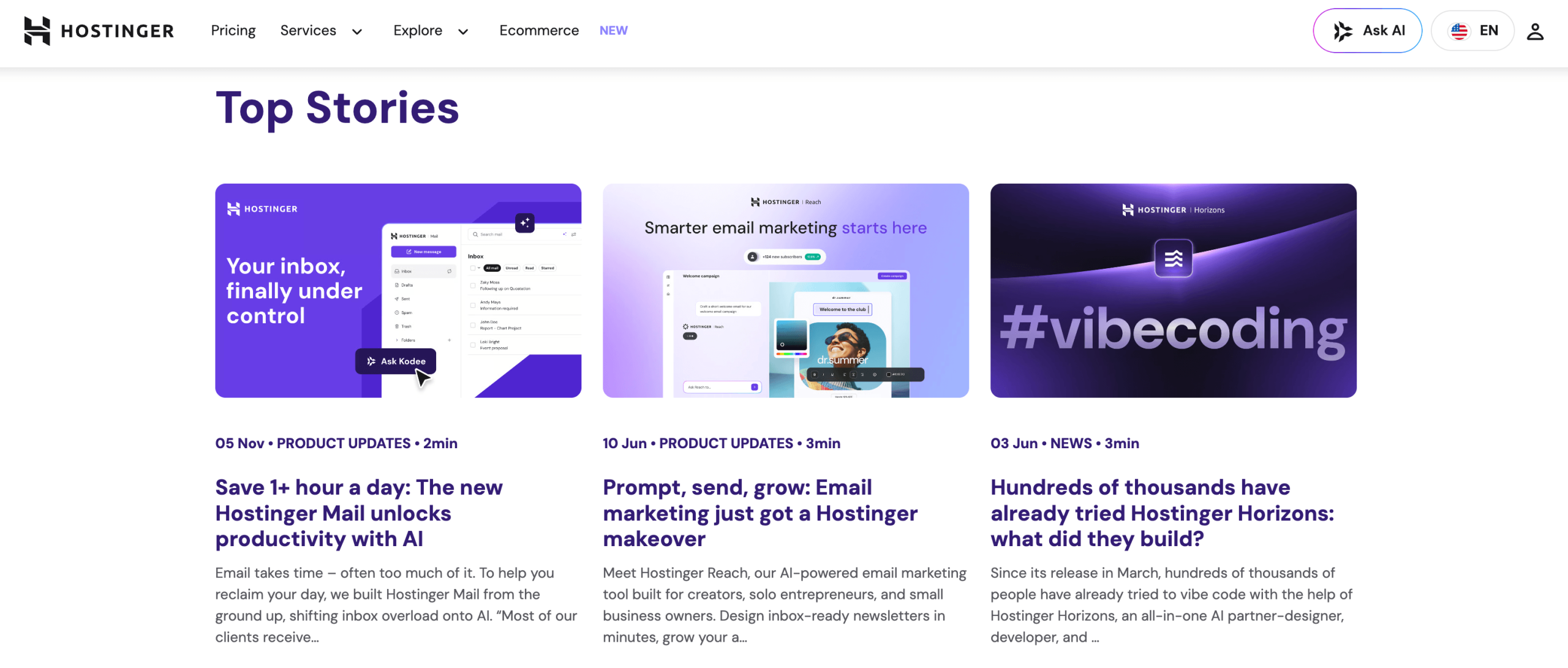
The momentum is with Hostinger. It has spent the last two years out-innovating most budget hosts — shipping Horizons, the AI Website Builder, the Kodee assistant, agency features, object caching and Node.js support — while holding onto the aggressive pricing that made its name. As AI-assisted, no-code building goes mainstream, Hostinger’s bet on bundling frontier-model tools directly into affordable hosting looks well-timed: it meets a huge wave of first-time founders and creators exactly where they are, with the whole stack in one place. For a company whose reputation was “cheap,” becoming genuinely “cheap and modern” is a strong position to hold.
The honest caveats remain: budget for the higher renewal, be ready to pay your term upfront, accept that support is chat-only and that hPanel isn’t cPanel, and go in knowing Horizons is powerful for front-end apps but still maturing for complex back ends. But within those boundaries, Hostinger delivers one of the best all-round packages in hosting for 2026 — fast, easy, feature-rich, and remarkably affordable — and it does so while quietly becoming one of the most AI-forward hosts on the market.
Conclusion
Hostinger has pulled off something genuinely useful: it took the intimidating, fragmented job of getting online and folded it into one affordable dashboard that a complete beginner can navigate — and then layered real AI on top so that building a site or an app is now a matter of describing what you want. It’s fast where it counts, broadly capable, sensibly priced at signup, and forward-looking in its embrace of no-code and AI. Just go in clear-eyed about the renewal pricing and the upfront commitment, choose the tier that matches how you actually work, and Hostinger turns one of the most daunting parts of building an online presence into something that finally feels simple — making everything easy, from your first click to your first live site.
Ready to launch your site the easy way?
Explore more honest reviews, tutorials and tool comparisons to find the right tech for the way you work and live — at AI Solutes, where we make everything easy.
👉 Get Started: https://ai-solutes.com/hostinger
👉 Our YouTube Channel: youtube.com/@ai-solutes
👉 Our Facebook Fanpage: Facebook
👉 Our X (Twitter): @AISolutes
- How Can Motion Seamlessly Reschedule Missed Tasks Without Requiring Manual Drag-and-Drop Adjustments?
- TutorBin – AI Homework Helper
- 2026 Engagement Ring Trends Guide: Discover the Best Shapes, Diamond Tips, Ethical Gemstones, and Custom Design Secrets
- Turbocharge AI Editorial Workflows for 2026 Global Events: Faster Submissions and Smarter Approvals
- HeyGen















