

If running your business means fishing crumpled receipts out of a drawer, chasing overdue invoices one awkward email at a time, and dreading the month-end scramble to figure out what your bank balance actually means, you already know the problem Xero was built to erase. Xero is a cloud accounting platform that pulls invoicing, bank reconciliation, bill capture, expense tracking, reporting, and AI-powered automation into one place your whole team — and your accountant — can open from any browser. With more than 3.95 million subscribers worldwide, roots going back to its 2006 launch in New Zealand, unlimited users on every single plan, an app store of over 1,000 integrations, and pricing that starts at roughly $15 a month, Xero has become one of the two names that genuinely matter in small-business accounting — and, since it rebuilt its platform around an AI financial assistant called JAX, one of the most forward-looking answers to a question every founder eventually asks: why does keeping my own books still feel like a second job?
For freelancers, sole traders, agency owners, e-commerce sellers, growing service teams, and the accountants and bookkeepers who support them, the pitch is simple: clean software that doesn’t charge you more every time you add a person, wrapped around automation that quietly does the busywork in the background. This 2026 review walks through Xero’s entire offering — what it is and who makes it, every core feature and the new JAX AI layer, full pricing with the fine print, honest comparisons with QuickBooks and FreshBooks, the real limitations worth knowing, and exactly who should (and shouldn’t) sign up.
Xero Review 2026: The AI-Native Cloud Accounting Platform With Unlimited Users and a Real-Time View of Your Money
Overview and Background
Xero is a cloud-based accounting platform built for small and medium-sized businesses, freelancers, and the accounting professionals who serve them. It was founded in Wellington, New Zealand in 2006 on a then-radical idea: that a company’s books shouldn’t live trapped on one accountant’s desktop computer, but in the cloud, updated in real time, and open to the business owner and their advisor at the same moment. That single insight — accounting as a shared, always-current, browser-based system rather than a file you email back and forth — is still the core of what Xero does today.
Nearly two decades later, Xero has grown into a publicly listed global platform serving over 3.95 million subscribers, with particular strength in New Zealand, Australia, and the UK and a fast-growing US presence. Rather than trying to be enterprise resource-planning software, Xero stays focused on doing the fundamentals of small-business finance exceptionally well — invoicing, connecting to your bank, reconciling transactions, capturing bills and receipts, tracking expenses, and turning it all into reports and dashboards a non-accountant can actually read. Around that core it has built an ecosystem of more than 1,000 connected apps and, more recently, an AI-native layer that automates much of the manual work accounting used to demand.
Why Xero Stands Out in 2026
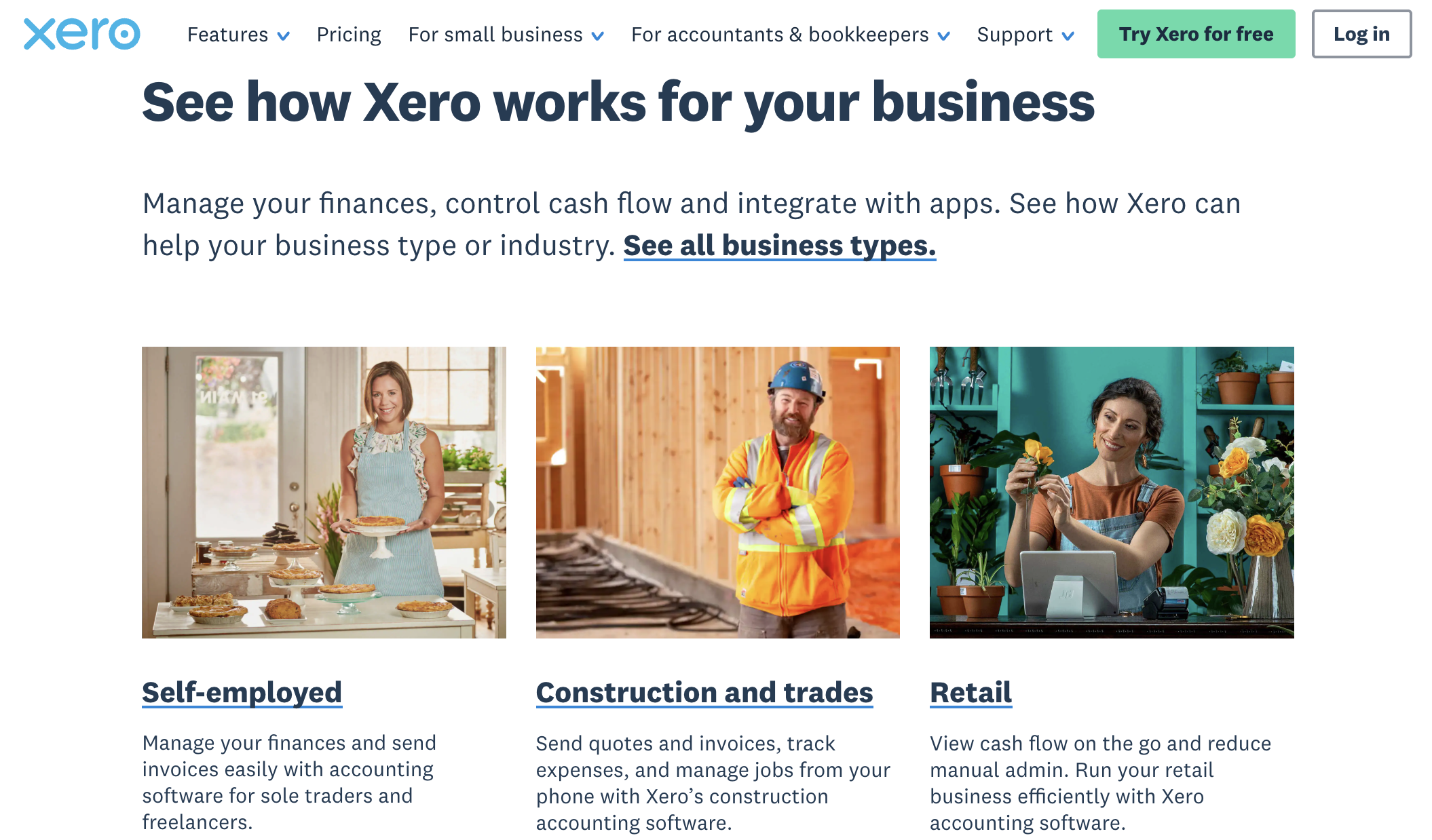
Unlimited users on every plan: This is Xero’s single most practical advantage, and it’s the reason many growing teams switch. Every Xero plan — even the cheapest — includes unlimited users at no extra cost. You can invite your co-founder, your office manager, your project leads, your bookkeeper, and your accountant without ever paying a per-seat fee. Its biggest rival, QuickBooks Online, caps users by tier, so a five-person team that needs shared access can pay hundreds of dollars a year more for the same core features. If more than a couple of people touch your books, this one difference often pays for the whole subscription.
Genuinely AI-native, not AI bolted on: Xero rebuilt its platform around an AI financial assistant it calls JAX (Just Ask Xero), marketing itself as accounting software designed with AI from the ground up rather than bolted onto legacy code. JAX can automate reconciliation, data entry, invoicing, and expense processing, answer plain-language questions about your finances, predict when customers will pay, and — via a partnership with OpenAI — pull in outside context like tax rules and market trends. Crucially, its JAX Assure control system and “Accountable Intelligence” approach show the AI’s reasoning and ask your approval before acting — which matters enormously where a confident wrong answer can cost real money.
An interface built for founders, not just accountants: Xero’s dashboard is consistently praised for surfacing what a business owner actually needs — cash position, outstanding invoices, and reconciliation status — without forcing you to understand a chart of accounts first. Independent reviewers routinely score it higher than QuickBooks on ease of use and setup, a natural fit for the founder-led teams and non-accountants who make up much of its base. Bank reconciliation you can approve with a single click saves real time every week.
One of the largest app ecosystems in accounting: Xero connects to more than 1,000 certified apps across payments, payroll, inventory, e-commerce, CRM, time tracking, and reporting. Its open platform philosophy means you assemble the exact stack your industry needs — Stripe for payments, Shopify for storefronts, Gusto for payroll, HubSpot for CRM — and everything syncs back to Xero. For a business that relies on a web of specialized tools, that flexibility is a major selling point.
Best-in-class bank feeds and reconciliation: Xero connects to a very large network of financial institutions globally and automatically imports your transactions, then uses smart matching to suggest how each one should be categorized. Reviewers frequently single out Xero’s reconciliation workflow as faster than the competition for high-volume, everyday use — the kind of quiet efficiency that adds up to hours saved each month for an active business.
Built for international business from day one: Because Xero grew up serving customers across multiple countries, its multi-currency support is native and polished — automatic exchange-rate updates, foreign-currency accounts, gain/loss reporting, and invoicing in a wide range of currencies. If even one client pays in euros, pounds, or Australian dollars, this is often the deciding factor in Xero’s favor.
Real collaboration with your accountant: Xero was designed around the accountant-client relationship, and its huge network of certified advisors is a genuine asset. Your accountant works in the exact same live file you do — no exporting company versions, no emailing data back and forth — which makes month-end and year-end dramatically smoother. Certified partners can also pass along meaningful subscription discounts, and bundled Hubdoc receipt capture plus free standard ACH bill payments in US plans keep more costs inside the subscription.
Key Features and Technology
Xero’s strength is how completely it covers the day-to-day realities of running a small business’s finances, and how cleanly its newer AI layer sits on top of that foundation. Here is how the platform breaks down.
Core Accounting — Invoicing, Bills, and Bank Reconciliation
This is the heart of Xero and where most owners spend their time. You can create and send customized invoices with your logo, set up recurring invoices, and turn on automated payment reminders so you stop chasing clients manually. Customers can pay directly from an invoice via card, bank transfer, or direct debit, and you can accept in-person payments with Apple’s Tap to Pay on a compatible iPhone — no card reader required. On the money-out side, Xero captures and organizes bills so you always know what’s owed, and its connected bank feeds pull in transactions automatically for fast reconciliation, where you match each transaction to an invoice or bill and keep your books current with a click. Hubdoc, included in your subscription, handles receipt and document capture so paperwork turns into structured data with minimal typing.
JAX — Xero’s AI Financial Superagent
JAX (Just Ask Xero) is what sets the 2026 platform apart. It started as a simple assistant in 2024 and has grown into what Xero calls an AI financial superagent — a conversational layer that orchestrates multiple AI agents behind the scenes to automate routine work and surface insights. You can type plain-English questions like “What was my total income over the last six months?” and JAX answers with charts and tables drawn from your live data, with the ability to check where each figure came from. It can draft invoices and quotes, help you understand cash flow, and, through its OpenAI partnership, tap deep web research to bring tax laws and market trends alongside your own numbers. Xero has also brought JAX’s real-time financials into Microsoft 365 Copilot — so you can ask about cash flow or overdue invoices inside Copilot Chat, Excel, Word, and PowerPoint without leaving Office. To keep AI honest in a high-stakes domain, the JAX Assure control system is designed to reduce the “hallucinations” that plague tools relying purely on large language models, and JAX won’t act without your prompt and approval.
Reporting, Dashboards, and Cash Flow
Xero’s real-time dashboard gives you a single view of bank balances, cash flow, outstanding invoices, and bills at a glance, and you can customize it with the widgets that matter most to you. Its reporting engine is built around configurability: you can drag and drop rows and columns, add formulas, apply tracking categories across different parts of the business, and compare budgeted spend against actuals. Accountants particularly value the ability to lock reporting periods to prevent retroactive changes at year-end. The trade-off is that Xero’s flexibility means some reports take more setup than QuickBooks’ larger library of pre-built US templates — a fair exchange for the control you get, especially with a knowledgeable bookkeeper driving.
Payroll, Payments, and the App Marketplace
Rather than building a heavy native payroll product in every market, Xero partners with specialists — most notably Gusto in the United States — to calculate pay, handle deductions, pay employees, and sync it all back to your Xero accounts. It’s a clean setup, but it does mean payroll is a separate subscription on top of your plan. Beyond payroll, the Xero App Store is where the platform truly extends: over 1,000 certified apps let you bolt on inventory management, advanced expense tools, industry-specific software, and more. Xero’s native inventory is fine for simple tracked and untracked stock, but businesses with multiple warehouses, assembly, or complex cost-of-goods-sold needs will reach for third-party apps like Cin7 or Unleashed, which add to the monthly cost.
Pricing, Plans, and Package Structure
Xero sells three main plans on a recurring monthly subscription, and the tiers are separated by transaction limits and feature access rather than by user count — every plan includes unlimited users. Prices differ by country (Xero localizes plans for the US, UK, Australia, New Zealand, Canada, and more), and the company runs frequent, heavy introductory promotions — new US customers have recently been offered up to around 85–90% off for the first several months. The figures below are approximate US ranges to help you budget; the exact numbers move with promotions and regional pricing, so always confirm the live price on Xero’s official site.
| Plan | Approx. Price (US) | What You Get | Best For |
|---|---|---|---|
| Early | ~$15–$25/mo | Core accounting, bank reconciliation, Hubdoc, W-9/1099, sales tax; capped at ~20 invoices and 5 bills per month | Sole traders, freelancers, and brand-new businesses with low volume |
| Growing | ~$42–$55/mo | Everything in Early, plus unlimited invoices and bills and bulk transaction reconciliation | Most active small businesses that have outgrown the entry caps |
| Established | ~$78–$90/mo | Everything in Growing, plus multi-currency, project costing/tracking, expense claims, and in-depth analytics | Scaling teams, project-based work, and internationally active businesses |
| Payroll add-on (via Gusto, US) | Separate subscription (per employee/run) | Full payroll processing, deductions, and compliance synced to Xero | Any business with employees or contractors on payroll |
How Xero Compares to Alternatives
| Factor | Xero | QuickBooks Online | FreshBooks | Manual / Spreadsheets |
|---|---|---|---|---|
| Users included | Unlimited on every plan | Capped by tier (per-seat) | Limited; extra users cost more | N/A (file sharing) |
| Entry price (approx.) | ~$15/mo | ~$30–$38/mo | ~$19/mo | Low upfront, high time cost |
| Multi-currency | Native, polished (Established) | Supported, but more limited | Basic | Manual and error-prone |
| Inventory | Basic; add-ons for complex needs | Strong native inventory | Minimal | None built-in |
| AI automation | JAX superagent, AI-native | Intuit AI agents (growing) | Limited | None |
| Best for | Multi-user teams, international, collaboration | US inventory, payroll, accountant reach | Solo freelancers, invoicing focus | The very smallest side hustles |
vs. QuickBooks Online: QuickBooks is Xero’s biggest rival and dominates the US market, and it’s the stronger pick if you need robust native inventory, built-in payroll with tax filing, deeper out-of-the-box reporting, and near-universal compatibility with American accountants. But it charges per user and raised prices across all plans in 2026, so a multi-person team on QuickBooks Plus can cost hundreds of dollars a year more than Xero’s Growing plan for a comparable feature set. Xero wins on unlimited users, cleaner ease of use, and multi-currency; QuickBooks wins on inventory depth, US-specific integrations, and phone support. For collaborative, internationally minded, or design-conscious owners, Xero pulls ahead; for inventory-heavy US product sellers, QuickBooks usually does.
vs. FreshBooks: FreshBooks is beloved by solo freelancers and very small service businesses for its exceptionally simple invoicing and time tracking. It’s arguably easier for a one-person operation that mostly just needs to bill clients and log hours. Where it falls short is depth: as soon as you add team members, need proper double-entry accounting, multi-currency, or a large integration ecosystem, Xero is the more complete platform you can grow into rather than out of. If your needs will stay tiny and invoicing-centric, FreshBooks is worth a look; if you expect to scale, Xero is the safer long-term home.
vs. spreadsheets and manual bookkeeping: The DIY route — a spreadsheet, a shoebox of receipts, and a stressful few days before each deadline — has almost no upfront cost, and that’s its only advantage. It doesn’t reconcile your bank, chase invoices, or produce reliable reports, and it quietly consumes the hours you should be spending on growth while inviting costly errors. For any business past the smallest side hustle, moving to Xero isn’t really a cost — it’s buying back your time and peace of mind.
Pros and Cons
What Small Businesses Love
No per-user penalty for growing: Unlimited users on every plan means adding your team, your bookkeeper, and your accountant never raises your bill. For collaborative businesses, this is the feature owners praise most and the one that most often justifies switching from a per-seat competitor.
Approachable for non-accountants: The clean dashboard and one-click bank reconciliation make Xero genuinely usable by founders without a finance background, and independent reviews consistently rate it highly for ease of use and setup.
A serious, controllable AI layer: JAX automates reconciliation, data entry, and invoicing, answers plain-language questions from your live numbers, and predicts payment dates — with JAX Assure and approval-before-action guardrails that make the automation trustworthy rather than reckless.
Excellent for international and collaborative work: Native multi-currency, foreign-currency accounts, and a live shared file with your advisor make cross-border invoicing and month-end far less painful than most alternatives.
A huge ecosystem and included extras: Over 1,000 app integrations, bundled Hubdoc receipt capture, and free standard ACH bill payments in US plans mean you can tailor Xero to your industry while keeping some costs inside the subscription.
Limitations Worth Knowing
The entry plan is tightly capped: The Early plan limits you to roughly 20 invoices and 5 bills per month, which many active service businesses outgrow within their first quarter — forcing an upgrade to Growing and a meaningful jump in monthly cost. Budget for Growing if you invoice regularly.
No phone support: Xero offers 24/7 online support through email and chat, but there’s no phone line to call when you’re stuck mid-task. If picking up the phone and speaking to a person is important to you, this is a real difference from QuickBooks, which offers phone support.
Payroll and advanced inventory cost extra: Payroll runs through a separate partner subscription (Gusto in the US), and complex inventory — multiple warehouses, assembly, detailed cost-of-goods-sold — pushes you toward third-party apps that can add $200 or more per month. The headline plan price rarely tells the full story.
The mobile app is thinner than the browser: You can invoice, reconcile, and approve on the go, but the mobile experience is clearly secondary to the desktop version, and receipt capture and expenses lean on separate companion apps. Owners who want to run everything from a phone may find it limiting.
Some reports need setup, and prices have crept up: Xero’s configurable reporting is powerful but takes more effort than QuickBooks’ larger library of ready-made US templates, so getting the same depth can require a knowledgeable hand. Longtime users have also noted repeated price increases over the years — worth factoring into your long-term budget.
No permanently free plan, and US billing is monthly only: Beyond a free trial and a free first month, Xero is always a paid subscription, and the US edition is billed monthly with no annual prepay discount. If you want a genuinely free tool or an annual-billing saving, this is a limitation to weigh.
Who Should Use Xero
Freelancers and sole traders: If you mainly need to send invoices, capture expenses, and keep clean books without hiring anyone, Xero’s Early plan is an affordable, professional foundation — just move to Growing the moment your invoice volume climbs past the cap.
Growing service businesses and agencies: For consultancies, agencies, and contractors where multiple people need access and invoicing plus expense tracking are the daily reality, Xero’s Growing plan and unlimited users are a natural fit that won’t punish you for adding staff.
Businesses with international clients: If you invoice in more than one currency or work across borders, Xero’s native multi-currency on the Established plan is one of the strongest reasons to choose it over almost any competitor.
Accountants and bookkeepers: Practitioners managing multiple clients benefit enormously from working in the same live files their clients use, plus Xero’s advisor tools and partner program. If you run a practice, Xero’s collaboration model is built for you.
Teams that value a clean, AI-forward stack: If you want software your whole team can pick up without a finance degree, an app ecosystem you can shape to your industry, and AI automation that cuts busywork while keeping you in control, Xero’s Growing or Established plan delivers exactly that.
Getting Started: Step by Step
- Start your free trial or claim your free month. Sign up on Xero’s site to test-drive the platform. Every new organization includes a free trial, and your first month is free once you finish setting up — so you can explore before you pay.
- Set up your organization and chart of accounts. Enter your business details and choose or import a chart of accounts. Xero provides sensible defaults, and your accountant can fine-tune it if you have one.
- Connect your bank feeds. Link your business bank and card accounts so transactions flow in automatically. This is the single biggest time-saver in Xero and powers fast, ongoing reconciliation.
- Import contacts and migrate existing data. Bring in your customers, suppliers, and historical transactions. If you’re switching from QuickBooks or another tool, Xero offers migration help and data-import tools — a professional bookkeeper can make the move seamless.
- Set up invoicing and document capture. Customize your invoice template, switch on automated payment reminders, and start using Hubdoc to snap and forward receipts and bills so paperwork becomes data automatically.
- Invite your team and your accountant. Because users are unlimited, add everyone who needs access — colleagues, your bookkeeper, your advisor — with role-based permissions that control what each person can see and do.
- Explore JAX and build a reconciliation habit. Ask JAX plain-language questions about your numbers, let it help automate routine tasks, and reconcile little and often so your books stay current — turning month-end from a scramble into a formality.
Tips for Getting Maximum Value
Compare plans on their post-promotional price rather than the eye-catching introductory discount, since the regular rate is what you’ll live with for years — and if you work with a Xero-certified accountant or bookkeeper, ask about partner pricing, which can shave 30% or more off your subscription. Choose your tier honestly: most active businesses belong on Growing, so don’t cling to Early past its invoice cap or overpay for Established unless you truly need multi-currency, projects, or expense claims. Lean on the automation that’s already included — turn on bank feeds and payment reminders, use Hubdoc for every receipt, and let JAX handle repetitive reconciliation and data entry. Resist bolting on every shiny integration; connect only the apps your industry needs, since each adds cost and another sync layer. And if you invoice even one client in a foreign currency, test the multi-currency workflow during your free trial so you know it fits how you get paid.
Future Outlook and Final Assessment
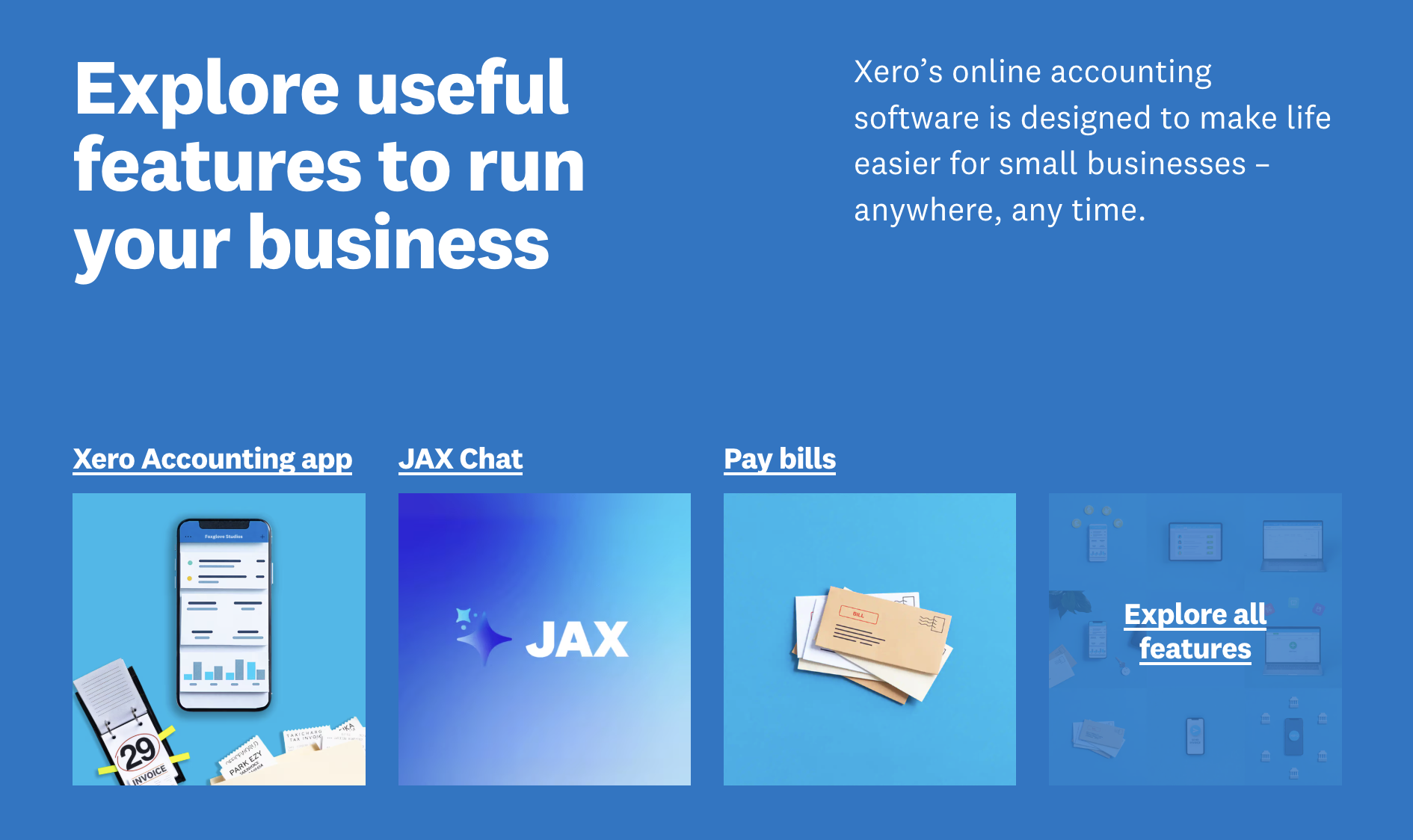
The momentum is firmly with cloud accounting, and Xero has placed a smart, aggressive bet on being AI-native rather than AI-retrofitted. Its investment in JAX as an agentic financial superagent — automating reconciliation, data entry, and payment chasing, pulling in outside context through its OpenAI partnership, and now reaching into Microsoft 365 Copilot — positions it well for a future where owners expect their software to do the busywork and simply tell them what matters. Roughly three-quarters of Xero customers have already tried its AI features, a strong signal that small businesses genuinely want this automation. As bookkeeping shifts from data entry toward strategic advice, a platform that hands number-crunching to a controllable AI while keeping the owner and accountant in the loop is exactly where the market is heading.
The honest caveats remain: the Early plan’s caps push most businesses to a pricier tier quickly, there’s no phone support or permanently free plan, payroll and advanced inventory cost extra, and the mobile app trails the browser. But within those boundaries, Xero delivers one of the cleanest, most collaborative, and most genuinely forward-looking accounting platforms available in 2026 — and its unlimited-user model quietly saves multi-person teams real money every single month.
Conclusion
Xero has spent nearly two decades proving a simple idea: that keeping your books shouldn’t be a chore you do alone at midnight, but a shared, real-time, automated system that works quietly in the background. With unlimited users on every plan, an interface founders can actually navigate, a controllable AI superagent doing the busywork, and native strength in collaboration and multi-currency, it’s one of the two accounting platforms that truly matter for small businesses in 2026 — and the better fit for teams, international operators, and anyone who wants clean software that doesn’t charge more as they grow. Confirm the current pricing, pick the tier that matches how you actually trade, connect your bank, and let Xero make one of the most stressful parts of running a business feel modern, calm, and under control — because that’s the whole point: to make everything easy.
Ready to take control of your books and let AI handle the busywork?
Explore more honest reviews, tutorials and tool comparisons to find the right tech for the way you work and live — at AI Solutes, where we make everything easy.
👉 Start Your Free Trial: https://www.xero.com/
👉 Our YouTube Channel: youtube.com/@ai-solutes
👉 Our Facebook Fanpage: Facebook
👉 Our X (Twitter): @AISolutes















