


Every business owner knows the quiet math of a missed call: one unanswered ring can be a lost customer, a lost job, or a deal that quietly walks to a competitor who picked up. For small and growing teams that live on the phone — home services, law firms, agencies, sales teams, and solo founders — that friction adds up fast, and it’s exactly the problem Quo was built to solve. Quo (formerly OpenPhone) is an AI-powered business phone and shared inbox that brings every call, text, voicemail, and contact into one place your whole team can see — so nothing slips through, even after hours. With pricing that starts around $15 per user per month, use across 90,000+ businesses, a 4.7-star rating from more than 3,300 reviews, a top spot for customer satisfaction among business phone tools on G2, and a September 2025 rebrand backed by $105 million in growth financing, Quo has positioned itself as one of the most complete answers to a question every modern business eventually asks: why is our phone system still working against us instead of for us?
For startups, small business owners, marketers, and freelancers who treat responsiveness as a competitive edge, the value is immediate. This 2026 review walks through the entire Quo platform — its shared numbers and team inbox, the Sona AI agent, the new Claude and ChatGPT integrations, the full feature set, complete and current pricing, honest comparisons with Google Voice, Grasshopper, and Dialpad, the real limitations worth knowing, and exactly who should (and shouldn’t) sign up.
Quo Review 2026: The AI-Powered Business Phone That Turns Every Call and Text Into Growth
Overview and Background
Quo is a cloud-based business phone system and shared customer inbox built for small and growing businesses. Instead of tying a number to a single device or a clunky desk handset, Quo runs over the internet across mobile and desktop, unifying calling, texting, contacts, and light CRM into one collaborative workspace. The core belief is simple: small and midsize businesses make up the overwhelming majority of all companies, yet legacy phone systems have barely evolved to serve them — so Quo set out to build the phone that helps a business grow, not just connect a call.
The company behind Quo is OpenPhone Technologies, founded by Mahyar Raissi (CEO) and Daryna Kulya out of Y Combinator’s 2018 batch, and headquartered in San Francisco. In April 2025 it launched Sona, its AI phone agent, which had already handled over 200,000 calls by the time of the rebrand. On September 23, 2025, OpenPhone officially became Quo, announced alongside $105 million in growth financing led by General Catalyst’s Customer Value Fund. Today the platform serves nearly 90,000 businesses, from fast-growing startups to Fortune 500 teams, with more than 30,000 new sign-ups in a recent six-month stretch.
Its traction shows in the names that trust it — Y Combinator, Keller Williams, Compass, Mercury, Supabase, 1-800-GOT-JUNK, Farmers Insurance, and more — and in a stack of G2 badges for usability, ease of admin, and customer satisfaction. It’s also security-minded: AICPA SOC certified, HIPAA-ready, and offering a SOC 2 report on request, which matters for regulated fields like healthcare and legal.
Why Quo Stands Out in 2026
Sona, a 24/7 AI agent that answers when your team can’t: Sona is Quo’s headline feature and the reason many businesses switch. It’s an AI phone agent that picks up calls around the clock — after hours, during a rush, or whenever the team is heads-down — then greets callers, answers routine questions, qualifies leads, and hands off to a teammate when needed. Businesses using Sona report roughly three times as many meaningful conversations as sending callers to voicemail, and it’s now included on every plan through a usage-based credit model rather than being locked behind the top tier.
A true shared inbox, not just a phone line: This is where Quo separates itself from a plain virtual number. Multiple teammates can share one number, see the full history of calls and texts, know when a colleague is already replying, ring together on incoming calls, and leave internal notes inside a conversation. That shared visibility means no customer gets two conflicting answers and no message falls through a crack — the difference between a phone line and a real team system.
Genuinely affordable, transparent per-user pricing: Quo starts at about $15 per user per month on annual billing, with everything — a dedicated number, unlimited US/Canada calling and texting, voicemail transcripts, the API, and Sona — included from the entry tier. There’s no mandatory hardware, no long contract, and you can cancel in a few clicks. That pricing undercuts premium platforms that cost roughly double for comparable capability.
Native Claude and ChatGPT integration (the real AI-forward edge): This is where Quo intersects with the wider AI-tools landscape in a way few phone systems do. Through Quo’s MCP integration, you can analyze your calls, texts, and contacts directly from Claude or ChatGPT — asking an AI assistant to surface patterns, summarize a customer’s history, or draft a follow-up grounded in real conversation data. For teams already building AI into how they work, having the phone speak the same language is a meaningful advantage.
Everywhere you work, and easy to start: Quo runs on iOS, Android, macOS, Windows, and the web, so a rep can begin a text in the field and finish it at a desktop — over the internet, without burning cell minutes or exposing a personal number. Getting going is low-risk too: pick a new number in minutes or port your own for free with priority support during the move, on a 7-day trial with no-hassle cancellation.
Key Features and Technology
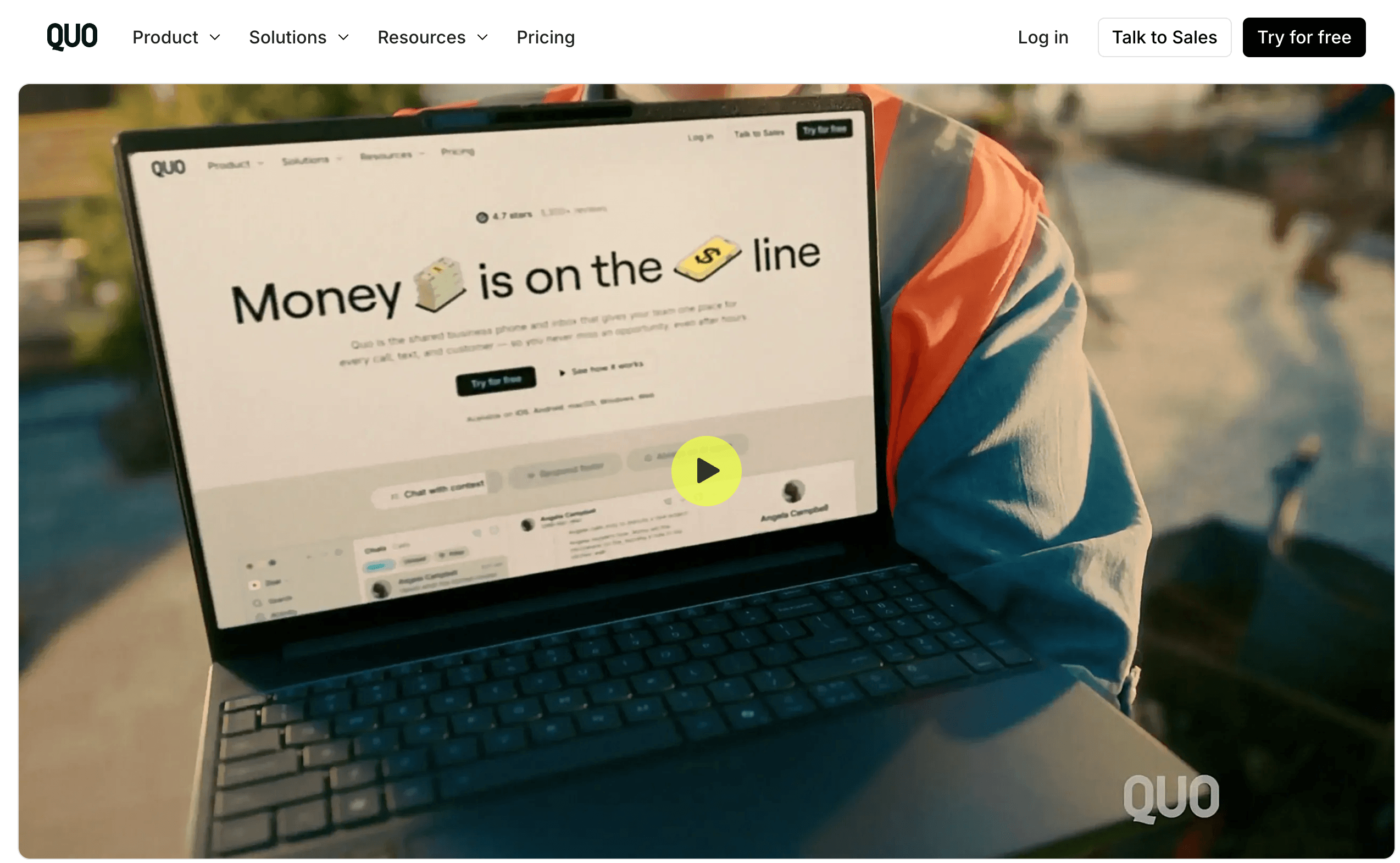
Quo’s strength is how cleanly it bundles a full communication suite, team collaboration, AI, and integrations into one app. Here’s how the platform breaks down.
Calling and Messaging
At its foundation, Quo is a modern VoIP phone. Every user gets one local or toll-free number, with unlimited calling and texting to the US and Canada (subject to fair use). Messaging is first-class, not an afterthought: proper two-way SMS and MMS, group messaging, scheduled messages, saved snippets, and auto-replies for missed calls or after-hours texts. Every voicemail is auto-transcribed to text so it’s faster to triage, and call quality over a solid connection is often clearer than a standard carrier line. International calling and texting are available as an add-on at per-destination rates.
Team Collaboration and Shared Numbers
Shared numbers let a team see call and text history together, view when a teammate is typing or on a call, and ring multiple people at once. Internal threads let colleagues chat behind the scenes inside a specific conversation, while shared contacts, contact notes, and user groups keep everyone aligned. On Business and Scale you also get warm call transfers, group calling, custom ring orders, and phone menus (IVR) to route callers to the right person. A newer Tasks feature turns conversation action items into a running to-do list.
Sona AI Agent and AI Features
Quo’s AI stack is anchored by Sona, the 24/7 agent that answers, qualifies, and routes calls, with summaries and transcripts included for the calls it handles even on the entry plan. Around it sit AI-suggested and AI-drafted replies, contact suggestions built from voicemail transcripts, full summaries and transcripts for all calls on Business and above, and AI call tags on Scale. Sona runs on credits — one handled call costs 100 credits, and every plan includes 1,000 free credits (about 10 calls) monthly, with larger tiers as volume grows. Uniquely for a phone system, Quo also ships a ChatGPT/Claude MCP connection so you can query your communication data from those assistants.
Integrations, CRM, Analytics and Security
Quo behaves like a hub rather than a silo. Beyond the CRM and workflow integrations already noted, it adds Google Contacts import and Zapier plus Make to trigger actions across thousands of other apps, with a full API and webhooks for developers. On the admin side, you get granular user roles, analytics into how every number is used, and an enterprise-grade security posture — SOC 2 reporting, HIPAA-readiness, and audit logs available to teams that need them.
Pricing, Plans, and Package Structure
Quo is billed per user, per month, with three tiers and a meaningful discount for paying annually. Every plan includes a number per user, unlimited US/Canada calling and texting, voicemail transcripts, the API, Sona (with 1,000 free credits), and the Claude/ChatGPT MCP. The main recurring add-ons are extra numbers ($5/month each), international usage (per-destination rates), automated SMS via API/Zapier/Make ($0.01 per message), and larger Sona credit tiers if your AI call volume outgrows the free allowance — plus the one-time A2P registration fee noted above. Prices below are current as of this review, in USD.
| Plan | Approx. Price (annual / monthly) | What You Get | Best For |
|---|---|---|---|
| Starter | $15 / $19 per user/mo | Number per user, unlimited US/Canada calls & texts, voicemail transcripts, Sona, Claude/ChatGPT MCP, API, shared numbers (up to 10 users) | Solopreneurs and very small teams getting set up |
| Business (most popular) | $23 / $33 per user/mo | Everything in Starter, plus AI summaries & transcripts for all calls, phone menus (IVR), call transfers, group calling, auto recording, analytics, HubSpot/Salesforce, unlimited paid users | Growing teams that need routing, analytics, and CRM |
| Scale | $35 / $47 per user/mo | Everything in Business, plus AI call tags, dedicated onboarding, priority support, and inbound phone support | Larger teams wanting advanced automation and priority help |
| Sona credit tiers (add-on) | $0 / $25 / $49 / $99 / $199 per month | 1,000 to 60,000 credits (10 to 600 Sona calls); overage falls from $1.00 to $0.45 per call as the tier rises | Teams leaning heavily on the AI agent for call volume |
How Quo Compares to Alternatives
| Factor | Quo | Google Voice | Grasshopper | Legacy PBX / Personal Cell |
|---|---|---|---|---|
| Structure | Per-user cloud app + shared inbox | Per-user, needs Google Workspace | Flat per-account, extensions | On-prem hardware or a personal SIM |
| Shared team inbox | Yes (shared numbers, internal threads) | Limited | No shared numbers | No |
| Built-in AI | Yes (Sona 24/7, summaries, Claude/ChatGPT MCP) | Minimal | None | None |
| SMS / MMS to customers | Yes (SMS + MMS, A2P registered) | SMS on US-linked accounts, no MMS abroad | SMS, but no MMS from toll-free | Personal texting only |
| CRM & integrations | 50+ (HubSpot, Salesforce, Slack, Zapier) | Google apps only | Very few | Custom / none |
| Entry price | ~$15 per user/mo (annual) | ~$10 per user/mo + Workspace | ~$14–18/mo per account | Hundreds+ upfront, or “free” personal line |
| Best for | SMB teams wanting AI + collaboration | Solo Workspace users needing a cheap line | Solopreneurs wanting a simple number tree | Established offices with IT, or true solos |
vs. Google Voice: Google Voice is cheaper at the entry point (around $10 per user per month) and fits a solo user already in Google Workspace who just needs a professional-looking second number. But it’s built more like a managed business line than a team tool: collaboration is limited, integrations stop at Google’s own apps, texting is US-linked with no MMS to non-US numbers, and there’s no real front-office AI. If you’re a team that needs a shared inbox, two-way customer texting, CRM sync, and an AI agent, Quo is the more capable platform for a modest step up in price.
vs. Grasshopper: Grasshopper is beloved by solopreneurs for its simplicity and flat, per-account pricing with unlimited users on higher tiers — great if all you want is a number, extensions, and a basic phone tree. Its ceiling, though, is low: no shared numbers, essentially no CRM or workflow integrations, no team collaboration, no AI, and an interface reviewers often call dated. Quo costs a little more per seat but delivers a genuinely modern, collaborative, AI-powered system that teams grow into rather than out of.
vs. Dialpad: Dialpad is Quo’s closest AI-first rival, with strong real-time transcription and analytics starting around $15 per user per month — an excellent choice for teams that want deep voice intelligence and video baked in. The trade-offs: its texting is more limited, its Pro tier requires a three-user minimum, and it’s a more complex platform to administer. Quo tends to win for small teams that prioritize simplicity, a clean shared inbox, robust customer SMS/MMS, and an AI agent that actually answers calls — without the heavier learning curve.
Pros and Cons
What Teams Love
Nothing falls through the cracks: The shared inbox is the feature owners rave about — everyone sees the same call and text history, so handoffs are clean and no customer is left waiting or double-answered. It’s the difference between a phone line and an actual team communication system.
Sona answers when you can’t — for free: A 24/7 AI agent that picks up after hours and during rushes, included on every plan, is a genuine differentiator, with teams reporting roughly triple the meaningful conversations versus voicemail.
Affordable and honest to buy: Transparent per-user pricing from about $15/user/month, no hardware, no lock-in, and a cancel-anytime policy make Quo refreshingly low-risk.
It plugs into everything — including Claude and ChatGPT: Fifty-plus native integrations plus Zapier, Make, and a full API keep your stack in sync automatically, and the Claude/ChatGPT MCP lets you interrogate your own call and text data with AI — an edge very few phone systems offer.
Fast to set up and works everywhere: Get a number in minutes or port your own for free, on iOS, Android, Mac, Windows, and web, with priority support during the switch.
Trusted and secure: Nearly 90,000 businesses, a 4.7-star rating across 3,300+ reviews, top G2 customer-satisfaction marks, plus SOC 2 reporting and HIPAA-readiness give it real credibility.
Limitations Worth Knowing
US and Canada only for included calling: Unlimited calling and texting cover the US and Canada; everywhere else runs on add-on per-minute and per-message rates. If your business is centered outside North America, or you make heavy international volume, factor that cost in first.
US texting requires A2P 10DLC registration: To reliably text US numbers you must register your business with The Campaign Registry — a one-time fee plus small monthly cost, and a bit of setup friction. It’s an industry rule rather than a Quo flaw, but it’s an extra step before running SMS campaigns.
Sona runs on usage-based credits: The AI agent is included, but only 1,000 credits (about 10 calls) per month are free; high call volumes push you into paid credit tiers or per-call overage. It’s fair and scalable, but budget for it if Sona will handle a serious share of your inbound calls.
Full routing and analytics need a higher tier: The Starter plan is intentionally lean — IVR menus, call transfers, group calling, auto recording, analytics, and all-call AI summaries live on Business and up, and Starter shared numbers cap at 10 users. Most growing teams land on Business, so price your plan around where you’ll actually be.
Virtual numbers and 2FA don’t always mix: Like most VoIP services, a Quo number often can’t receive two-factor authentication codes when registering new accounts. Keep your personal number for 2FA and use Quo for business communication.
The rebrand can cause confusion: The move from the descriptive “OpenPhone” to the more abstract “Quo” has drawn some criticism, and plenty of older reviews and price lists still reference the old name. It’s cosmetic — the product is the same — but expect some inconsistency across the web until the internet catches up.
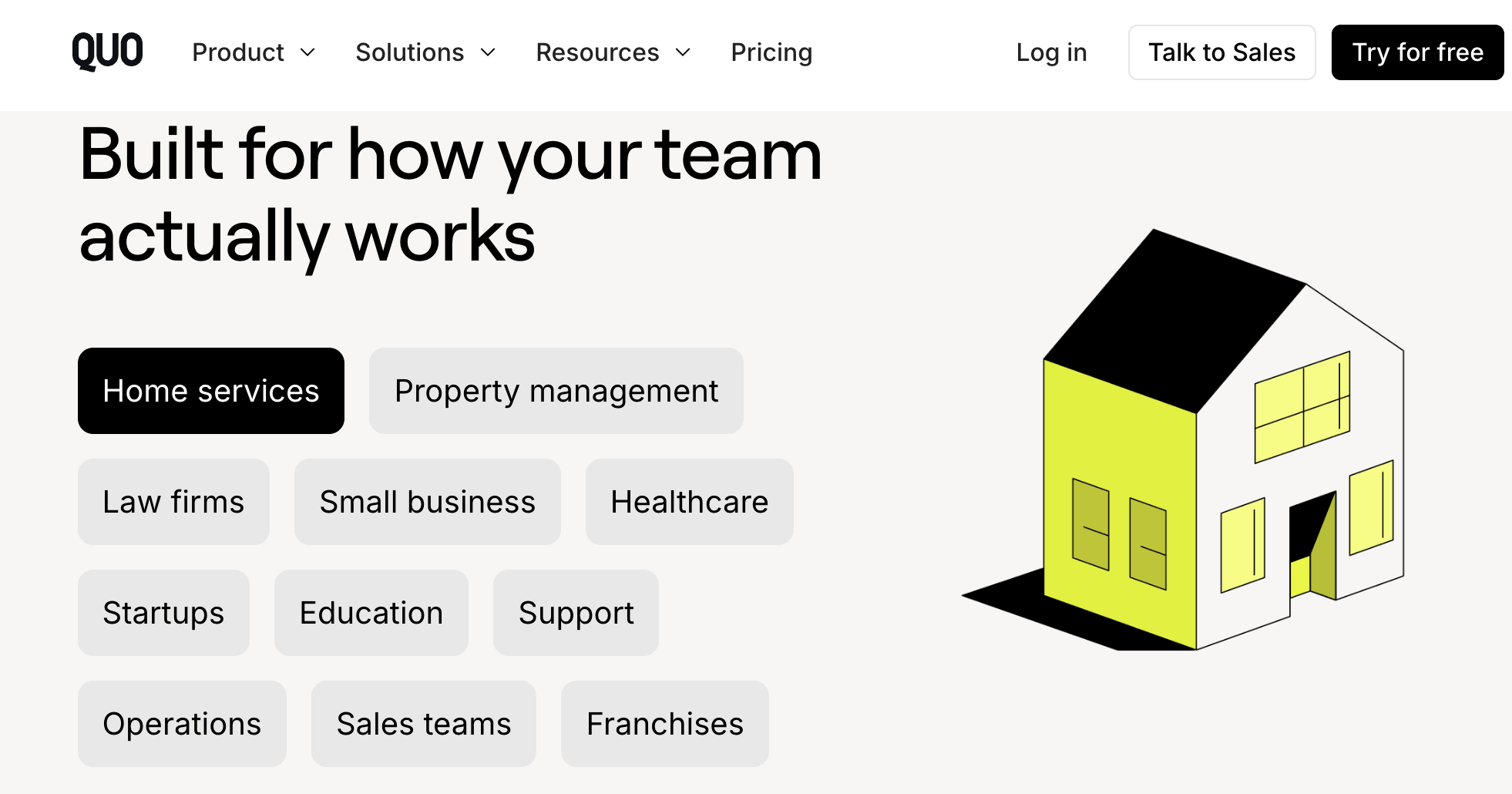
Who Should Use Quo
Startups and small teams: If you’re scaling fast and can’t afford to miss a customer, Quo’s shared inbox, easy user management, and included Sona agent give you an enterprise-grade front office without the overhead. Start on the Business plan so routing, analytics, and CRM are ready as you grow.
Sales teams: Shared numbers, contact intelligence, snippets, CRM sync with HubSpot and Salesforce, call recording, and AI summaries make Quo a genuine sales layer, not just a dial tone. The Business plan is the natural home for a revenue team.
Home services and field teams: For plumbers, HVAC, cleaners, and contractors who are on a job when the phone rings, Sona catching after-hours calls plus the Jobber integration means fewer lost bookings — pair a Business plan with the right Sona credit tier for high-inbound trades.
Law firms, healthcare, and regulated fields: HIPAA-readiness, SOC 2 reporting, audit logs, and the Clio integration make Quo viable where compliance matters — with automatic texting so no client inquiry, after hours or not, goes unanswered.
Support and operations teams: Internal threads, tasks straight from conversations, phone menus, and analytics turn Quo into a lightweight support desk, keeping response times fast and the whole team aligned on Business or Scale.
Solopreneurs and freelancers: If you just need a professional business number that keeps your personal line private — with AI transcripts and a modern app — the Starter plan delivers that cleanly and cheaply, with room to add teammates later.
Getting Started: Step by Step
- Start your free trial. Sign up for Quo’s 7-day free trial — no long commitment, and you can cancel anytime (Quo even reminds you before it renews).
- Get or port a number. Choose a new local or toll-free number in minutes, or port your existing business number for free with step-by-step guidance and priority support during the transfer.
- Pick the right plan. Choose Starter for a simple line, Business for routing, analytics, all-call AI summaries, and CRM integrations (where most teams land), or Scale for AI call tags and priority support.
- Register for business texting. If you’ll text US numbers, complete The Campaign Registry (A2P 10DLC) registration early — it takes time to clear, so do it before launching any SMS workflow.
- Set up your team and inbox. Add teammates to shared numbers, organize user groups, build phone menus and ring orders, and import your Google Contacts so everyone starts aligned.
- Turn on Sona and your integrations. Configure the Sona AI agent for after-hours and overflow calls, connect your CRM (HubSpot, Salesforce, Pipedrive, and more), and link Slack, Zapier, or the Claude/ChatGPT MCP to fit your workflow.
- Install everywhere and go. Download Quo on iOS, Android, Mac, and Windows (or use the web app) so your team can call and text from any device — and start capturing every conversation.
Tips for Getting Maximum Value
Bill annually to save meaningfully — roughly $48 to $144 per user per year depending on tier — and pick the plan for where your team will be in a few months, since most businesses quickly need the Business tier’s routing and analytics. Complete your A2P 10DLC registration before you rely on texting so deliverability limits don’t catch you at launch, and right-size your Sona credit tier to real inbound volume rather than defaulting to the free allowance and hitting overage. Lean into the integrations that eliminate manual work — connect your CRM so calls and texts log themselves, wire up Slack for team visibility, and explore the Claude or ChatGPT MCP to pull insights from your conversation history. Use snippets and auto-replies to answer common questions instantly, keep your personal number for 2FA codes, and remember the benchmark when weighing Sona: businesses using it report about three times as many meaningful conversations as voicemail alone. Finally, always confirm current pricing and any active promotion on Quo’s official site before committing.
Future Outlook and Final Assessment
The tailwinds favor Quo. Small and midsize businesses make up the vast majority of companies yet have long been an afterthought for enterprise-first phone vendors — and Quo has aimed its entire roadmap at closing that gap with AI. The September 2025 rebrand and $105 million in growth financing signal serious momentum, the Sona agent moves the product from “phone system” to “front-office partner,” and native Claude and ChatGPT integration puts Quo on the right side of where business software is heading. With over 30,000 recent sign-ups and nearly 90,000 businesses on board, the trajectory is clearly upward.
The honest caveats remain: included calling covers the US and Canada, US texting requires A2P registration, Sona’s heavier use draws on paid credits, and the fullest feature set lives above the entry tier. But within those boundaries, Quo delivers one of the most complete, genuinely useful, and fairly priced business phone platforms available in 2026 — one that turns a cost center into a growth engine for the teams that live on the phone.
Conclusion
Quo has built something small businesses have needed for years: a single, coherent platform that unifies calls, texts, contacts, and AI into one place the whole team can see — so you never lose a customer to a missed call again. It’s affordable where it counts, deeply integrated, security-ready, and forward-looking in its embrace of AI agents and assistants like Claude and ChatGPT. Confirm the plan that matches how your team actually works, complete a couple of setup steps like number porting and texting registration, and Quo makes one of the most important parts of running a business — talking to your customers — feel modern, organized, and effortless. In other words, it makes everything easy.
Ready to stop missing calls and start capturing every customer?
Explore more honest reviews, tutorials and tool comparisons to find the right tech for the way you work and live — at AI Solutes, where we make everything easy.
👉 Open Free Account: https://www.quo.com/
👉 Our YouTube Channel: youtube.com/@ai-solutes
👉 Our Facebook Fanpage: Facebook
👉 Our X (Twitter): @AISolutes
- Can AI Image Generation Feel Truly Effortless? Finding Your Creative Flow with RunDiffusion
- Sell The Trend Review 2025: Dominate AI Dropshipping with Nexus AI
- Ditch Scripted Limits: How Crush AI Quietly Elevates Virtual Companionship
- Discover 2025 Ask AI Trends and Future-Proof Your Workflow with Claude Opus 4.1 vs Sonnet 4
- Master CapCut Trending Templates: Mobile vs Desktop Editing and AI Workflow Secrets for Viral Videos in 2025















