


If you have ever handed a pixel-perfect design to a developer only to watch the live site come back looking almost — but not quite — like what you imagined, Webflow is the platform built to erase that gap entirely. It lives in the space between rigid template builders like Wix and Squarespace, which are easy but boxed-in, and full custom development, which is powerful but slow and expensive. Webflow gives you the visual comfort of a drag-and-drop editor while quietly generating clean, semantic, production-ready HTML, CSS, and JavaScript in the background — so what you design is literally what you ship. With a permanently free Starter tier, paid Site plans from roughly $15/month, more than 3.5 million users worldwide, and a $4 billion valuation, it has become the default choice for professional designers, agencies, and marketing teams who refuse to compromise on quality.
More than a website builder, Webflow has grown into a full visual development platform used by brands including The New York Times, Dropbox, TED, PwC, and IDEO — and, as of 2026, it is layering in AI that can generate entire sites from a prompt. This 2026 review walks through exactly what Webflow does well, where it frustrates people, what the newly simplified pricing actually costs once you add everything up, how it stacks against Framer, WordPress, and Wix Studio, and precisely who should (and should not) build their next site on it. You can explore it directly through our link at ai-solutes.com/webflow.
Webflow Review 2026: The Visual Development Platform That Turns Design Into Clean, Production-Ready Code
Overview and Background
Webflow’s origin story is one of the most quietly stubborn in modern software. Co-founder Vlad Magdalin arrived in San Francisco at age nine as a refugee from the former USSR, and first sketched the idea for a visual-to-code website tool in a college senior project back in 2004. He tried and failed to launch it several times over nearly a decade, working a full-time engineering job at Intuit while building on the side. In 2013 he finally went all in — taking on roughly $30,000 in credit card debt, getting rejected by around 60 investors, and eventually earning a spot in Y Combinator’s Spring 2013 batch alongside his brother Sergie Magdalin and engineer Bryant Chou.
That persistence paid off. Webflow has since raised about $336 million from investors including Accel, CapitalG, Khosla Ventures, and Draper Associates, reaching a $4 billion valuation with its Series C in early 2022. The company reported roughly $212 million in annual recurring revenue in 2024, growing at around 66% year over year, and now employs well over 1,700 people as a remote-first organization. In June 2024, Vlad handed the CEO title to Linda Tong — formerly President and COO, with prior leadership roles at Cisco’s AppDynamics, the NFL, and Google — while staying on as Chief Innovation Officer and Chair of the board. Two acquisitions signal where Webflow is heading: it bought GreenSock (GSAP), the gold-standard JavaScript animation library, in October 2024, and the AI content-generation startup Vidoso.ai in March 2026.
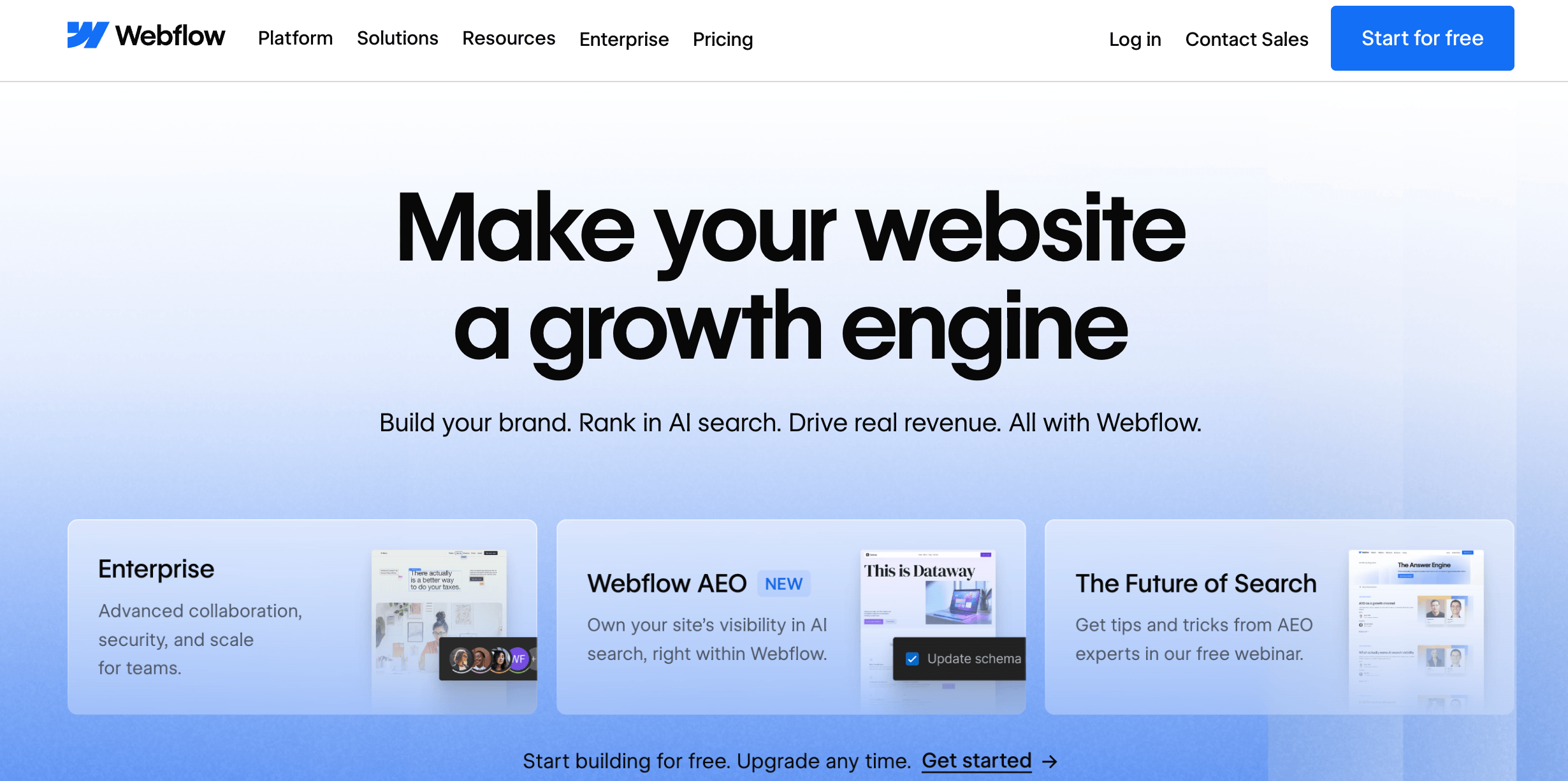
Why Webflow Stands Out in 2026
Clean, production-ready code: Unlike template builders that bury your page under layers of bloated markup, Webflow outputs lean, semantic HTML and CSS. That translates directly into faster load times, better Core Web Vitals, and search engines that can actually understand your content — a real, measurable performance edge.
True visual design control: Webflow exposes the real CSS box model — flexbox, grid, positioning, and breakpoints — inside a visual canvas. You are not choosing from preset blocks; you are shaping every element exactly as you want it, across every screen size, without writing code.
A genuinely relational CMS: This is where Webflow pulls ahead of most rivals. Its CMS supports multiple Collections, reference and multi-reference fields, and conditional visibility — so a single blog post can link to an author, a category, and a product, and templates render dynamically from those relationships.
Best-in-class animation, now GSAP-powered: After acquiring GreenSock, Webflow rebuilt its Interactions editor on GSAP, letting you build sophisticated, timeline-based, scroll-triggered animations visually — no custom JavaScript required for most effects.
A maintenance-free, closed ecosystem: Hosting, CDN, SSL, security, and platform updates are all bundled. There are no plugins to update, no vulnerabilities to patch, and no “white screen of death” after an incompatible update — a stark contrast to self-hosted WordPress.
AI woven into the workflow: Webflow’s AI Site Builder generates full sites from natural-language prompts, and in 2026 the company added a native Claude connector, an Answer Engine Optimization (AEO) toolset for LLM visibility, and AI credits across every Workspace plan. AI is being treated as a core architectural layer, not a bolt-on gimmick.
Key Features and Technology
Webflow’s strength lies in how cleanly its toolset maps to the full lifecycle of a professional website — design, content, motion, AI, hosting, and commerce. Here is how the platform breaks down.
The Designer — A Visual Canvas With Real CSS Underneath
The Designer is Webflow’s heart. It looks like a design tool — you drag elements onto a canvas and style them in a right-hand panel — but every control maps to an actual CSS property. You work with classes and combo classes, which means styling one element and reusing that style everywhere, exactly as a front-end developer would. This is the source of both Webflow’s power and its learning curve: once the box model clicks, you can build layouts of almost any complexity; before it clicks, the interface can feel intimidating to anyone without a design or CSS background.
The CMS and Content Modeling
Webflow’s CMS lets you define custom content structures — Collections such as blog posts, case studies, team members, or products — each with its own fields. The 2026 Premium plan bundles 20,000 CMS items and 40 Collections, removing the old paid CMS-item add-ons entirely. Because Collections can reference one another, content teams can build directories, resource hubs, and structured blogs that would require heavy custom development elsewhere. Editors update content through a simplified interface without ever touching the design, which makes client handoff clean and low-risk.
Interactions, Animations, and GSAP
Webflow’s Interactions editor lets you build reusable animations on a visual timeline — parallax, scroll effects, hover states, page transitions, and multi-step sequences. With GSAP now powering the latest editor, the ceiling on what you can create visually has risen sharply. Motion-heavy marketing pages that once demanded a developer can now be built and fine-tuned directly on the canvas.
Webflow AI, AEO, and the Claude Connector
Webflow’s AI stack turned a corner in 2026. The AI Site Builder generates a fully customized, production-ready site from a prompt; AI can also generate CMS Collection items in bulk, draft on-brand copy, produce reusable code components, and run SEO and AEO audits. The Answer Engine Optimization toolset — launched in April 2026 — helps content teams optimize for LLM-powered answer engines and track AI-agent traffic, not just traditional search rankings. Every Workspace now includes a monthly pool of AI credits, with add-ons available for heavy users.
Hosting, Performance, and Security
Every published Webflow site runs on enterprise-grade hosting with a global CDN, automatic asset compression, minified CSS and JS, free SSL, and built-in DDoS protection. Because it is a closed platform, there is no plugin surface for attackers and no maintenance overhead — the single biggest hidden cost that WordPress teams quietly absorb every month.
Ecommerce and Webflow Cloud
Webflow Ecommerce lets you design fully custom storefronts with the same visual control as the rest of the platform, complete with product CMS, checkout, and tax handling. For teams building more than a marketing site, Webflow Cloud allows you to host web apps directly alongside your Webflow site, with usage limits that were raised across the board in the 2026 update.
Pricing, Plans, and Package Structure
Webflow overhauled its pricing on May 13, 2026, merging the old CMS and Business plans into a single, better-value Premium tier and introducing a new all-in-one Team plan. These are subscriptions, and the headline Site-plan prices are refreshingly simple; the complexity lives in the fact that most teams pay for more than one layer. The table below shows the standard Site plans, billed annually.
| Plan | Approx. Price (billed annually) | Best For | Key Inclusions & Limits |
|---|---|---|---|
| Starter | Free | Learning and prototyping | webflow.io subdomain only, ~2 pages, 50 CMS items, no custom domain |
| Basic | ~$15/month | Static marketing sites, landing pages | Custom domain, core features, no CMS |
| Premium | ~$25/month | Content-rich marketing sites, blogs | 20,000 CMS items, 40 Collections, 50GB bandwidth (extendable), site search, form file upload |
| Team | ~$2,500/month | Fast-growing teams beyond self-serve | 10 seats, 100 Collections, Localize, AEO agents, page branching, single-page publishing |
| Enterprise | Custom | Large organizations | SSO, advanced security, dedicated support, higher limits |
The catch — and the single most common source of billing confusion — is that Site plans only pay to publish a website. To build and collaborate, you also need a Workspace plan: Starter is free, Core runs about $19/month, and Growth about $49/month, with separate Freelancer and Agency tracks for client work. On top of that, collaborators are billed per seat: a Full Seat is roughly $39/month, a Limited Seat about $15/month, and reviewer Free Seats cost nothing. Add usage-based extras like Optimize, Analyze, and Localize, plus bandwidth or AI-credit overages, and a “$25/month” site can realistically land anywhere from $113–$128/month for a small B2B marketing team to $200–$500/month for a larger operation. For online stores, Ecommerce plans start around $29/month (Standard, with a 2% transaction fee) and $74/month (Plus, which removes transaction fees).
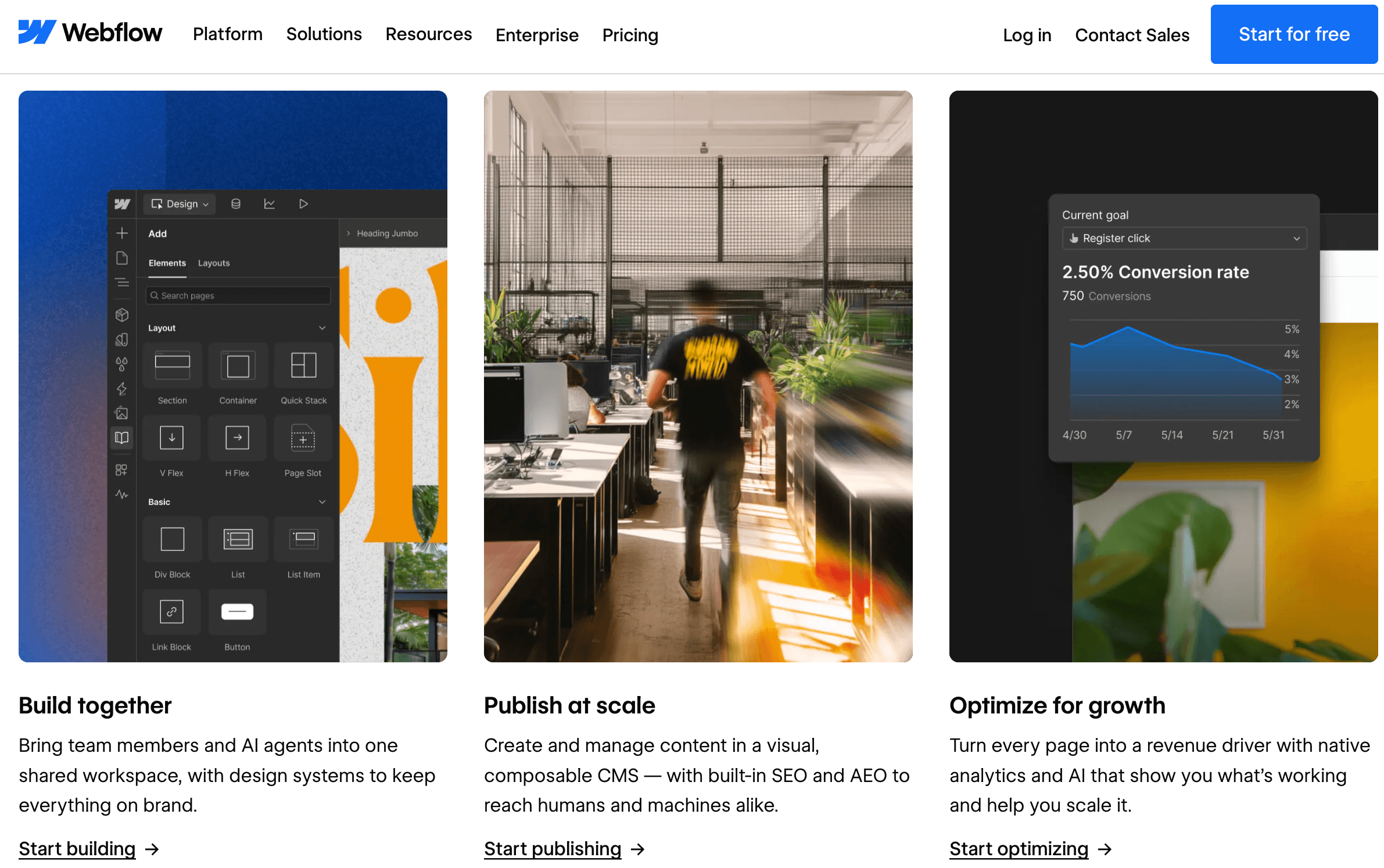
How Webflow Compares to Alternatives
Webflow no longer competes in a two-horse race. The most useful comparison in 2026 is against Framer, WordPress, and Wix Studio — each of which wins on a different axis.
| Factor | Webflow | Framer | WordPress | Wix Studio |
|---|---|---|---|---|
| Best for | Content-rich sites, agencies | Design-led, animated marketing pages | Content-heavy, plugin-dependent sites | Client-managed, multi-site agencies |
| Learning curve | Steep (box model, classes) | Gentle (Figma-like) | Moderate to steep | Moderate |
| CMS depth | Excellent, relational | Good, improving | Excellent via plugins | Good |
| Animation | Advanced (GSAP) | Best-in-class motion | Plugin-dependent | Good |
| Hosting & upkeep | Included, maintenance-free | Included | Self-managed, needs upkeep | Included |
| Starting paid price | ~$15/month | ~$10–15/month | Hosting varies | ~$17/month |
| Code export | Yes | Limited | Full (self-hosted) | No |
vs. Framer: This is the closest matchup. Framer is faster to a polished, animated result and feels natural to anyone coming from Figma — its motion tools are arguably the best in the category, and its lower tiers are cheaper. Webflow wins the moment complexity rises: once a project needs more than roughly 5–8 CMS Collections, relational content, or intricate responsive structure, its deeper CMS and finer control justify the steeper learning curve. Framer suits short-lived campaigns and design-forward landing pages; Webflow suits sites built to grow and last.
vs. WordPress: WordPress still powers over 40% of the web and its plugin ecosystem is unmatched for membership systems, complex search, and integration-heavy directories. But that flexibility comes with a maintenance tax — a properly run WordPress site can need 5–15 developer hours a month for updates, patches, and conflict fixes. On Webflow that line item is essentially zero. For most B2B and marketing teams, Webflow’s total cost of ownership actually comes out ahead once you price in the developer time WordPress quietly consumes.
vs. Wix Studio: Wix Studio targets the same designer-agency audience with a gentler learning curve, stronger built-in business tools (CRM, bookings, email marketing), and smoother multi-site client management. If non-designers will maintain the site after launch, Wix Studio often wins on sheer approachability. Webflow trades that ease for cleaner code, tighter design precision, and code ownership — the deciding factor is usually who has to keep the site running once you hand it over.
Pros and Cons
What Designers and Teams Love
Clean, fast, SEO-friendly output: The semantic code Webflow generates loads quickly and ranks well out of the box, with granular control over meta tags, redirects, canonical URLs, schema markup, and sitemaps.
Unmatched design freedom without code: You can build almost any layout or interaction you can imagine, with pixel-level control across every breakpoint — no rigid templates and no compromises.
A relational CMS that scales: Multi-reference fields, conditional visibility, and connected Collections make content-heavy sites genuinely manageable, and the 2026 Premium plan’s 20,000-item allowance removes a longstanding cost.
Maintenance-free and secure: No plugins to update, no servers to patch, no security surface to worry about — hosting, CDN, SSL, and backups are all handled for you.
Clean client handoff: The Editor and role-based seats let clients update content safely without any risk of breaking the design — a huge advantage for agencies and freelancers.
A serious AI roadmap: Site generation, bulk CMS creation, AEO tooling, a native Claude connector, and included AI credits show Webflow is investing in AI as core infrastructure rather than a marketing checkbox.
Limitations Worth Knowing
A genuinely steep learning curve: Because Webflow exposes the real CSS box model and a class system, non-designers frequently struggle. Marketing teams without technical comfort will feel it regardless of how many tutorials they watch.
Layered, easy-to-underestimate pricing: Site plans, Workspace plans, per-seat fees, and usage-based add-ons stack on top of each other, so the real bill is often two to five times the headline Site-plan price.
Seat costs punish growing teams: Every additional collaborator adds a Full or Limited seat charge, and those add up fast once several editors and reviewers join a Workspace.
Bandwidth overages and billing rigidity: Two consecutive months over your bandwidth limit can trigger an automatic plan upgrade, and Webflow does not refund the remainder of an annual term if you leave early.
Thinner native marketing and commerce tools: Email campaigns, CRM, and advanced commerce features often require integrations or a third-party stack, and large or complex stores are still better served by Shopify.
Category pressure from AI builders: Generative-AI tools like Framer AI, Lovable, and Bolt.new are collapsing design-to-deployment into a single prompt. Webflow’s response is credible, but the competitive ground is shifting quickly.
Who Should Use Webflow
Design agencies and freelancers: If you deliver custom, pixel-perfect sites and need clean client handoff, Webflow is close to ideal — build without a developer and hand off without fear. Start on a Freelancer or Agency Workspace with Premium sites for clients.
SaaS and B2B marketing teams: For content-rich, high-performing marketing sites with blogs, case studies, and resource hubs, Webflow’s CMS and SEO controls are hard to beat. The Premium Site plan plus a Growth Workspace is the natural fit.
Designers coming from Figma: If you think visually and want to ship real, production-grade sites yourself, Webflow rewards the time you invest. Begin free on the Starter plan, then upgrade to Basic or Premium when you go live.
Brands escaping WordPress maintenance: If plugin updates and security patches are eating your team’s time, Webflow’s closed ecosystem removes that burden entirely — move up to Premium, or Enterprise if you need SSO and advanced security.
Who should look elsewhere: absolute non-technical DIY beginners (Squarespace or Wix are friendlier), tiny-budget one-page projects, sites that depend on a specific WordPress plugin ecosystem, and commerce-first stores with large catalogs (Shopify fits better).
Getting Started: Step by Step
- Create a free Starter account. Sign up and build on a webflow.io subdomain at no cost — no credit card required — so you can learn the platform before paying anything.
- Work through Webflow University. Its free courses are genuinely excellent. Spend a few hours here first; it is the single fastest way to flatten the learning curve.
- Start from a template or a prompt. Pick a template close to your goal, or use the AI Site Builder to generate a first draft from a description, then customize.
- Learn classes and the box model early. Style with reusable classes from the start rather than one-off styles — it will save you enormous rework later.
- Set up your CMS Collections. Model your content — posts, projects, products — and connect Collections with reference fields before you build the templates that display them.
- Choose the right plan combination. Match a Site plan to what your live site needs and a Workspace plan plus seats to how your team works — and confirm which collaborators truly need Full access.
- Connect your domain and publish. Point your custom domain, run a final check on SEO fields and responsiveness across breakpoints, and go live.
Tips for Getting Maximum Value
A few habits separate teams that love Webflow from those that fight it. Commit to annual billing from the start to bank the 20–33% discount, and revisit your seat roles every quarter — demoting content editors from Full to Limited seats is the highest-leverage cost cut available. Monitor bandwidth proactively so you are never surprised by an automatic upgrade after two months of overage, and lean on the Analyze add-on before buying a separate analytics tool. Build a clean design system early using global classes and reusable components, so scaling to hundreds of pages does not become chaos. Use the AI Site Builder for first drafts and the AEO tools to stay visible as search shifts toward answer engines, but treat AI output as a starting point you refine, not a finished product. Finally, invest real time in Webflow University up front; every hour there pays back many times over in build speed and keeps your workflow smooth rather than complicated.
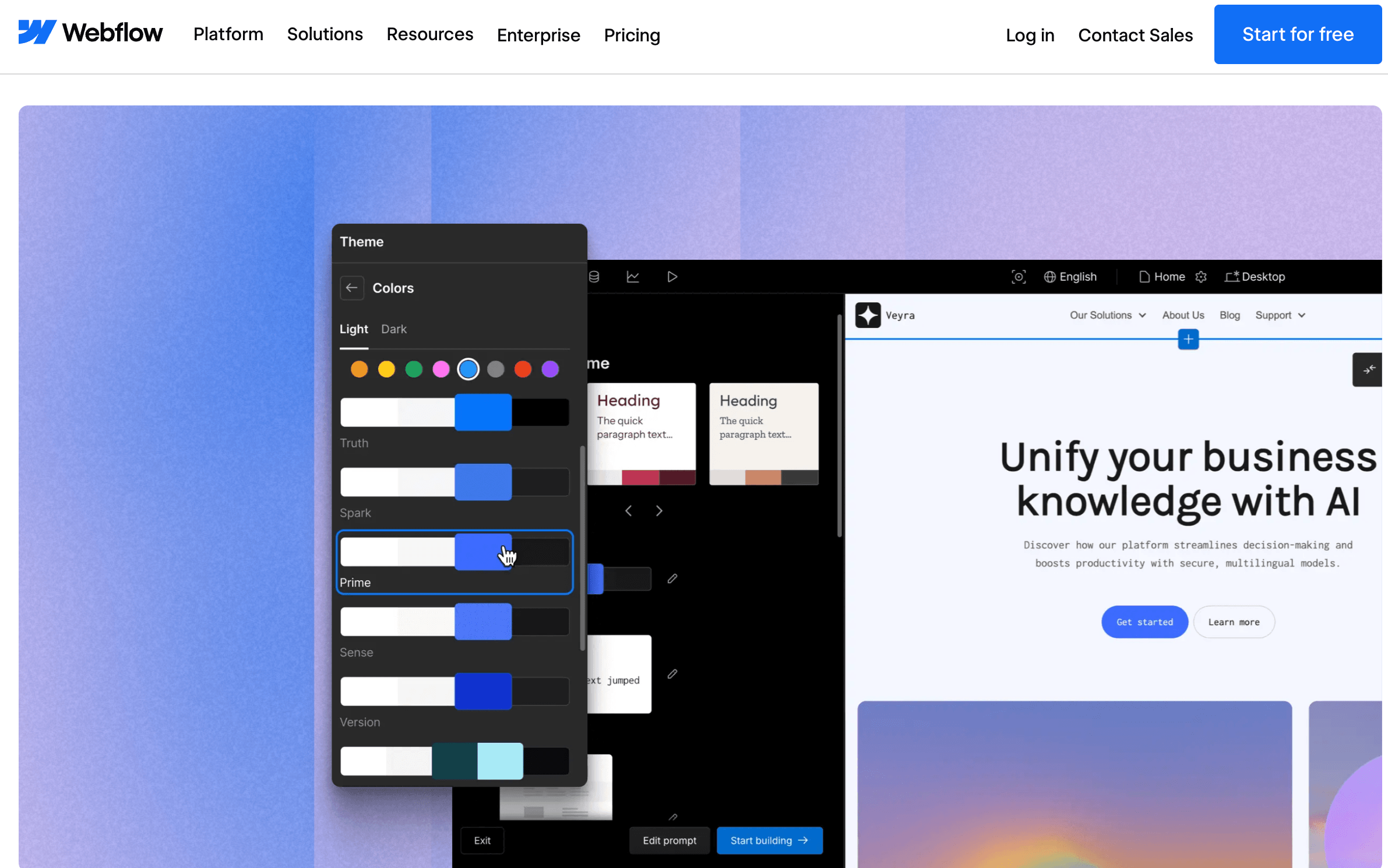
Future Outlook and Final Assessment
Webflow enters the second half of 2026 in a strong but contested position. Its fundamentals are solid — over $200 million in ARR, healthy growth, a $4 billion valuation, an IPO frequently rumored, and a leadership team optimized for scale under CEO Linda Tong. The 2026 pricing simplification removed real friction, the GSAP acquisition sharpened its animation edge, and the AI push — site generation, AEO, the Claude connector, and included AI credits — shows a company adapting rather than standing still. The open question is the generative-AI wave: tools that turn a prompt into a live site are reshaping expectations, and Framer’s roughly $2 billion valuation shows how fast a design-led rival can grow. Webflow’s answer is to be the platform where AI accelerates work without sacrificing the control, code quality, and CMS depth that serious teams depend on — and for agencies, SaaS marketers, and design-forward brands, that combination remains genuinely compelling.
Conclusion
Webflow has spent more than a decade proving that you should not have to choose between the ease of a visual editor and the quality of hand-written code. For designers, agencies, and marketing teams that value control, performance, and clean handoff, it delivers on that promise better than almost anything else — turning ambitious designs into fast, secure, production-ready sites without a developer in the loop. Yes, it asks for patience while you learn it, and yes, its pricing rewards those who read the fine print. But once it clicks, Webflow does exactly what a great platform should: it takes the friction out of building for the web — helping you make everything easy, one published site at a time.
Ready to build your next site with Webflow?
Explore more honest reviews, tutorials and tool comparisons to find the right tech for the way you work and live — at AI Solutes, where we make everything easy.
👉 Open Free Account: https://webflow.com/
👉 Our YouTube Channel: youtube.com/@ai-solutes
👉 Our Facebook Fanpage: Facebook
👉 Our X (Twitter): @AISolutes
- What If You Could Design Your Own AI Companion from Scratch? Exploring CrushOn AI’s Persona Builder
- Unlock Explosive Fiverr Growth in 2025: Dominating the AI Freelance Boom
- VidAU AI
- Gorilla Ammunition Review: Upgrade Accuracy With Premium Match-Grade Ammo for Hunting, Defense, and Competition
- Does ChatBot.com Elevate Support Efficiency? Analyzing Next-Generation Virtual Assistants















