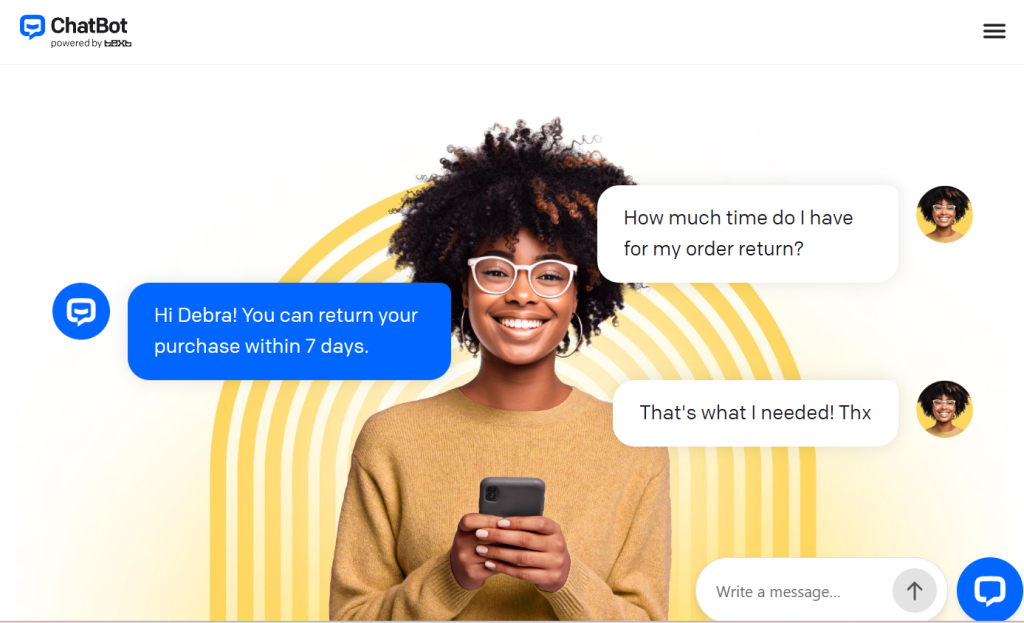
Every business with a website eventually hits the same wall: customers ask the same questions at all hours, support tickets pile up overnight, and shoppers abandon their carts the moment they can't get a quick answer. ChatBot (officially ChatBot by Text) was built to close that gap. It's a no-code AI chatbot platform that you train on your own website, help center, and product docs, then deploy in minutes to answer questions, recommend products, and close sales 24/7 — without writing a line of code or hiring a developer. Built by Text, the same team behind LiveChat, it's already used by more than 35,000 brands including Toyota, Adobe, Mercedes-Benz, Unilever, and UEFA, starts at roughly $19 per user/month, and ships with a genuine 14-day free trial that needs no credit card.
For small business owners, eCommerce stores, marketers, and support teams who want automation that actually moves revenue — not just deflects tickets — the appeal is obvious. This 2026 review walks through ChatBot's entire offering: how the AI Agent learns and works, the Visual Builder, multichannel support, the sales and analytics tools, full and current pricing with its all-important resolution caps, honest head-to-head comparisons with Intercom and Tidio, the real limitations worth knowing, and exactly who should (and shouldn't) sign up.
ChatBot Review 2026: The No-Code AI Agent That Turns Your Website Into a 24/7 Support and Sales Rep
Overview and Background
ChatBot is an AI-powered customer service and sales platform that lets you build conversational AI Agents trained on your own business data. The core promise is disarmingly simple: paste your website URL, and ChatBot automatically scans your content to build a knowledge base, then starts answering customer questions in your brand's voice. It's a no-code tool, so the people setting it up are usually marketers, store owners, and support leads — not engineers.
The product comes from Text, Inc. (formerly LiveChat Software), a company with a long track record in customer communication software. That lineage matters: ChatBot doesn't live in isolation. It plugs into the wider Text ecosystem — LiveChat for human agents, HelpDesk for ticketing, and a shared inbox — so an AI conversation can hand off cleanly to a person when a deal or a complaint needs a human touch. That integration is one of the platform's strongest cards, and something most standalone chatbot tools simply can't match.
ChatBot frames its workflow as five stages: Scan (learn from your site and docs), Tune (refine answers and add custom flows in the Visual Builder), Resolve (answer customers automatically across channels), Sell (spot buying signals and recommend products), and Analyze (track chats, trends, and outcomes in reports). The platform sells worldwide and is used across retail, eCommerce, SaaS, healthcare, education, and enterprise, with marquee case studies like Wembley Stadium earning over $1.5M in eight months through ChatBot, and haircare brand Hairlust cutting its communication time by roughly 20%.
Why ChatBot Stands Out in 2026
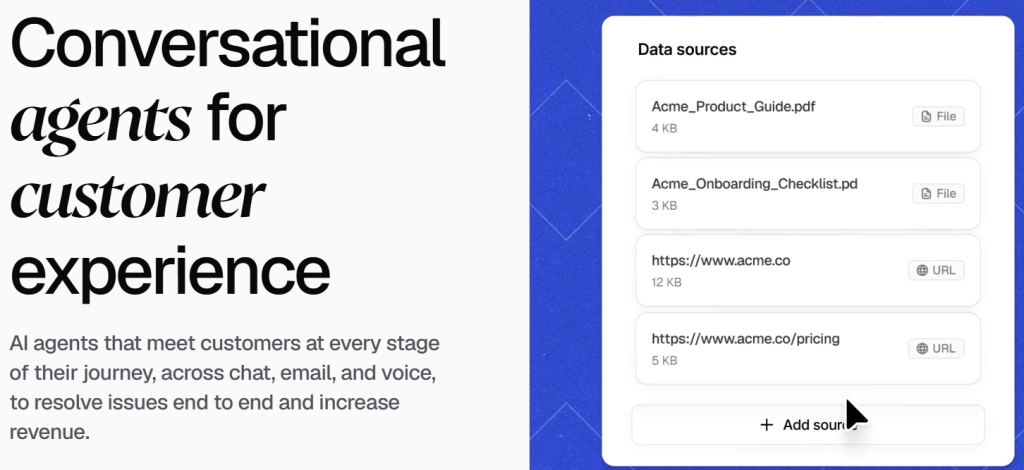
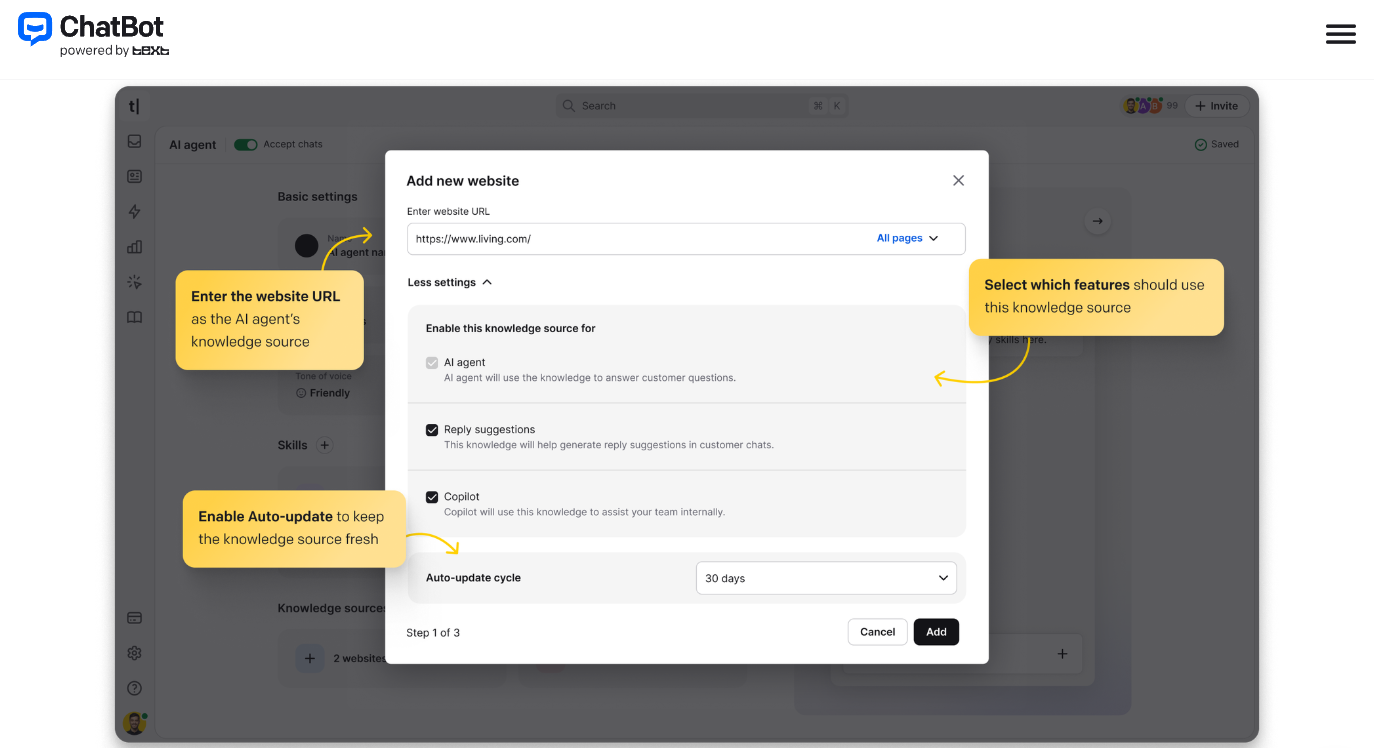
Train-on-your-website setup in minutes: The headline feature is genuine speed-to-value. You give ChatBot a URL, help center, product docs, or uploaded files, and it scans everything to build a knowledge base automatically. Most teams have a working AI Agent answering real questions the same day they sign up — no flowchart-building marathon required before you see results.
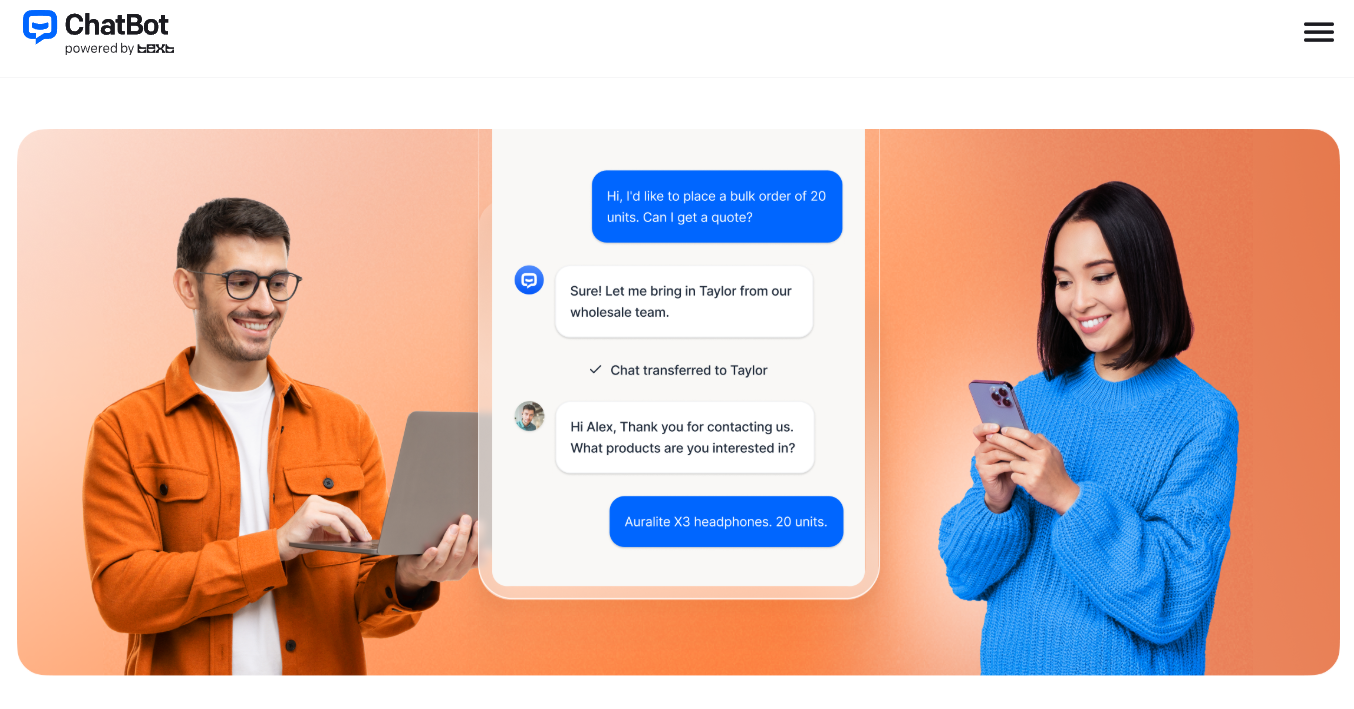
It's built to sell, not just deflect: Plenty of bots answer FAQs. ChatBot goes further by watching for buying signals mid-conversation — hesitation at checkout, product comparisons, bulk inquiries — and responding with relevant product recommendations, timely discount codes, and rich carousels of items. It's positioned as a revenue tool, and the Wembley case study (over $1.5M in eight months) shows that framing isn't just marketing.
A real Visual Builder for control: Beyond the auto-generated answers, ChatBot's drag-and-drop Visual Builder lets you design conversation flows, add custom answers, set up skills (rules like “offer a discount” or “escalate to a human”), and connect actions to integrations such as Shopify and HelpDesk. You get the convenience of AI plus the precision of designed logic where it matters.
Seamless handover to humans: Because ChatBot is part of the Text ecosystem, the AI can hand off to a live agent through LiveChat the instant a conversation gets high-value or sensitive. Your team and your AI share the same customer history and the same inbox, so nothing gets lost in the transfer — a genuine advantage over bots bolted onto an unrelated help desk.
Multichannel from one place: One AI Agent can handle conversations across your website widget, Facebook Messenger, Slack, and mobile, with every message landing in a single shared inbox. Your customers are everywhere; this keeps your support and context unified rather than scattered across tools.
Predictable per-seat pricing with resolutions included: Many AI chatbot platforms bill per message or per visitor, making costs spike unpredictably with traffic. ChatBot uses flat per-seat pricing with a set number of AI resolutions baked into every plan — you pay for conversations actually handled, not for every visitor who loads the widget. Within your allowance, the math stays stable as traffic grows.
Enterprise-grade trust and analytics: Higher tiers add SOC 2 Type 2 compliance, SSO with audit logs, a white-label widget, SLAs, and a dedicated account manager, while built-in reporting tracks total chats, trends, and how visitors interact with the bot. That combination lets a small store start cheap and a large brand scale on the same platform.
Key Features and Technology
ChatBot's value comes from how cleanly its toolset maps to the full customer-conversation lifecycle — learning, building, resolving, selling, and measuring. Here's how the platform breaks down.
AI Agent and Knowledge Training
The heart of the platform is the AI Agent. You feed it knowledge sources — your website URL, help center articles, product documentation, or uploaded files — and it builds a knowledge base it can answer from, keeping context throughout a conversation. Because it learns from your content rather than generic data, responses reflect your actual policies, products, and tone. The more complete and well-organized your source material, the sharper the answers, which makes a quick content audit before launch one of the highest-leverage things you can do.
Visual Builder, Skills, and AI Copilot
The Visual Builder is a no-code, drag-and-drop canvas for designing conversation flows: welcome messages, user-input branches, AI Assist blocks, fallbacks, and actions that trigger integrations. Skills layer rule-based intelligence on top — telling the AI exactly what to do in specific situations, like offering a discount, recommending a product, or escalating to a human. For your support staff, AI Copilot suggests replies in real time, so even human-handled chats move faster.
Multichannel, Shared Inbox, and Ticketing
Every plan includes a shared inbox with ticketing, a customizable website chat widget, and visitor tracking. The same AI Agent works across website chat, Messenger, and mobile out of the box, with additional channels like Slack available through integrations. Everything funnels into one inbox so your team and your AI share a single, continuous view of each customer — no context lost when a chat moves between bot, channel, and human.
Sales and eCommerce Tools
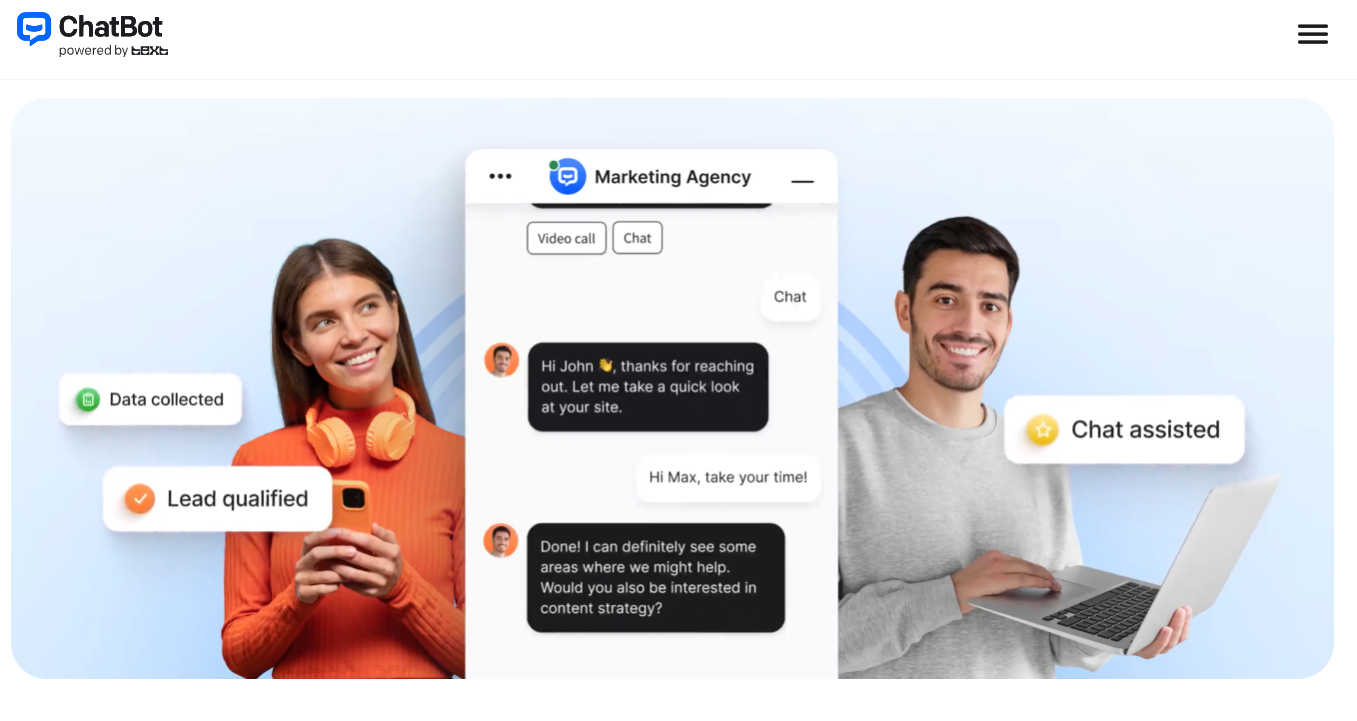
This is where ChatBot earns its “grows your sales” pitch. The AI spots hesitating shoppers, shows the right product at the right moment, presents rich image carousels of recommendations, surfaces discount codes, and helps recover carts that would otherwise be abandoned. With a Shopify integration and full context on your catalog and policies, it can act less like a help desk and more like an always-on sales associate.
Analytics, Reporting, and Integrations
The Reports section tracks total chats, average chat volume over time, visitor activity, and engagement trends, with chat-topic insights and automated tagging on higher tiers so you can see what customers actually ask about. On the connectivity side, ChatBot integrates with Shopify, WordPress, BigCommerce, Webflow, Squarespace, Wix, Facebook Messenger, Slack, Zapier, LiveChat, and HelpDesk — covering the stacks most small and mid-size businesses already run.
Pricing, Plans, and Package Structure
ChatBot is a subscription product billed per user, with each plan including a monthly allowance of AI resolutions. Annual billing saves meaningfully over monthly (Essential drops from $25 to $19 per seat; Growth from $99 to $79). There's a 14-day free trial with no credit card, but no permanent free tier. The figures below are approximate and move with promotions and plan changes, so always confirm the live numbers on the official pricing page before you commit.
| Plan | Approx. Price (annual) | AI Resolutions | Best For |
|---|---|---|---|
| Essential | ~$19/user/mo ($25 monthly) | 10 / month included | Solo founders and tiny teams testing AI chat on a low-traffic site |
| Growth (most popular) | ~$79/user/mo ($99 monthly) | 200 / month included | Growing teams that want chat to drive real revenue + insights |
| Enterprise | Custom quote | 2,000+ / month + flexible limits | Large orgs needing SOC 2 Type 2, SSO, SLAs, white-label, account manager |
| Extra resolutions | $0.99 each, or $49.50 / 50-pack | Auto-refill when you hit your cap | Any plan that exceeds its monthly allowance |
Every plan includes the AI Agent, AI Copilot reply suggestions, the shared inbox with ticketing, a customizable widget, visitor tracking, workflow automation, and reporting. Growth and Enterprise add chat-topic insights, automated tagging, campaign tools, white-label branding, audit logs, SLAs, and a dedicated account manager. The cost to watch is the multiplier effect: because you pay per seat and can pay for overage resolutions, a multi-person team on Growth with high traffic can climb well past the entry price.
How ChatBot Compares to Alternatives
| Factor | ChatBot by Text | Intercom (Fin) | Tidio (Lyro) | DIY / Custom Build |
|---|---|---|---|---|
| Setup | No-code, train on URL, live same day | No-code, content-trained | No-code, very beginner-friendly | Weeks to months of dev work |
| AI pricing model | Per seat + included resolutions | Per seat + ~$0.99 per AI resolution | Per seat + Lyro conversation packs | Build cost + token/API + hosting |
| Sales / eCommerce focus | Strong (recommendations, cart recovery) | Support-first | Good for SMB eComm | Whatever you build |
| Human handoff | Seamless via LiveChat ecosystem | Strong (native) | Built-in live chat | Must be engineered |
| Entry price | ~$19/seat/mo (annual) | ~$29+/seat/mo + AI fees | Free tier; paid from low double digits | $30,000–$150,000+ to build |
| Best for | Sales-led SMB & eComm, LiveChat users | Larger support orgs | Budget-conscious small stores | Unique, proprietary needs |
vs. Intercom: Intercom's Fin AI agent is powerful and deeply integrated into a full customer-service suite, but its per-seat costs plus roughly $0.99 per AI resolution make it noticeably pricier as volume grows, and it's aimed more at established support organizations. ChatBot is the leaner, more sales-forward choice for small and mid-size teams — easier to stand up, cheaper at the entry point, and tuned to convert shoppers rather than only resolve tickets.
vs. Tidio: Tidio (with its Lyro AI) is the budget-friendly favorite for small online stores, offering a free tier and a gentle learning curve. ChatBot counters with a more mature Visual Builder, the depth of the Text/LiveChat ecosystem, stronger enterprise security, and a clearer revenue focus. If you want the cheapest possible entry and modest volume, Tidio is compelling; if you want room to scale and a polished sales engine, ChatBot pulls ahead.
vs. building your own: A custom-developed chatbot on top of raw LLM APIs gives total control, but realistic build costs run from tens of thousands of dollars into six figures, plus ongoing token, hosting, and maintenance bills — and you have to engineer the widget, handoff, analytics, and integrations yourself. ChatBot delivers most of that out of the box for a predictable monthly fee and a same-day launch. For the vast majority of businesses, buying wins decisively on time and total cost.
Pros and Cons
What Businesses Love
Genuinely fast, no-code launch: Paste a URL, let it scan, and you have an AI Agent answering real questions the same day. For teams without developers, this speed-to-value is the single most praised quality of the platform.
It actually drives sales: Buying-signal detection, product recommendations, discount timing, and cart recovery turn the bot into a revenue source rather than a cost center — backed by real results like the Wembley Stadium case study.
Polished ecosystem and clean human handoff: Tight integration with LiveChat and HelpDesk means AI and human agents share one inbox and one customer history, so escalations feel seamless instead of jarring.
Predictable per-seat pricing: With resolutions included in each plan and no per-message or per-visitor charge, costs stay stable as traffic rises — far easier to budget than usage-metered rivals, as long as you stay within your allowance.
Broad integrations and multichannel reach: Native connections to Shopify, WordPress, BigCommerce, Wix, Messenger, Slack, and Zapier — plus one AI across website, Messenger, and mobile — fit the stacks most SMBs already run.
Limitations Worth Knowing
Costs stack on two axes: You pay per seat and can pay for overage resolutions, so a multi-person team with high traffic can drift well above the headline price. The two multipliers compound as you grow.
The Essential allowance is tiny: Just 10 AI resolutions a month is barely enough to test, so most real deployments will hit the cap almost immediately and need Growth or overage packs.
No permanent free tier: There's a generous 14-day trial, but no forever-free plan to fall back on — a real consideration if you're comparing against Tidio or ManyChat, which offer free entry points.
The Growth jump is steep: Moving from ~$19 to ~$79 per seat is a big step for small teams, and it's effectively the tier most businesses actually need to run the product in earnest.
Some features are gated: Chat-topic insights, automated tagging, campaign tools, white-label branding, audit logs, and SLAs live on Growth and Enterprise, so the cheapest plan is more bare-bones than the marketing implies.
Answers are only as good as your content: Because the AI learns from your site and docs, thin or outdated source material yields weak or off-base replies. The platform rewards businesses that keep their knowledge base clean and current.
Who Should Use ChatBot
eCommerce and Shopify stores: If you sell online and want a bot that recommends products, recovers carts, and answers shipping-and-returns questions around the clock, ChatBot's sales focus and Shopify integration make it a natural fit. Start on Growth so you have the resolution headroom for real traffic.
Small and mid-size support teams without developers: The no-code setup and AI Copilot let a lean team automate repetitive questions and respond faster without engineering help. Growth gives you the insights and tagging to keep improving over time.
Sales-led businesses and marketers: If you treat every support chat as a potential conversion, the buying-signal detection and campaign tools are built for you. Pair it with your CRM via Zapier to route qualified leads automatically.
Teams already in the Text / LiveChat ecosystem: If you run LiveChat or HelpDesk, ChatBot is the obvious add-on — shared inbox, shared context, and seamless AI-to-human handoff with none of the glue work other platforms require.
Less ideal for solo hobbyists and the ultra-budget-conscious: If you handle only a handful of conversations a month or need a forever-free tool, a free-tier rival may serve you better. Be honest about your volume before committing — and if you're a large enterprise, talk to sales about the Enterprise tier for SOC 2 Type 2, SSO, and SLAs.
Getting Started: Step by Step
- Start the free trial. Sign up for the 14-day trial — no credit card required — to get full access to the AI chatbot, live chat, workflows, and analytics while you evaluate.
- Train the AI on your content. Paste your website URL and connect your help center, product docs, or uploaded files so ChatBot can scan everything and build a knowledge base automatically.
- Tune it in the Visual Builder. Add custom answers, design key conversation flows, and set up skills like “recommend a product” or “escalate to a human” to shape how the bot behaves.
- Add the widget and channels. Copy-paste the code snippet onto your site (or use the direct Shopify/WordPress integration), then connect Messenger and other channels you want the AI to cover.
- Test, then publish. Use the built-in test mode to check answers and handoffs, fix any gaps in your knowledge sources, and publish when you're confident.
- Monitor and refine. Watch the Reports for chat trends and topics, add knowledge or skills where the AI stumbles, and keep an eye on your resolution usage so the bill stays predictable.
Tips for Getting Maximum Value
Choose annual billing to lock in the lower per-seat rate (Essential at $19 vs $25, Growth at $79 vs $99), and only add the seats you genuinely need, since each one multiplies your bill. Before launch, invest an hour cleaning and organizing your knowledge sources — clear FAQs, accurate product details, and up-to-date policies translate directly into sharper AI answers and fewer escalations. Keep a close eye on your monthly resolution count: the 10-resolution Essential cap is a test allowance, not a deployment budget, so most real businesses should plan for Growth (200 resolutions) and treat overage packs ($49.50 per 50) as occasional top-ups, not a routine cost. Lean on the human-handoff and AI Copilot features so your team focuses on high-value conversations while the AI clears the repetitive backlog. And always confirm the current price and resolution limits on the official pricing page, because promotions and plan structures shift over time.
Future Outlook and Final Assessment
The tailwinds strongly favor tools like ChatBot. Industry analysts at Gartner project that agentic AI will autonomously resolve around 80% of common customer service issues by 2029, cutting operational costs by roughly 30% — and businesses are racing to capture that efficiency now. ChatBot's bet on combining no-code AI agents with real sales capability and a mature human-handoff ecosystem positions it well for a future where customers expect instant, intelligent answers on every channel, at every hour.
The honest caveats remain: the costs stack on both seats and resolutions, the Essential allowance is too small for serious use, there's no permanent free tier, and the AI is only as good as the content you feed it. But within those boundaries, ChatBot delivers one of the most approachable, sales-forward, and well-supported AI chatbot platforms available in 2026 — and the 14-day no-card trial makes it genuinely low-risk to find out whether it fits your business.
Conclusion
ChatBot has built something genuinely useful: a no-code AI Agent that learns from your own website and goes to work answering questions, recommending products, and closing sales across every channel your customers use — backed by the polish and human-handoff strength of the Text and LiveChat ecosystem. It rewards businesses that keep their content sharp and watch their resolution usage, and it's at its best for sales-led, eCommerce, and SMB support teams that want automation tied directly to revenue. Confirm your expected volume, pick the tier that matches how you actually work, and ChatBot turns one of the busiest, most repetitive parts of running a business into something that practically handles itself — making everything easy, on every conversation.
Ready to put an AI agent to work on your website?
Explore more honest reviews, tutorials and tool comparisons to find the right tech for the way you work and live — at AI Solutes, where we make everything easy.
👉 Open Free Account: https://ai-solutes.com/chatbot
👉 Our YouTube Channel: youtube.com/@ai-solutes
👉 Our Facebook Fanpage: Facebook
👉 Our X (Twitter): @AISolutes
- Turning Ad Budget into Real Revenue: How AdCreative.ai Helps You Scale Campaigns Effortlessly
- Avaturn
- Slidespilot
- Will Appy Pie Eliminate Traditional Coding Barriers? Analyzing the Appy Pie Visual Application Engine
- Ditch the Trip to the Post Office: How iPostal1 Turns Traditional Mail into a Seamless Digital Inbox