


Windows is powerful, but out of the box it can feel rigid and cluttered — a desktop buried in icons, a Start menu that keeps changing whether you like it or not, and a taskbar you cannot bend to your will. For power users and anyone who spends all day at a PC, those small frustrations add up. That is the exact gap Stardock has been filling for more than three decades, with a suite of Windows customization and productivity tools that let you shape your desktop into something that actually works the way you do.
Stardock is a long-established software company best known for apps like Fences, Start11 and WindowBlinds, which reorganise your desktop, restore and enhance the Start menu, and re-skin the entire Windows interface. In 2026 the company has also stepped into artificial intelligence with a new product called Clairvoyance. In this review, we will walk through what Stardock offers, what its key apps and bundles cost, how the licensing works, how it compares with free alternatives like Rainmeter, and where it falls short — so you can decide whether it deserves a place on your PC.
Stardock Review 2026: Do These Windows Customization Tools Deliver?
What Is Stardock?
Stardock is a United States software developer, established in 1991 and led by CEO Brad Wardell, that specialises in Windows desktop customization and enhancement software. Over the years it has built a loyal following among PC enthusiasts with utilities that fix the parts of Windows people find limiting — from a cluttered desktop to a restrictive Start menu. Alongside its software, Stardock also develops strategy games such as Galactic Civilizations and Sins of a Solar Empire, but its desktop tools are what most people know it for.
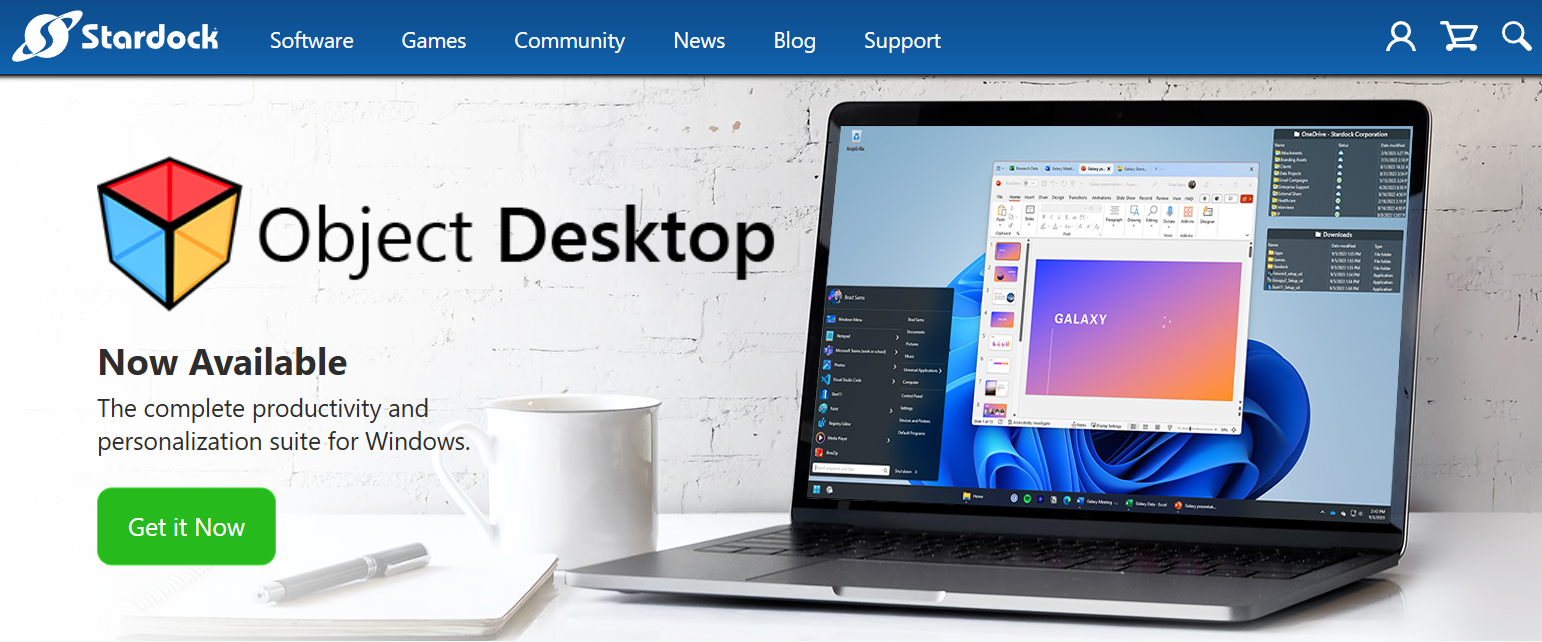
The company’s software lineup spans a wide range of desktop tweaks: organising icons, redesigning the Start menu and taskbar, adding tabs to windows, re-skinning the whole interface, animating your wallpaper, and controlling several PCs from one keyboard. Most of these apps can be bought individually or together through Stardock’s flagship bundle, Object Desktop, which the company positions as a way to get a whole new Windows experience without waiting for Microsoft.
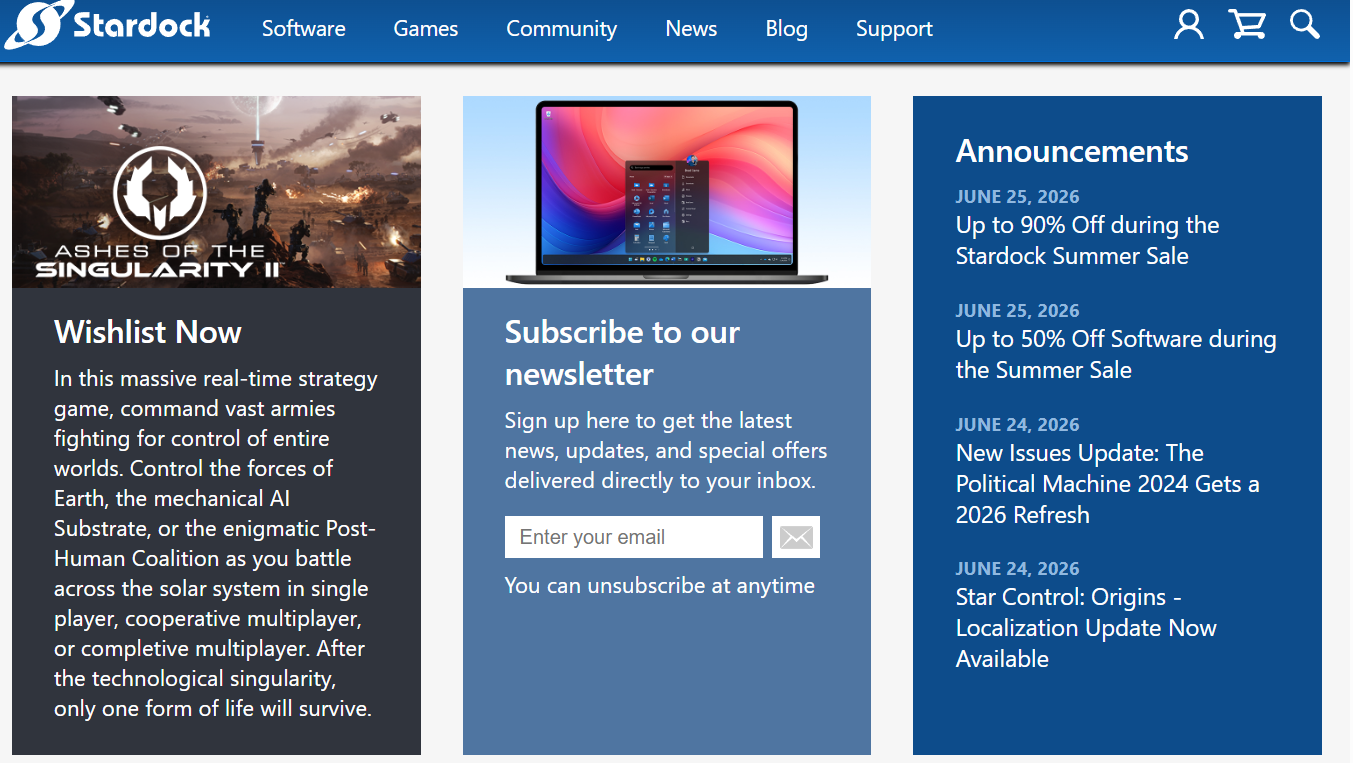
Most recently, Stardock has moved into AI. Its new product Clairvoyance — currently in beta — is pitched around the idea of giving agentic AI a proper workspace on the desktop, signalling that the company is extending its “make Windows better” philosophy into the AI era rather than staying purely a customization shop.
Why Stardock Stands Out
There are free ways to tweak Windows, so it is fair to ask what earns Stardock its price tag. A few things genuinely set it apart.
Three decades of Windows expertise: Very few software makers have been customising Windows for as long as Stardock. That longevity shows in polished, deeply integrated apps that keep pace with each new Windows release, rather than hacks that break with the next update.
Deep, granular customization made easy: Stardock’s tools expose an enormous amount of control — Start menu layouts, taskbar position, icon organisation, window skins, cursors and more — but wrap it all in friendly graphical interfaces. You get the depth of hardcore tinkering without needing to edit config files or registry keys.
Real productivity gains, not just looks: Apps like Fences and Groupy are not merely cosmetic. Automatically corralling desktop icons or adding browser-style tabs to your windows genuinely reduces clutter and context-switching, which is why these tools have millions of users who stick with them for years.
Free trials and flexible pricing: Almost every Stardock app can be trialled for free before you buy, and you can choose between a lifetime license or a cheaper subscription. Frequent sales and upgrade discounts mean you rarely need to pay full price, which lowers the risk of trying something new.
Key Products That Matter
Stardock’s catalogue is large, so here are the apps that make the biggest practical difference to how your PC looks and works.
Fences: Automatic Desktop Organization
Fences is Stardock’s most popular app, and for good reason. It automatically sorts your desktop icons, files and folders into shaded, labelled areas called fences, so a chaotic desktop becomes tidy and navigable. You can create rules to file new items automatically, roll fences up to save space, and swipe them out of the way when you want a clean background. For anyone whose desktop has become a dumping ground, it is transformative.
Start11: A Better Start Menu and Taskbar
Start11 lets you customise the Windows 10 and 11 Start menu and taskbar in ways Microsoft simply does not allow. You can restore a classic Windows 7-style menu, choose from modern or minimal layouts, move the Start button and taskbar, adjust grid spacing, enhance search, and restore the taskbar context menu. It integrates tightly with Fences and is one of the most popular ways to make Windows 11 feel familiar and productive again.
Groupy: Tabbed Windows for Everything
Groupy brings browser-style tabs to almost any application window. Instead of hunting through a crowded taskbar, you can group related windows — documents, folders, apps — into a single tabbed window and switch between them instantly. It is a genuine productivity boost for anyone who works with many windows open at once, and it is the closest thing Windows has to a universal tab experience.
WindowBlinds, Curtains and DeskScapes: Visual Customization
For looks, Stardock offers a trio of tools. WindowBlinds re-skins the entire Windows interface with downloadable visual styles, Curtains applies custom window and title-bar themes including dark-mode styles, and DeskScapes turns your wallpaper into animated, dynamic backgrounds. Together they let you completely transform the appearance of your desktop, from a subtle refresh to a total visual overhaul.
Multiplicity: One Keyboard and Mouse, Many PCs
Multiplicity lets you control several nearby PCs with a single keyboard and mouse, moving your cursor seamlessly between machines and dragging files across them. For anyone running a multi-computer setup — a work laptop beside a desktop, for example — it removes the hassle of juggling multiple input devices and makes a multi-PC workflow feel like one continuous desktop.
Clairvoyance: Stardock’s New AI Workspace
Clairvoyance is Stardock’s newest and most forward-looking product, currently in beta. Rather than another customization utility, it is built around AI — the company describes it as giving agentic AI a dedicated workspace on your desktop. It represents Stardock’s bet that the same “make your PC do more” philosophy behind its classic apps can be applied to AI-assisted work. As it is still in beta, it is worth treating as a work in progress and watching how it matures, but it is a notable sign of where the company is heading.
Stardock Pricing Explained
Stardock apps are sold individually or bundled, with the choice of a lifetime license or a subscription on most products. Here are representative US list prices — but treat them as a ceiling, because Stardock runs sales and coupons almost constantly.
| Product | Price (US, approx.) | What It Does |
|---|---|---|
| Start11 v2 | ~$9.99 (lifetime) | Customise the Start menu and taskbar on Windows 10 and 11 |
| Fences 6 | ~$9.99/year or ~$29.99 lifetime | Automatically organise desktop icons, files and folders |
| Groupy 2 / Curtains | ~$9.99 each | Tabbed windows (Groupy) and custom window/title-bar styles (Curtains) |
| WindowBlinds 11 | ~$29.99 | Re-skin the entire Windows interface with visual styles |
| Object Desktop | Subscription bundle (~$34.99–49.99/year; verify current) | The full suite of desktop-enhancement apps in one subscription |
A note on the figures: these are approximate US list prices accurate as of our research date, and they vary by version, distributor and the sale running when you visit. Object Desktop’s subscription price in particular changes with offers, so always confirm the current pricing and licensing terms on Stardock’s website before buying.
How Stardock Compares
Stardock is not the only way to customise Windows. Free tools like Rainmeter and Winstep take different approaches, and Windows itself offers some native options. Here is how they line up.
| Feature | Stardock | Rainmeter | Winstep | Windows Built-in |
|---|---|---|---|---|
| Approach | Polished all-in-one suite | Free widget and skin engine | Docks and desktop tools | Basic native options |
| Ease of use | Very easy, graphical | Steep, config-based | Moderate | Easy but limited |
| Cost | Paid (apps or subscription) | Free and open source | Free with paid Pro | Free |
| Breadth | Very broad (menu, icons, skins, tabs) | Widgets and skins | Docks and widgets | Narrow |
| Support and updates | Official support, regular updates | Community-driven | Limited | Microsoft |
| Best for | Easy, deep customization | Hands-on tinkerers | Dock enthusiasts | Minimalists |
The takeaway: if you want deep customization without spending hours editing configuration files, Stardock’s polished, supported apps are the easiest path and hard to beat on breadth. If you love tinkering and want it all for free, Rainmeter is powerful but demands patience. Winstep is a solid free-to-paid middle ground for dock lovers, and Windows’ built-in options may be enough if you only want light tweaks. Stardock’s value is convenience and depth in one place — you pay for it, but you save a lot of effort.
Pros and Cons of Stardock
No software is perfect, so here is the honest, balanced view of where Stardock delivers and where it frustrates.
Deep, polished customization: Decades of refinement show in tools that offer enormous control through easy graphical interfaces, with no tinkering required.
Genuine productivity apps: Fences and Groupy are practical, everyday time-savers, not just cosmetic add-ons, which is why they retain loyal user bases.
Flexible licensing and free trials: The choice of lifetime or subscription, multi-machine activation and free trials makes it easy to try before you commit.
Frequent discounts: Regular sales, upgrade deals and coupon codes mean you rarely have to pay full price, and Object Desktop bundles great value.
Established and well supported: A company running since 1991 with active development and official support offers reassurance that free tools cannot always match.
It is paid, and free alternatives exist: Powerful free options like Rainmeter can cover some of the same ground if you are willing to invest time instead of money.
New versions can mean repurchasing: Lifetime-license owners may need to buy again when a major new version arrives, which is part of why some users prefer the subscription.
Occasional app conflicts: Running several Stardock tools together can produce quirks — for example, reported positioning conflicts between Start11 and Fences on certain setups.
Windows only: Stardock’s desktop software is built exclusively for Windows, so macOS and Linux users are out of luck.
The AI product is still early: Clairvoyance is in beta, so it is not yet a finished, dependable tool and should be judged as a work in progress.
Who Should Use Stardock?
Stardock is a natural fit for Windows power users who want their PC to look and behave exactly how they like. It is ideal for anyone frustrated by the Windows 11 Start menu and taskbar, people whose desktops have become cluttered messes, and heavy multitaskers who would benefit from tabbed windows or a tidy, rule-based desktop. Multi-monitor and multi-PC users get real value from tools like Multiplicity, and anyone who wants powerful customization without learning to edit configuration files will appreciate how approachable Stardock keeps everything.
It is a weaker choice for a few groups. macOS and Linux users cannot use its desktop software at all. Minimalists happy with default Windows will not need it. Committed tinkerers who enjoy the process and want everything free may prefer Rainmeter, and anyone unwilling to pay for desktop enhancements — however inexpensive — will naturally look elsewhere.
How to Get Started with Stardock
Getting started with Stardock is straightforward, and you can try before you buy. Here is the step-by-step process.
- Go to stardock.com and browse the software catalogue to identify which apps solve your specific frustrations, such as Fences for a messy desktop or Start11 for the Start menu.
- Download the free trial of the app you are most interested in and install it to test how it works on your own PC.
- Configure the app to your taste — set up your fences, choose a Start menu layout, or apply a skin — and see whether it genuinely improves your workflow.
- Decide between a lifetime license and a subscription, and check whether the Object Desktop bundle is cheaper if you want several apps.
- Look for a current sale or coupon code, and if you are a returning customer, confirm your upgrade-pricing eligibility before buying.
- Complete your purchase, activate the app on your machines linked to your Stardock account, and explore additional tools or the beta Clairvoyance AI workspace if it interests you.
Future Outlook and Final Assessment
Stardock’s future looks steady and, interestingly, more ambitious than its customization roots suggest. The company continues to update its established apps for each new Windows release, and its move into AI with Clairvoyance shows it is willing to extend its “make your PC do more” philosophy into new territory. With over three decades of history, a loyal user base and active development across both software and games, Stardock is a stable, well-resourced maker rather than a fragile startup.
The honest caveats remain worth repeating. Its tools are paid when free alternatives exist, major new versions can mean repurchasing for lifetime owners, running several apps together can occasionally cause conflicts, everything is Windows-only, and the new Clairvoyance AI product is still in beta. None of these undercut the core value for its target user, but they are real considerations.
Conclusion
Stardock remains the gold standard for Windows desktop customization in 2026. Its flagship apps — Fences, Start11, Groupy, WindowBlinds and more — combine deep control with genuine productivity gains and an approachable, polished experience, all backed by a company with more than thirty years of Windows expertise and a new push into AI through Clairvoyance. It is paid software in a world with free alternatives, it is Windows-only, and its newest AI tool is still finding its feet — but for making your PC truly your own, few things come close.
If a cluttered desktop, a frustrating Start menu or a rigid Windows interface is slowing you down, Stardock is well worth trying — start with a free trial, wait for a sale, and pick the apps that solve your specific problems. Set them up once, and they quietly transform how your PC looks and works every day. At AI Solutes, that is exactly our goal: helping you find the right tools and make everything easy.
Ready to make Windows truly your own? Give Stardock a try.
Explore more honest reviews, tutorials and tool comparisons to find the right tech for the way you work and live — at AI Solutes, where we make everything easy.
👉 Start Your Free Trial: Get Started with Stardock
👉 Our YouTube Channel: youtube.com/@ai-solutes
👉 Our Facebook Fanpage: Facebook
👉 Our X (Twitter): @AISolutes
- Will AdCreative.ai Shape the Future of Digital Advertising? A Deeper Look at Its Predictive Consumer Insights
- Transform Skin and Hair with Pure Organic Essential Oils and Serums
- Explore Brownells in 2026: BRN180 Gen 4 Upgrades, Gun Parts, and 85th Anniversary Deals
- What If You Could Design Your Own AI Companion from Scratch? Exploring CrushOn AI’s Persona Builder
- Discover Silverts Adaptive Clothing 2026: Best Easy-Dressing Styles for Seniors and Disabilities















